KeyLine 884 Decryptor Mini copy Hyundai I20 2016 Smart Key
Original Keyline 884 Decryptor Mini smart cloner can copy almost 90% of various types of keys for vehicles currently on the market. Here is the instruction to copy Hyundai I20 Elite 2016 with ID46 smart key by using 884 Keyline Mini and GK100 chip.
Devices needed:
A original key
Keyline 884 Decryptor Mini cloning tool
Android smartphone or tablet (which has installed Keyline Cloning Tool mobile App)
GK100 chip
Procedure:
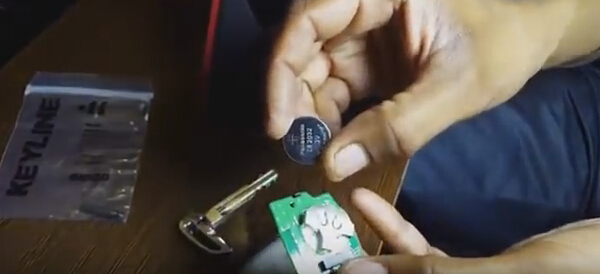
To begin cloning process, remove battery from smart key
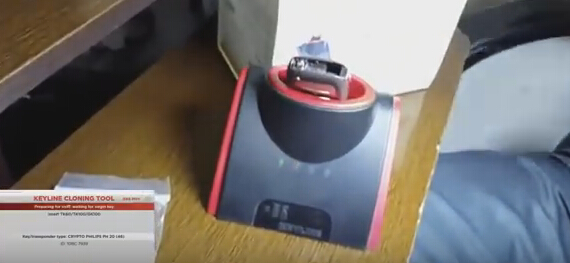
Insert original key in 884 cloning device to initiate cloning process
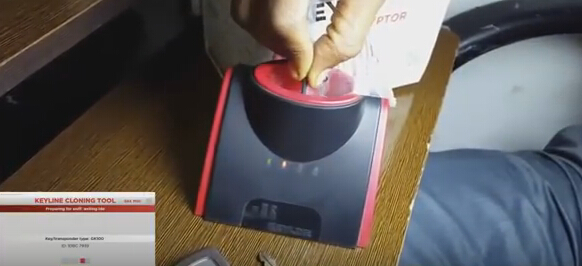
Take GK100 key chip, put that in cloning device to prepare it for sniffing
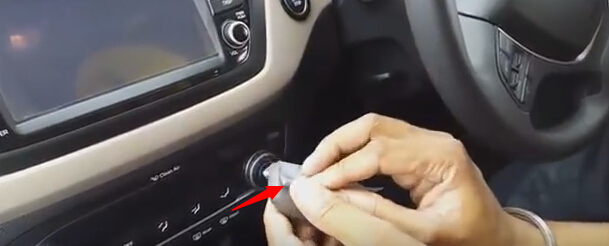
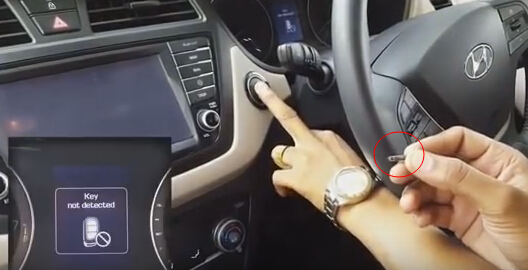
Sniffing requires GK100 chip to be kept close to original key and ignition turned ON&OFF 3 times. Do not start the car only ignition turn ON& OFF. Keep your too off the clutch to prevent accidental starting.
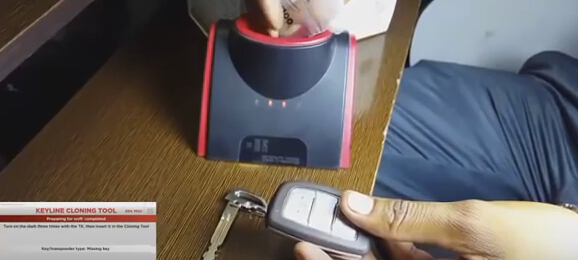
Now reinsert GK100 back in machine to continue cloning process. Follow on screen instructions to complete cloning process.
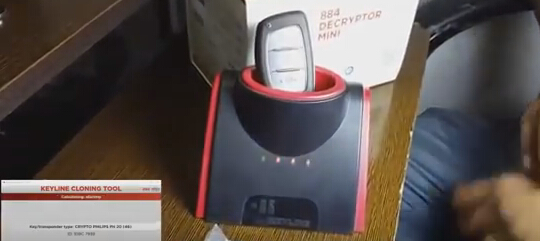
Insert original key into 884 Decryptor mini
Reinsert GK100 chip back in machine
Key not detected
Press Start button with key
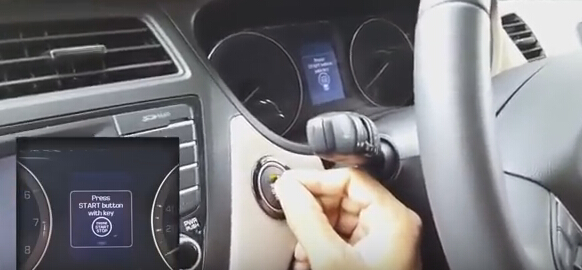
Start the car with newly cloned chip by keeping it close to the Start-Stop button and pressing the button
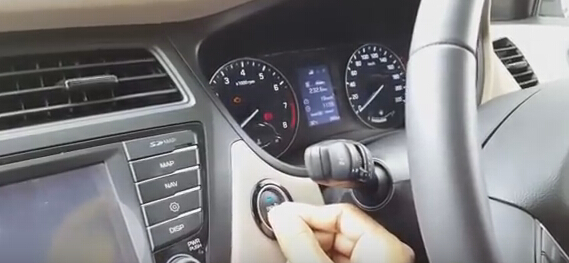
The new copied smart key chip is working.