Skip to content
Key Programmer

    CGDI MB Adds Benz W221 S-class 2012 216 EIS Type Key by OBD

    info
    (0)

    Here’s the guide to add Mercedes-Benz W221 S class 2012 216 EIS type by OBD2 by CGDI Prog MB key programmer.

    Step 1: Generate key password

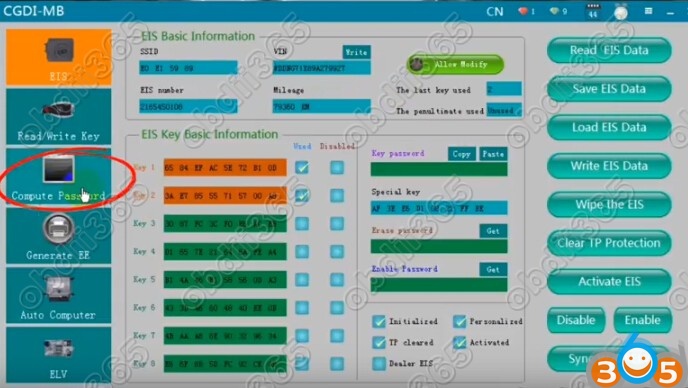
    Select EIS function->Read EIS data
    
			CGDI MB Adds Benz W221 S-class 2012 216 EIS Type Key by OBD

    Then Computer Password function

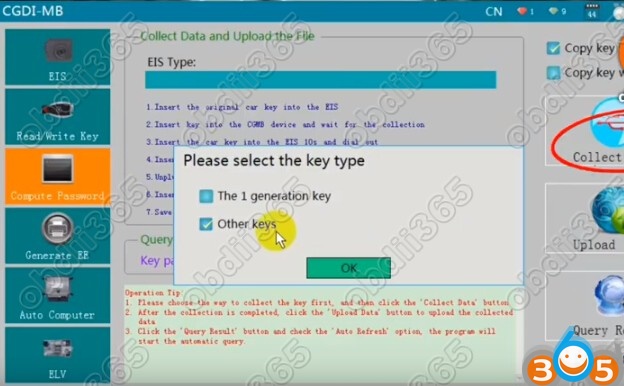
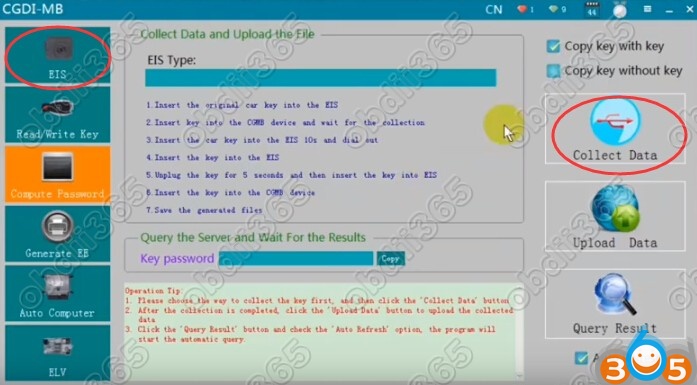
    Select Copy key with key and click on Collect Data
    
			CGDI MB Adds Benz W221 S-class 2012 216 EIS Type Key by OBD

    
			CGDI MB Adds Benz W221 S-class 2012 216 EIS Type Key by OBD

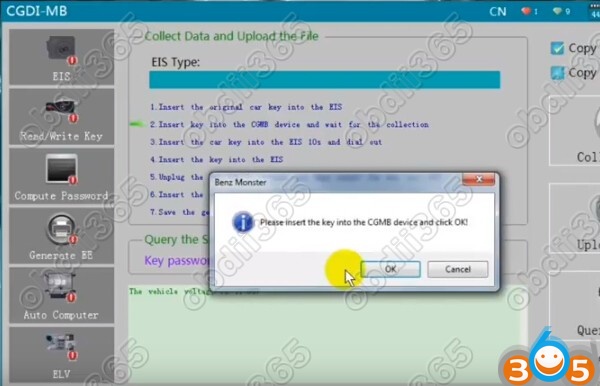
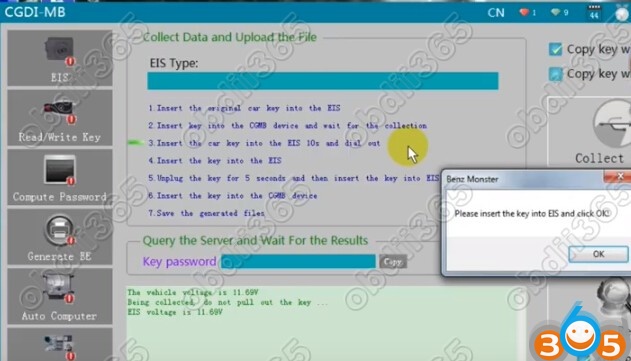
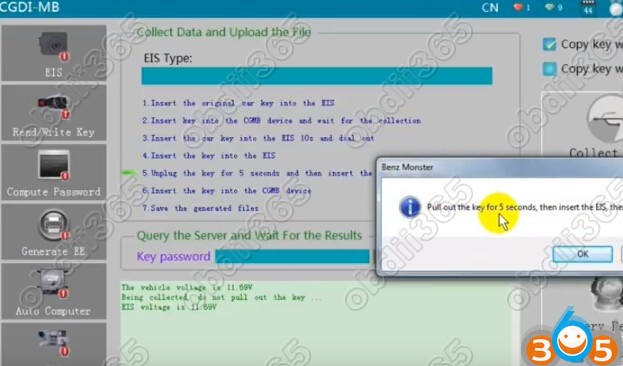
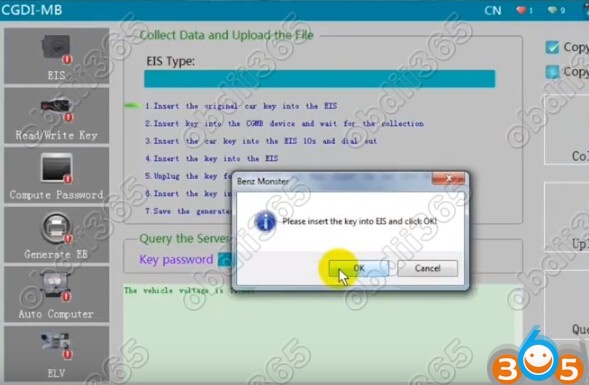
    Follow these steps to generate key file

    1.Insert the original car key into the EIS

    2.Insert key into the CGDI MB device and wait for the collections

    3.Insert the car key into the EIS for 10 sec and remove it

    4.Insert the new key into the EIS

    5.Unplug the key for for 5 sec and then insert the key into EIS

    6.Insert the key into CGDI MB

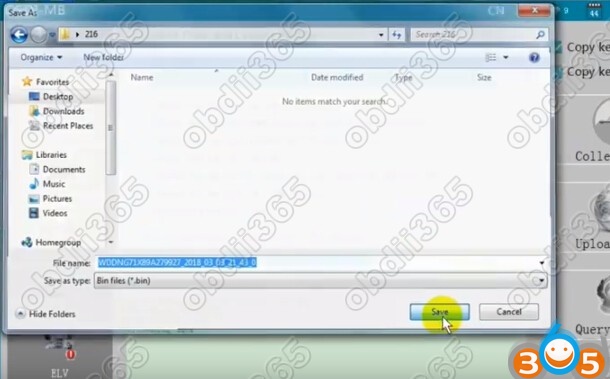
    7. Save the generated files
    
			CGDI MB Adds Benz W221 S-class 2012 216 EIS Type Key by OBD

    
			CGDI MB Adds Benz W221 S-class 2012 216 EIS Type Key by OBD

    
			CGDI MB Adds Benz W221 S-class 2012 216 EIS Type Key by OBD

    
			CGDI MB Adds Benz W221 S-class 2012 216 EIS Type Key by OBD

    
			CGDI MB Adds Benz W221 S-class 2012 216 EIS Type Key by OBD

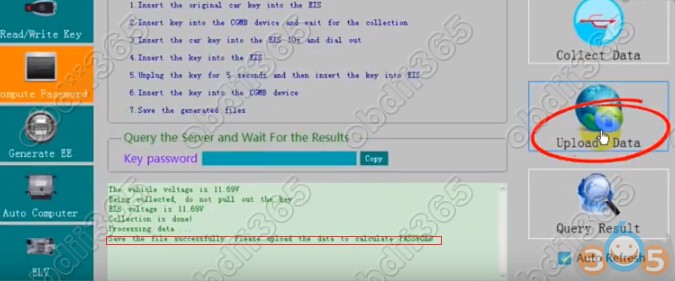
    Save the file successfully, update the data to calculate password
    
			CGDI MB Adds Benz W221 S-class 2012 216 EIS Type Key by OBD

    Upload data successfully. Click the Query Result button to query
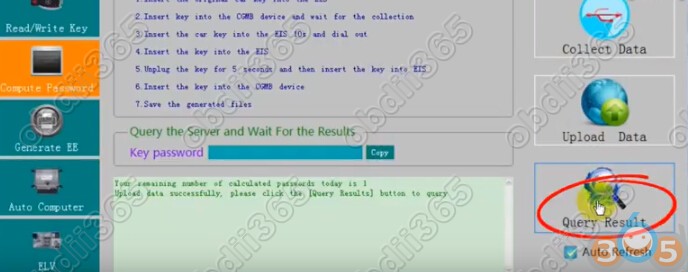
    
			CGDI MB Adds Benz W221 S-class 2012 216 EIS Type Key by OBD

    CGDI Prog MB calculated password success. Very fast.

    Copy the key pass
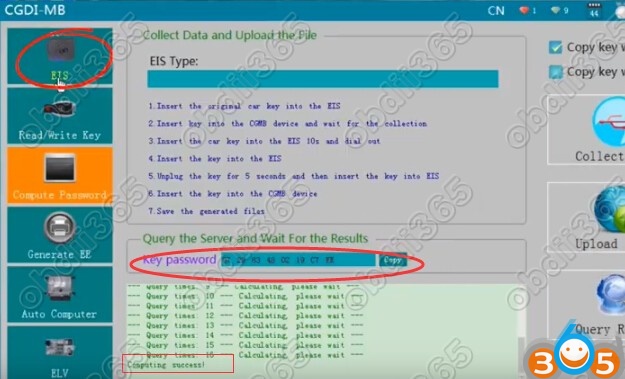
    
			CGDI MB Adds Benz W221 S-class 2012 216 EIS Type Key by OBD

    Step 2: Write Key

    Select EIS function and Read EIS data

    Paste key password in corresponding area
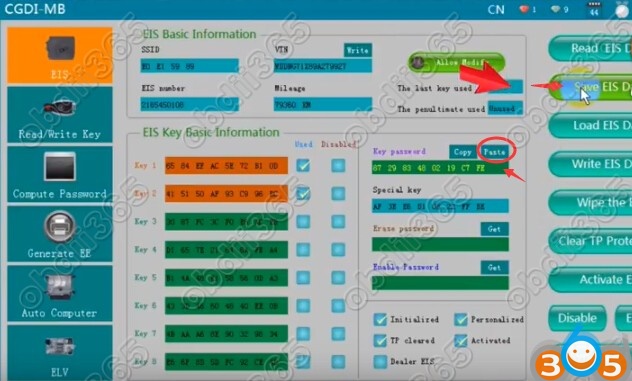
    
			CGDI MB Adds Benz W221 S-class 2012 216 EIS Type Key by OBD

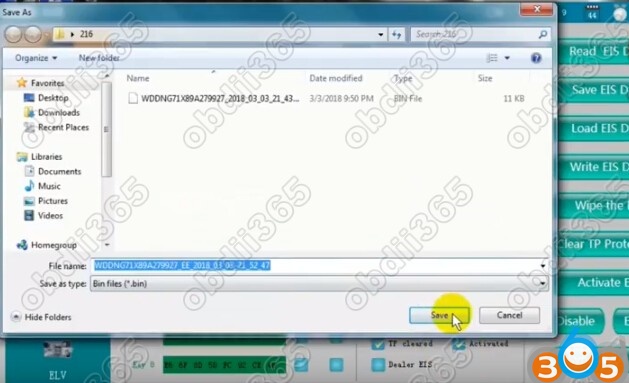
    Save EIS data 

    
			CGDI MB Adds Benz W221 S-class 2012 216 EIS Type Key by OBD

    Select Generate EE function->Load EIS file

    Upload new EIS file just saved

    Click on Generate Key File
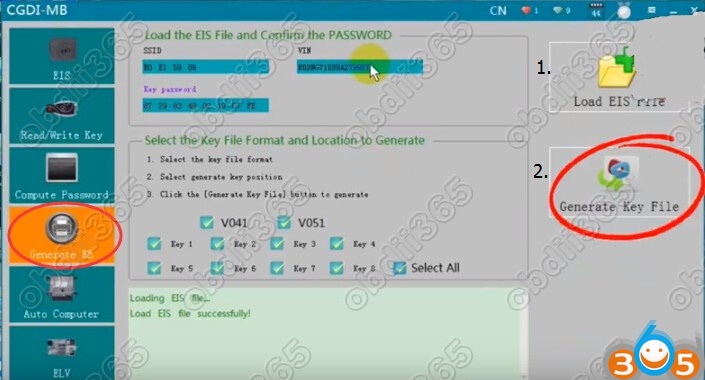
    
			CGDI MB Adds Benz W221 S-class 2012 216 EIS Type Key by OBD

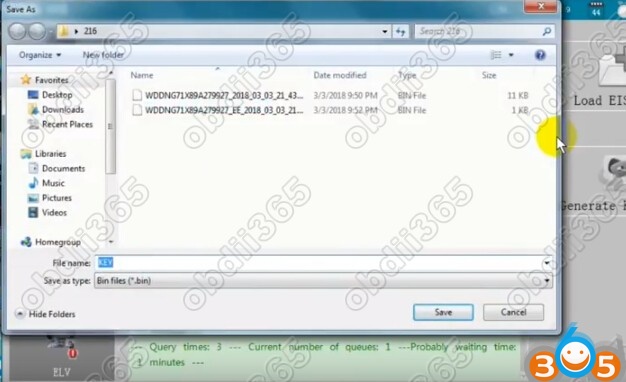
    Save KEY file

    
			CGDI MB Adds Benz W221 S-class 2012 216 EIS Type Key by OBD

    The key file was generated successfully.

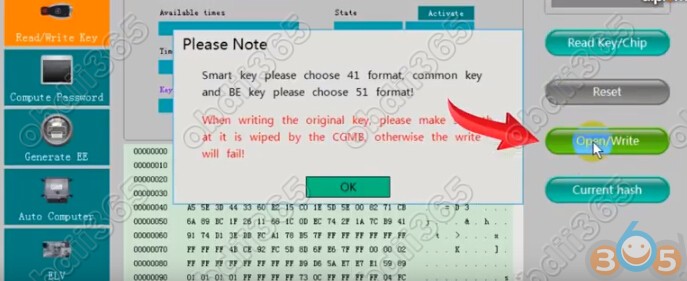
    Select Read/Write Key function->Open/Write

    Smart key please choose 41 format, common key and BE key choose 51 format
    
			CGDI MB Adds Benz W221 S-class 2012 216 EIS Type Key by OBD

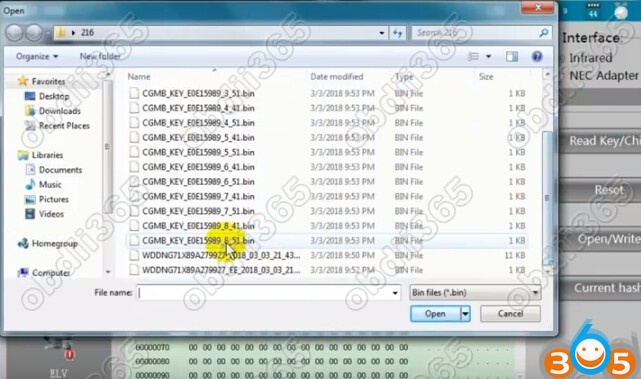
    Here’s the common key, we choose unused key position 6 and 51 verison
    
			CGDI MB Adds Benz W221 S-class 2012 216 EIS Type Key by OBD

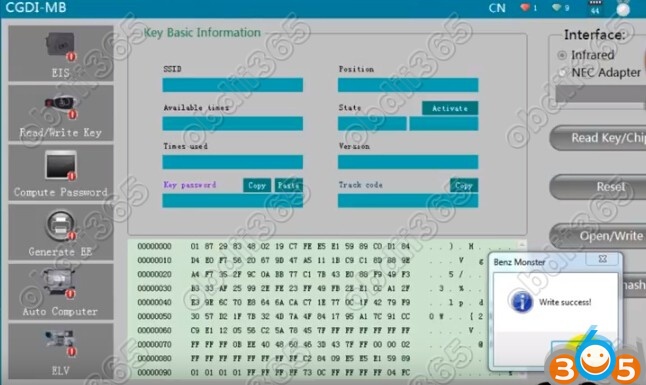
    CGDI MB write W221 2012 key success.

    
			CGDI MB Adds Benz W221 S-class 2012 216 EIS Type Key by OBD

    http://www.obdii365.com/

    Rate this article (0)