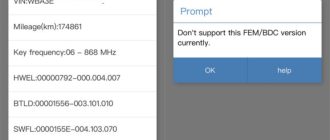
Good news! Keydiy now supports BMW G series BDC3 encrypted key cloning via reading original key data method. Here is the instruction on how to add a spare BDC3 locked key using Keydiy KD-X4.
Tools used:
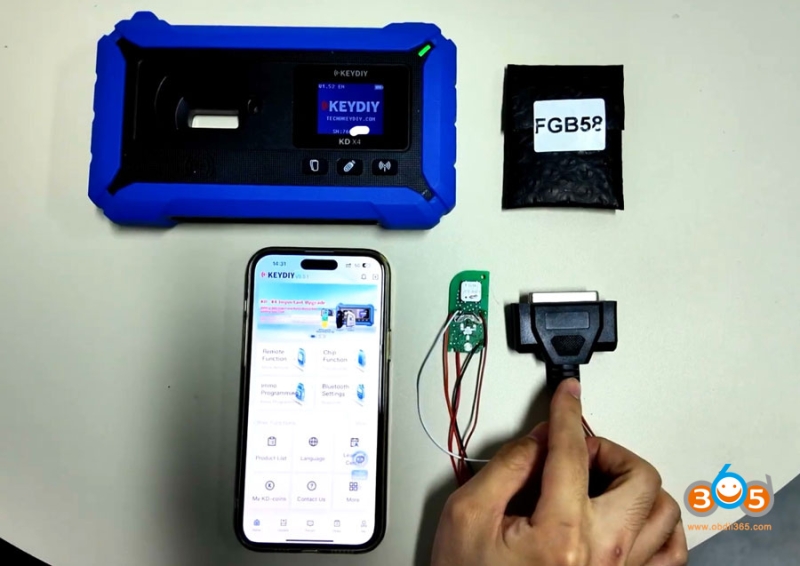
Keydiy KD-X4 (or KD-MAX)
Original BDC3 encrypted key
New original BDC3 key or KD FGB58 remote
New dedicated wiring harness (for encrypted BDC3, VAG 5C 5D key data reading)
KD G Function license activation
Requirement:
This function requires KD-X4 firmware V1.52 or newer version.
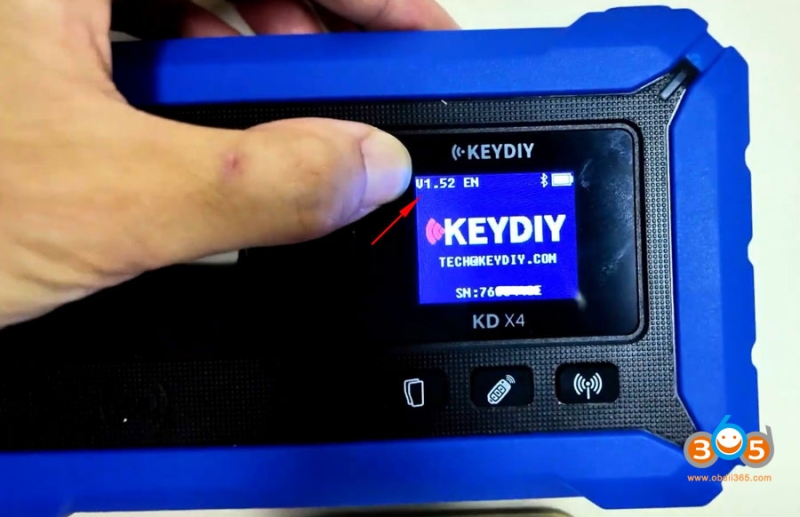
How to update Keydiy KD-X4 firmware to V1.52?
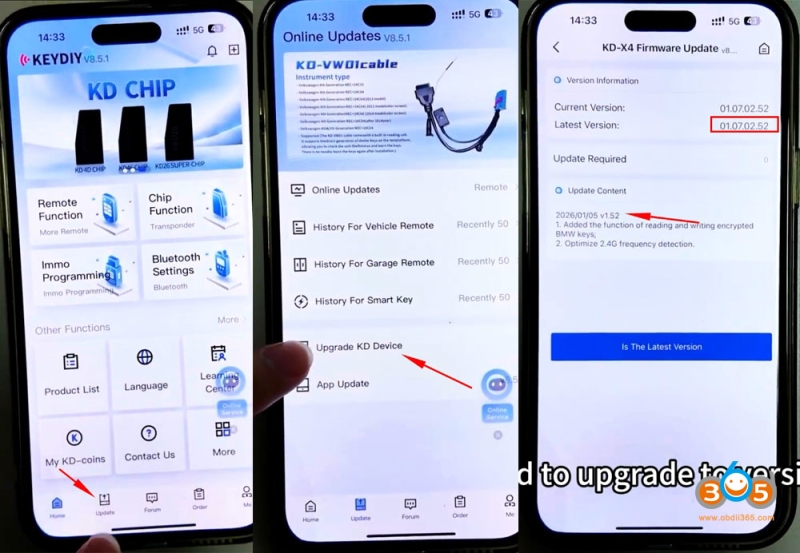
In App Home page, click Update- Update KD Device. Check latest version and update firmware.
V1.52
Add the function of reading and writing encrypted BMW keys.
How-to:
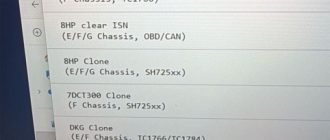
Go to Remote Function- Smart Key Clone- BMW BDC3/BCP Smart Key Clone- G Chassis/BDC3 Clone
Solder wires to the original key according to the wiring diagram.
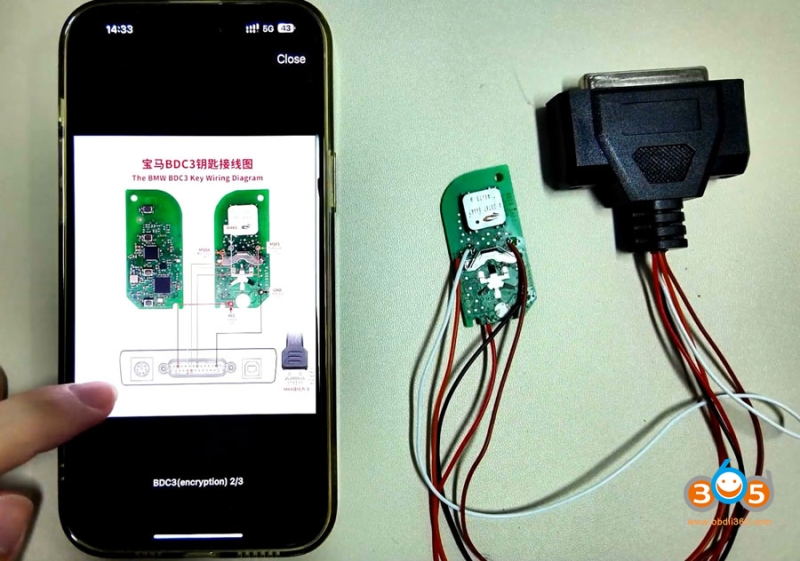
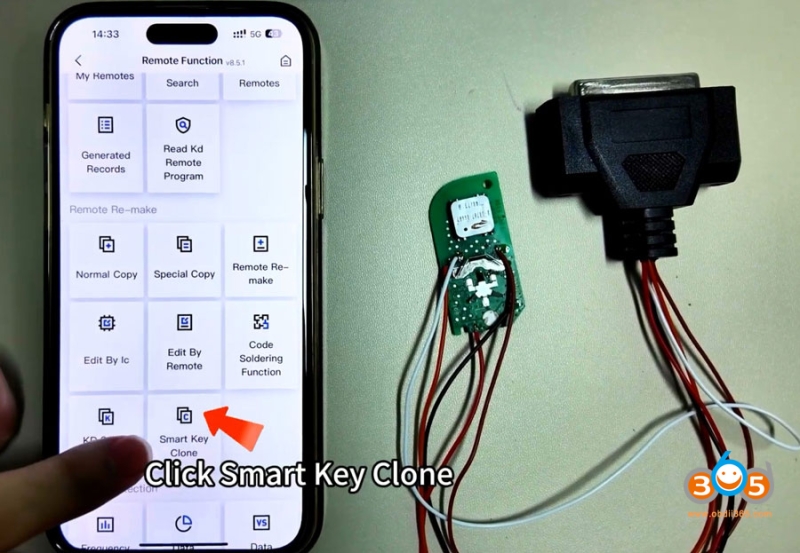
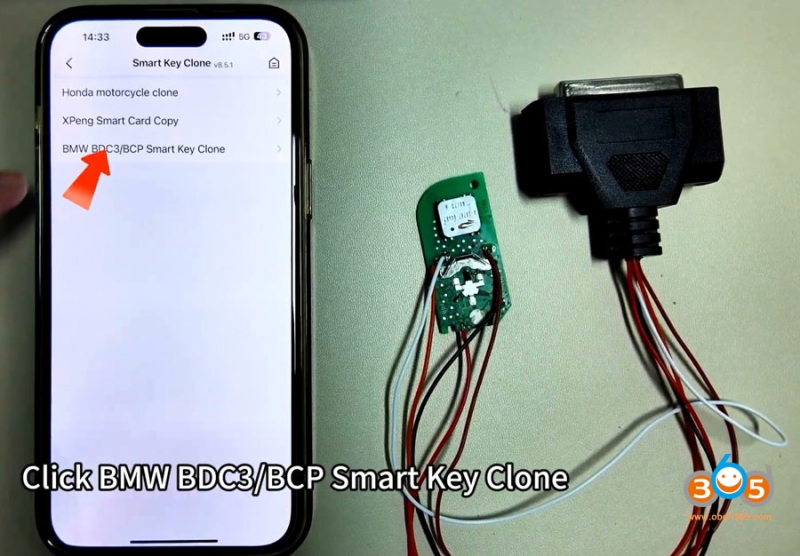
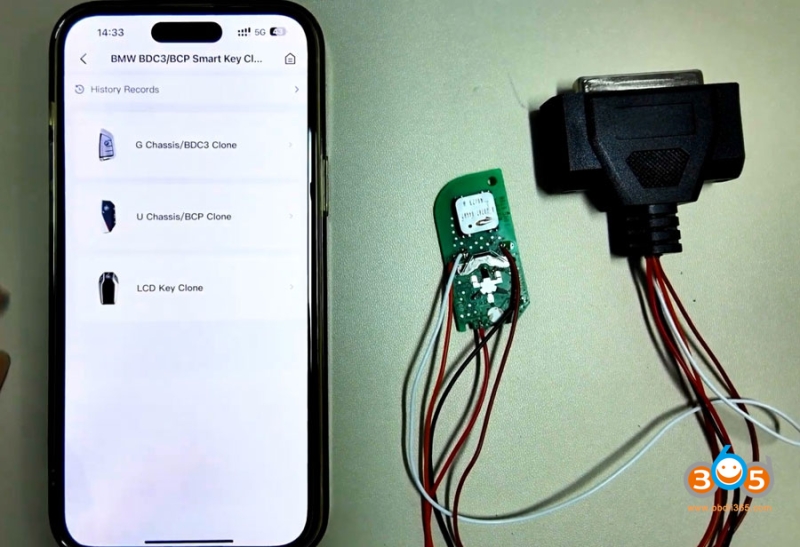
We have soldered the original car key properly.
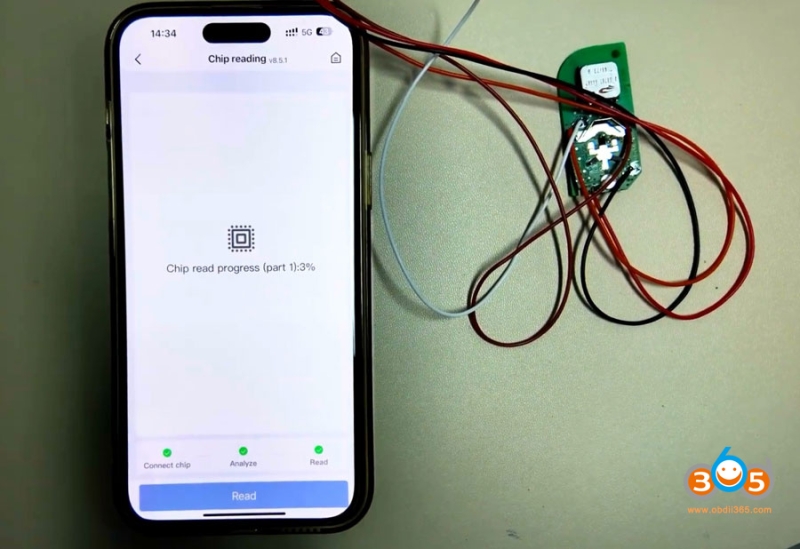
Click Read to read original key data.
Connect the wiring harness adapter to KD-X4 main unit.
Read original key data successfully.
Save file.
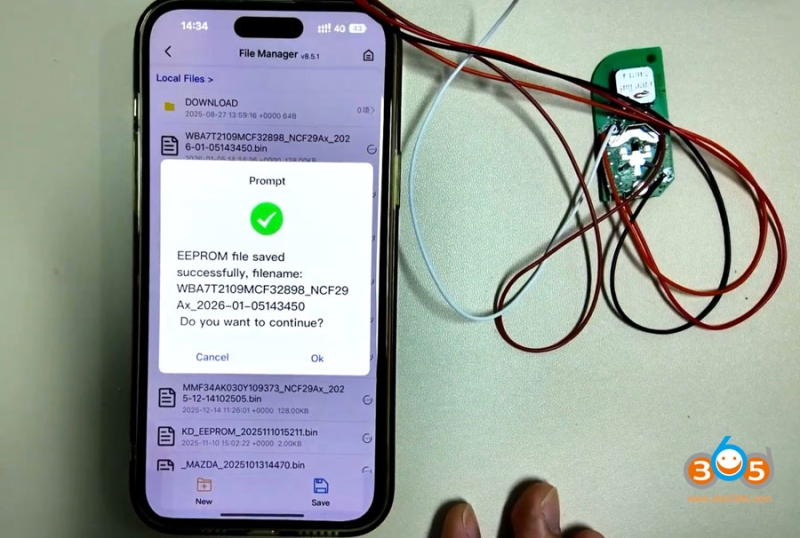
Now start generate key.
Before generating the key, remove the wiring harness with KD-X4.
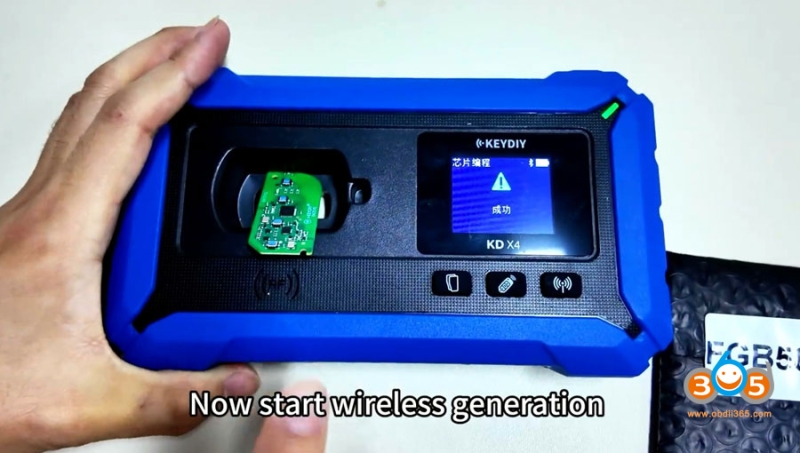
Put the KD FGB remote PCB to the KD-X4’s coil.
Now start wireless generation.
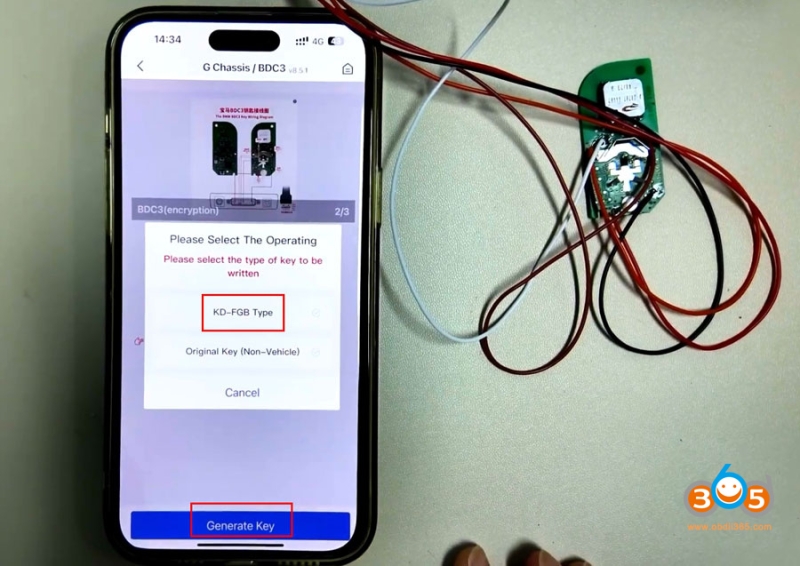
Select generating KD-FGB remote.
Generate remote successfully.
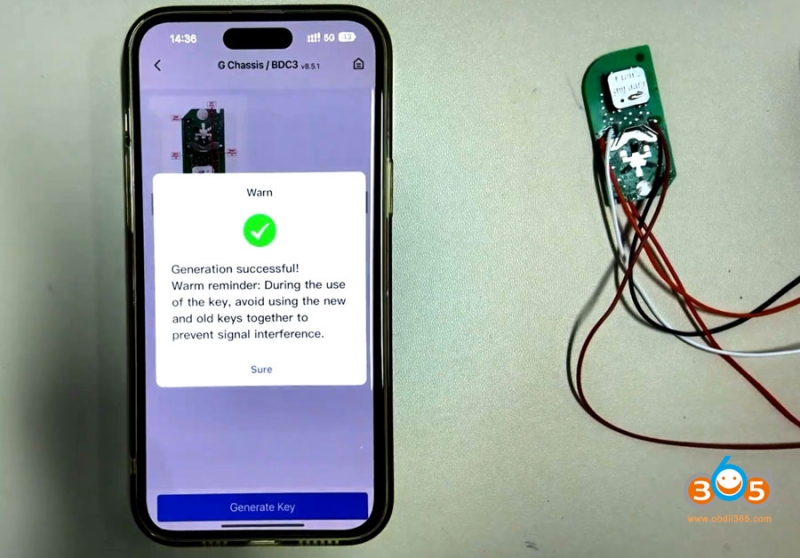
Then you can install this key into the original factory shell,
Keep in mind, don’t use both keys in the car. Keep them separate.