How to use Toyota G and H chip OBD remote key programmer
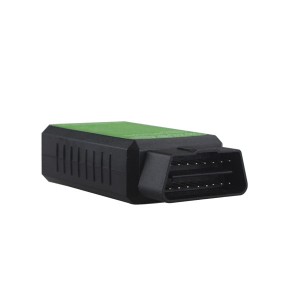
There is a new OBD device that can program Toyota G and H chip (4D/67/68/72(G)) car transponder directly via OBD diagnostic socket. No software, laptop or other accessories required. No need to take parts from vehicles.
Function:
Add transponder key or remote for Toyota vehicle with Toyota G and H (4D/67/68/72(G)) chip. Not for all key lost.
Vehicle coverage:
1996-2015 Toyota cars with H or G chip
Successfully test on a 2015 Toyota Camry
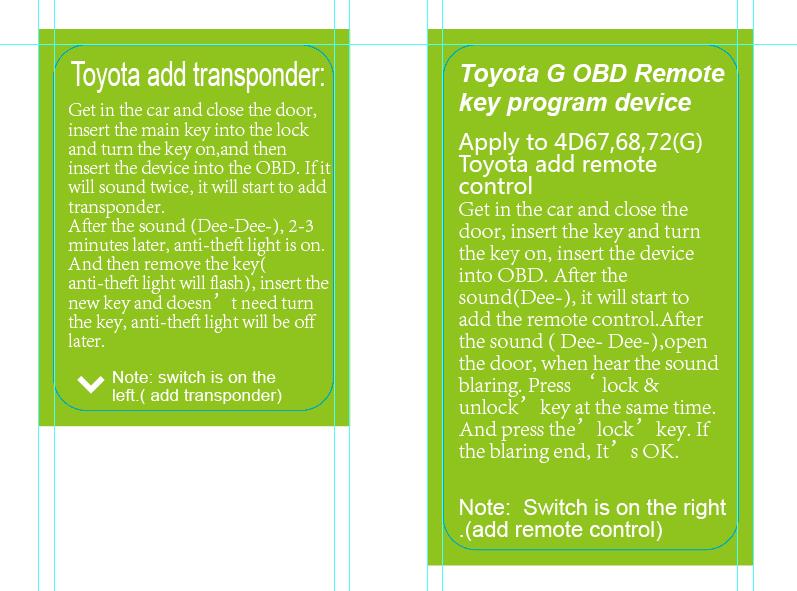
How to use Toyota G and H chip OBD remote key programmer?
Easy 5 steps:
Step 1:
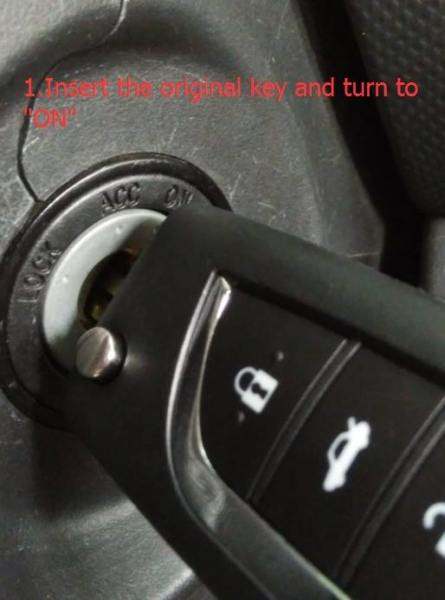
Get in the car and close the door. Insert the original key and turn switch ignition to “ON” position.
Step 2:
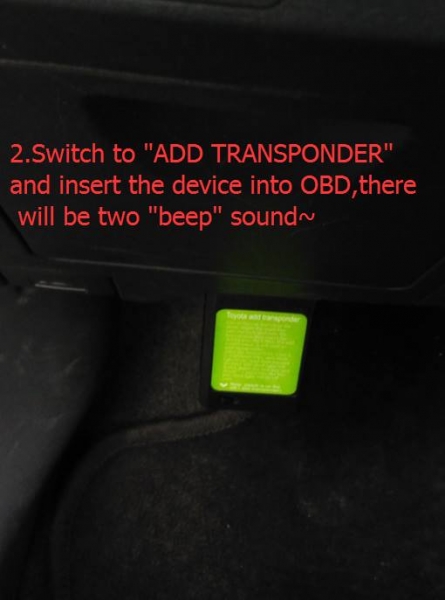
Switch to “ADD TRANSPONDER” and insert the key programmer device into OBD connector. You will hear two beep sound (Dee-Dee), it will start to add the remote.
Step 3:
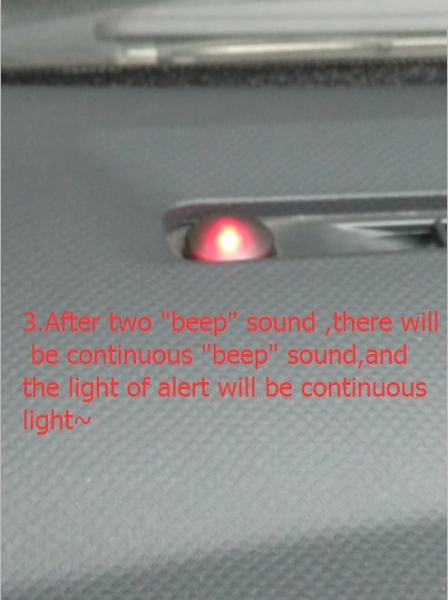
After two beep sound, you will hear continuously beep sound, the device indicator light will flash during the procedure.
Step 4:
After the sound (Dee- Dee-),open the door, when hear the sound blaring. Press “Lock & unlock” key at the same time. And press the “lock” key. If the blaring ends, it’s OK.
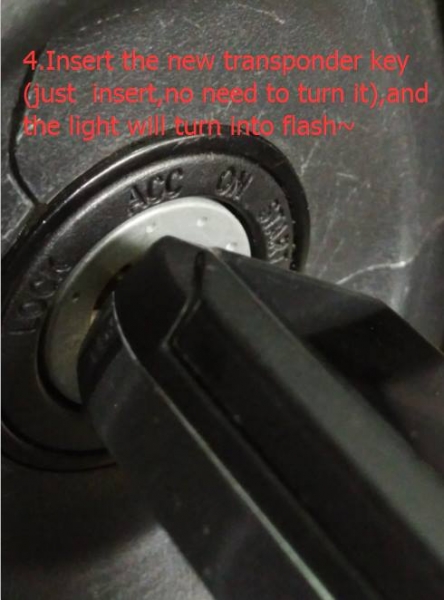
Insert the new transponder, no need to turn it, the indicator light will turn into flash.
Step 5:
The indicator will turn off after 60 seconds, then it’s done.
The Toyota G OBD programmer now is available in obd365 for cheap US$34.99 free shipping to all over the world.