How to open authorization for CN900 and G decoder
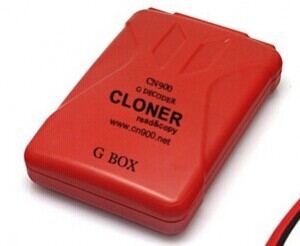
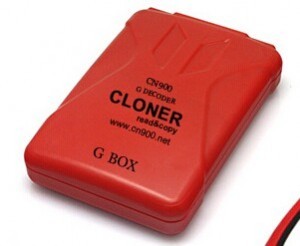
CN900 Auto key programmer recently released function for TOYOTA G chip, to read, write, copy, etc. Here, obd365 offers the instruction on how to use/ open authorization to CN900 key clone machine and G decoder cloner box.
- Download CN900 update tool—CN900 FIRMWARE UPDATE.
- Connect G box to the CN900 main unit; connect CN900 to the laptop.
- Open the update tool and select 72G box.
Automatically read G box serial number.
Check the serial number.
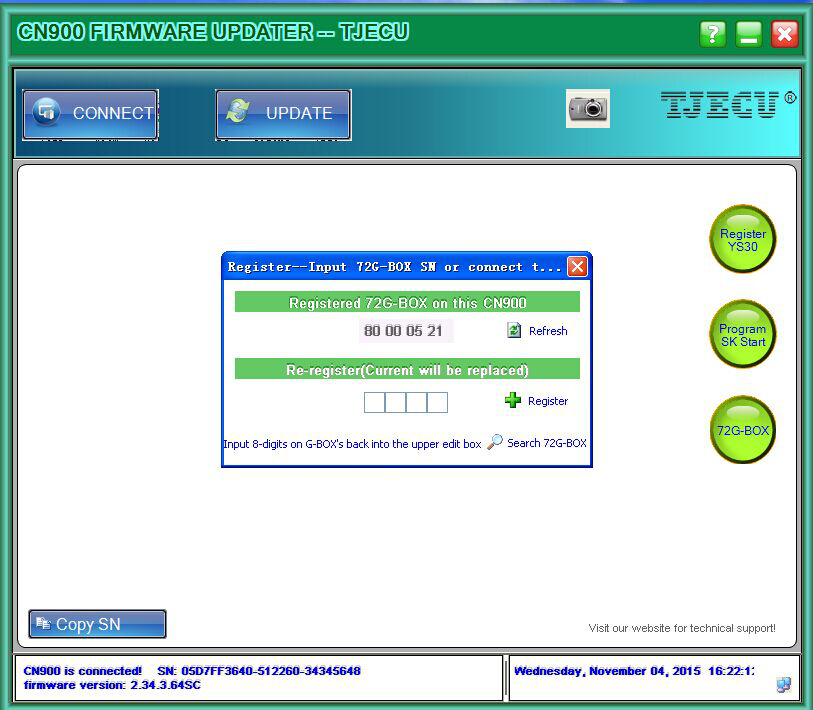
- Click Register icon .

- Registration success when the numbers are the same.
6. Click Search 72G-Box , to check if the upper numbers are the same as the lower.
7. G-BOX clone has been bound to the CN900 key programmer, if the numbers are the same.
- Then you can read and write TOYOTA G chip by CN900 clone machine.
Software free download:
CN900 Update Tool
CN900 USB Driver
CN900 Software