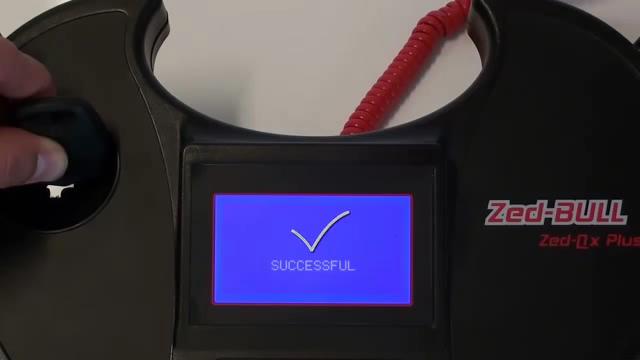
Zed Bull and TPX Cloner Copy 4D transponder
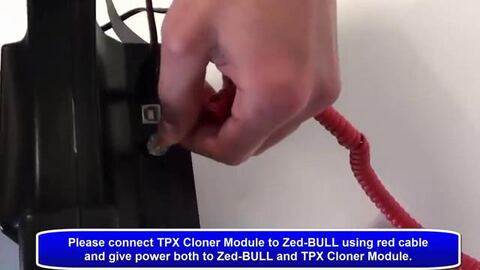
Here is the step-by-step instruction on cloning 4D chip with Zed Bull transponder key programmer and TPX Cloner module.
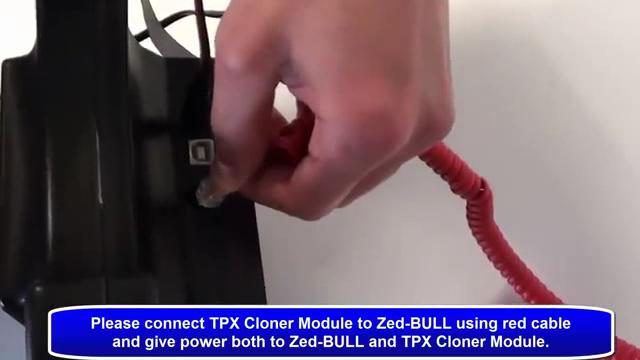
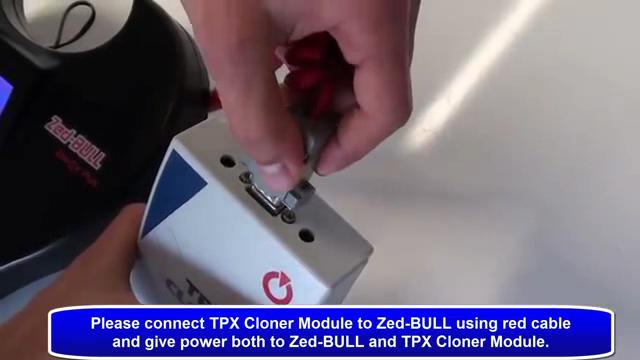
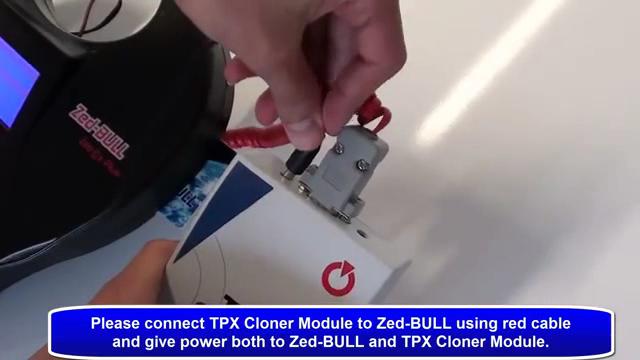
1.Please connect JMA TPX cloner Module (copy 4D) to Zed-bull using cable and give power both to Zed-bull and TPX Cloner Module.
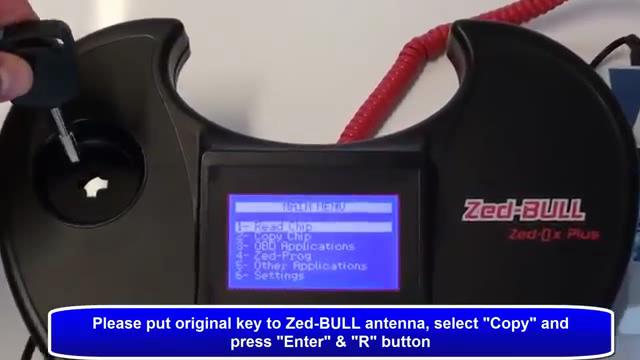
 2.Please put original key to zedbull antenna, select “Copy” and press “Enter” and “R” Button.
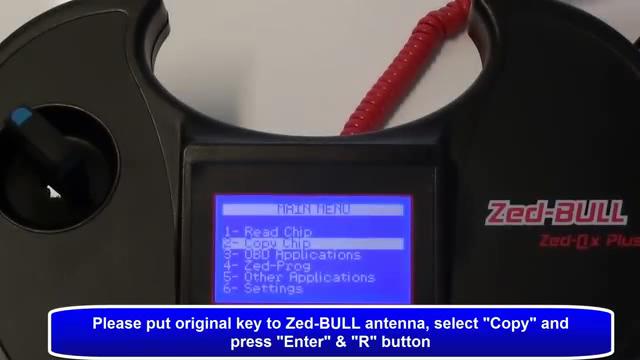
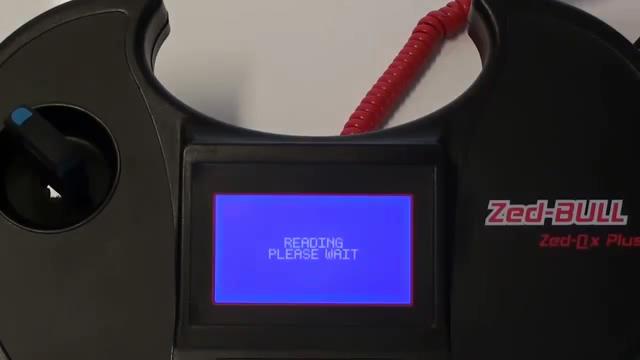
3. Caution! Put the original key and press R! Don’t remove the key during the process!
4. Press “W” button and select TPX Cloner module.
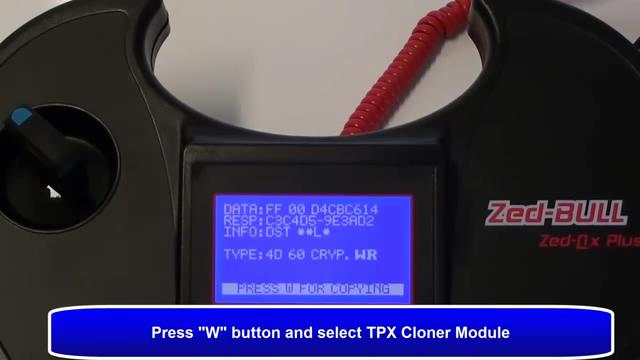
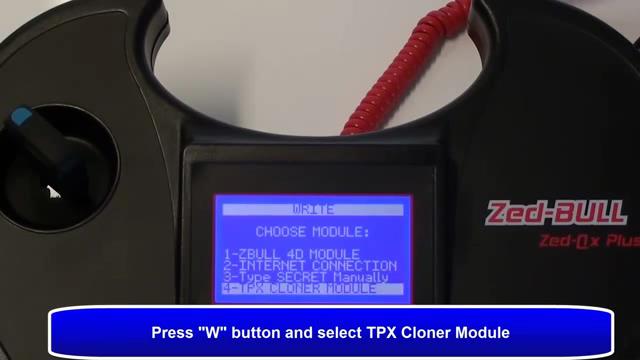
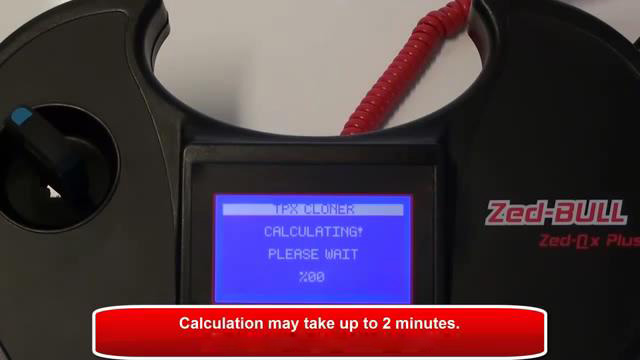
5.Writing, connection and calculating, calculating may take up to 2 minutes.
6, Calculation Ok, please put TPX2 or EH2 to Zed-BULL antenna and press “W” button.
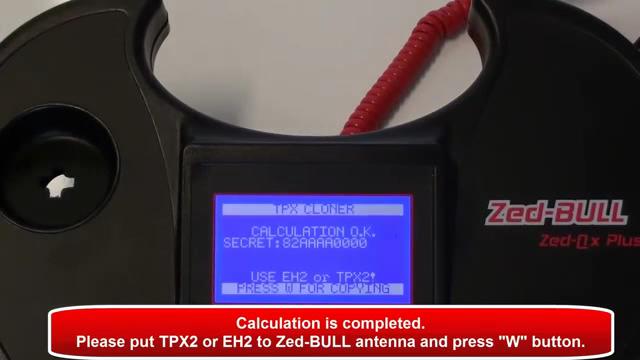
7, Verifying, and successful.