Programmed/Added two key for Audi A4 2005 all key lost with VVDI (or VVDI 2) Commander interface, not difficult a job.
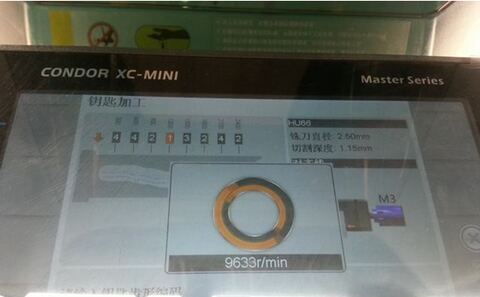
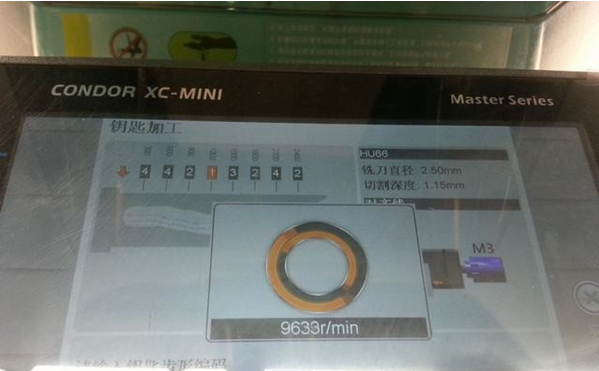
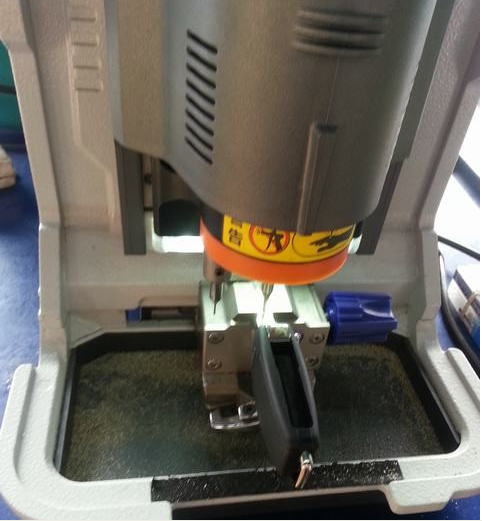
First of all, get a key cut with Condor XC MINI master series key cutting machine through 2IN1.
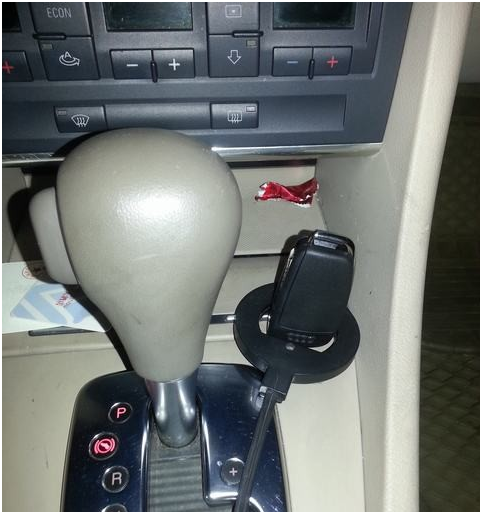
Connect to VVDI interface
The following procedure displays in Chinese, but never mind, same function buttons displayed in English Menu.
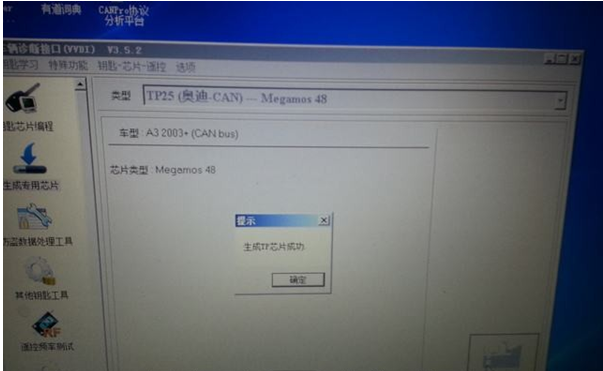
Come to Transponder Programming interface, select TP25 (Audi CAN)-Megamos 48 CHIP. directly generate new key chip
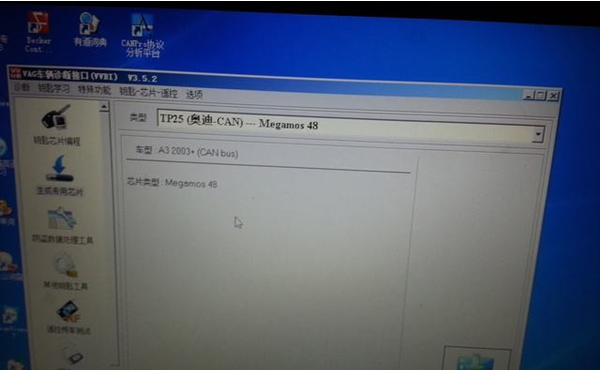
Generate chip successfully
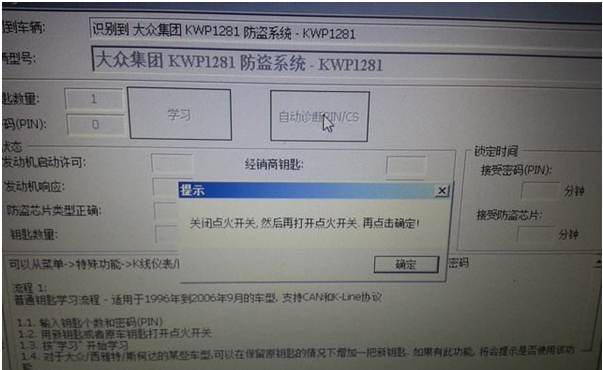
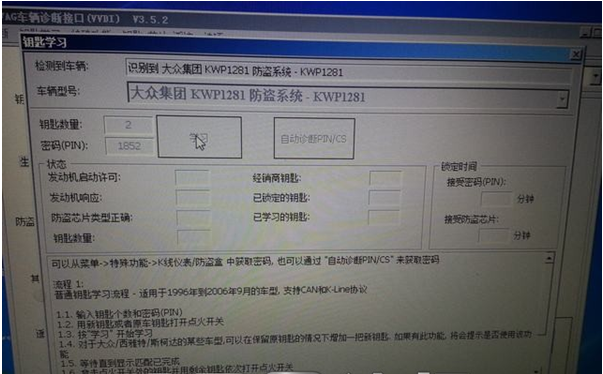
Key learning, click auto diagnostic IN/CS 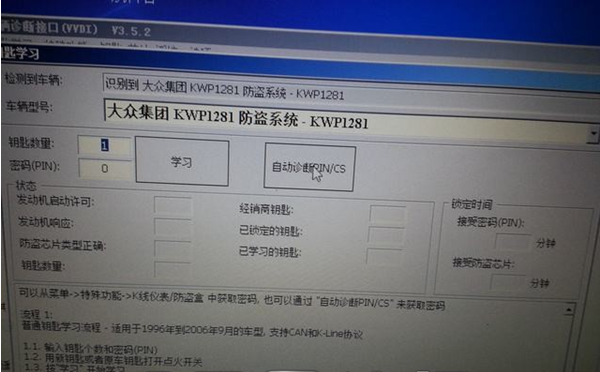
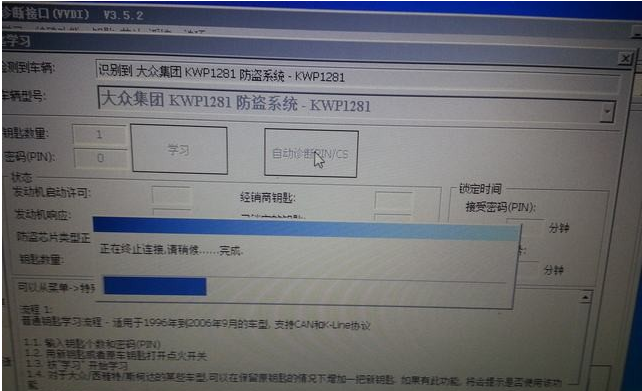
Turn ignition OFF, turn ignition ON, then press OK
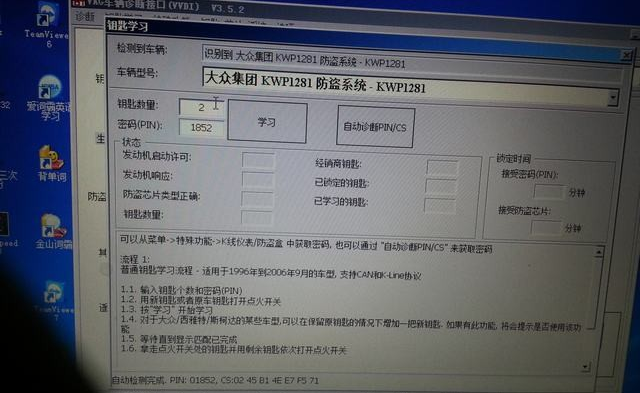
Successfully read PIN code
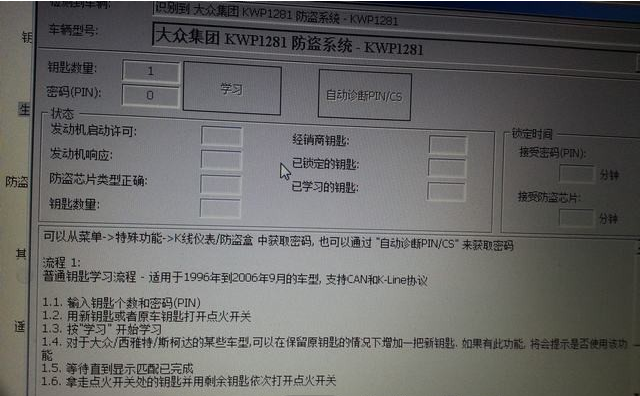

Select Key Learning
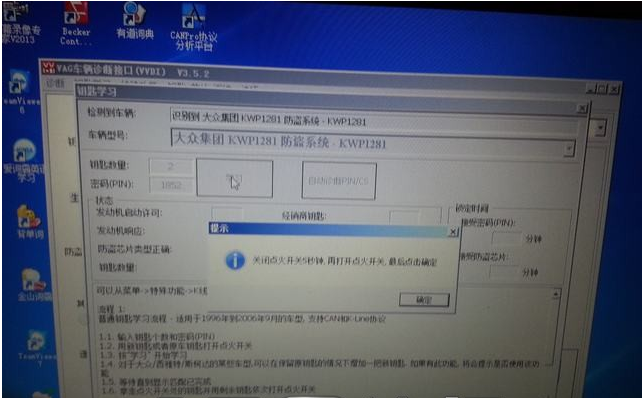
Turn ignition OFF for 5 seconds, turn ignition ON, press YES
Turn ignition OFF, insert key to be learnt, turn ignition ON at least 2 seconds.
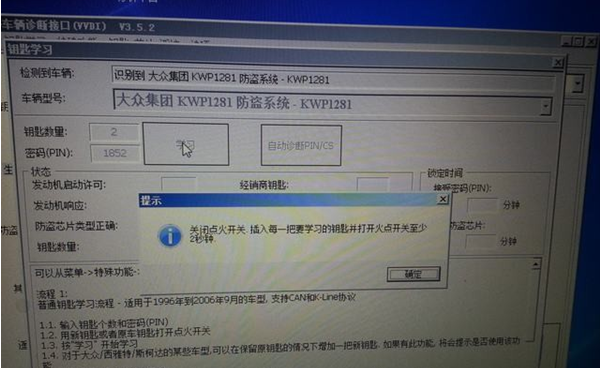
Test the second key follow the same operation. Two key has been successfully programmed.