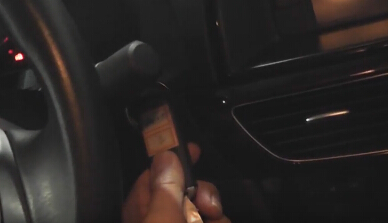
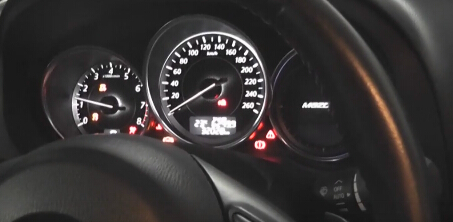
OBDSTAR F100 F-100 program key lost for Mazda 6 2013
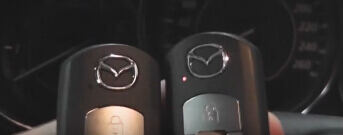
OBDSTAR has newly developed and released a new professional key programmer for new Ford or Mazda cars. Today, obd365 engineers tested on Mazda 6 2013 to add smart key all key lost.
Device to use:
Two keys to be programmed
OBDSTAR F100 key programmer for Mazda/ Ford
F100 is professional for programming Auto Keys and Smart Keys for Mazda/Ford. All operations completed are required without password needed.
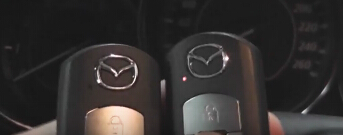
Model:
Mazda 6 2013
Steps to program Mazda 6 smart keys:
Connect F100 key tool to the car
Then OBDSTAR F-100 key programmer starts; it is with Mazda software v30.15
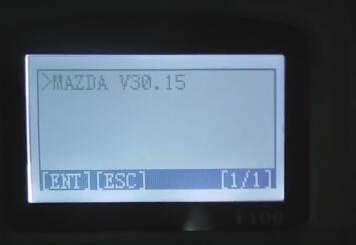
Loading…
Initializing…
Select Atenza
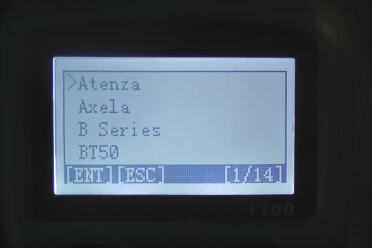
Then With Smart
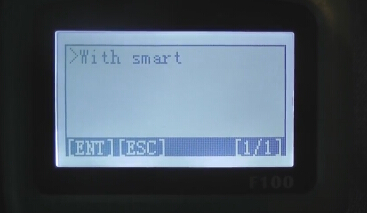
Connecting…
Switch ignition on
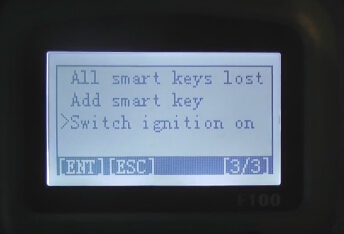
Put all the key out of the car 1 meter away
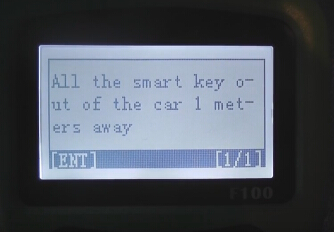
Communication…
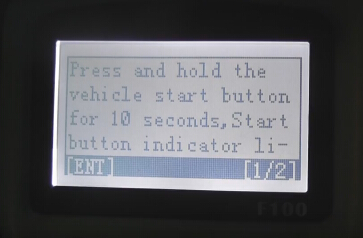
Press and hold the vehicle start button for 10 seconds, Start the button indicator li…
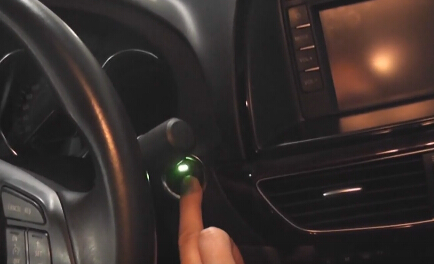
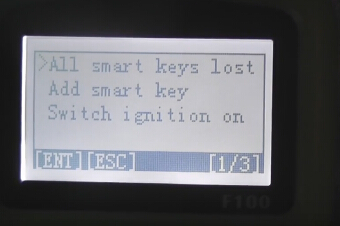
Select Add smart key lost
Instruction:
All samrt keys should be erased; MIN keys are required; Press ENTER to continue, press ESC to return
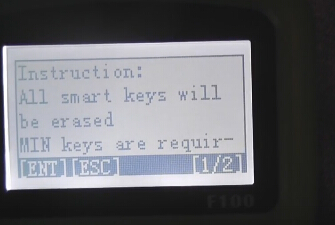
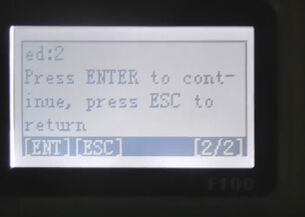
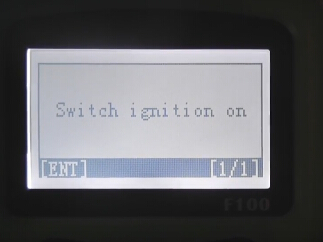
Switch ignition on
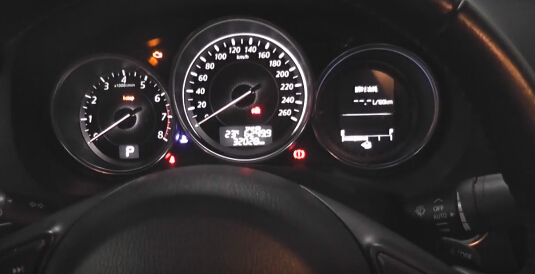
Communication…
Current number of key smart: 2; Press ENTER to continue, press ESC to return
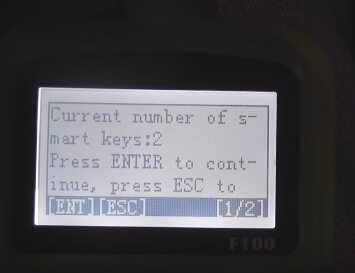
Configuring the system,please wait…
Reading vehicle information…
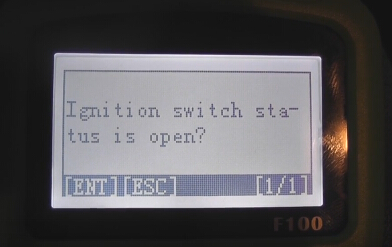
Ignition switch status is open? Press ESC
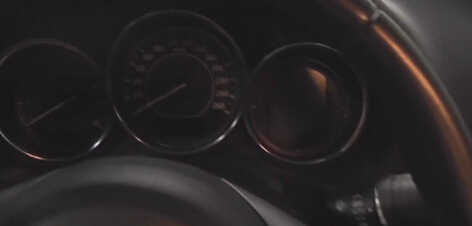
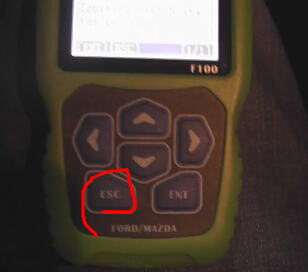
Again, press and hold the vehicle start button for 10 seconds; start the button indicator light trun green to yellow; press the start button again; instrument to open…
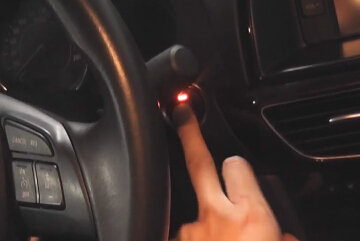
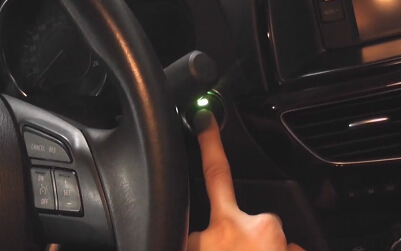
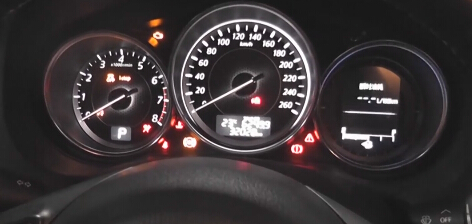
Configuring the system,please wait…
Current number of keys: 0
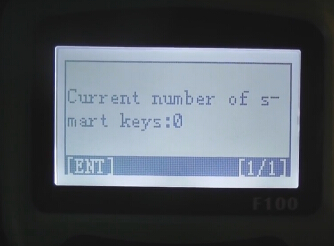
Erase complete
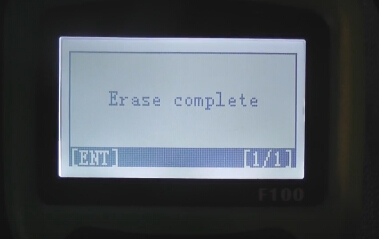
Take back the two keys
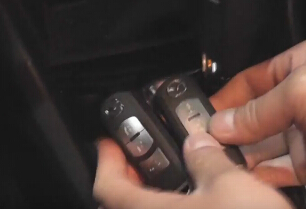
F10 Ford programmer is configuring the system,please wait…
Switch ignition off
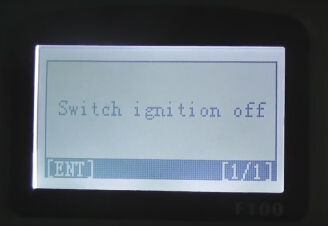
Configuring the system,please wait…
Switch ignition on
Use a new smart key to contact start button for a while until configuration complete, press ENTER to continue
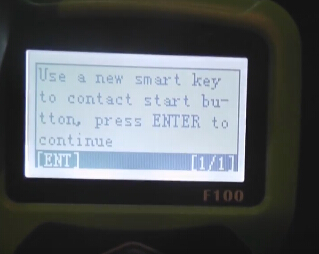
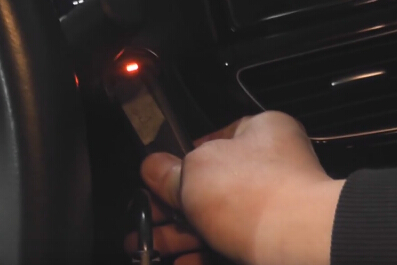
Configuring the system,please wait…
Current number of keys: 1
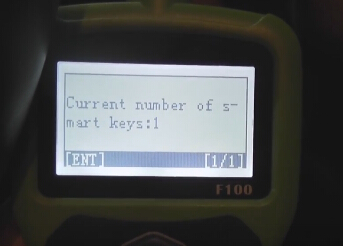
Program success!
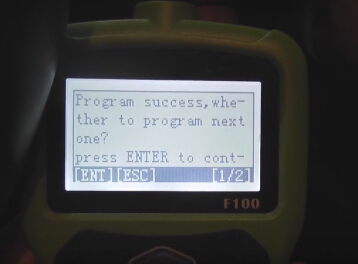
Same way to program another:
Switch ignition off
Configuring the system,please wait…
Switch ignition on
Use a new smart key to contact start button for a while until configuration complete, press ENTER to continue
Current number of keys: 2
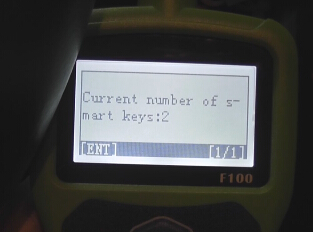
Program success! Press ESC to return
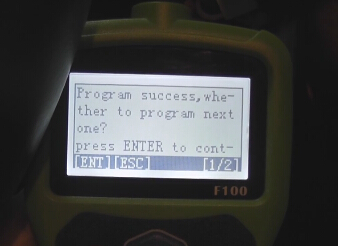
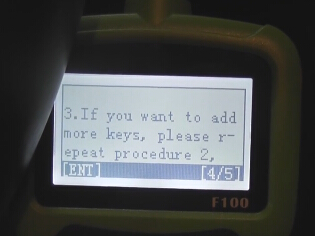
You have completed the following procedures, engine can be started:
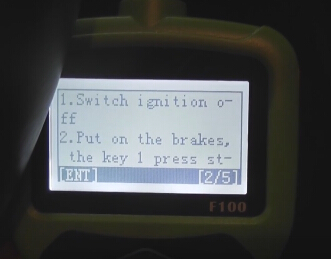
1- switch ignition off
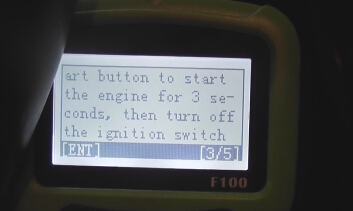
2- put on the brakes, the key 1 press start button to start the engine for 3 seconds, then turn off the ignition switch
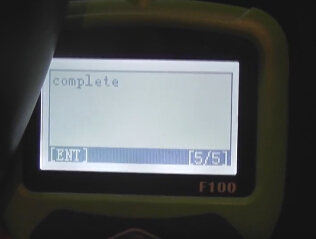
3- if you want to add more keys, please repeat procedure 2, complete
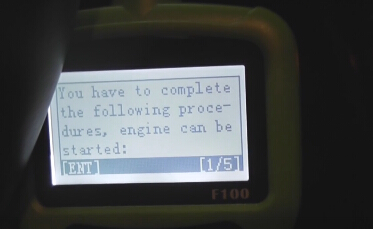
Finally, test the new keys to check they can work