Computer cannot recognize SKP900 when add tokens
What to do if your laptop cannot recognize SKP900 key programmer when add tokens? Here is the final solution to the issue.
–>
Open computer management
Change another USB port
Not work? –> Change another laptop
Not work? –> Disassemble the SKP900 main unit
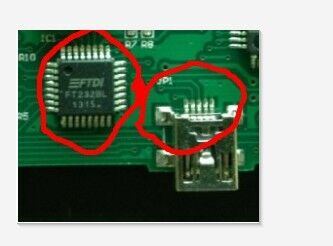
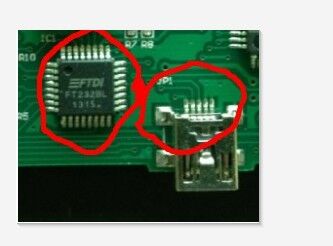
Not work? –> Solder the parts marked red circles as follows:

Ps: How to add free tokens for SKP-900 key programmer? Solved by engineers at obdii365.com.