How to Read and Sync BMW F Series Mileage with CGDI K2?
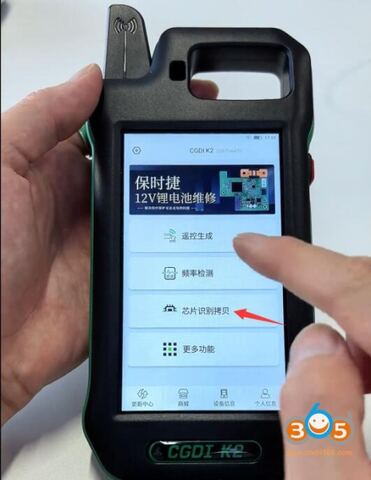
CGDI K2 has a bonus feature to identify and sync BMW F chassis mileage. Here we will show you how to do this.
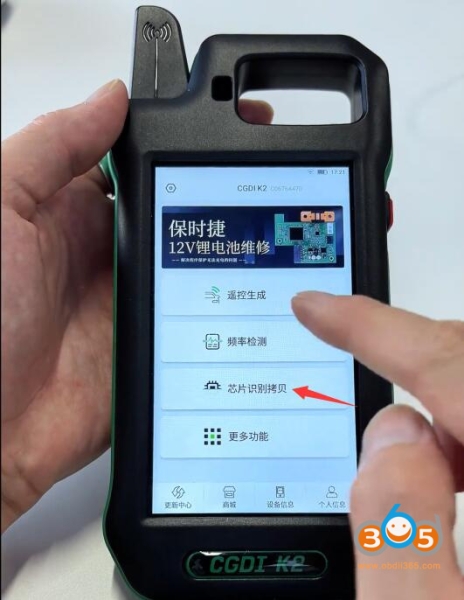
Select Chip Copy function.
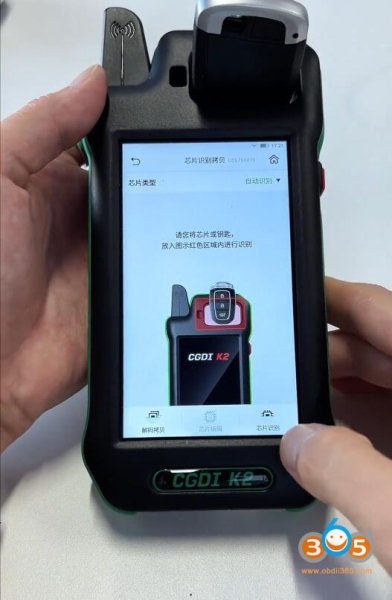
Insert a BMW key into the induction coil and identify key information.
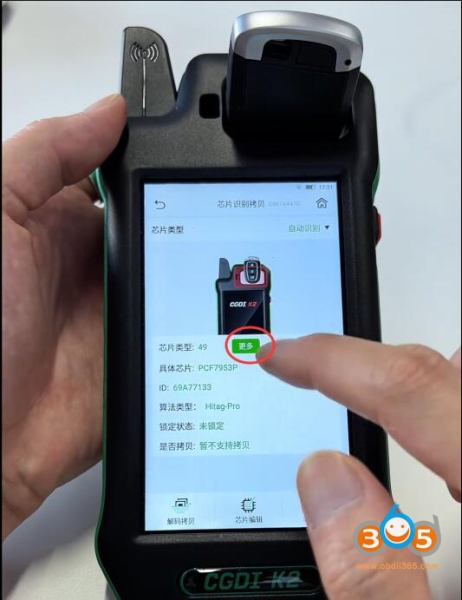
CGDI K2 reads key info. It’s ID49 chip key. Hit “More” button.
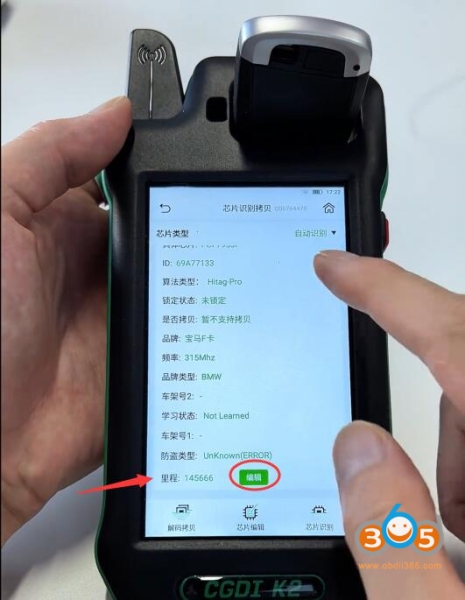
CGDI K2 will show mileage. Click “Edit” function.
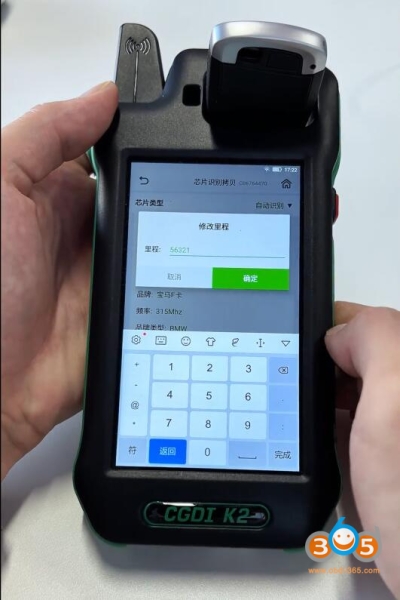
Input mileage you need to sync manually.
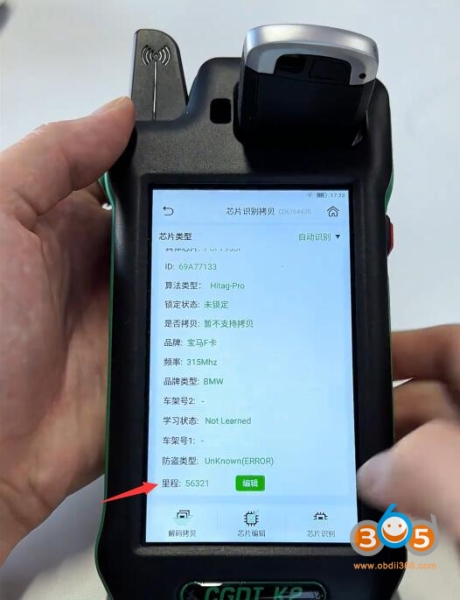
Identify key info again. Now you can see the mileage is synced.