SKP900 adds Ford Mondeo 2008 smart key
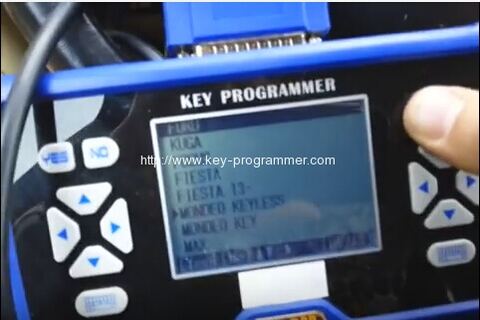
Here is the guide to add Ford Mondeo 2008 smart key with SuperOBD SKP900 key programmer step by step.
Plug the SKP-900 into car OBD socket
Connect SKP 900 main unit with main adapter
Power up the skp900
select vehicle make FORD
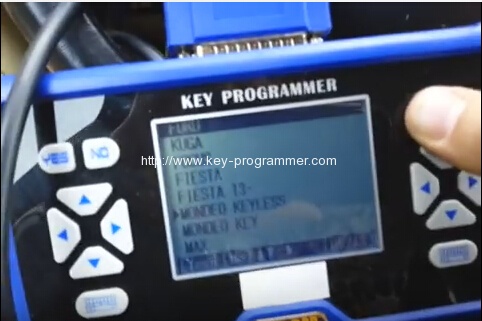
Select MONDEO KEYLESS
Build communication with car
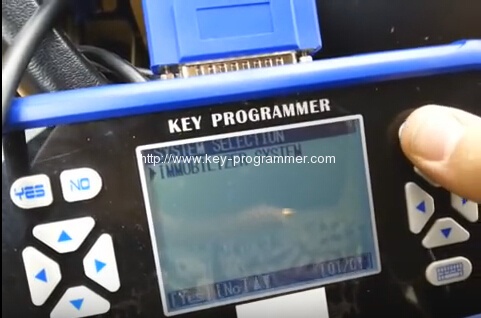
Select IMMOBILIZER SYSTEM
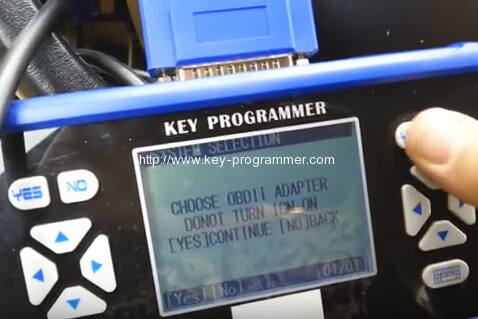
Choose OBDII adapter
DONOT TURN IGN ON
Click Yes to continue
Communicating,please wait
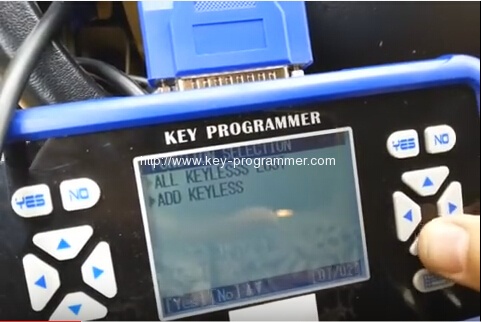
select ADD KEYLESS
Programming
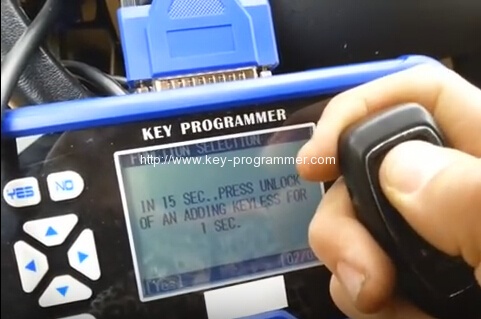
In 15 seconds, press UNLOCK of and adding keyless for 1 sec
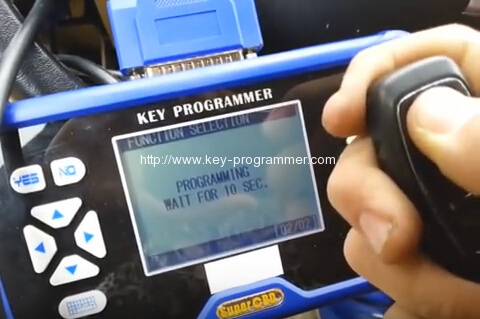
programming wait for 10 sec
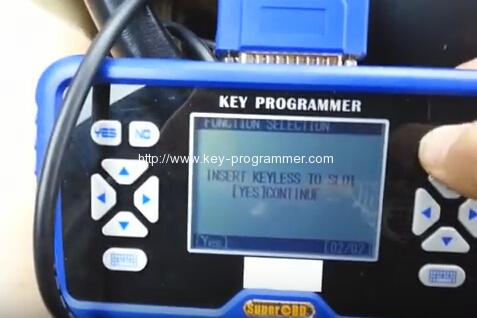
Insert keyless to slot
Extract keyless from slot
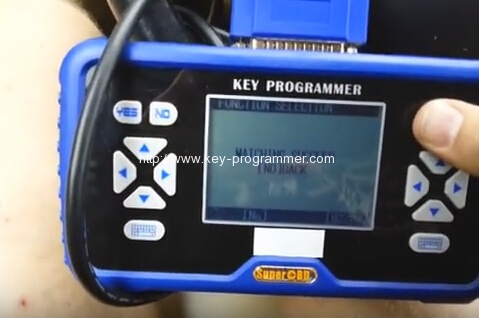
Matching succeed
Test the new smart key
it is working
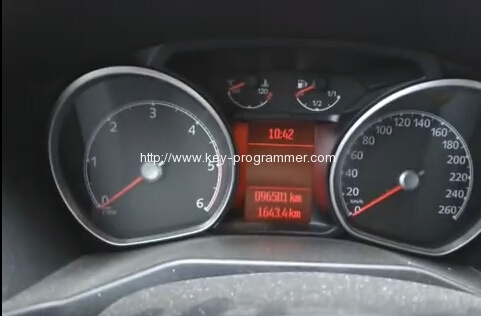
Unplug SKP900 key programmer.