Launch X431 program Peugeot 408 2013 key
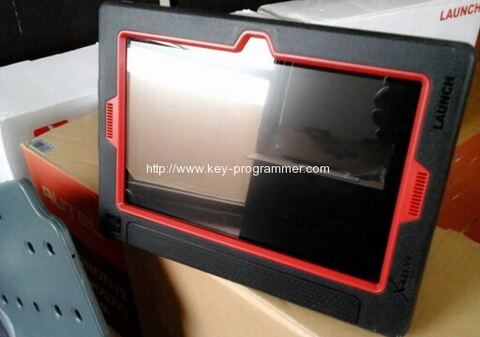
Share a key programming instruction with you all. Operation images from a Chinese customer who has managed to program Peugeot 408 new keys with original Launch X431 V (X431 pro). Program immobiliser key to Peugeot requesting for pin code.
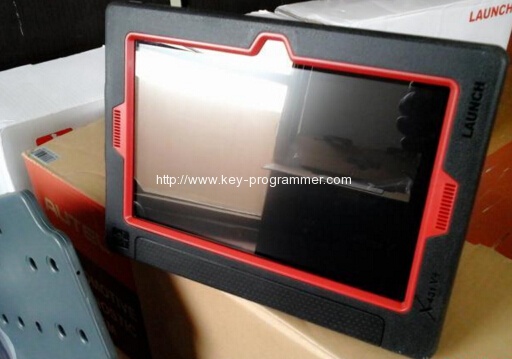
Model:
Peugeot 408 2013, VIN= LDC943X48C13*****
Note:
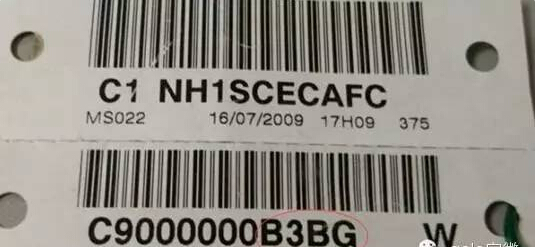
– Prepare security code/pin code (usually under the spare key card, the last 4 letters after C9000000; if lost, ask the 4S store for help)
– No need a diagnostic tool when the high-frequency remote control synchronizes (key emission frequency is not the same), just press the scan tool and follow the screen instruction.
Operation to add new keys with Launch X431:
1 select Peugeot v42.92 or newer versions
2 select car-> 408-> 408(2010.01-2014.09)
3 select Diagnosis
4 select a system
5 select Embedded Systems Interface (BSI), then communicate with ECU for about 15s
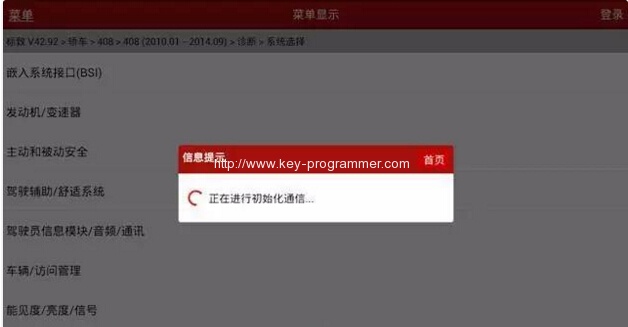
6 the system prompt the menu will be different on different models
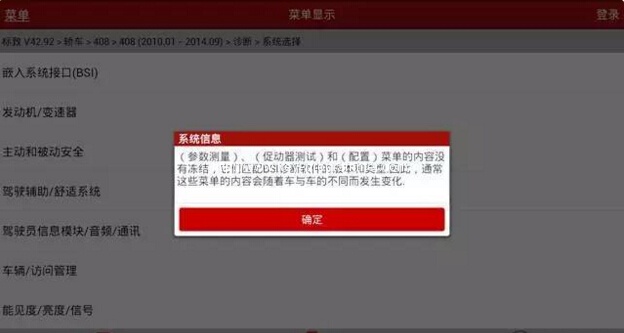
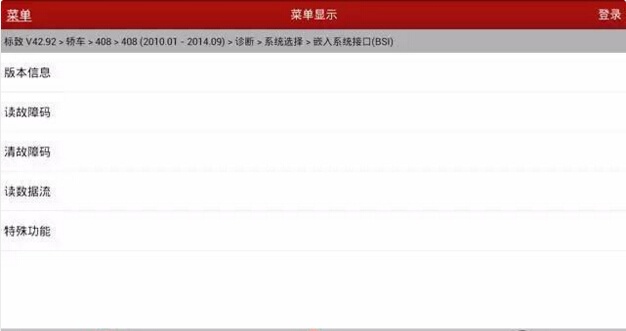
7 select Special Function
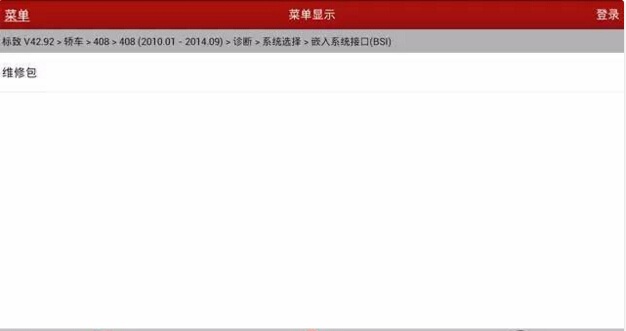
8 select Repair Kit
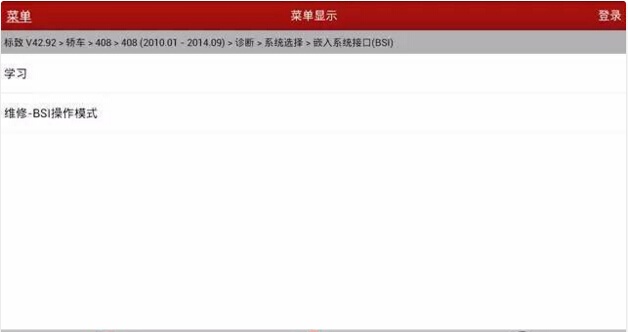
9 select Learning
10 Select Key Programming
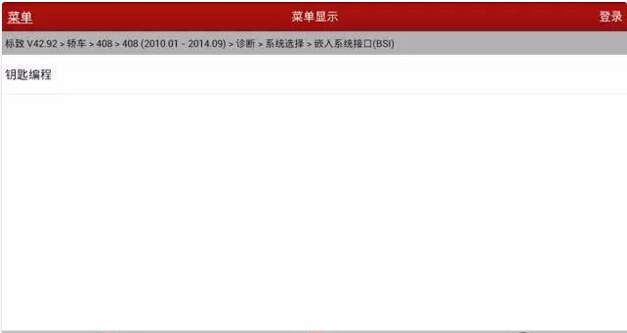
11 enter the security codes to continue
(wrong security codes will stop the process)
Note: all keys should be programmed together
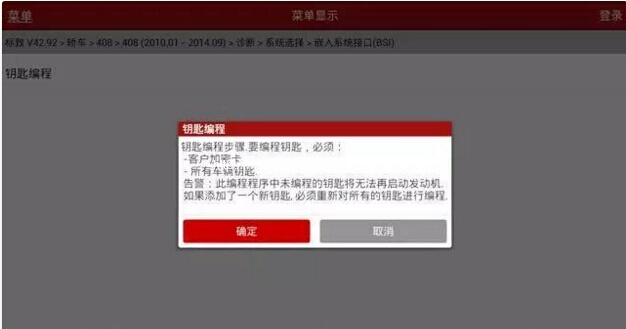
12 click OK and enter the pin code twice
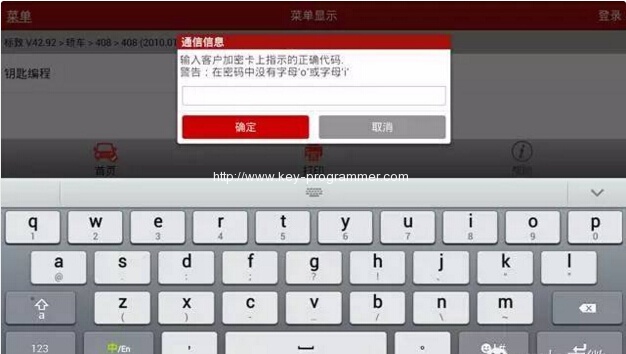
13 Confirm pin code. Ready to program keys.
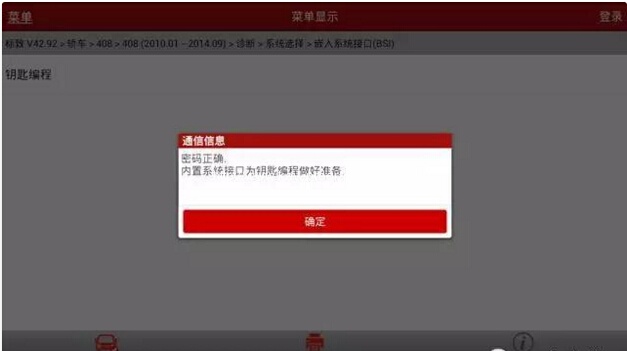
14 enter keys number (maxi:5)
Here, keys number: 2
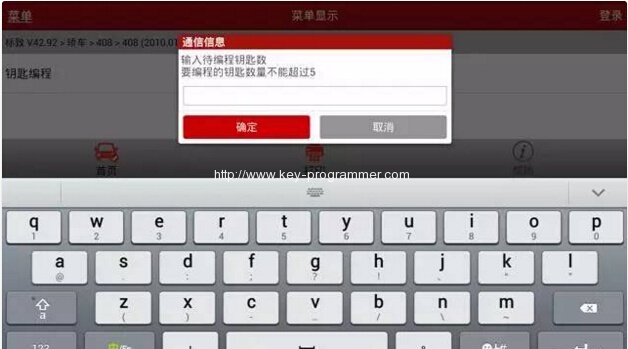
15 turn ignition off
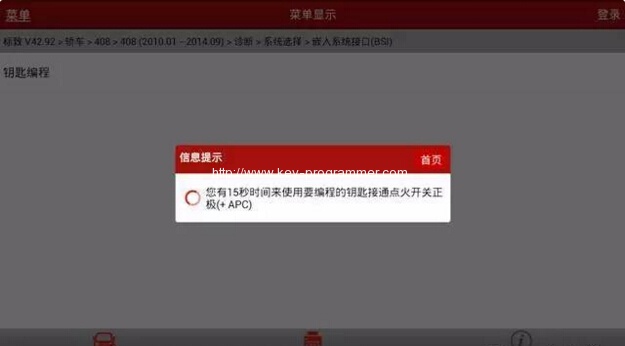
16 turn ignition on within 15 seconds
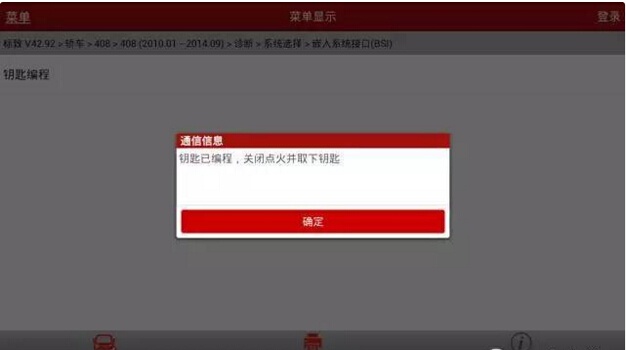
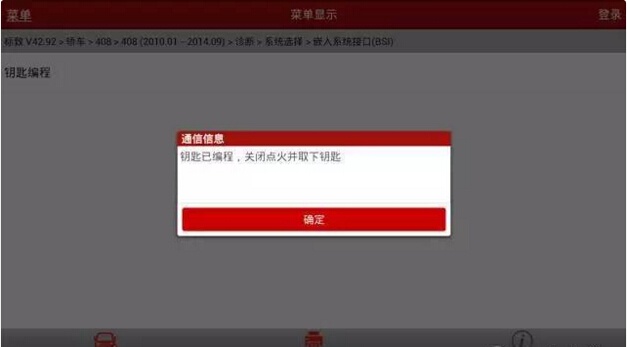
17 key programming success, and prompt that key programming complete, turn ignition off and take out the key
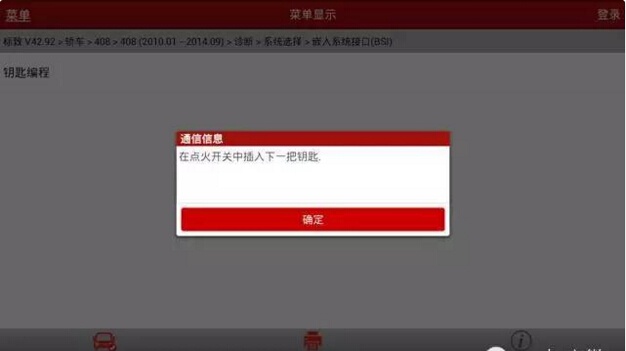
18 quickly insert the second key to program
19 turn ignition on within 15 seconds
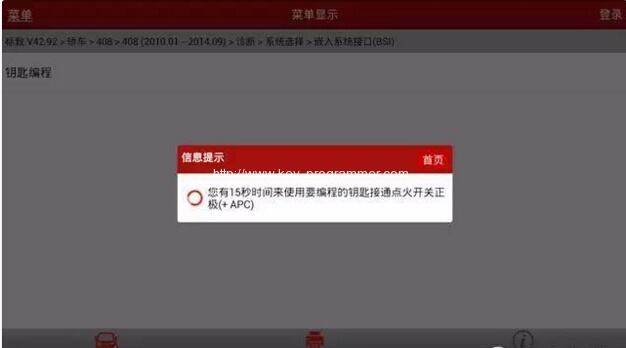
20 key programming success, and prompt that key programming complete, turn ignition off and take out the key
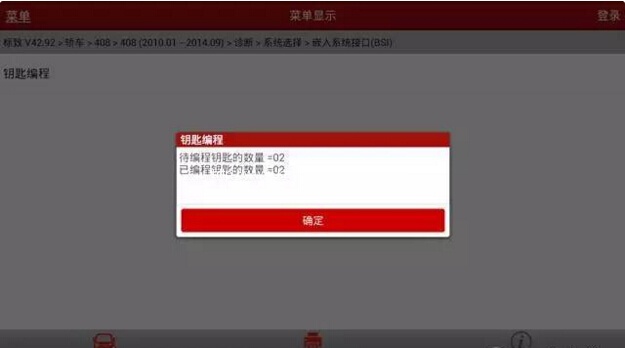
21 click OK, and now programmed keys number: 2
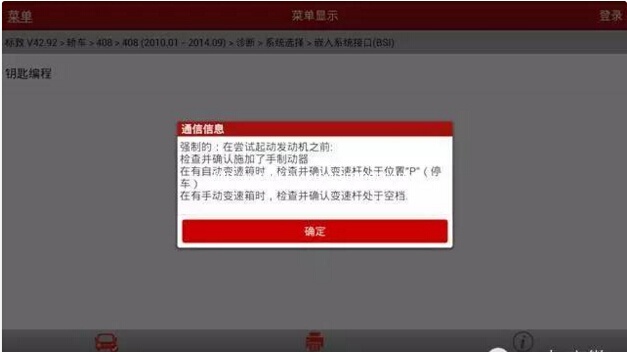
22 Check handbarke Is applied and gear shift in position “P” (automotive transmission)/gear shift in neutral position (manual transmission) before start the engine
23 remote control programming, follow menu instruction step by step strictly
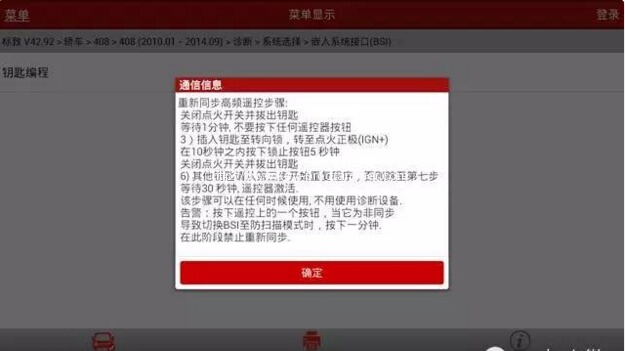
24 remote control matching complete
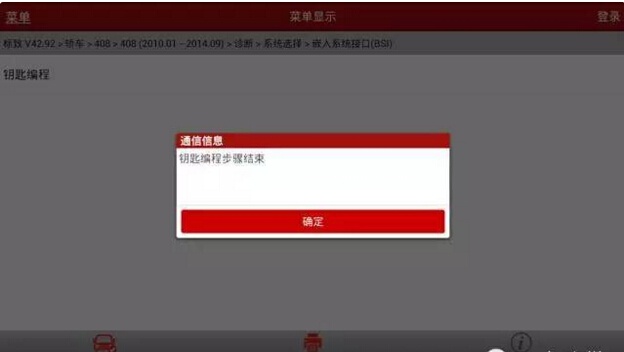
25 test the remote control and use the key to start the engine
remote control and new keys are verified working…Done!
Disconnect Launch X431 diagnostic system.