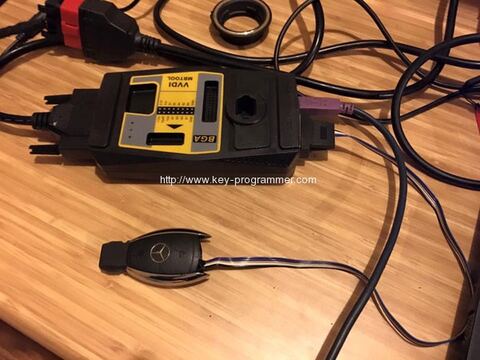
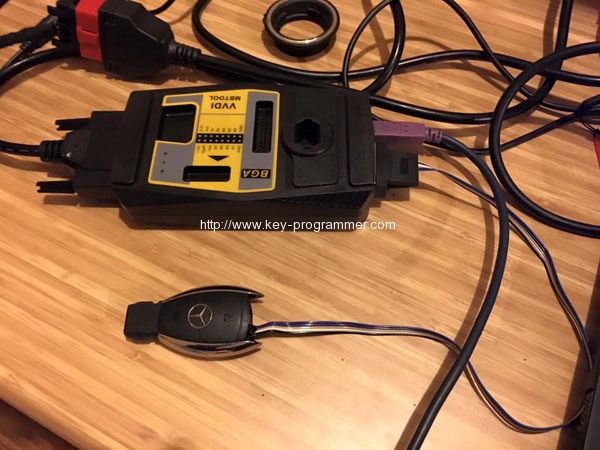
Original Xhorse Mercedes-Benz VVDI MB BGA Tool key programmer software has newly updated to V2.1.0.
Latest version V2.1.0 (2016-05-31)
V2.1.0 Software Download
VVDI MB Tool V2.1.0 Update Feature:
Require firmware V2.0.9
1. Fixbug for write original NEC key via IR
2. Fixbug for show finish error information in IR read password
VVDI Benz V2.0.9 ( 2016-05-29)
Require firmware V2.0.9
1. Attention: All user update device to firmware v2.0.9, software v2.0.9
2. User manual v1.5 released, overview v1.5 released
3. Support new sprinter W906 motorola EEPROM dump prepare key file
4. Support read password via IR for old motorola EIS (HC05, HC08, K-Line)
5. Support W204 ESL Emulator: only support VVDI W204 emulator, you must renew it before use
6. Support OBD read W164, W211, W209, W169 EIS without gateway, you need buy an extra adaptor
7. Fixbug for make only 1 key file in motorola EEPROM dump
8. Fixbug for read v51 version password from key
9. After read password from v51, v57 key, will fix the key automatically
10. Bugfix
How to update VVDI Benz BGA key programmer?
1) Connect VVDI – MB TOOL to PC with USB cable
2) Choose VVDI – MB TOOL firmware version from Firmware List
3) Press button Update Online, wait the progress end
4) If failed to get firmware list or get something like “communicate with server error!”
while update your device, close antivirus and firewall programs, try again. Change
your internet provider once failed again
5) DON’T shutdown your PC or disconnect USB cable while update device
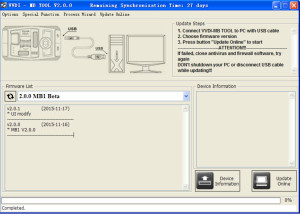
Update Online Tool will connect to server automatically and download the newest firmware information. You can press reflash picture button if there’s no display. After you get information success, will display current support firmware list, the software support by specify firmware and the mainly include update information
After connect VVDI-MB TOOL to PC and install USB drivers, Press button Device
Information, will show you VVDI-MB TOOL Serial Number, current firmware version and hardware version etc
After connect VVDI-MB TOOL to PC and install USB drivers, choose you expect firmware version from firmware list, Press button Update Online, wait progress finish (about 3 minutes) (Require internet)
This function require internet support
If there’s no display for software version, shutdown your firewall and antivirus programs, try again
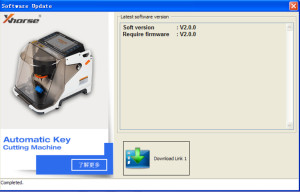
This function require internet support
Use “Menu->Update Online->Latest Update Information” to obtain VVDI-MB TOOL latest update information
Use “Menu->Update Online->History Update Information” to obtain VVDI-MB TOOL history update information