Program Toyota Crown 2012 key with OBDSTAR X100 Pro

Here’s the tutorial on programming Toyota Crown 2012 remote key by using OBDSTAR X100 Pro auto key programmer.
2 optional methods:
1- replace the smart key’s ECU control box for key matching
2- disassemble ECU box to write initialized data, then use OBDSTAR X100 for key programming
Toyota Crown 2012:

The smart key ECU is located on the right of the car trunk
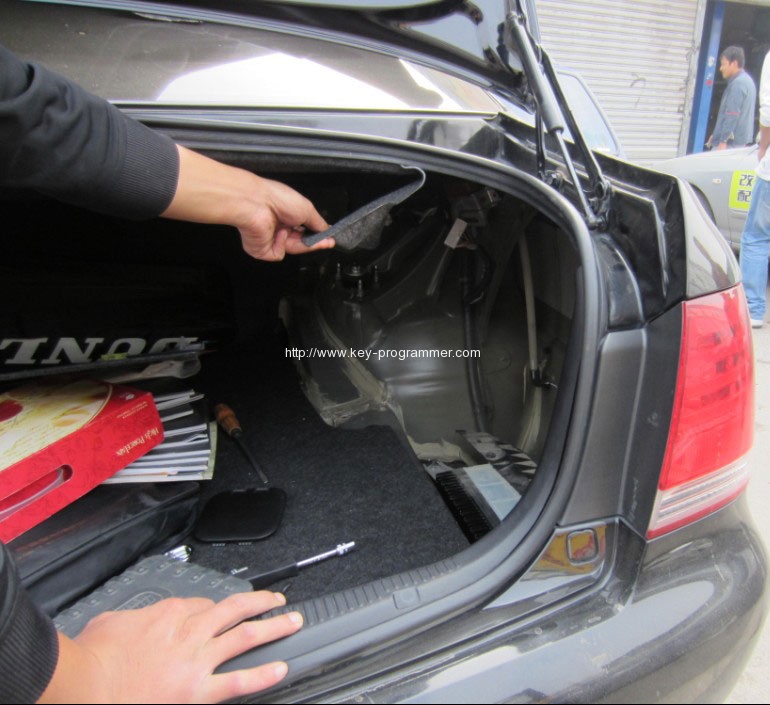
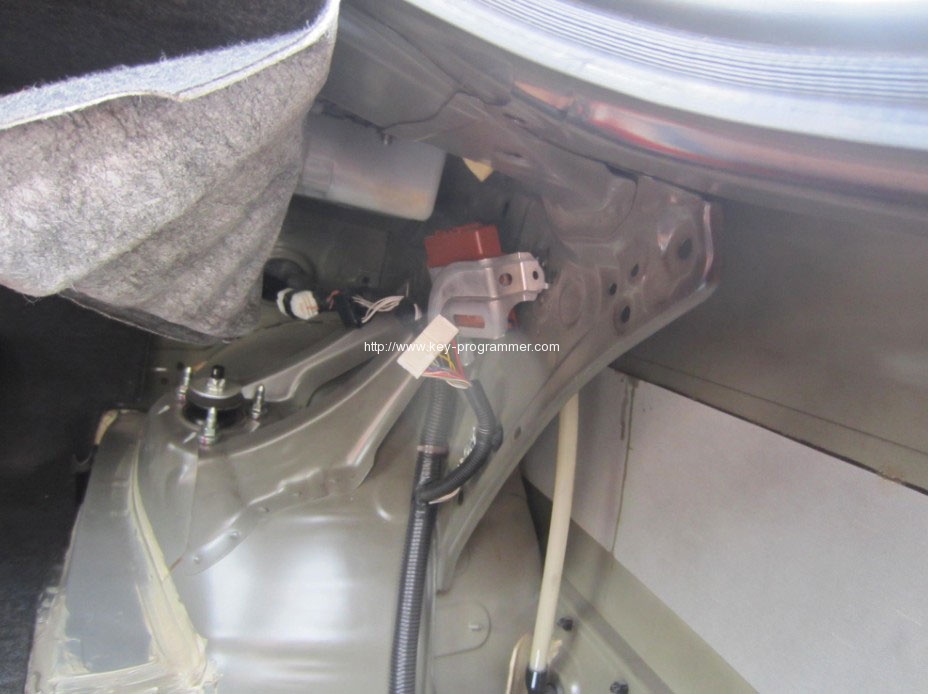
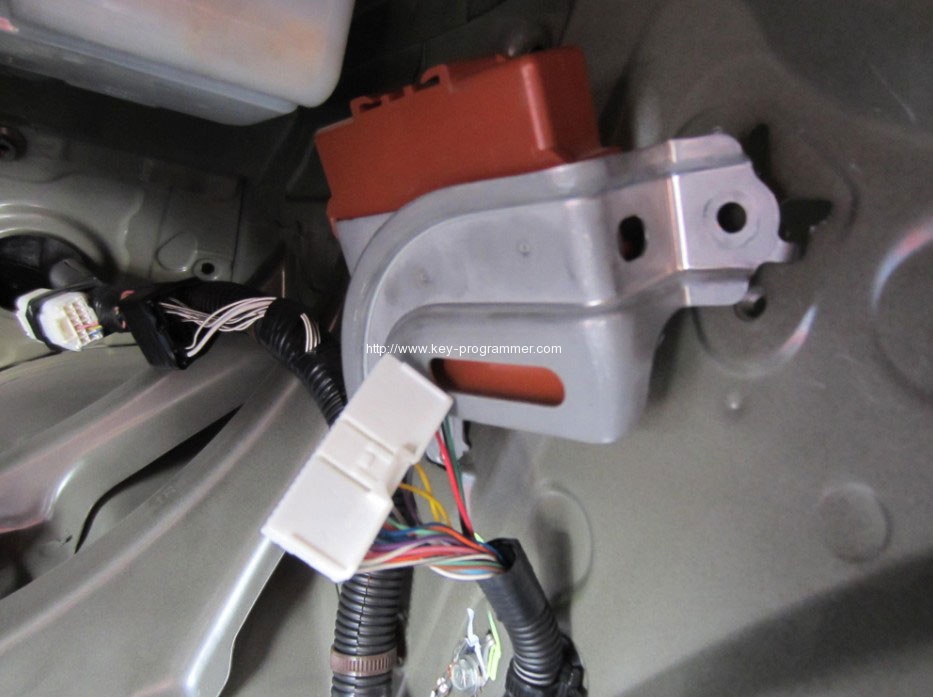
Disassemble the smart key ECU, take out the board to disassemble the S2934 chip
Replace S2934 with 93C76 / 93C86 to write initialized data
Solder the 93C76 / 93C86 chip
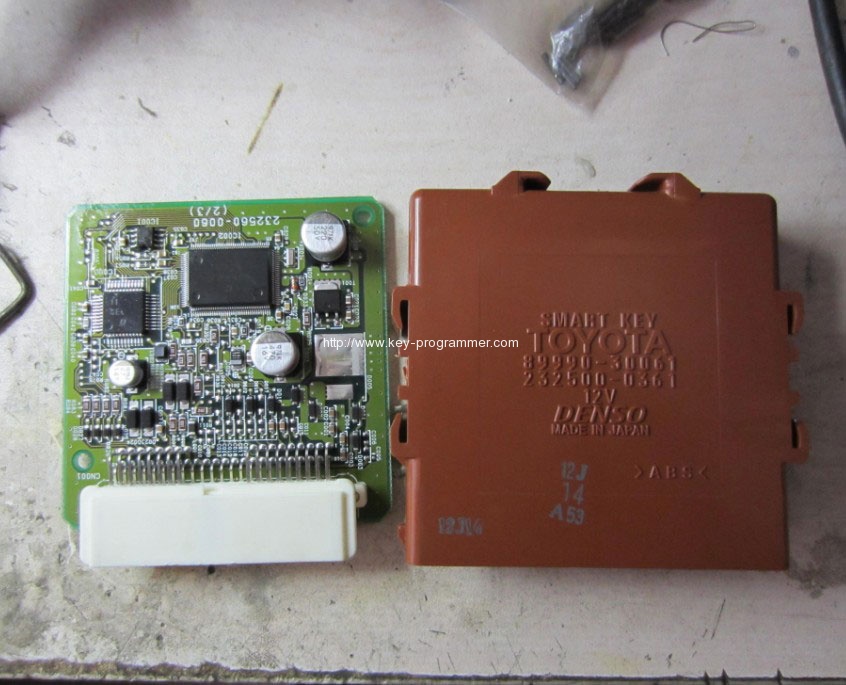
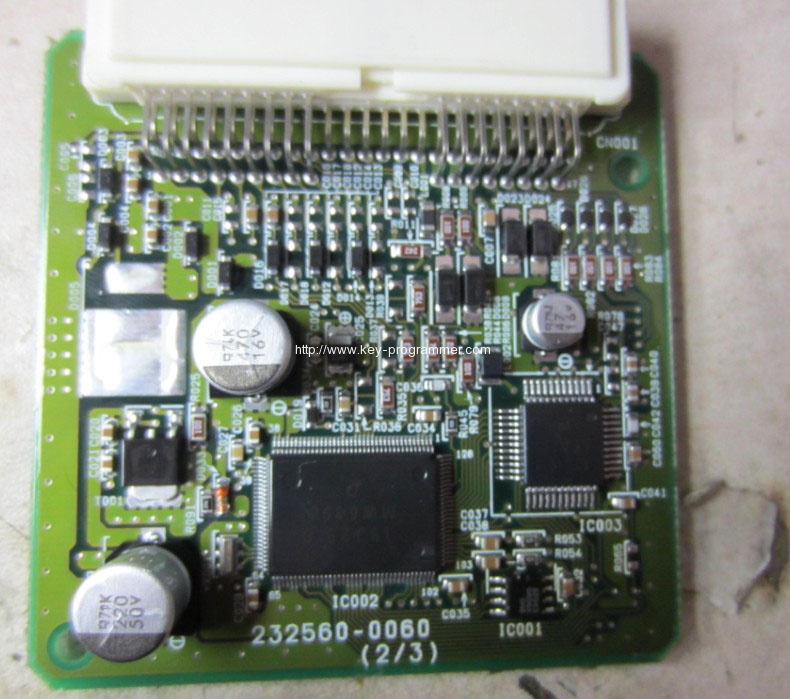
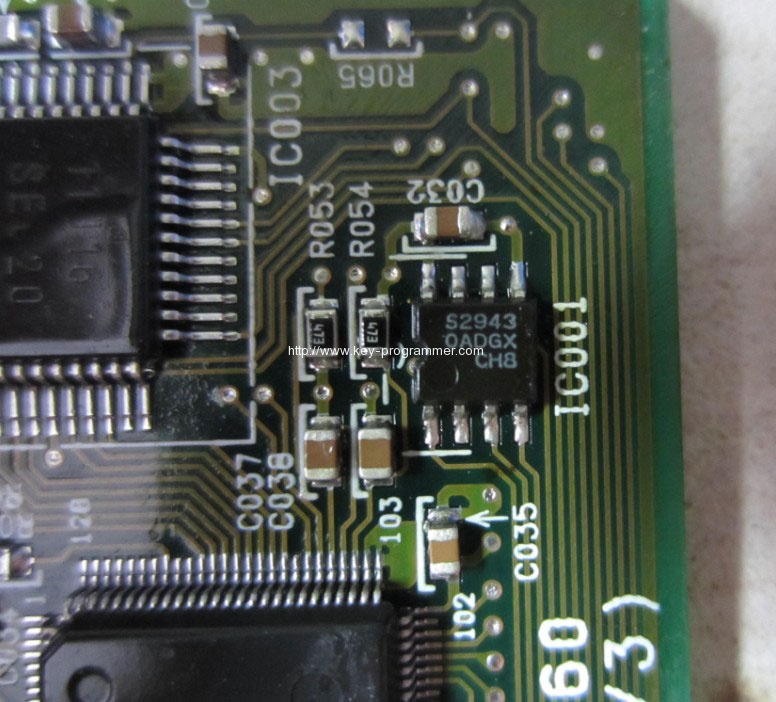
Reversely install the smart key ECU to the car, then insert the key
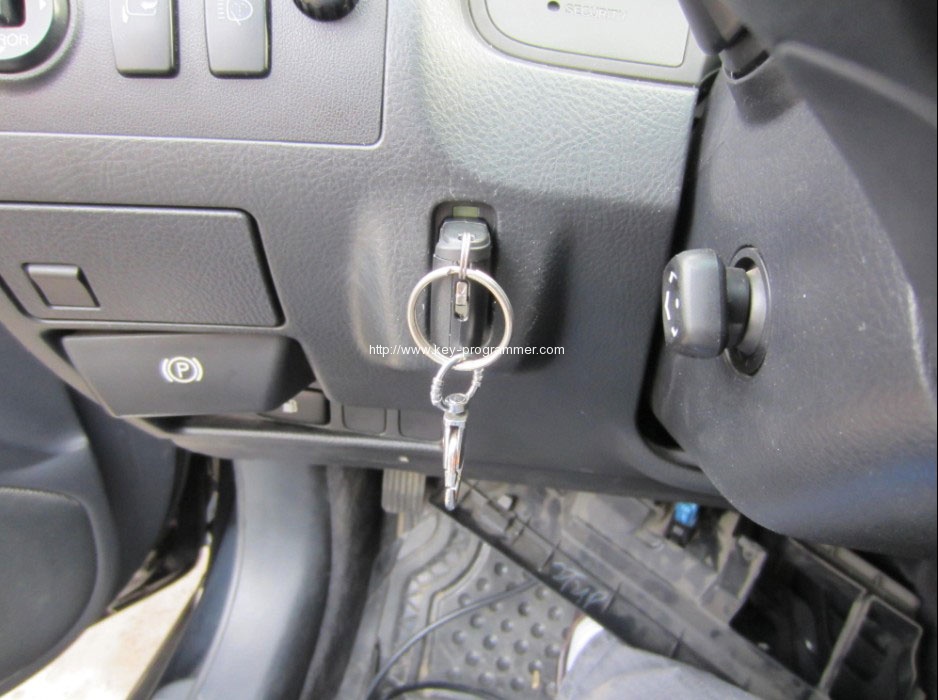
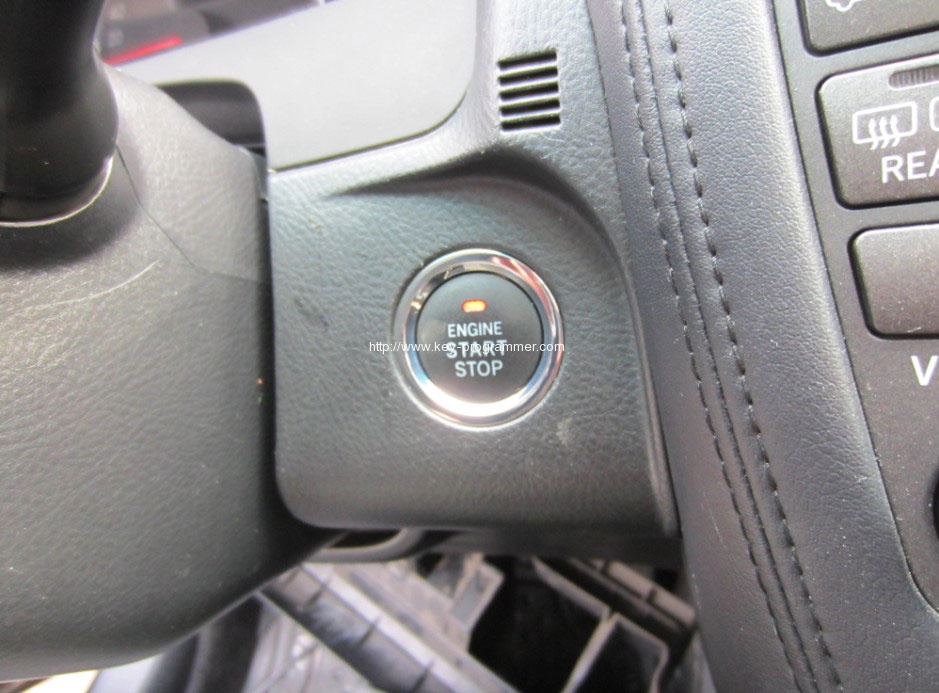
Press the ENGINE START STOP button until the yellow indicator lights up, turn ignition on
Connect OBDSTAR X-100 Pro programmer to the car
Then start X100 pro
Enter TOYOTA-2012 CROWN-IMMOBILIZER-SMART CARD SYNCHRONIZATION
DO NOT remove the key
Press OK for the smart card synchronization
The SECURITY indicator on the dashboard turns ON for 10-20 seconds, then turns off automatically
Then smart card matching success
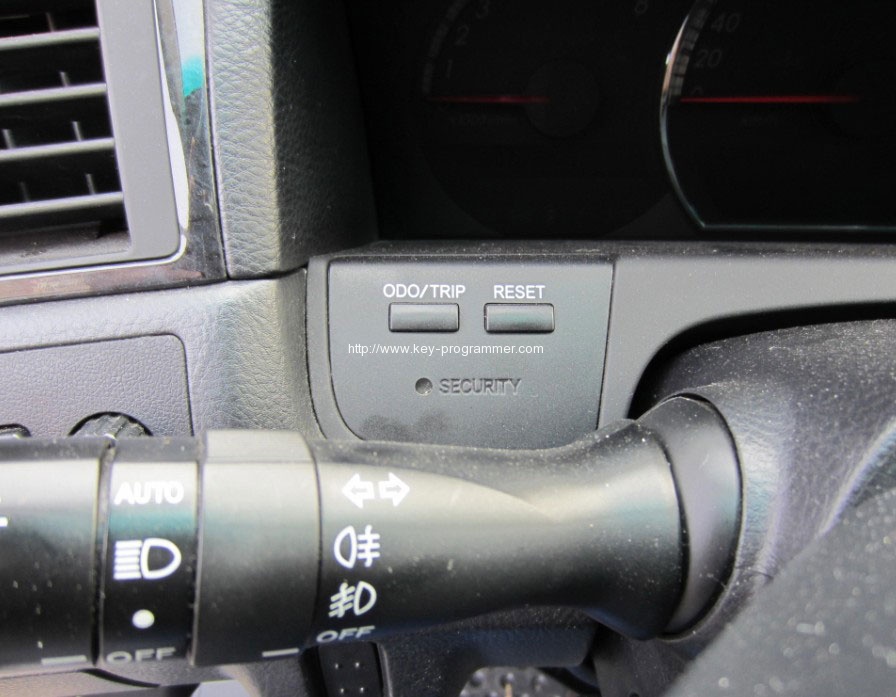
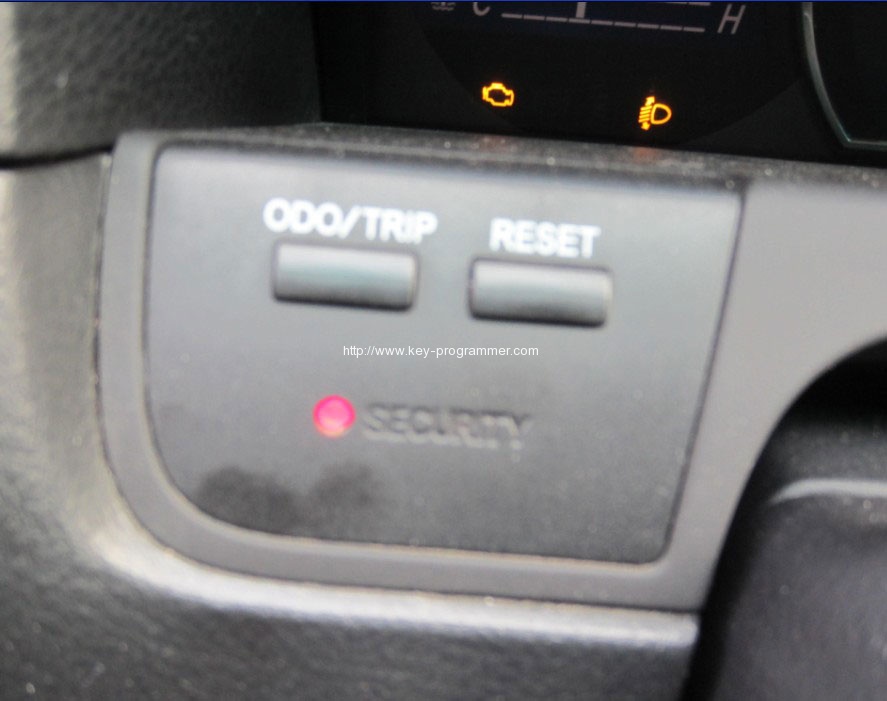
X100 enters ADD SMART CARD, then follow the screen instruction
Note:
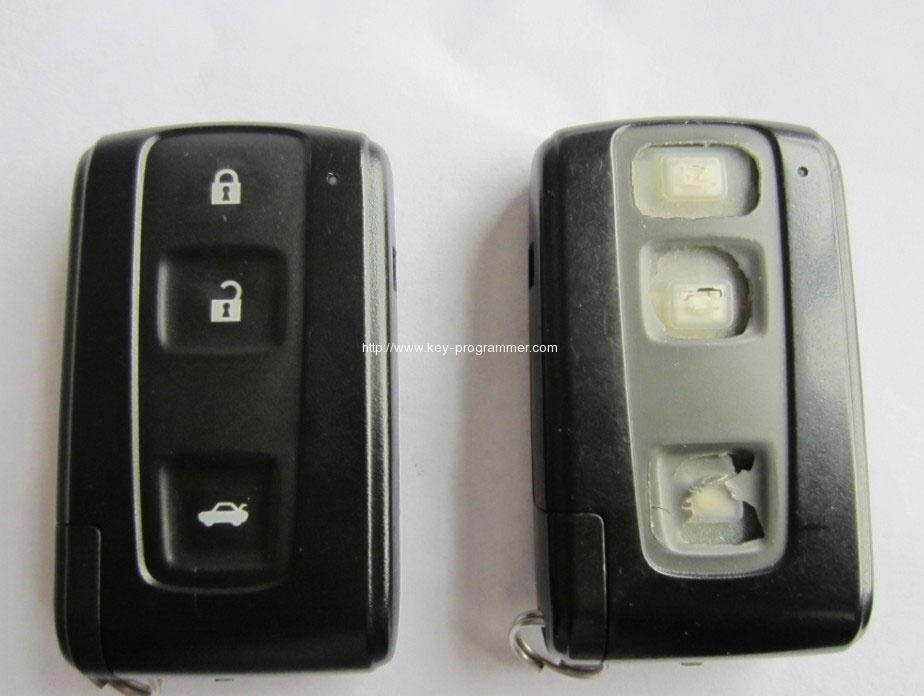
2012 Crown comes with the main and additional cards; only the main card is smart while the additional can do remote control and start the engine. The body and buttons on the main card is black, while the additional card’s is gray.
Left- main card; right- additional card
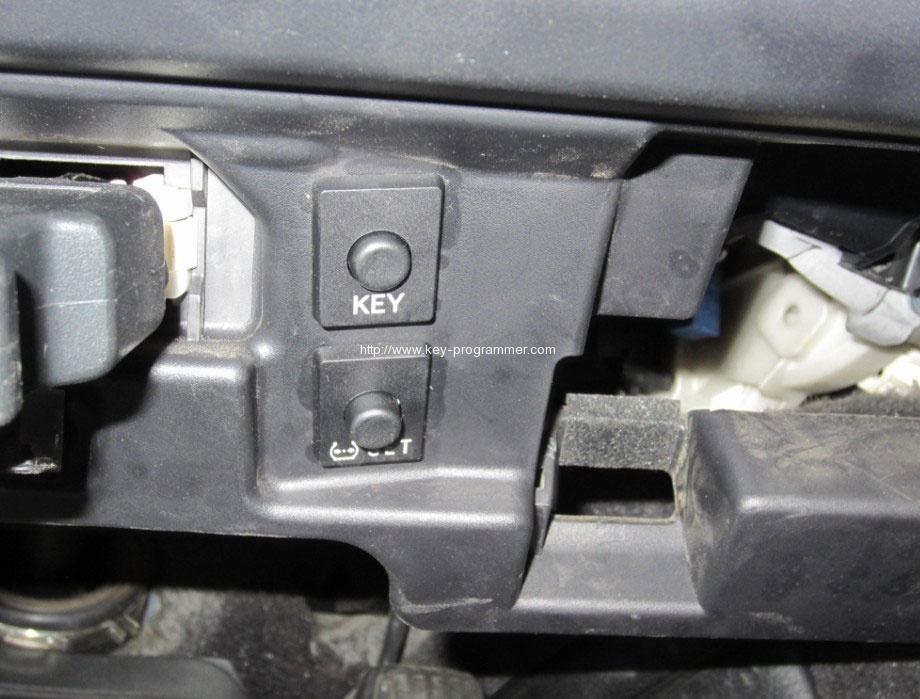
The smart control can be turned off with a switch under the steering wheel. Some users have thought of something wrong with the smart system. If you press it wrongly to cause the smart system out of order, just press it again to back normal.
KEY: cut off the switch smartly
SET: reset tire pressure
If you want to program two main smart keys, you should take the other out if the car at least 1 meter when programming the one; or you would failed to program keys.
http://obdstar.blogspot.com/2016/06/obdstar-x100-pro-program-key-for-toyota.html