How to Program Hyundai Tucson 2007 Remote Key
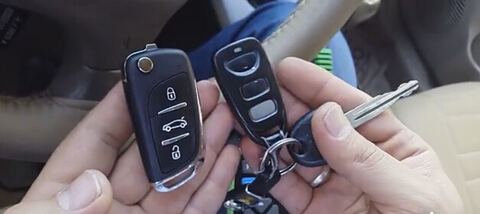
Here is tutorial on Hyundai Tucson 2007 remote key programming step-by-step by using OBDSTAR Key Master (same as OBDSTAR X300 Pro3) auto key programmer.
Prepare:
1 working key
1 remote key
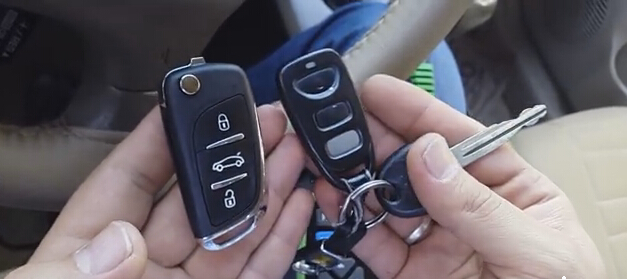
Connect OBDSTAR Key Master with vehicle via OBD diagnostic socket
Power on the device
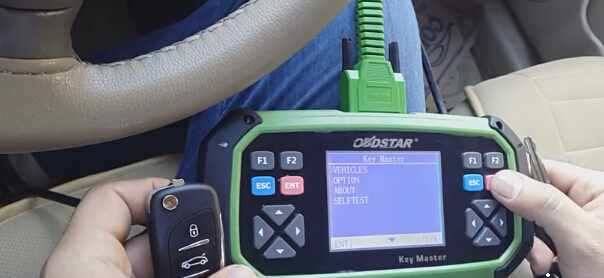
Select VEHICLES
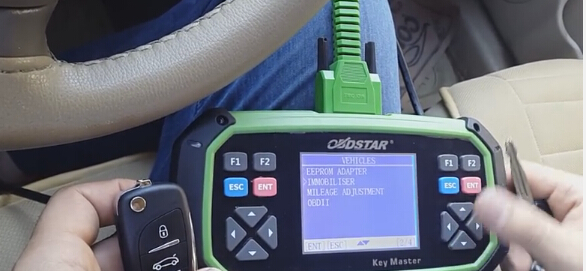
Select IMMOBILISER
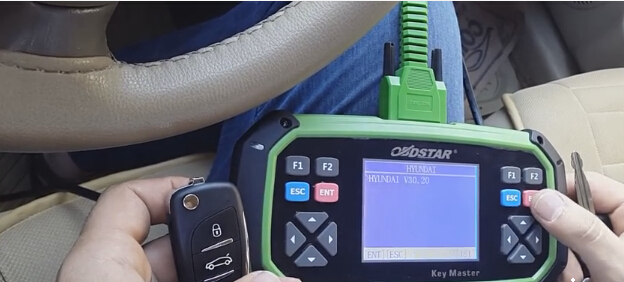
Select vehicle brand: HYUNDAI
Check Hyundai software version
Initializing , wait well communication built
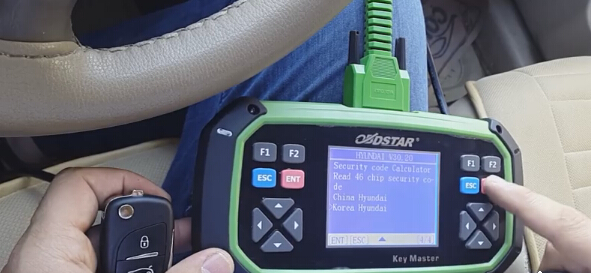
Select Korea Hyundai
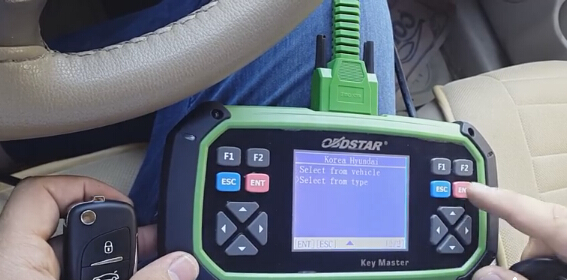
Select from type
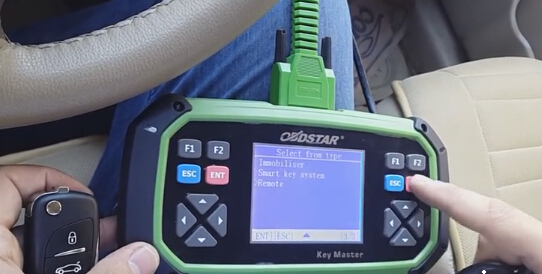
Select Remote
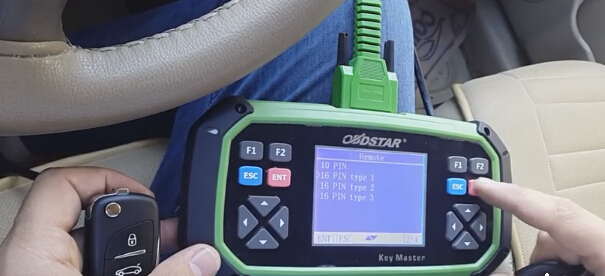
Select 16 PIN Type 1 under Remote menu
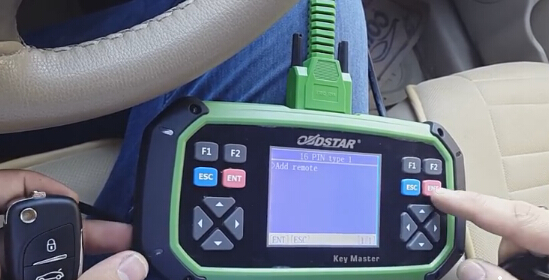
Select Add remote
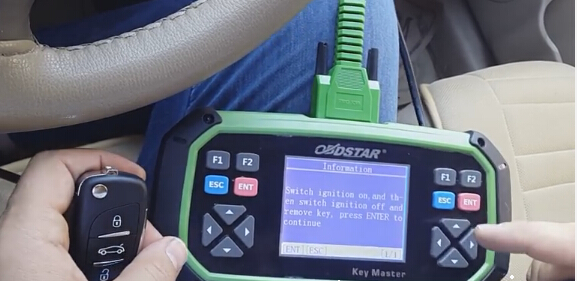
Switch ignition on and them switch ignition off and remove key. Press ENTER to continue
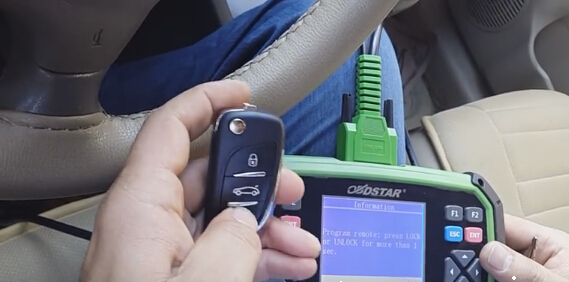
Press remote: press LOCK or UNLOCK for more than 1 sec.
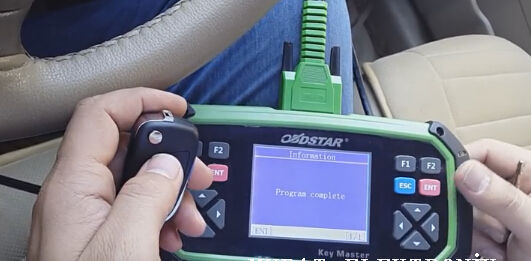
Program success, if you need to program next key, press ENTER to continue. If not, back to main interface.
Test the new remote key.