How to Program Honda Accord 2008 Remote Key
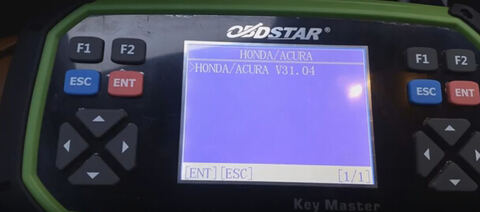
Here is the step-by-step instruction on adding a remote key for Honda Accord 2008 year by using new OBDSTAR X300 Pro3 Key Master key programmer.
Note: OBDSTAR X300 Pro3 in orange case is the same as Key Master in green case.
Adding Honda remote key procedure:
Connect OBDSTAR Key Master with vehicle, power on the key programmer
Select VEHICLES
Select IMMOBILISER
Select vehicle brand: HONDA/ACURA
Check vehicle software verison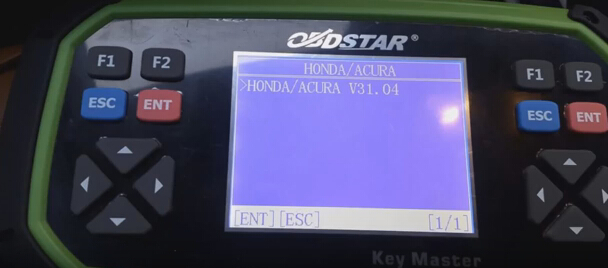
Select “Auto” add key
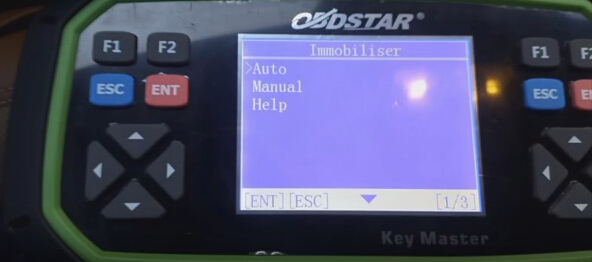
Select Immobiliser
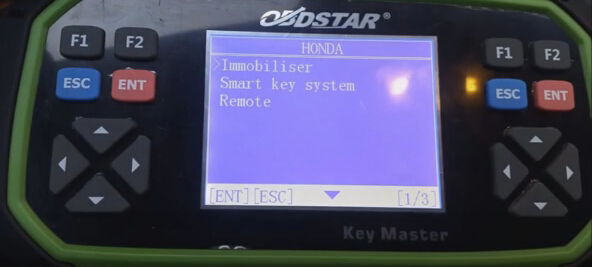
Select Honda connector 16-PIN or 3-PIN, the 2008 yr Honda comes with 16-PIN connector
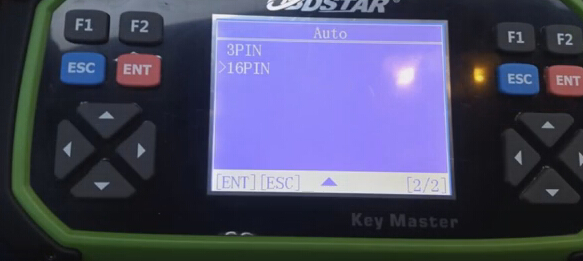
OBDSTAR Key Master detect vehicle information
4th generation immobiliser device
Select IMMOBILISER
Select vehicle brand: HONDA/ACURA
Check vehicle software verison

Select “Auto” add key

Select Immobiliser

Select Honda connector 16-PIN or 3-PIN, the 2008 yr Honda comes with 16-PIN connector

OBDSTAR Key Master detect vehicle information
4th generation immobiliser device
The burglar type of code:0A
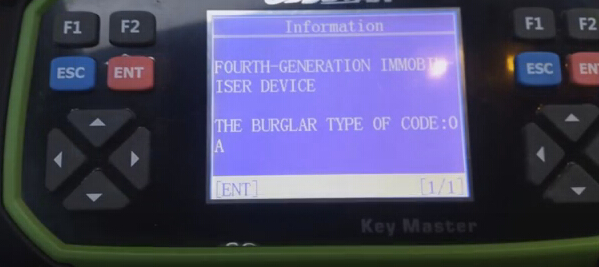
Select Function “Key”
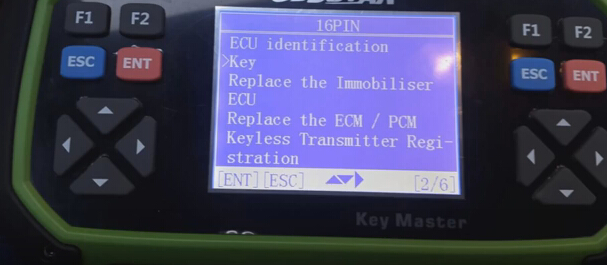

Select Function “Key”

Tips: Key master full version can also replace immobiliser ECU, replace ECM/PCM and do keyless transmitter registration.
Turn ignition switch to ON with the original key
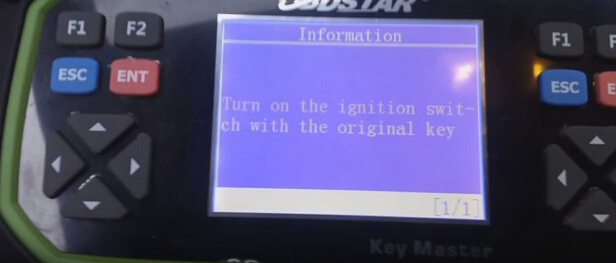
Select “Add a key”
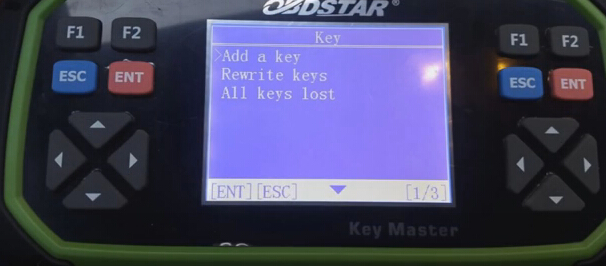
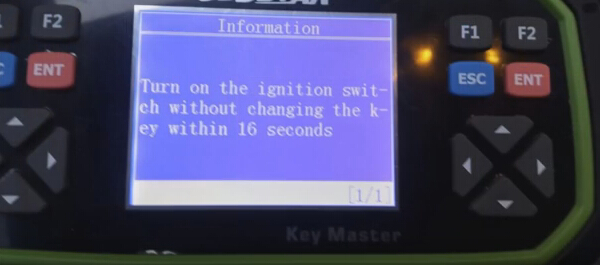
Turn in the ignition switch without changing the key within 16 seconds.
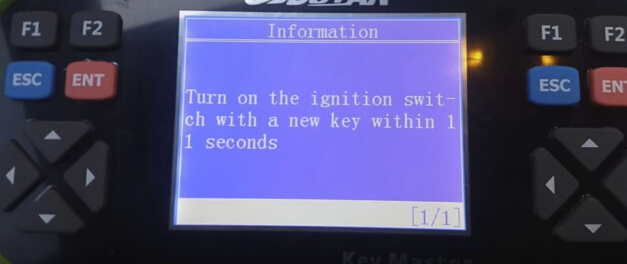
Turn on the ignition switch with a new key within 11 seconds

Select “Add a key”

Turn in the ignition switch without changing the key within 16 seconds.

Turn on the ignition switch with a new key within 11 seconds

Follow system prompt until it is done.
Test the new added key.