Program Mitsubishi Outlander 2009 all keys lost via Xtool X100 Pad
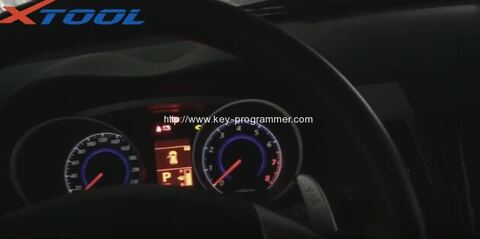
Here is the step-by-step instruction on programming new keys for Mitsubishi Outlander 2009 when all keys have lost via Xtool X100 Pad key programmer.
Model: Mitsubisi Outlander 2009
Decvice: Xtool X-100 Pad
Key: Mechanical key
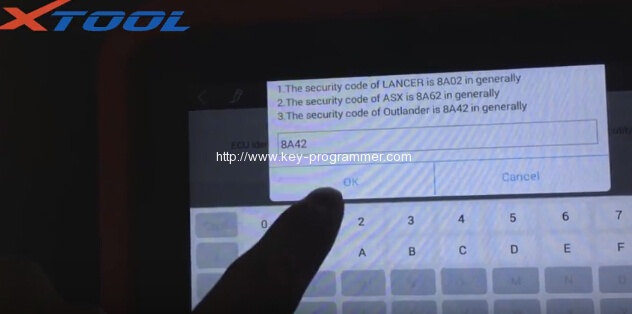
Required: prepare security pin code
Instruction:
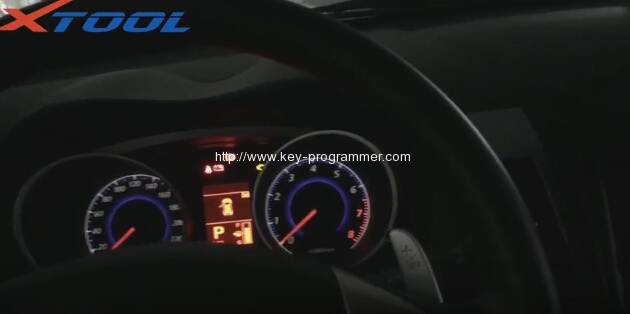
Connect the X100 pad tablet with vehicle via OBD diagnostic socket
Power on the X-100 pad
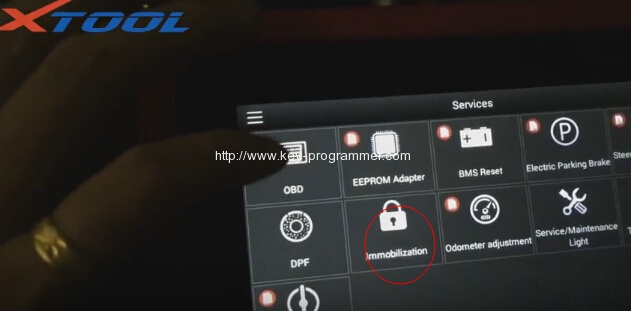
Go to Services menu
Select Immobilization function
Agreee disclaimer
Select vehicle brand: Mitsubishi
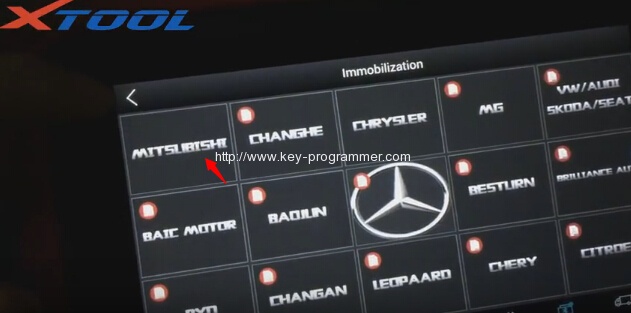
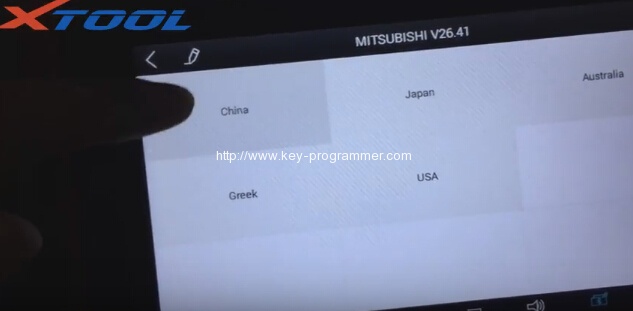
Select Mitsubishi region: China,Japan,Australia,Greek or U.S.A
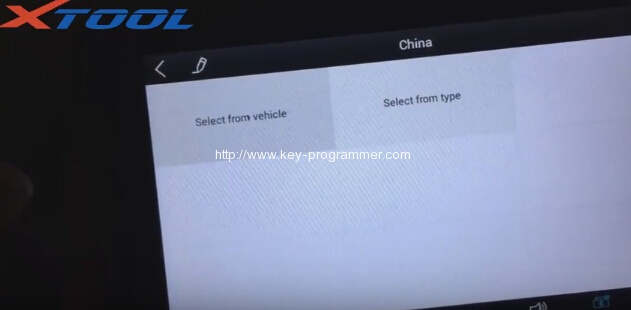
Select from vehicle or from type, here select from vehicle
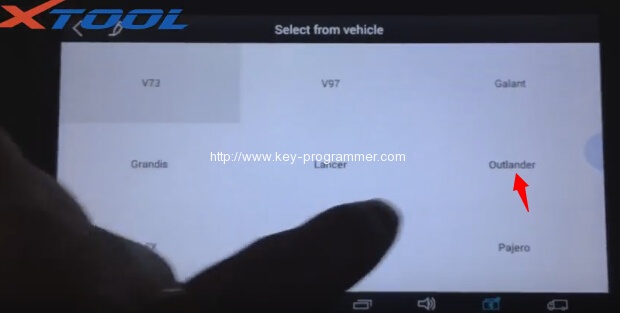
Select vehicle model: Outlander
Select key type with smart or without smart, here select Without smart
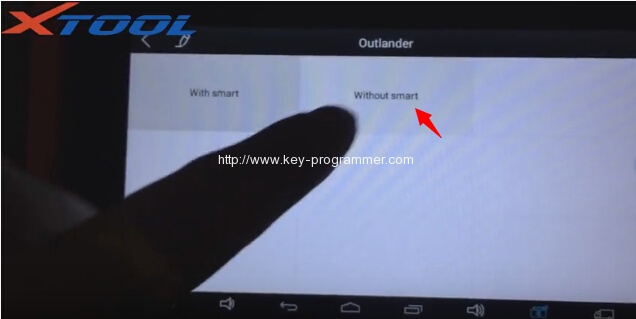
Select car year: 2009-
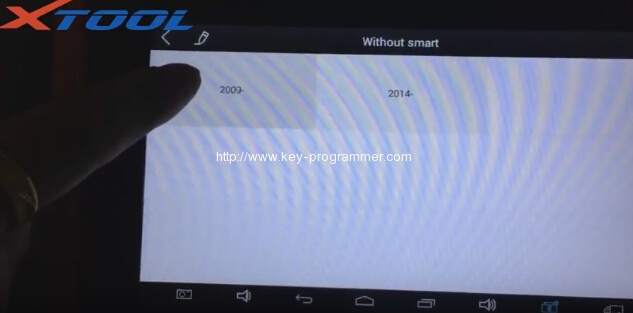
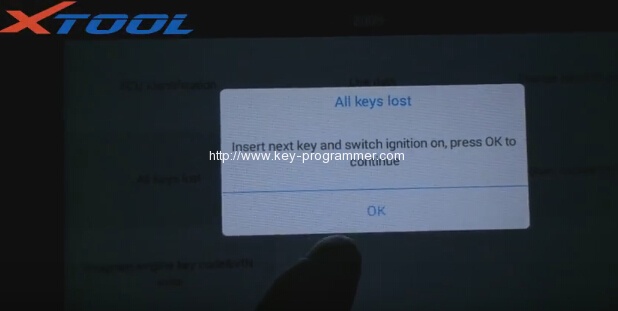
Select function: All keys lost
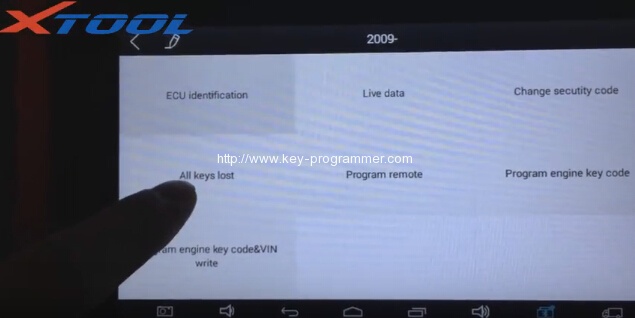
Xtool X-100 Pad will require to enter security code. Manually enter the pin code.
Program success, if you want to program next key, press Yes to continue, if not, press No.
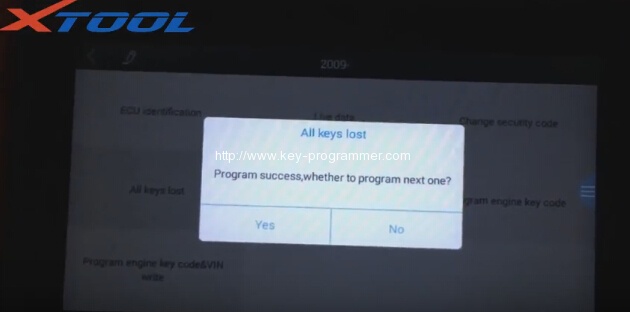
Press Yes to program next key. Insert next key and switch ignition on, press OK to continue