How to Program Maserati Remote Key by SKP900 via OBD2
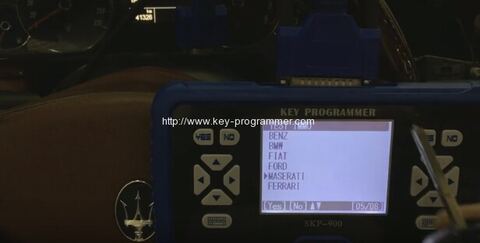
Here is the instruction on programming remote key for Maserati via OBD2 by using SuperOBD SKP900 key programmer.
Instruction:
Connect SKP-900 with vehicle’s diagnostic socket via main cable
Select vehicle brand: Maserati
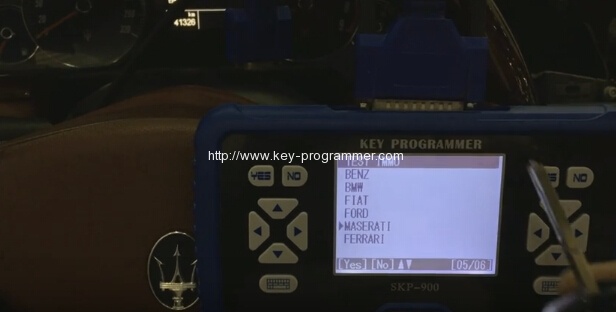
Select Key
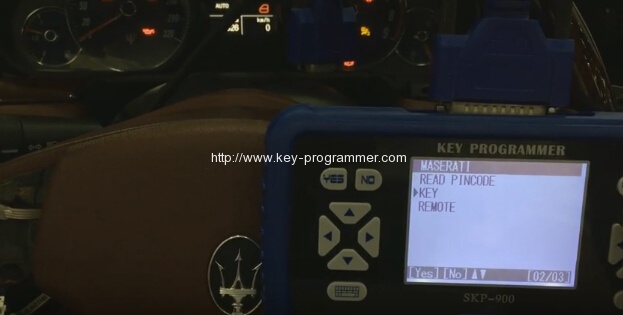
Select Immobilizer system
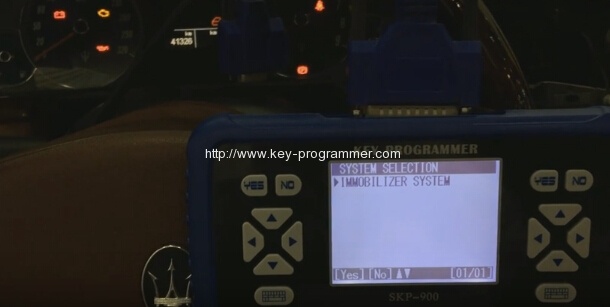
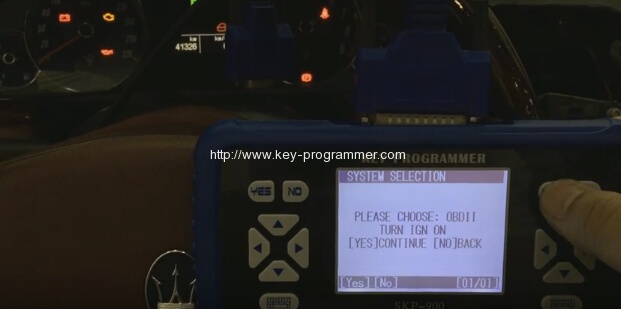
Choose OBDII adapter. Turn ignition ON
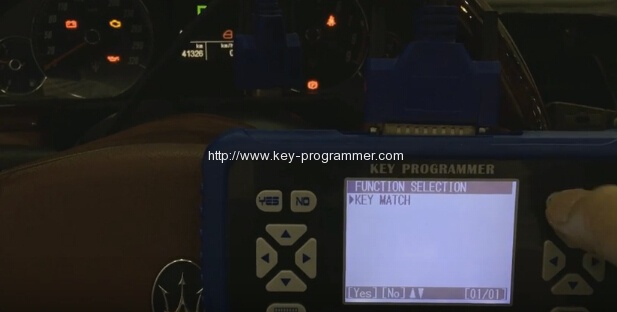
Select Key Match
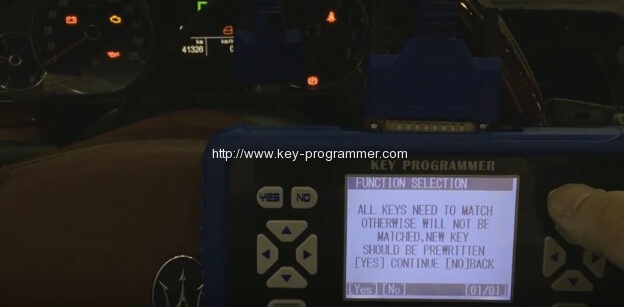
All keys need to match otherwise will not be matched. New key should be pre-written.
Communicating
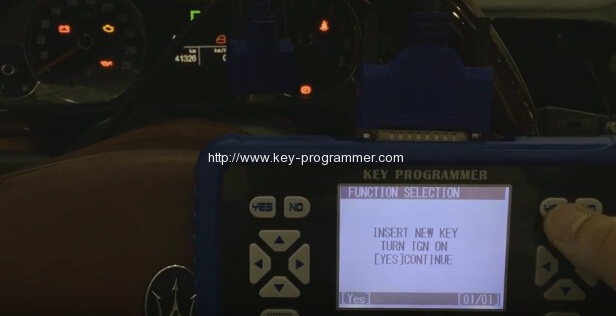
SKP900 will require to enter security code to access.
Manually enter the 5-digit pincode that you have pulled from Maserati dealer
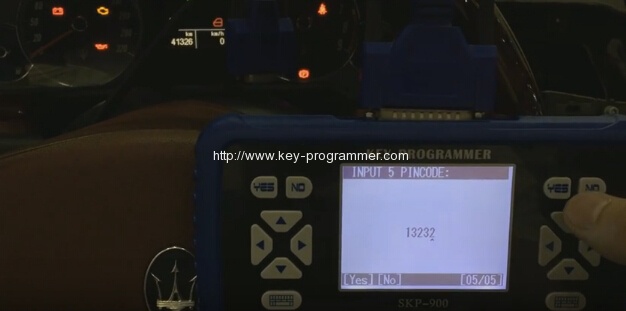
Confirm pincode
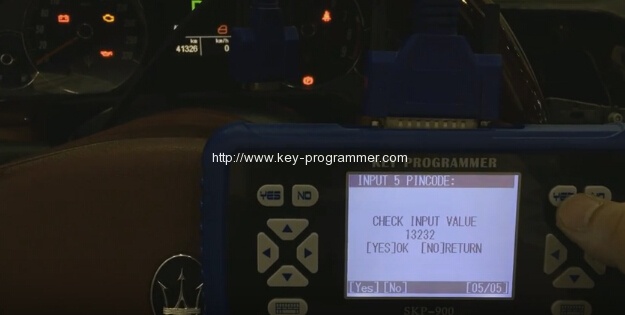
Key Match complete
Go back to Maserati menu
Select Remote
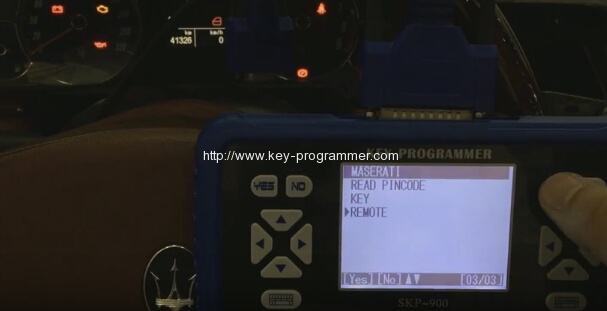
Require to consume token when program remote for Maserati. Press Yes to continue.
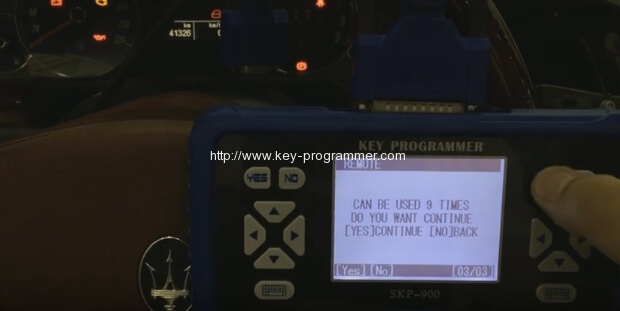
Select Immobilizer system
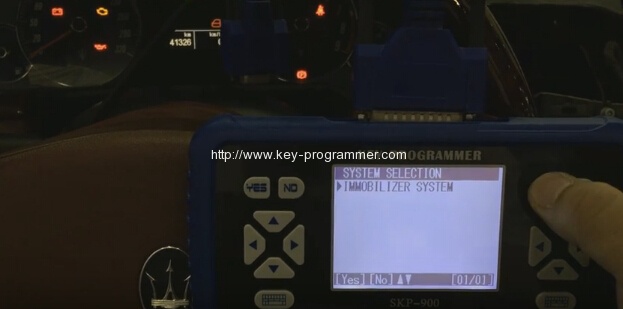
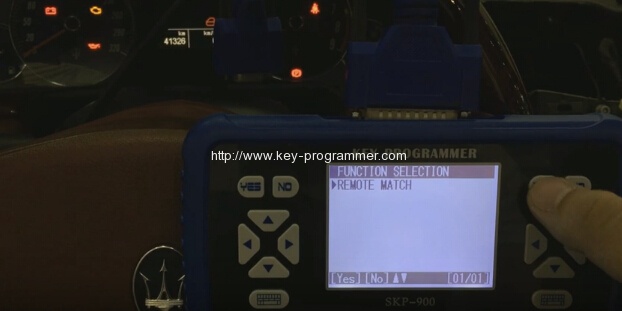
Select Remote Match
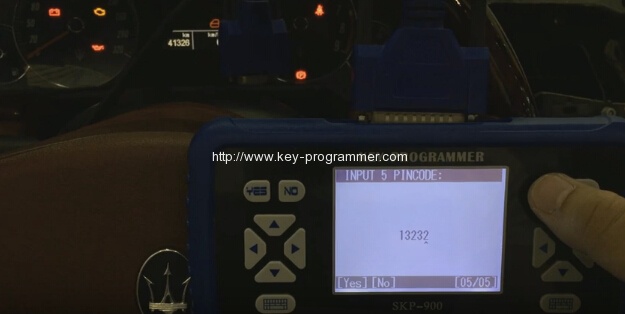
Enter 5 digits security code again
Press Yes
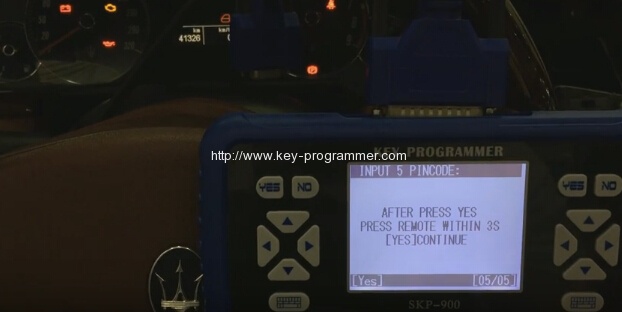
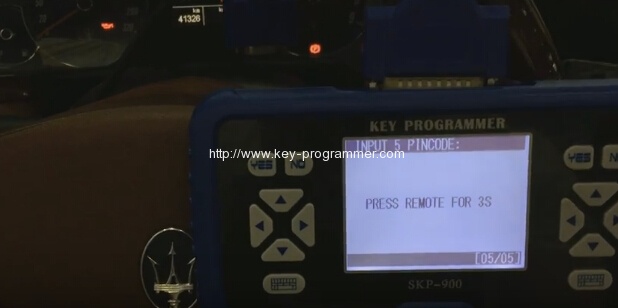
Press Remote for 3s
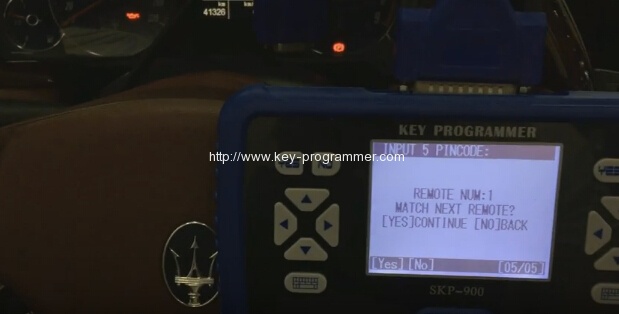
Remote NUM: 1
Program next remote press Yes, otherwise press NO to go back
Test the new remote