Original OBDSTAR Tools One Click Update Guide
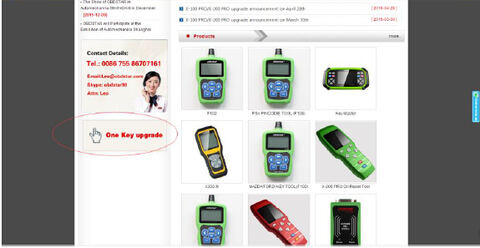
Original OBDSTAR Tools ( X100 Pro, X300 Pro3/Key Master, F102, F108, F100, X300M etc) can be updated online by one-click upgrade. Here is the step-by-step update instruction on OBDSTAR software upgrade.
Update Procedure:
Step 1: Remove the TF card from your device.
Insert your TF card into computer.
Format your TF card and ensure it is empty.
Step 2: Login OBDSTAR official website,and click “One Key upgrade”
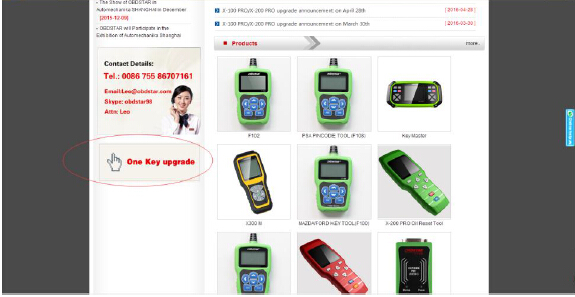
Step 3: Download and install the “One Key upgrade”. You will see this software.

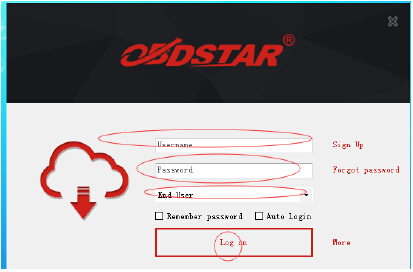
Step 4: Open the “one key upgrade”. Input your username and password. Then select “End User” and click “Log in”.
Step 5: Input your S/N (Serial Number).
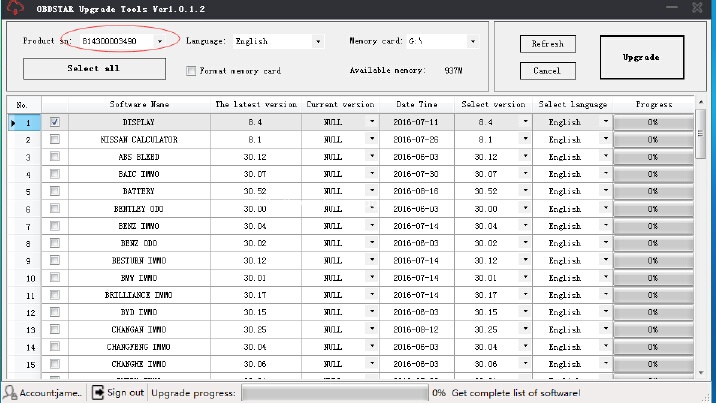
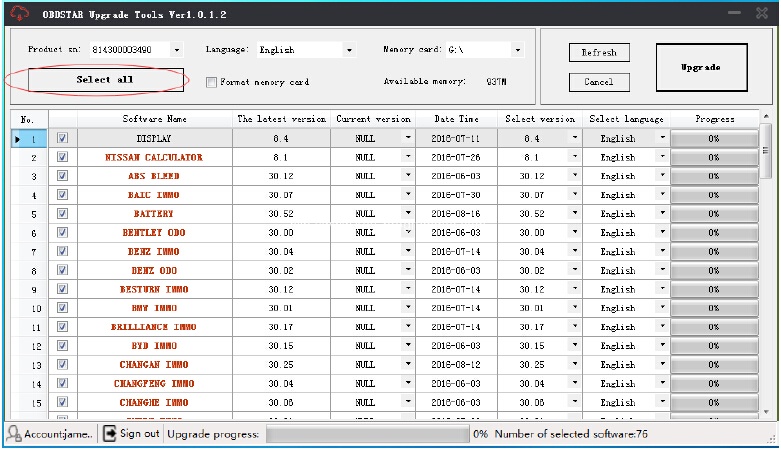
Step 6: Select all and click “Upgrade”.
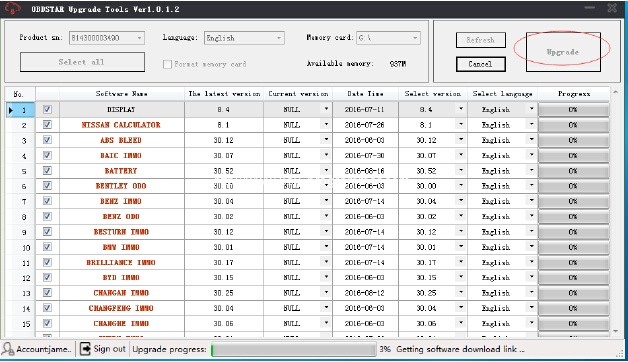
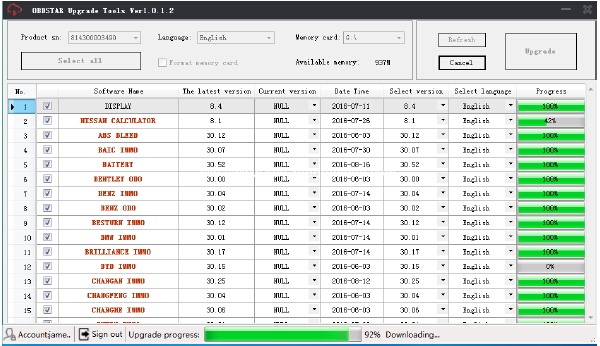
Step 7: Upgrade completed.
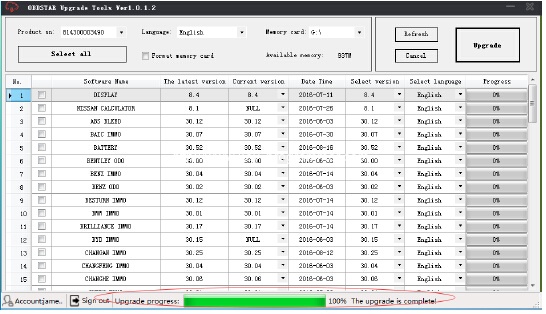
Step 8: Open your TF card. You will see these files.
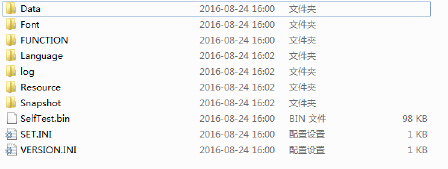
Step 9: Remove the TF card from the computer. Insert your TF card into the device.
Update succeeds!
http://www.obdii365.com/upload/pro/201609/obdstar-one-key-upgrade-guide.pdf