How to: BMW CAS4 535i Add New Key and All Keys Lost
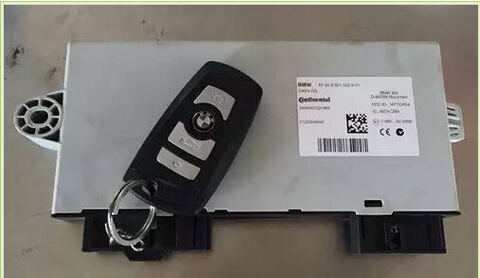
Here are the instructions to on BMW CAS4 535i 2012 smart key programming, inducing add a new key and program all keys lost respectively.
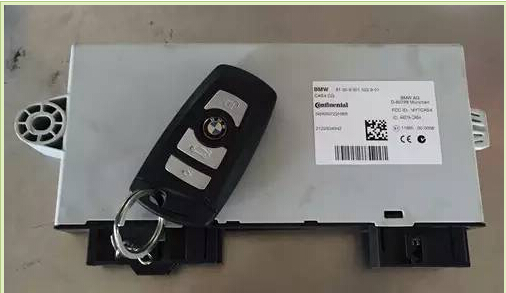
I. Add new smart key
Step 1: Read CAS4 eeprom data
Disassemble CAS box under the dashboard. Read CAS eeprom by using CKM100 Car Key Master or VVDI Prog programmer.
Here we take CKM100 for example.
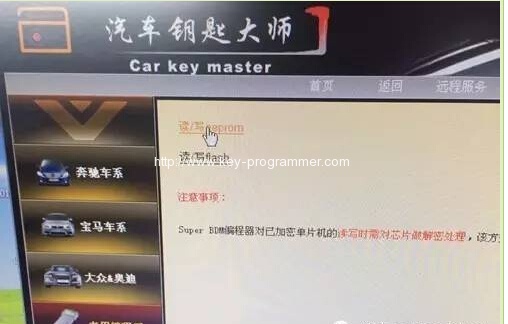
Open Car Key Master software, select Programmer function->select CPU type MC9S12XEP100(5M48H,
follow the wiring diagram to connect device and CAS. Good soldering skills is required. Be careful when
connect the cables.
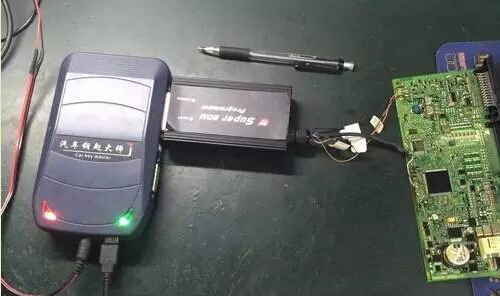
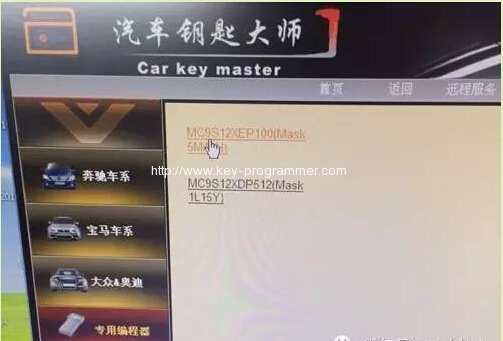
Select Read/Write eeprom. Then save eeprom data as “bin” format.
Note:
Many ecu programmer save eeprom data as “BIN” format, but CKM100 save as “YHF” format.
Step 2: Write key by VVDI2/TM100
Here we use VVDI2 to write a new key.
Connect VVDI 2 key programmer with computer. Select BMW>CAS4+ (5m48h)
Select “File make key”-> CAS4+-> 5M48H
Upload CPU(5M48H) eeprom data just saved.
VVDI2 will display vehicle information, VIN, KM, remote frequency etc.
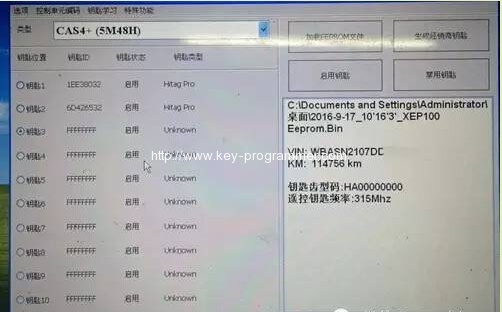
Select a key position unused and select “Generate Dealer Key”
Key generation takes about 30 seconds, the software may display suspended information, please be
patient waiting for the end, insert the new key into the programmer before continuing.
Select Select “Have an ignition key…”, Insert the original key into the VVDI2 key coil then
click Next
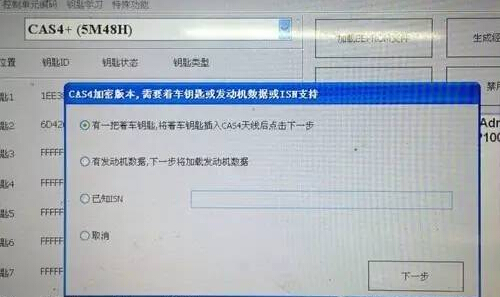
Take away the original key, insert a new key into the VVDI2 key coil, click OK
Generate new key will take about 30 minutes
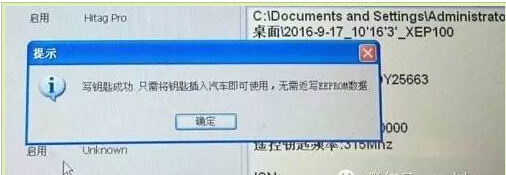
Write key success Do not need to re-write eeprom data.
Place newly added BMW CAS4+ key on the BMW CAS4 5M48H Tester to check if the new added
key is working or not.
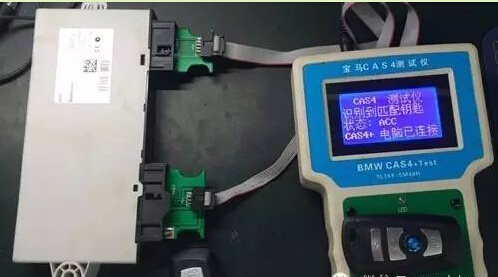
Caution:
Then reinstall CAS4 back to car. Keep both 2 keys away from car. When CAS is installed, affixed
the new key above the induction coil under the dash, long press the Start button for 10 sec
to allow the vehicle to synchronize with the new key, you can start the engine with new key.
II. Program CAS4 All keys lost
Step 1: Read CAS eeprom data as Part I Step 1.
Step 2: Read ECU data
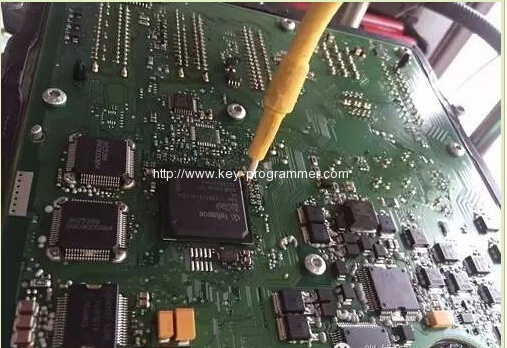
Disassemble 535i Engine computer, see ECU position in picture below:
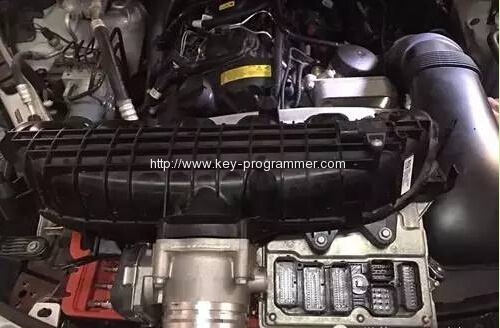
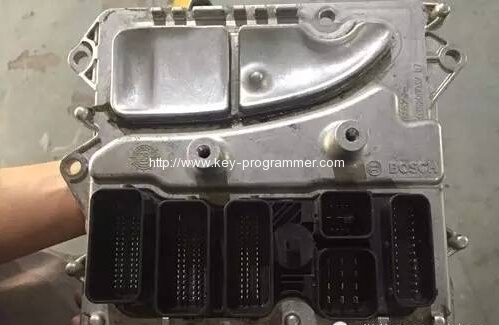
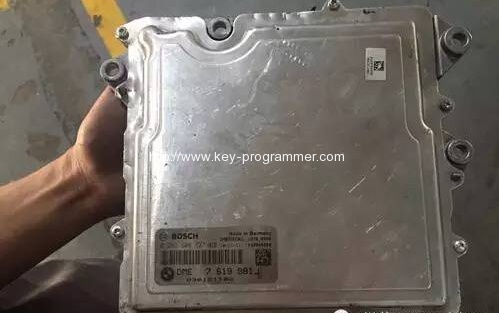
Read ECU data by using VVDI-Prog or Xprog V5.50 or above
Step 3:Write key by VVDI2/TM100
Connect VVDI 2 key programmer with computer. Select BMW>CAS4+ (5m48h)
Select “File make key”-> CAS4+-> 5M48H
Upload CPU(5M48H) eeprom data Step 1 saved.
VVDI2 will display vehicle information, VIN, KM, remote frequency etc.
This time we select 2nd option, “Have ECU data, load ECU data”
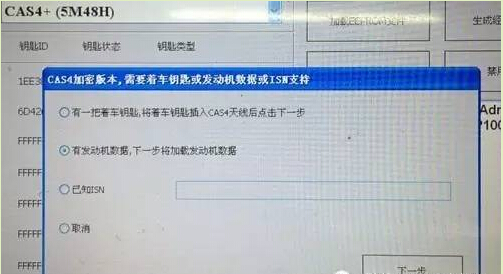
Upload ECU data read from Step 2. Follow VVDI 2 prompt insert a new key into coil, wait about
30 seconds, new key has been programmed.
In conclusion:
Add new key and all keys lost similarity:
Need to read ISN code+CAS eeprom data
Difference:
Add key: have ignition/original key, get ISN code to generate new key
All keys lost: need to read ECU data, get ISN code to program new key