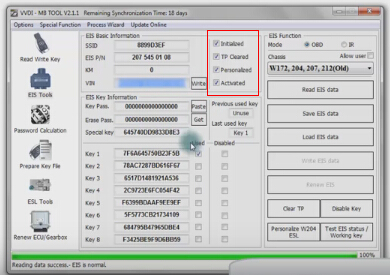
How to install W204 ELV Emulator by VVDI MB BGA Tool
Here is the instruction on personalizing and activating Xhorse ELV Emulator for W204 W207 W212 by VVDI MB Tool key programmer.
This is an ELV Emulator.
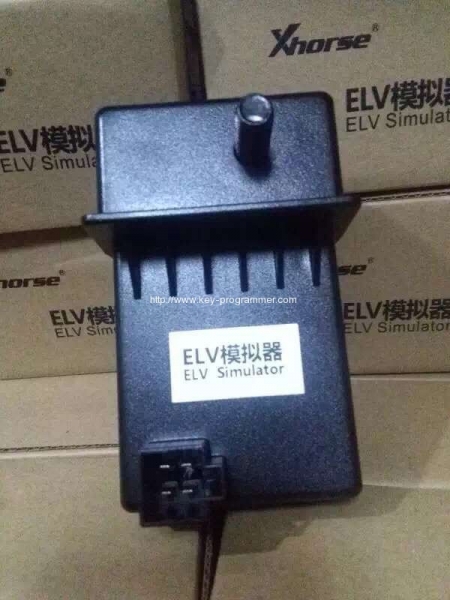
The ELV is not personalized.
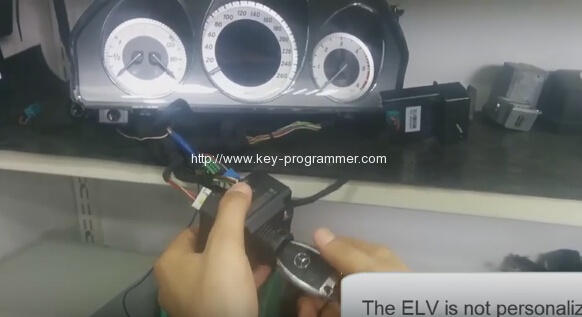
Open VVDI MB BGA Tool software
Select ESL tools
Click on Read ESL data
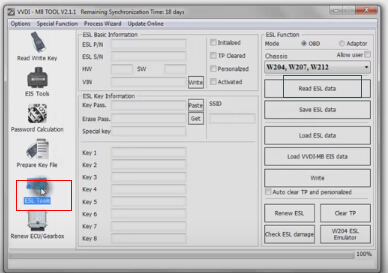
Read ESL data complete
Untick Personalized and Activated option
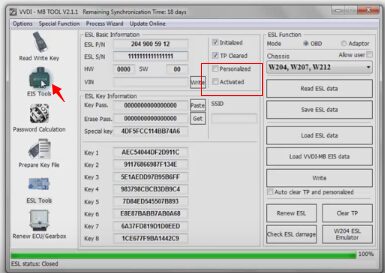
Then selet EIS Tools
Select OBD> Chassis
Click on Read EIS data
Click Get to erase EIS key password
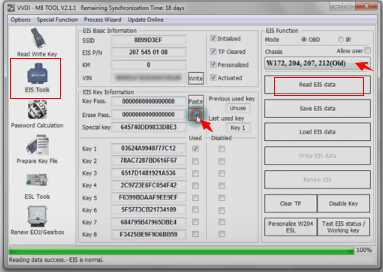
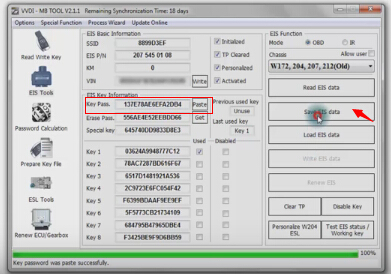
Now paste key password
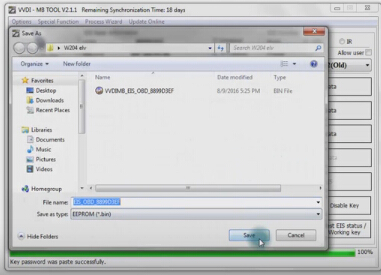
Select Save EIS data
Press OK to save HC05 format file
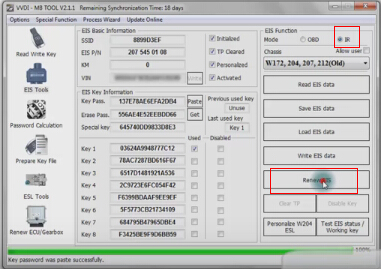
Select IR mode
click on Renew EIS
Insert IR key to EIS
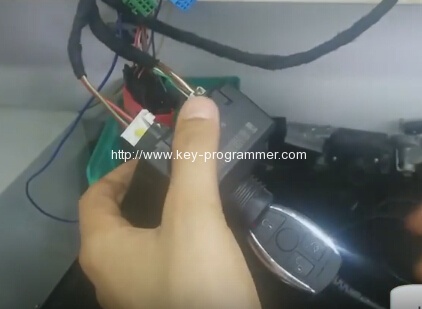
Insert IR adapter to car. Take out and insert again if already inserted. Remain 28 seconds.
Erasing EIS success
Select OBD mode
Select Read EIS data
Reading data success, EIS is normal.
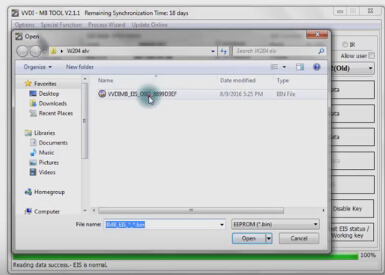
Click on Load EIS data
Open EIS data saved previously
Click Write VIN
Confirm VIN and press Yes to continue
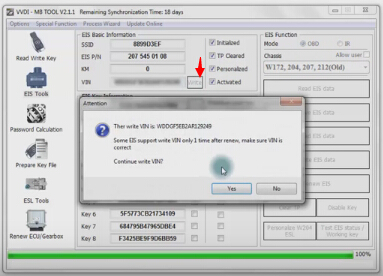
Write VIN success
Select IR
Select Write EIS data
Click Yes
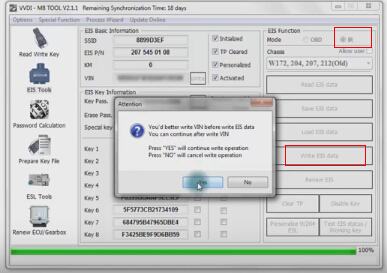
Writing data, please wait
Writing data success
Select OBD mode
Select Personalize W204 ESL
Personalizing ESL success
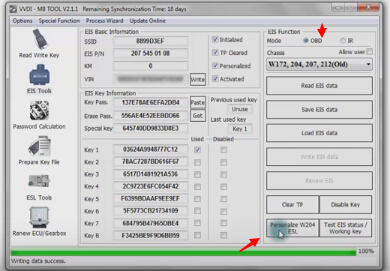
Select Read EIS data
Now the ELV is personalized
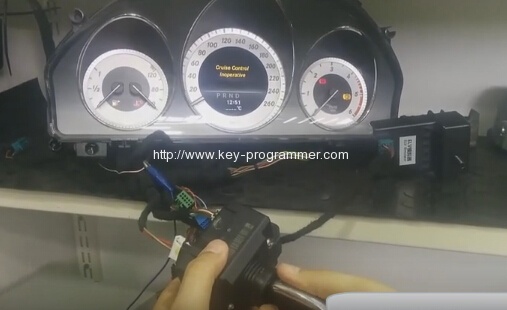
Select Read EIS data
Reading data success, EIS is normal.
ELV is personalized and activated.