Xhorse VVDI2 and VVDI Remote Key Copy Chip and Generate Remote
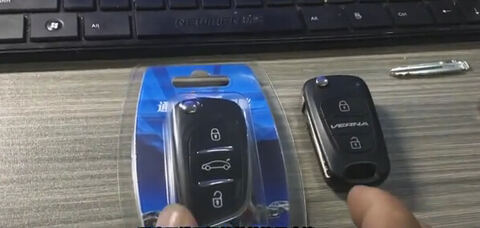
With Xhorse VVDI2 key programmer and wireless universal remote key, you will be able to copy chip and generate remote. Here we take Xhorse VVDI remote key Hyundai universal type as an example.
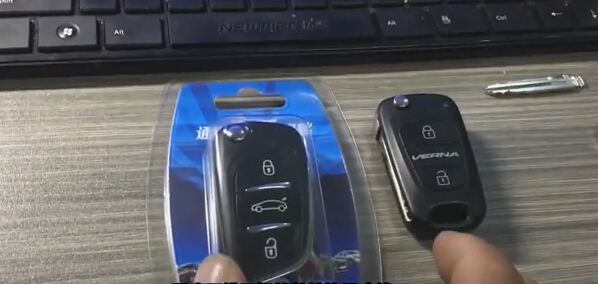
(Left: Xhorse remote key; Left: Original Hyundai key)
Step 1: Correct Chip Data
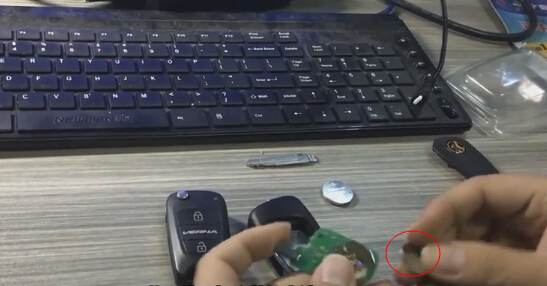
Install battery for wireless universal remote key.
– take out the pcb on the remote controller
– install the battery
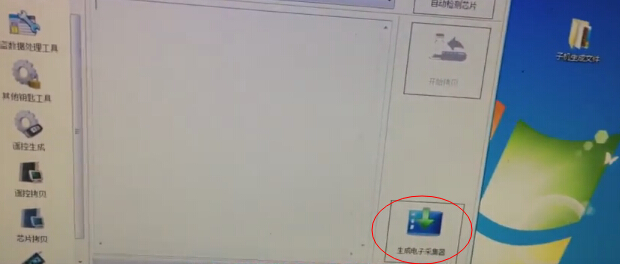
Generate wireless universal remote into chip signal collector via VVDI2 v1.2.2 software; VVDI2 automatically detect the chip
Place remote key into VVDI2 programmer
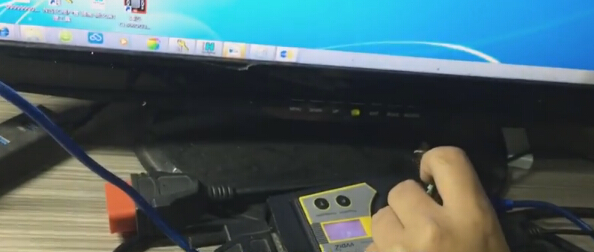
Auto detect chip type
Press the remote control buttons, LED will keep flashing, it means that it’s into correction status
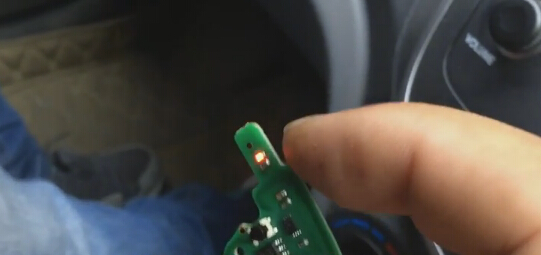
Signal acquisition success. LED indicator will flash rapidly.
Data correction is completed, ready to decode and copy
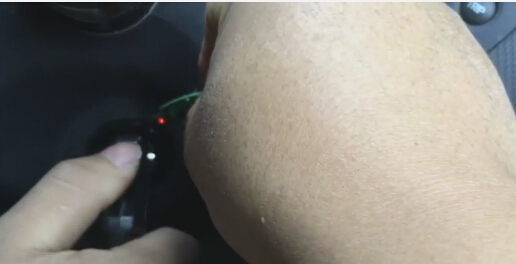
Step 2: Copy and Decode Chip
Put the chip with a battery installed into the remote control
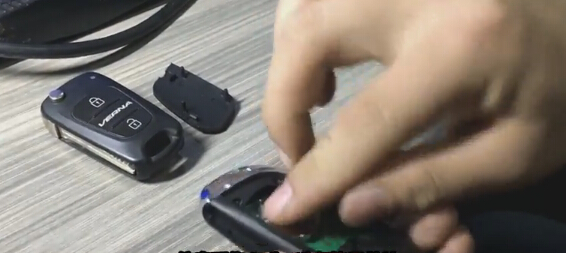
Put the original car key into VVDI2 key programmer for identification
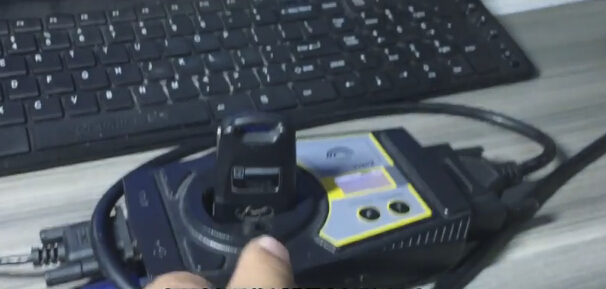
Click on Start Copy in VVDI 2 interface
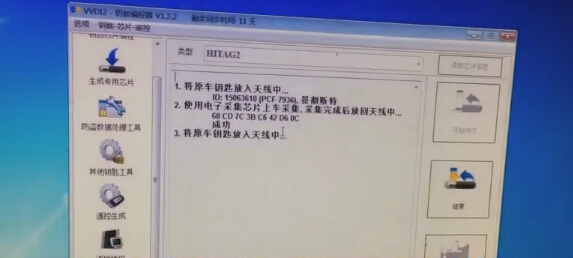
To collect information in the car and put the collector into VVDI2 (because we have collected data in Step 1, it’s ok to put the Xhorse remote collector into vvdi2)
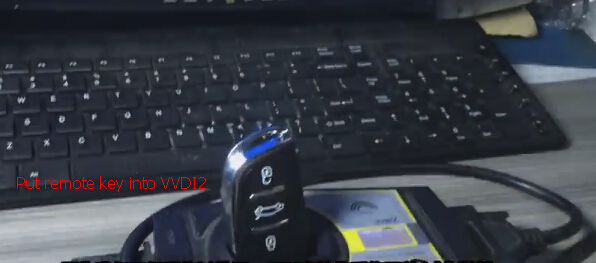
Put the original key into vvdi2 key programmer again
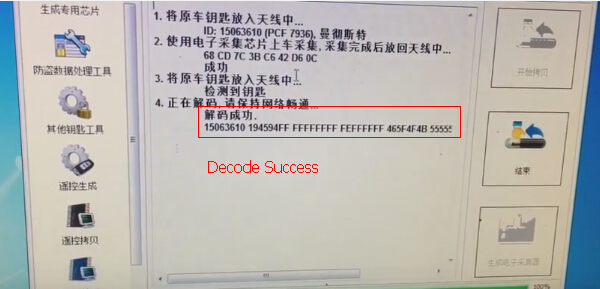
Connect to the network, to start decoding online
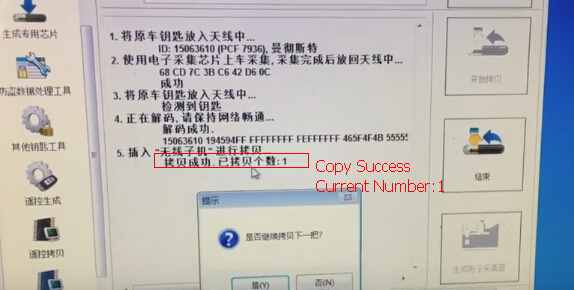
Decode chip success
Put Xhorse remote key collector into VVDI2
Copy success.
If VVDI2 software prompt you to copy next remote, click YES to continue or NO if you do not need.
Try to start the car with the new remote key.
Step 3: Generate Remote
We find that remote control does not work properly, ready to generate remote.
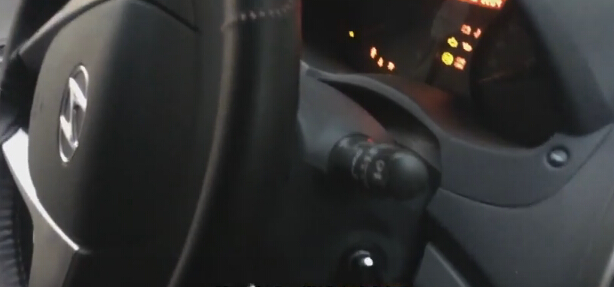
Put the new remote key into vvdi2 programmer
Select Genearte Remote function
Select region, make and model
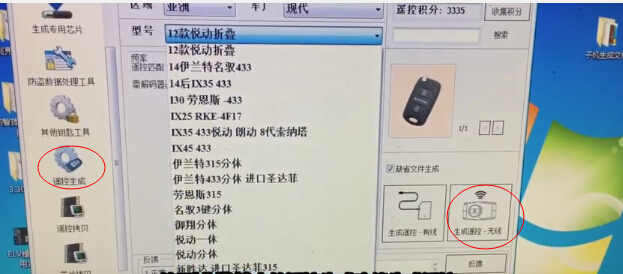
Select Generate remote-wireless
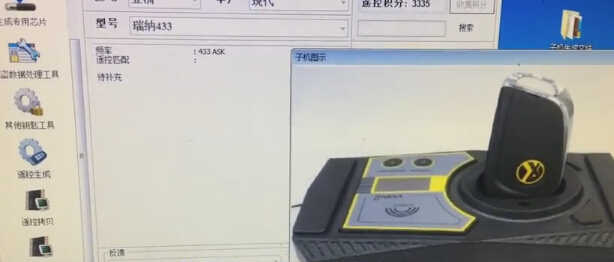
Success
Use special equipment to program the remote, i.e OBDSTAR Key Master or Xtool X100 Pad etc.
Xhorse wireless universal remote can copy a chip after regeneration as remote control, new equipment –Xhorse VVDI Key Tool remote generator will add this function.
Done!