Program Mitsubishi EVO10 Smart Remote Key All Keys Lost
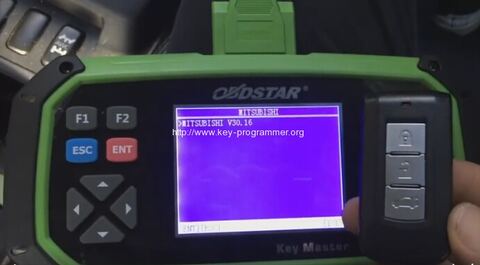
Here is the instruction on programming Mitsubishi EVO10 smart remote key when all keys lost by using OBDSTAR X300 Pro3 Key Master key programmer.
Vehicle model:
Mitsubishi EVOLUTION 10 TWIST START
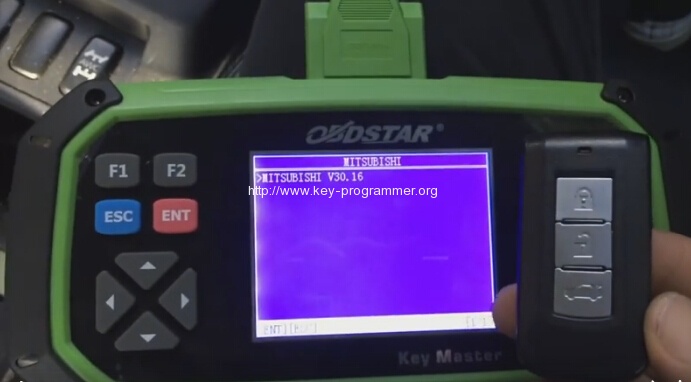
Smart remote twist start
When program take knob off
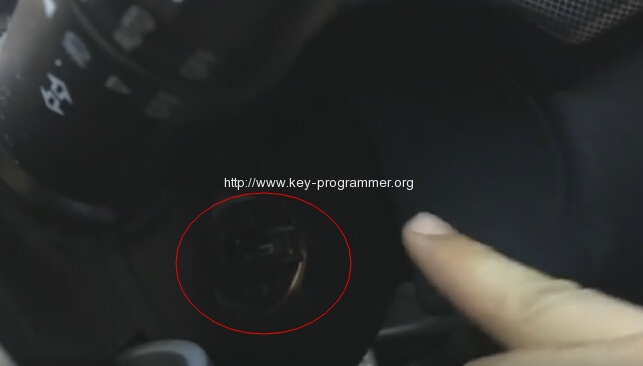
Can insert key
Take valet key install in remote
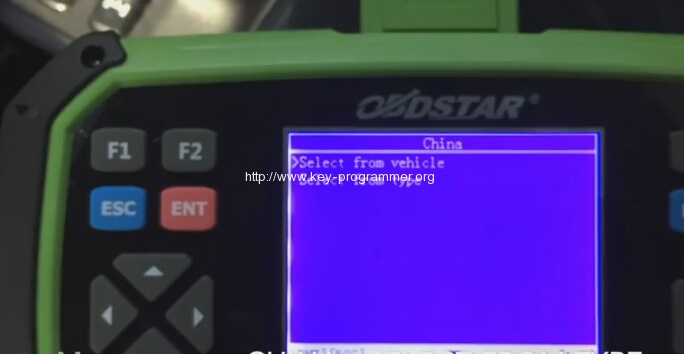
Select region
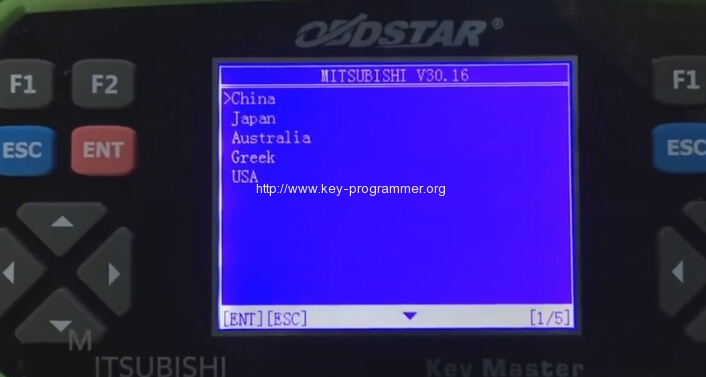
Select from type
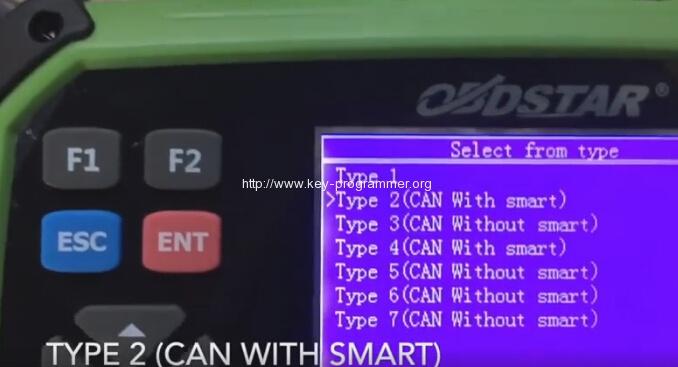
Select Type 2(CAN With smart)
Turn igntion ON
Pull out the mechanical key from a smart key, put the key back into a smart key, switch ignition on, press ENTER to continue
Already insert key #1
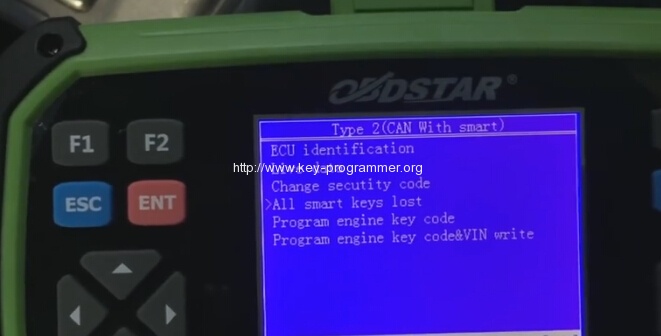
Select All smart keys lost
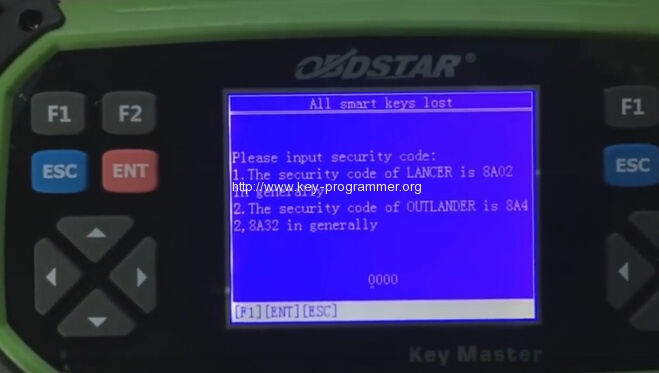
Input security code, i.e 8A02 and then confirm
Program success, whether to program next one? If yes, press ENTER to continue
If not, press ESC
Insert next key #2 and turn ignition switch on
Press ENTER to continue
Take key out from ignition first
You will hear beep beep sound
Press smart key lock button 2 times within one minute, will hear a car beep,if you wan to program other smart keyt, re-peat the operation above, press ESC to return
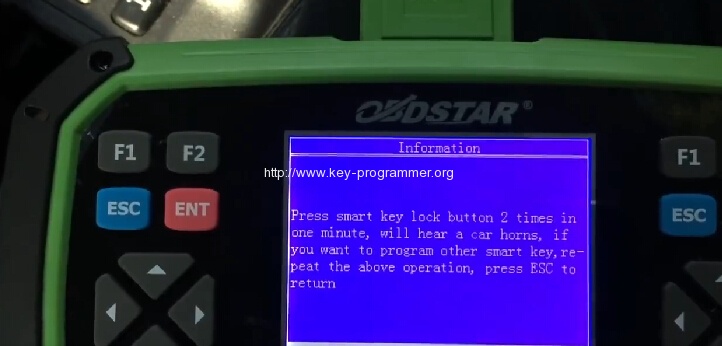
Take key out from ignition first
Press LOCK 2 times
sound beep beep
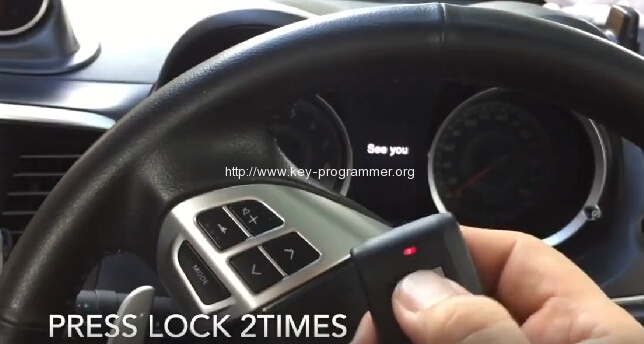
Program complete
Unplug OBDSTAR Key Master key programmer
Wait 10 seconds then test remote
Test remote OK