How to Generate 2 Remote Keys for Mitsubishi Triton 2007
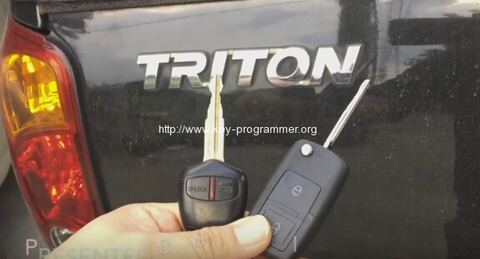
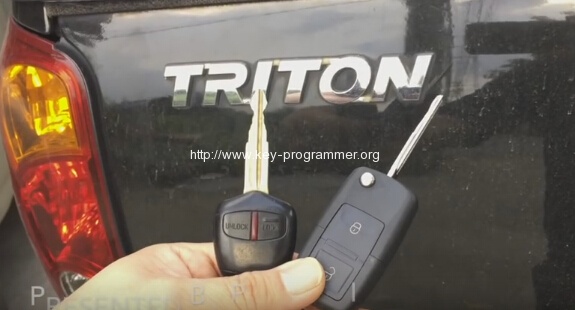
Here is the instruction on programming 2 remote control key on Mitsubishi Triton 2007 by using KD900 remote generator and OBDSTAR X300 Pro3 Key Master key programmer.
Vehicle model:
Mitsubishi Triton double cab 2007
Devices required:
KD900 remote maker
OBDSTAR X300 pro
2 remote keys
Background info:
The Mitsubishi Triton is a compact pickup truck produced by Mitsubishi. It was originally known as the Mitsubishi Forte in Japan from 1978 to 1986, when the name was discontinued as the pickup was not sold in its home market for a while. It returned to Japan in 1991 as the Strada. For most export markets the name L200 is used, though it also been known as the Rodeo, Colt,Storm, Magnum, L200 Strakar (badge used in Portugal since 1999, Strakar is a portmanteau of Strada and Dakar), and others. Currently the pickup truck is sold in every available Mitsubishi market except the United States, Canada, Japan, P.R.C., and South Korea.
Procedure:
Step 1: Generate Remote with KD900
Well connect KD900
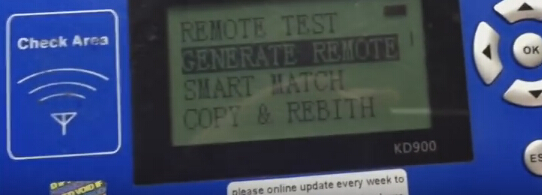
Select Generate Remote
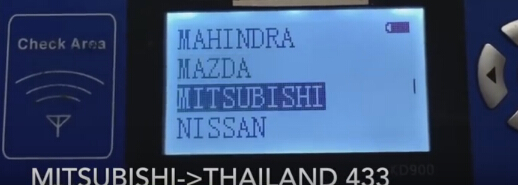
Select Mitsubishi->Thailand 433
Detect key information
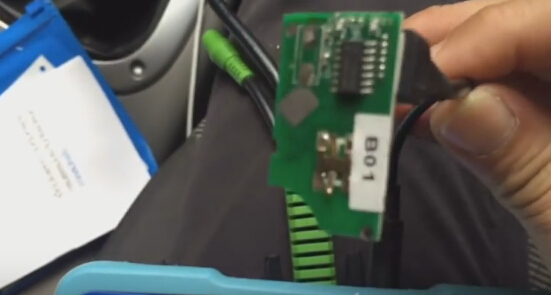
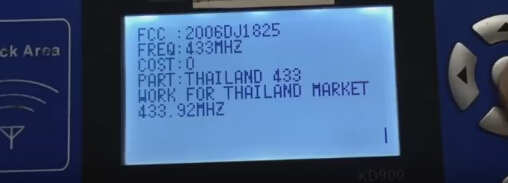
Select Make Remote
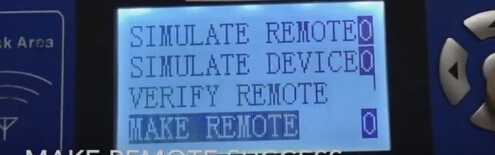
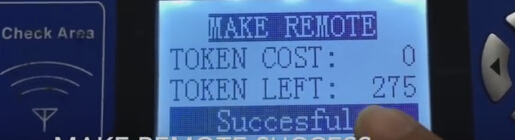
Make remote success
Inserted to keyshell
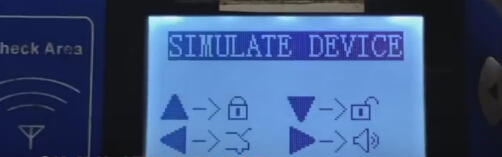
Go back and select Simulate Device in KD900
Step 2: Program remote with Key Master
Connect OBDSTAR Key Master with vehicle via OBD socket
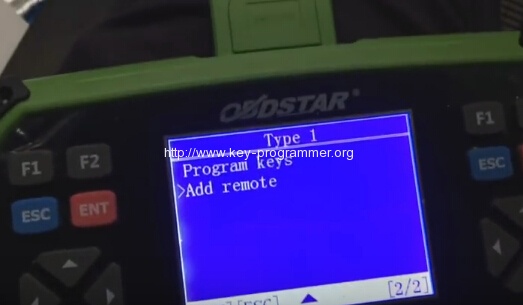
select Add remote
Turn ignition on with remote key
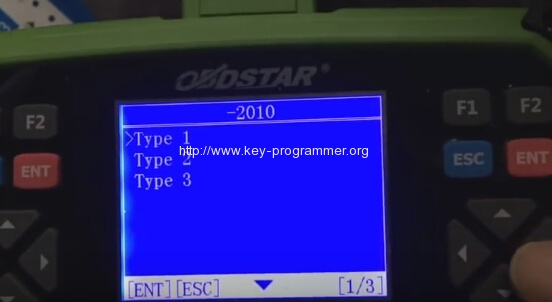
Select Type 1
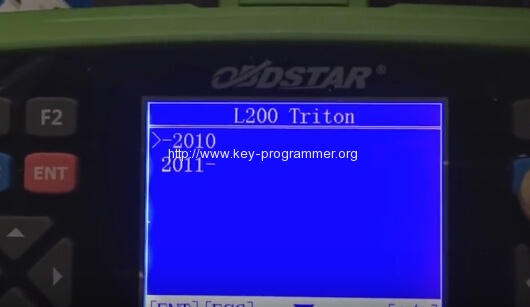
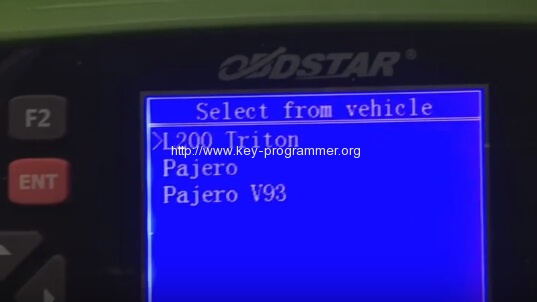
select L200 Triton ->2010
select L200 Triton
Select from vehicle
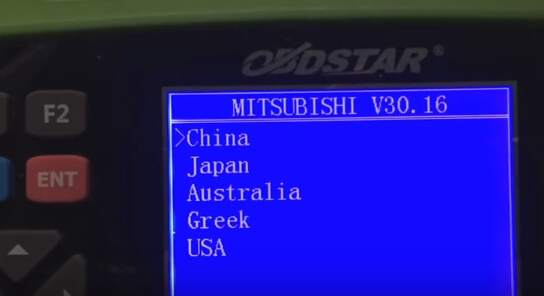
Select Mitsubishi region: China-> Select from vehicle
select L200 Triton ->2010
Select Type 1
This Triton key has no chip
Select add remote (add only one remote)
All remotes will be erased
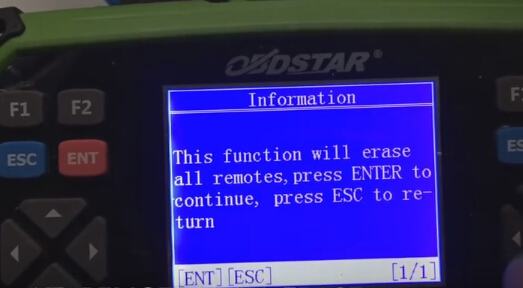
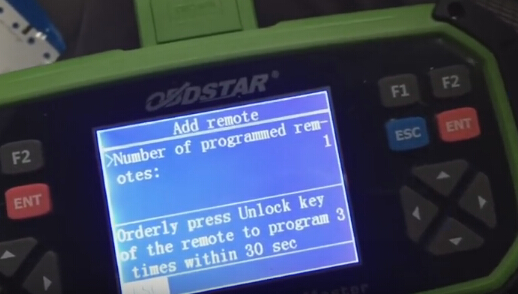
Number of programmed remotes: 0
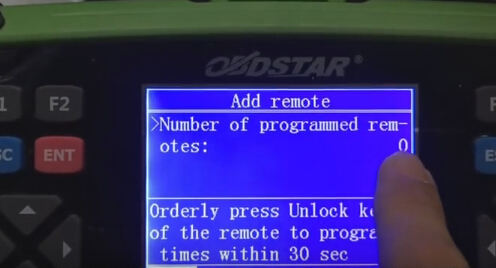
Orderly press Unlock key of the remote to program 3 times within 30 sec
Then remote number turn to 1
Press down button for twice on KD900
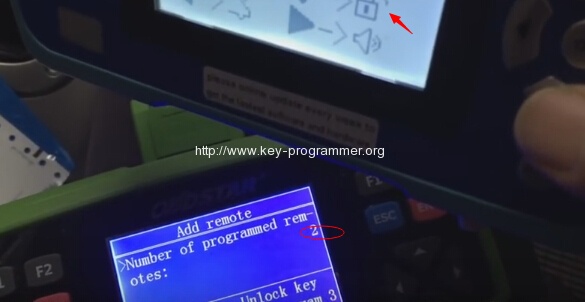
Number of programmed remotes: 2
Program Complete
Test remote.