Program Mazda 3 2015 All Smart Keys Lost via OBDSTAR Key Master
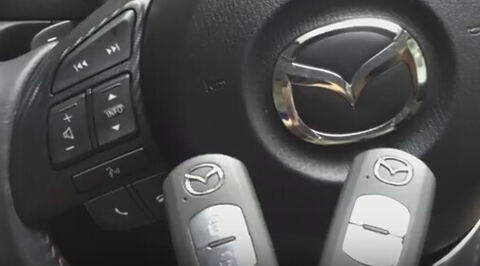
Programming Mazda 3 SkyActive 2015 smart remote keys when all keys lost by using OBDSTAR X300 Pro3 Key Master in action.
You need at least 2 remotes to be programmed.
Connect X300 pro3 with vehicle via OBD socket
Select Mazda
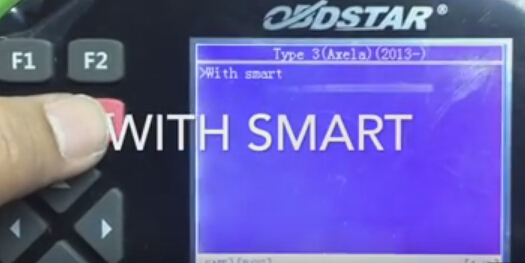
Select Mazda 3->Type 3 (2013+)->With Smart
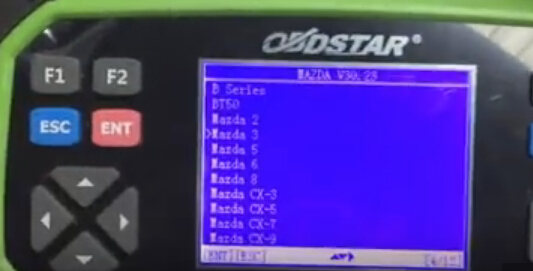
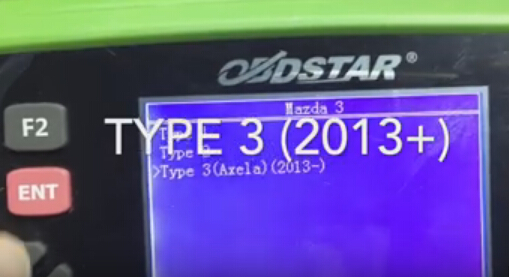
Select All smart keys lost
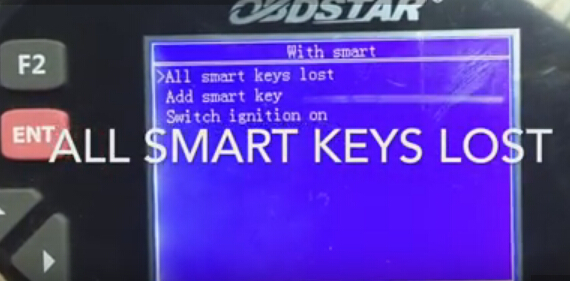
minimum 2pcs keys are required. All smart keys will be erased.
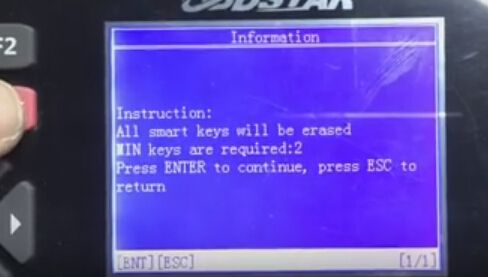
switch ignition on, press Start button for twice
Current number of smart keys: 2
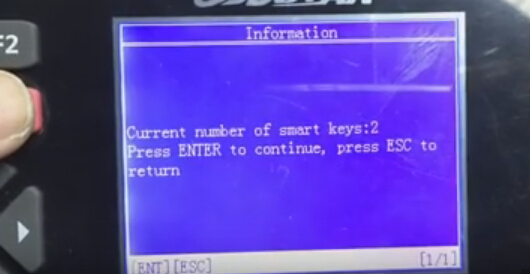
OBDSTAR Key Master reading vehicle information
Current number of smart keys: 0
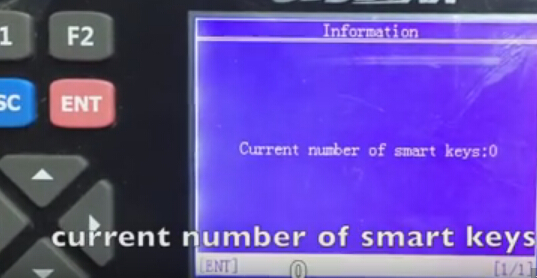
Erase keys complete
switch ignition OFF
switch ignition on
Use a new smart key to contact Start button, pres ENTER to continue
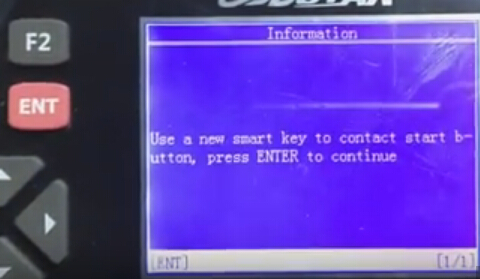
Security light stop fashing
First remote programm OK
Current number of smart keys:1
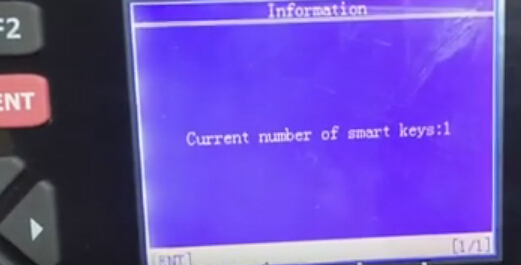
X300 pro3 prompt whether to program next one? Press Yes to continue
Switch ignition OFF
Switch ignition on
Again use a new smart key to contact Start button, pres ENTER to continue
Program success press enter to program next of not press ESC
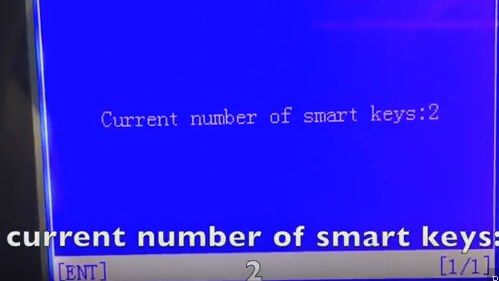
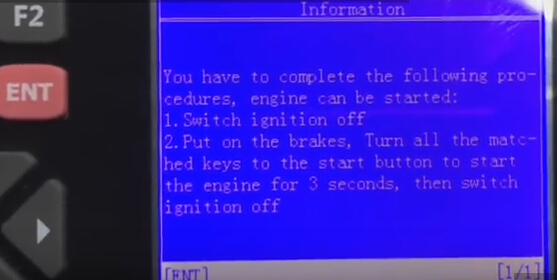
You have to complete the following procedure to start engine:
1. Switch ignition off
2.Put on the brakes, turn all the matched keys to the start button to start the engine for 3 seconds, then switch ignition off
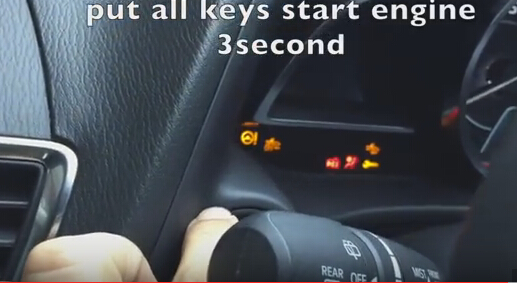
In short, use all keys to start engine for 3 seconds
Test all remote function
Success!