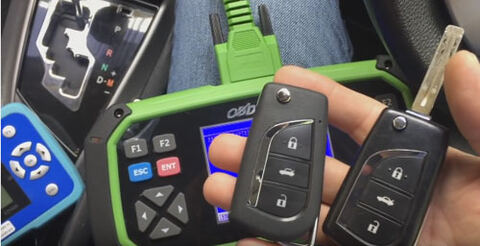
Obdstar x300 pro3 key master is able to program a Toyota H chip remote now! Here is the test report of how to program a H chip key and program the remote using the key master.
Car: Toyota Altis Esport
Purpose: program a remote with a chip H (47)
Tools to use:
KD900 Remote Maker to make a remote
Obdstar X300 Pro3 to program a H chip key
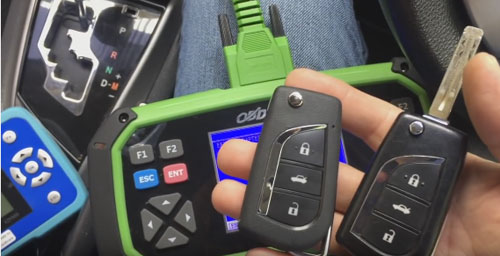
Two keys- right: original, left: new to be programmed
Test process:
First make a remote key with the KD900 and insert the chip H (47)
Then, program the chip through obdstar key master
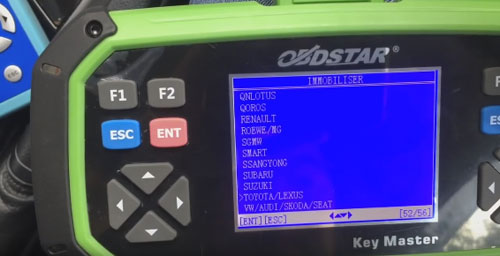
Select Immobiliser-> Toyota/Lexus-> Toyota/Lexus v31.03
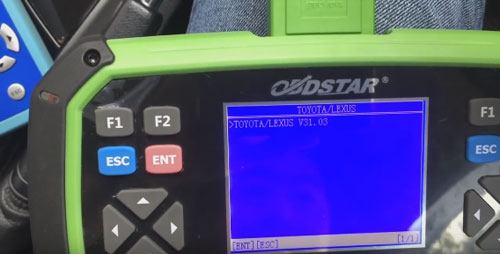
Loading software…
Authorizing…
Select Immobiliser-> Type 2 (with G/ H)-> Add a key
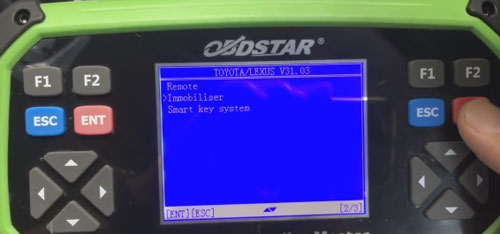
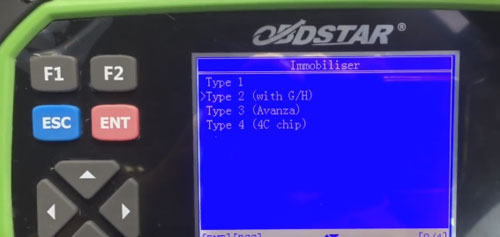
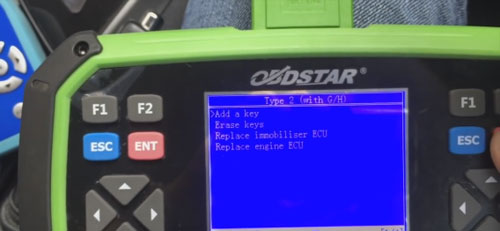
Read the prompt to go on:
1 master key is needed to erase or add other keys!
How to identify a master key and a valet key?
Insert the key into ignition switch, if the immobiliser light isn’t bright, that is the master key; if it is bright for a second and then extinguished, that is the valet key.
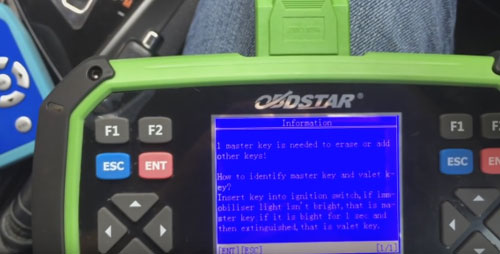
So insert the programmed master key, and switch ignition on, then press Enter to continue
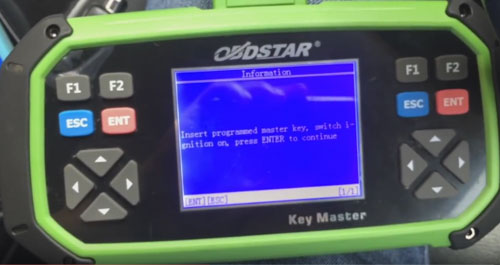
Read the prompt to go on:
Insert to match the key and keep the ignition switch off and wait until about 60 seconds until the anti-theft lights go out and the matching is done
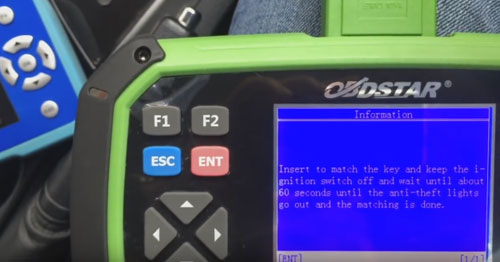
So, insert a new key wait until the security light goes off (need 60s)
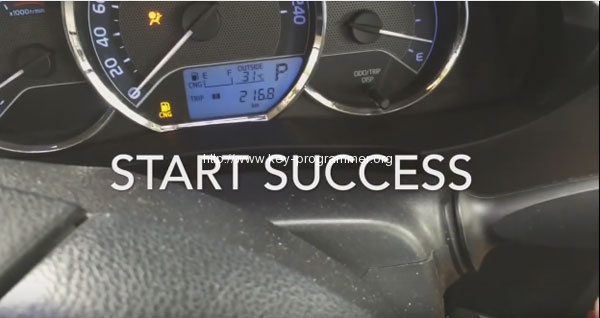
The car can start successfully
Next, program the remote, also with OBDSTAR Key Master
Go to Immobiliser-> Add a key-> Type 2 (with G/ H)-> Remote-> Type 1
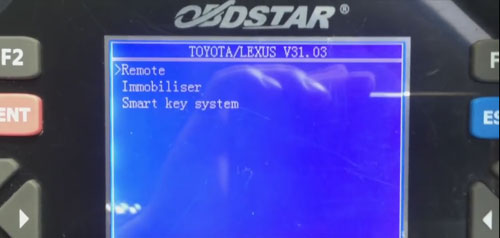
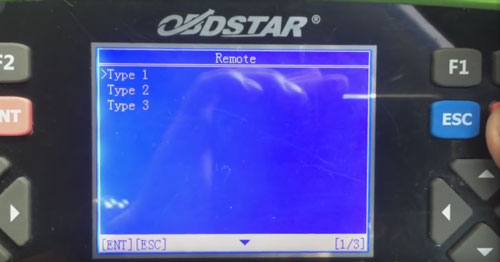
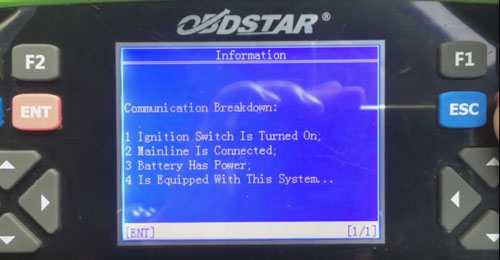
Communication breakdown:
1 ignition switch is turned on
2 mainline is connected
3 battery has power
4 is equipped with this system…
Select Remote-Type 2
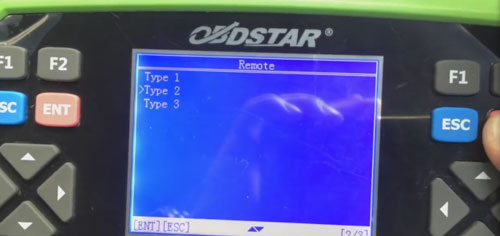
Add remote
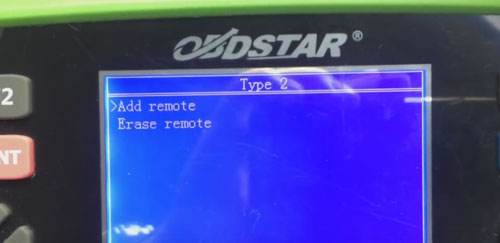
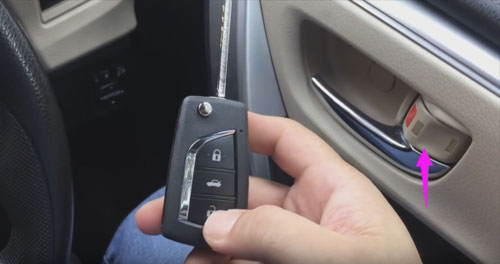
Switch ignition on and open the driver door
Press LOCK and UNLOCK together for a sec within 30 sec, press LOCK once
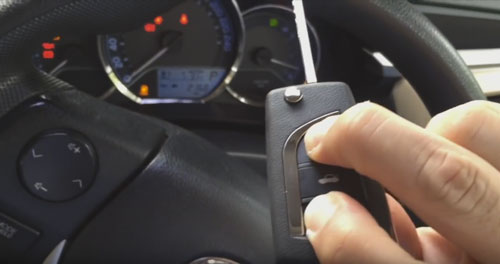
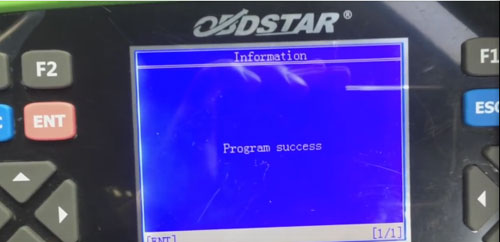
Successfully program a remote!
It’s working
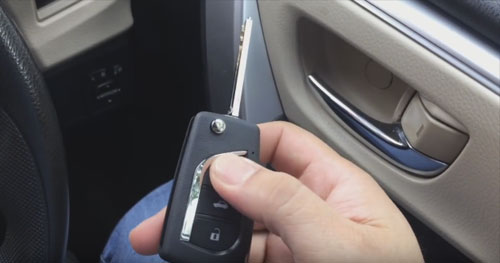
Done!