Program Paramera New Key via VVDI2 and VVDI Prog
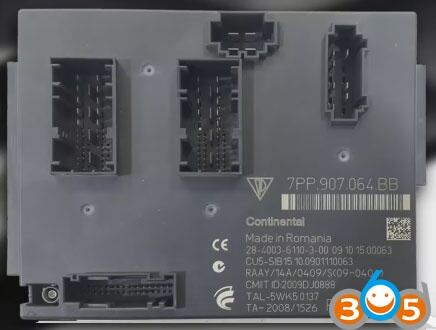
It’s a good tutorial of Porsche Paramera key programming using VVDI Prog to read BCM and VVDI2 to program a new key.
Porsche BCM:
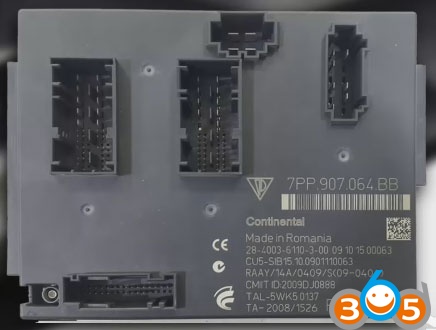
Tools needed:
VVDI PROG programmer
VVDI2 key programmer
(both made by the Xhorse)
Two main steps of Paramera key programming:
- Read BCM data
- Program a dealer key
III. Write the key
3 steps for making a new key to Paramera… Here you go.
Step 1 VVDI Prog read BCM
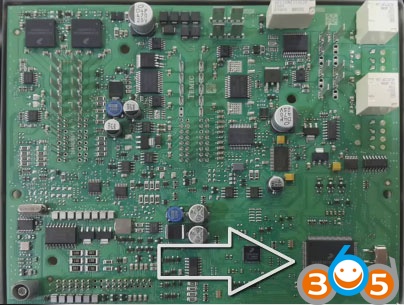
Disassemble the BCM
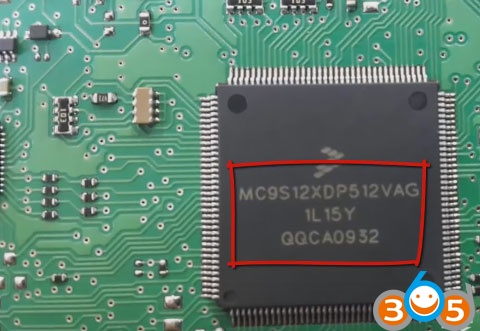
Find out the mc9s12xd512vag chip
Run VVDI Prog software
Select type: 4-immobilizer, brand: porsche, type: BCM-1L15Y
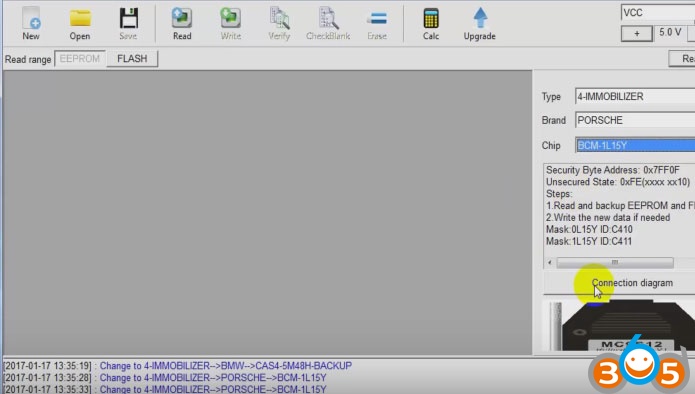
Click on Connection Diagram
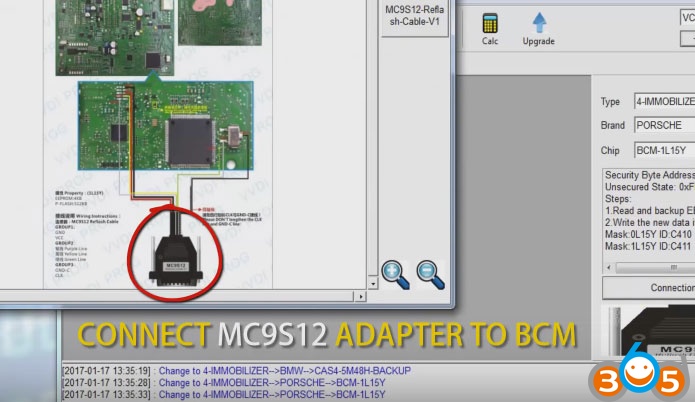
Connect the MC9S12 adapter to the BCM
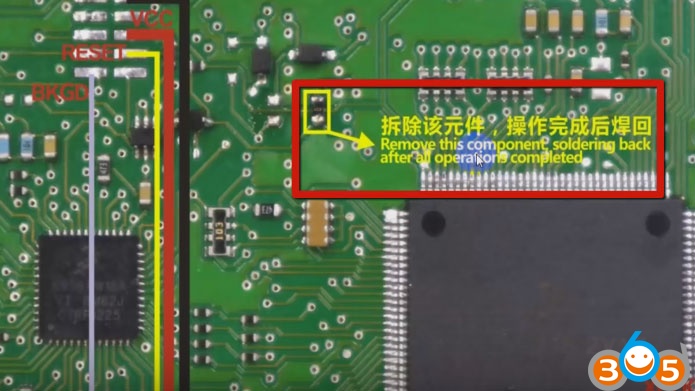
Remove the component and solder back after the operation is complete
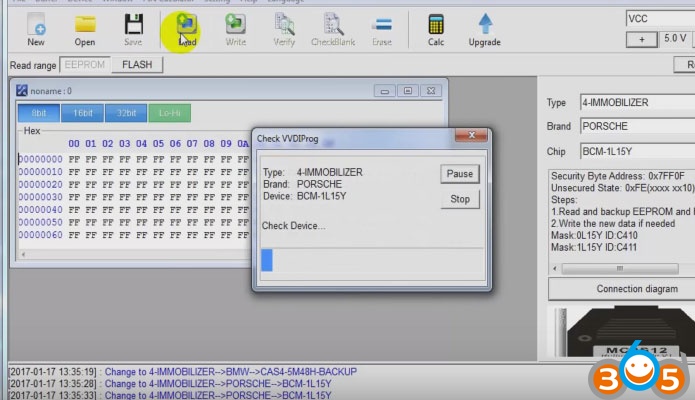
Read BCM data
Then save the bin file
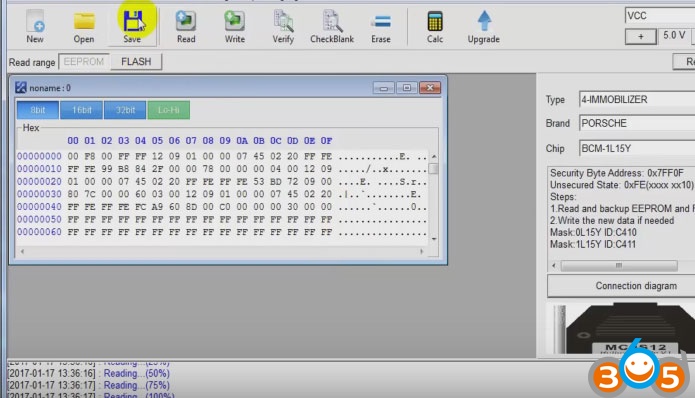
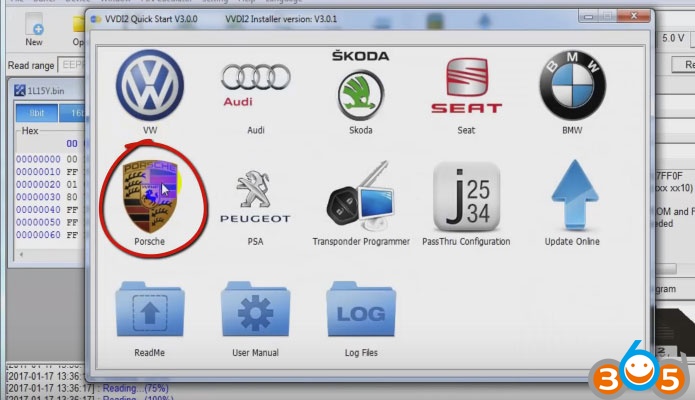
Step 2 Xhorse VVDI2 Key Programmer Porsche prepare dealer key
Open VVDI 2 Quick Start
Go to vvdi porsche
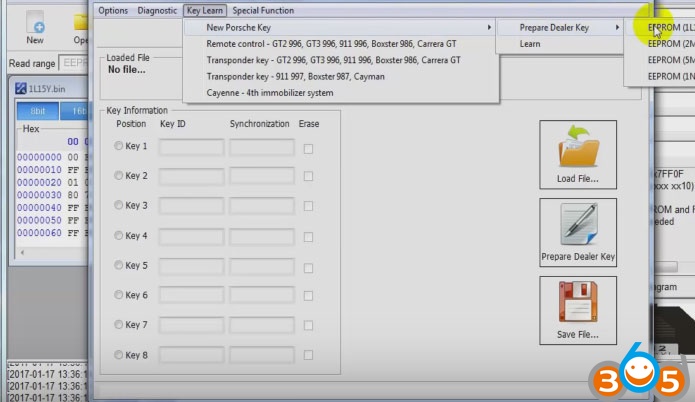
Select Key Learn-> new porsche key->prepare dealer key-> EEPROM 01L15Y
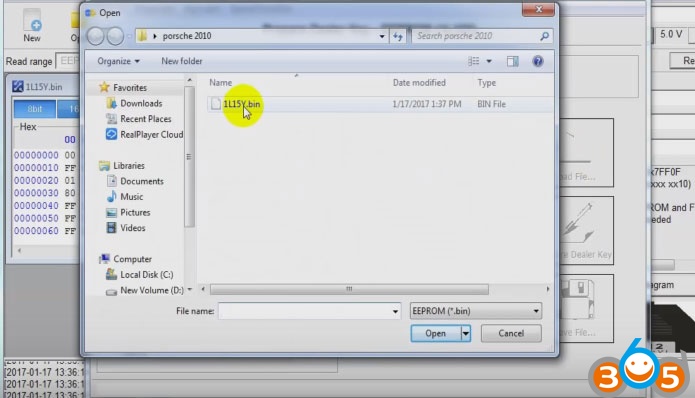
Load file: open the bin file (read by vvdi prog)
Select key 3
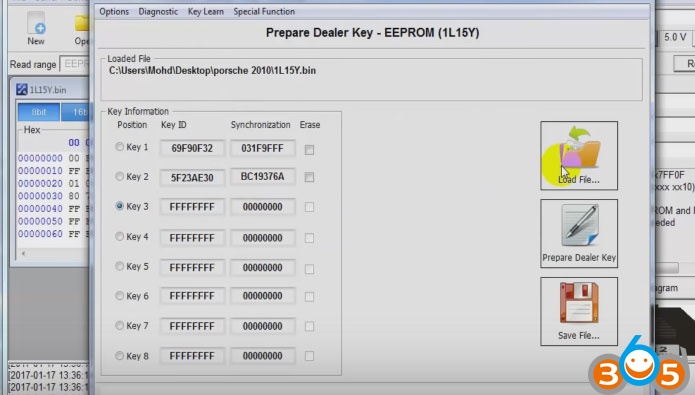
Prepare dealer key
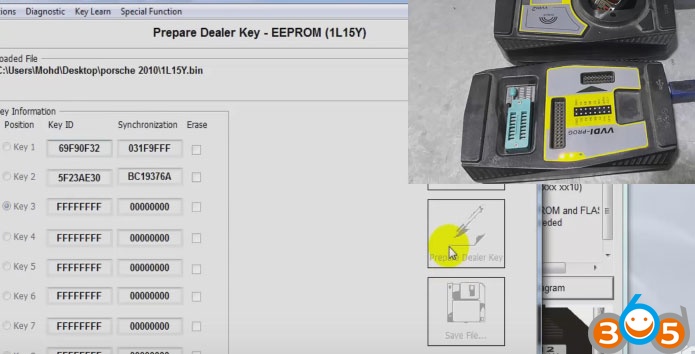
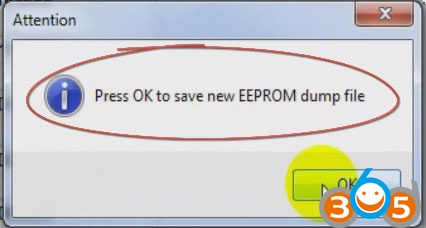
Click on OK to save the new EEPROM dump file
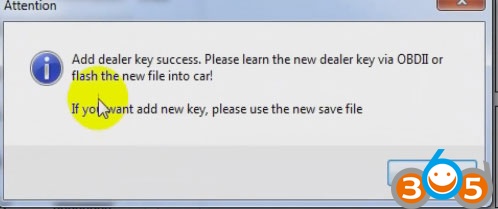
Add dealer key successfully! Please learn the new dealer key via OBDII or flash the new file to the car. If you want to add a new key, please use the new save file!
Step 3 VVDI programmer add a new key
Back to VVDI-Prog ecu programmer
Open the new bin file
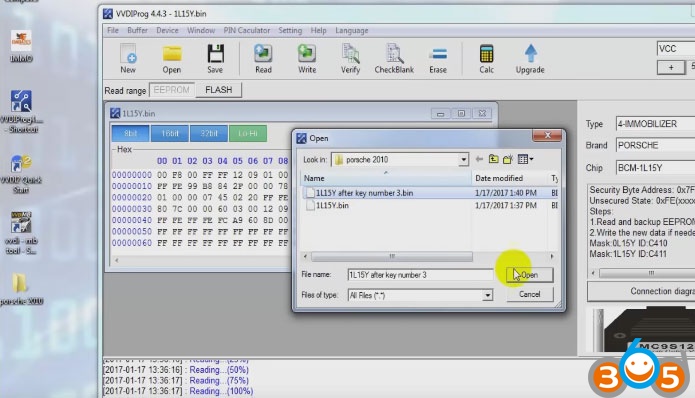
Write…
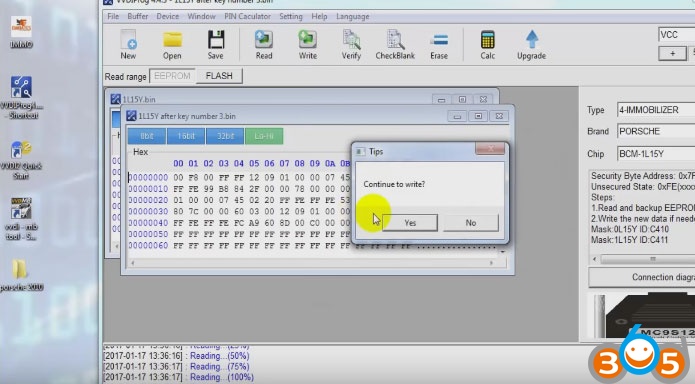
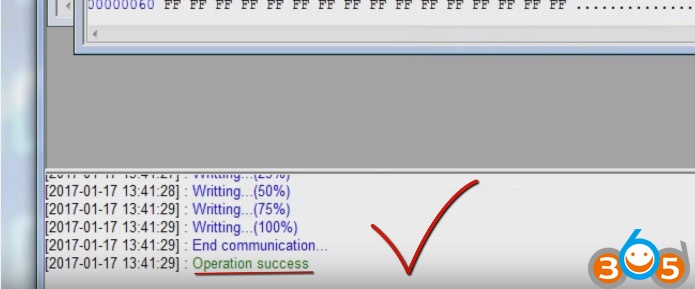
Operation success!
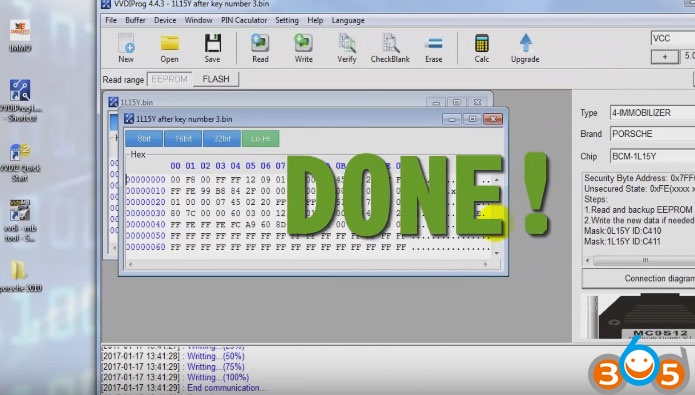
Done!
See also “VVDI Prog & VVDI2 Program A New Key to Porsche Paramera “