
Here is the step-by-step instruction on how to add key data to SEC-E9 CNC automatic key cutting machine.
SEC-E9 key cutting machine is able to cut standard keys and high security keys, such as BMW, VW, HONDA, OPEL,etc, SEC-E9 also supports to cut house keys, including dimple keys, tubular keys, single standard keys and motorcycle keys. Ford Tibbe keys and LDV keys are available to cut. SEC-E9 is a good choice for locksmith since you do not need to buy other small key cutting machines for house keys, just need to buy the corresponding clamps for different key types. Moreover, SEC-E9 can cut a new key without original key. It is the main difference from the traditional manual key cutting machine.
How to add key data to SEC-E9 by user?
Power on the SEC-E9 key cutter
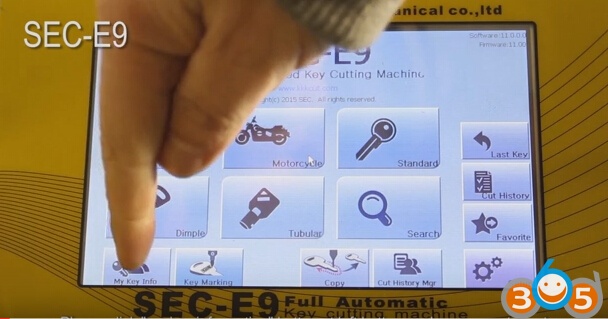
Click “my key information” button at left bottom on the home page to go to next page.
Please click “create new” button at right bottom on screen.
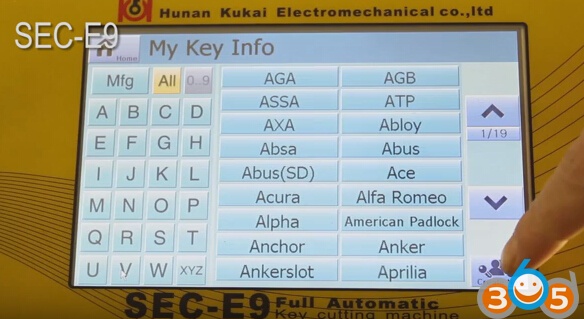
Please pay attention to alerts, and please click “OK” button if you are familiar with details of key
Click input field at upper right, then click the right keyboard button
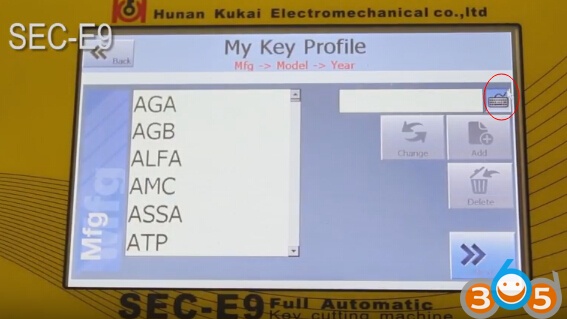
Input new needed manufacturers of keys, locks or cars, then click “OK” button
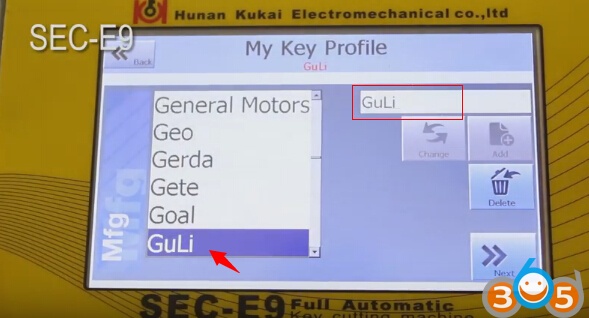
please click “Add” button to add manufacturer name to left list
Input new needed models of keys, locks or cars
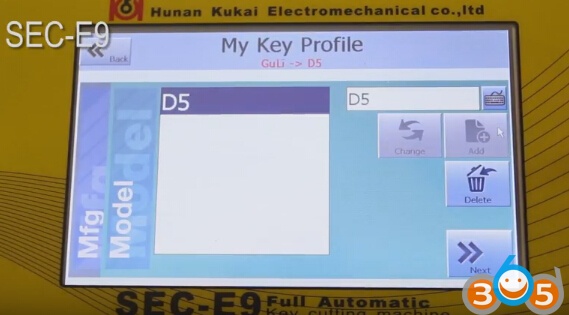
click “Add” button to add input model to list
Select model you added, then click Next bottom
Then input model production year (Year from and Year to)
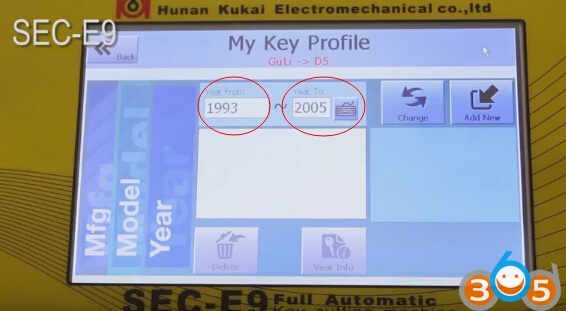
Click “Add new” button
Select the new option and click “select card” button
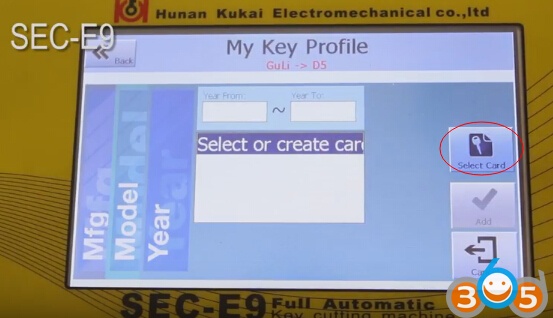
Input key information according step by step
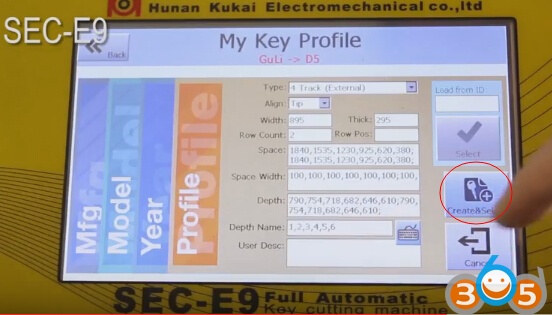
Then select Create & Select button
Then go to next page, you will see a data ID number in list
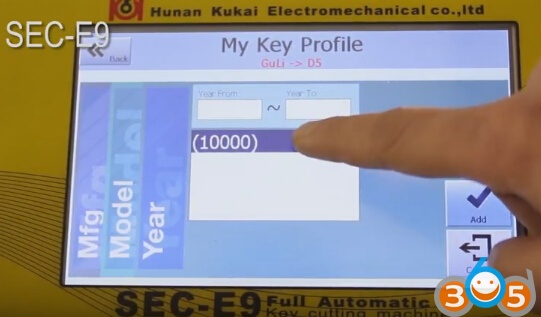
Click “Add” button, and it means you finish adding data.
Click “View information” button to view input data.
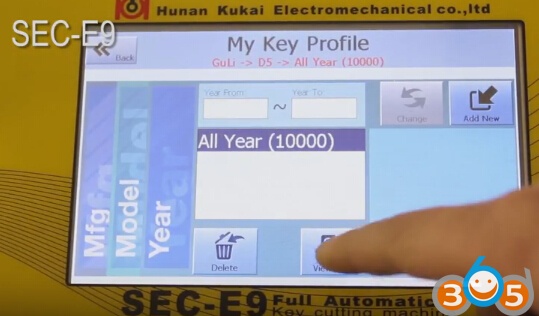
Back to SEC-E9 key cutting machine home page and enter “my key information” page, and you will find the added manufacturer and model
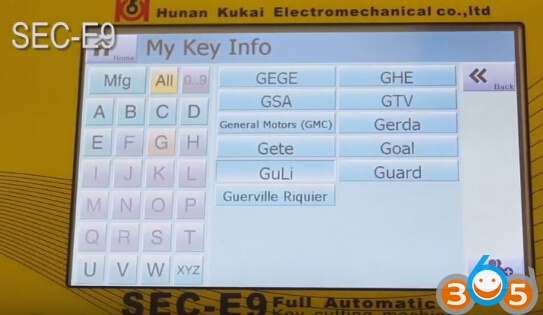
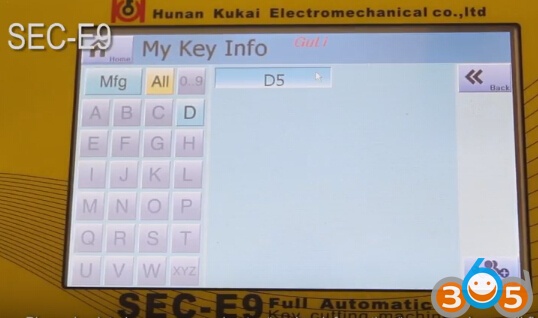
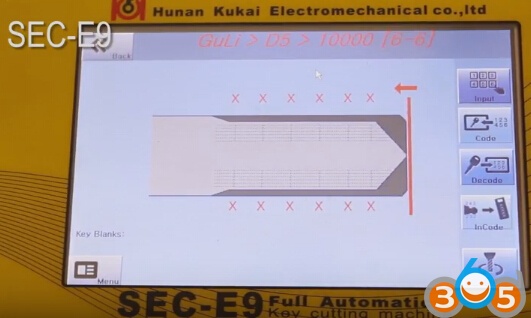
You can start to cut keys if the data is correct.