Program Toyota Corolla 2010- G Chip All Keys Lost via OBDSTAR X300 DP
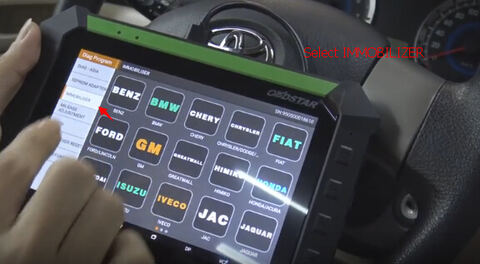
Just done a Toyota Corolla 2012 G chip key via OBDSTAR X300 DP (Key Master DP) PAD key programmer under all keys lost situation. Some operation steps & pictures attached below:
Connect OBDSTAR X300 DP/key Master DP via OBD diagnostic socket
Select IMMOBILIZER
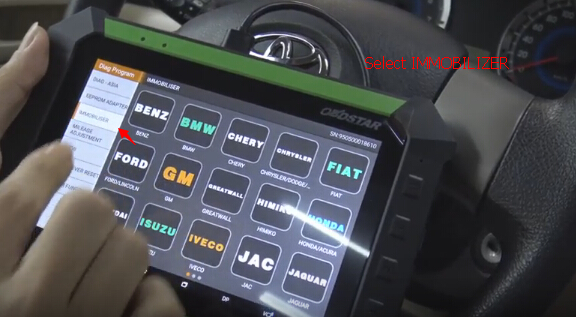
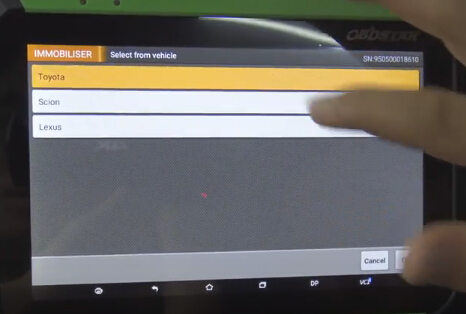
Select Toyota
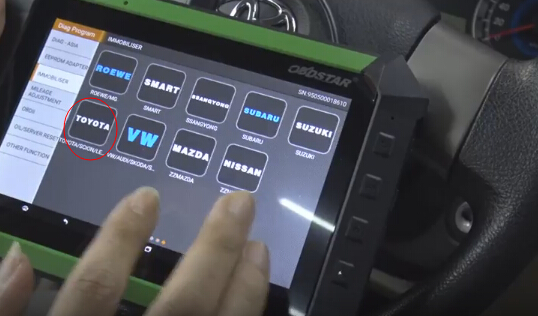
Select Toyota/Scion/Lexus V31.11
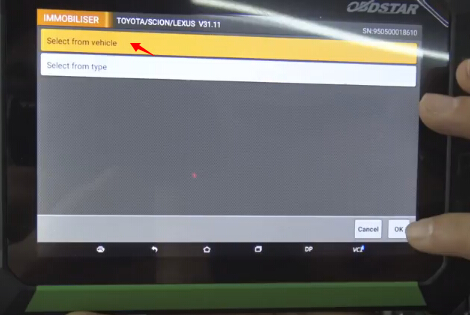
Select from vehicle, press OK
Select vehicle make: Toyota
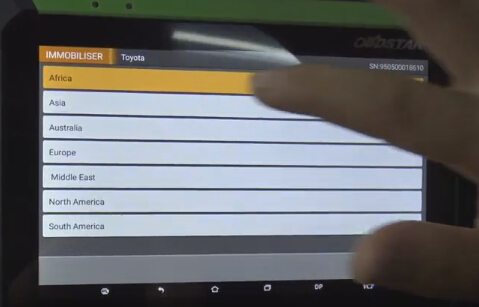
Select Toyota Region, for example Asia
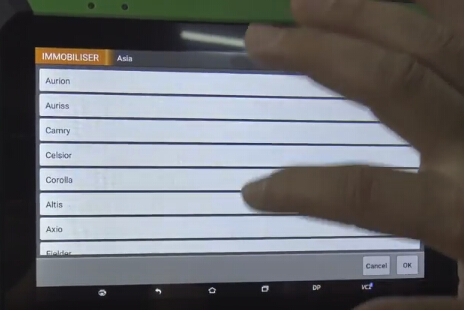
Select Toyota model: Corolla
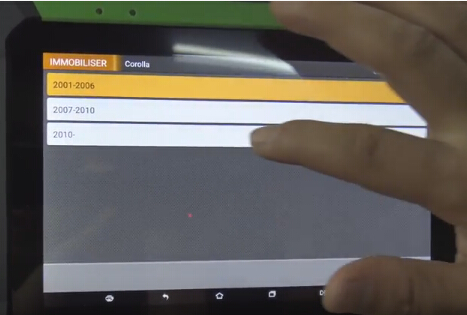
Select model year:2010-
Select Immobiliser
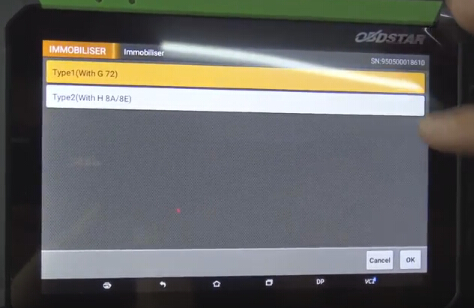
Select key chip type: Type 1(With G 72)
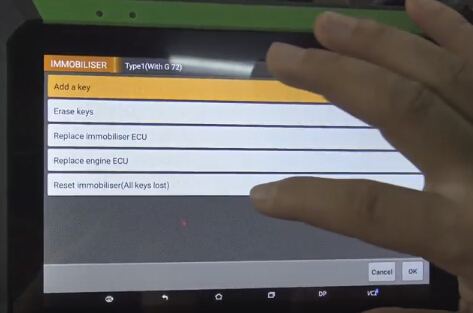
Select function: Reset immobiliser (All keys lost)
Switch ignition off
Switch ignition on
Switch ignition off and remove the key
Switch ignition on
Switch ignition off and remove the key
The system pops up the tutorial of key programming through Obdstar X300DP:
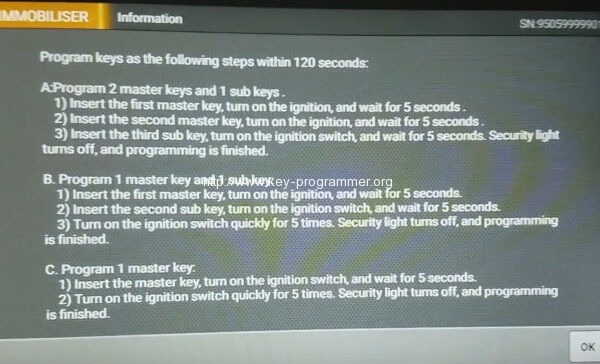
“program keys as the following steps within 120 seconds:
A: program 2 master keys and 1 sub key
1- program the first master key, turn on the ignition and wait for 5 seconds
2- insert the second master key, turn on the ignition switch and wait for 5 seconds
3- insert the third sub key, turn on the ignition switch and wait for 5 seconds. The security light turns off and programming is finished.
B: program 1 master key (here, we should follow this guide)
1- insert the first master key, turn ignition on and wait for 5 seconds”
2- insert the second sub key, turn on the ignition switch and wait for 5 seconds
3- turn on the ignition switch quickly for 5 times. The security light turns off and programming is finished.
C: program 1 master key:
1- insert the master key, turn on the ignition switch and wait for 5 seconds
2- turn on the ignition switch quickly for 5 times. The security light turns off and programming is finished.”
Obdstar x300 dp key programmer does all key lost with G chip through OBDII successfully!