Xhorse Condor XC-Mini Update Tool V1.0.9 Free Download
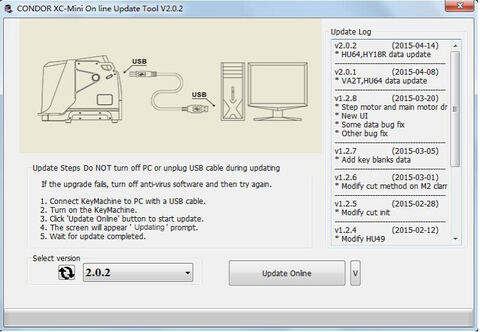
Xhorse Condor XC-Mini key cutting machine Update Tool V1.0.9 free on mega.
https://mega.nz/#!yxEgCZQD!kEESAh3fuGiNbKPzJPVDPURykXpAJrTrZu406FwgEOg
How to update Condor XC-Mini key cutting machine?
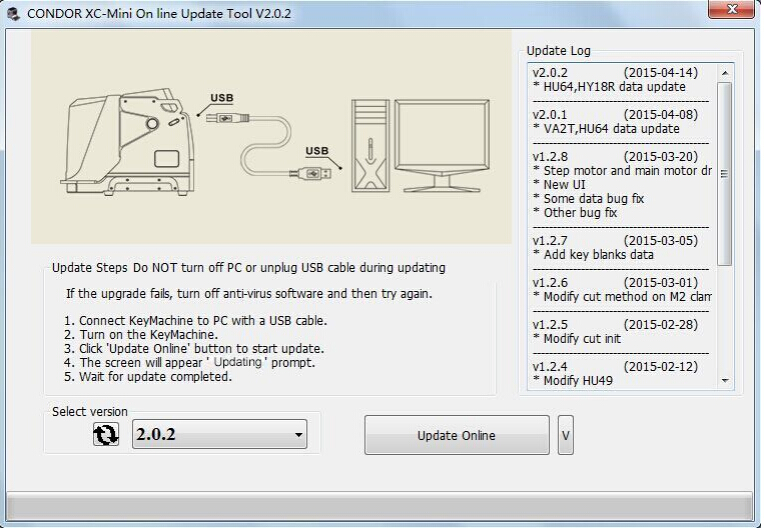
1. Connect iKeycutter CONDOR XC-MINI Master to the PC with a USB cable.
2. Turn on the CONDOR MINI.
3. Click “Update online” button to start update.
4. The screen will appear “Updating” prompt.
5. Wait for the update completed.
Notes:
A: Do NOT turn off PC or unplug USB cable duing updating.
B: Data downloading and firmware upgrading may take a while, please be patient.
C: If the update fails, turn off anti-virus software and then try again.