How to Add Honda CR-V 2012 Keyless Access Remote by G-Scan 2
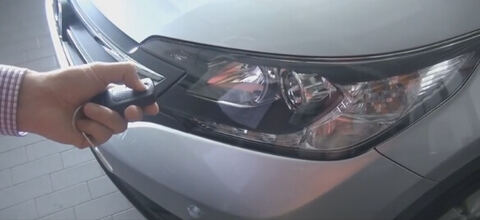
Original G-Scan2 is the best Asian diagnostic scanner for Asian cars and trucks. Here is the guide to register a new Keyless Access Remote to a 2012 Honda CR-V.
This strange and lengthy process requires turning the IG switch On and Off for more than ten times, but don’t panic, you can just follow the on-screen instruction of G-scan2. Check it out.
G-scan Adding Keyless Access Remote to a 2012 Honda CR-V
The original key is working well, but the new key is not working
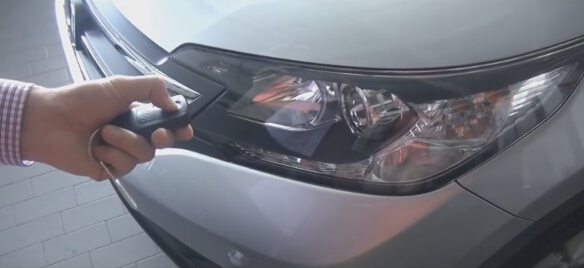
Turn ignition on
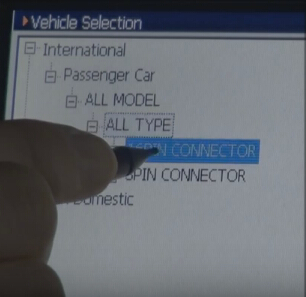
Go go G Scan 2 Main and Enter procedure:
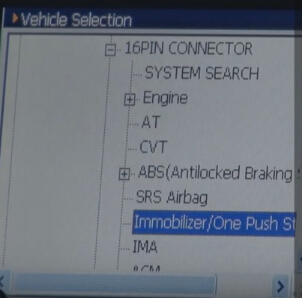
Select Honda-> International->Passenger Car->ALL Model->All Type->
16PIN Connector->Immobilizer/One Push Start->Registration->Special Function->
Add a keyless access remote
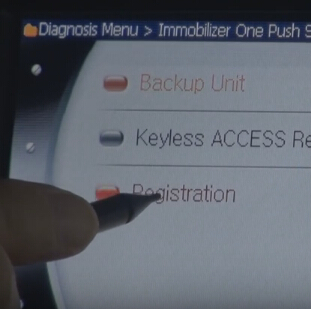
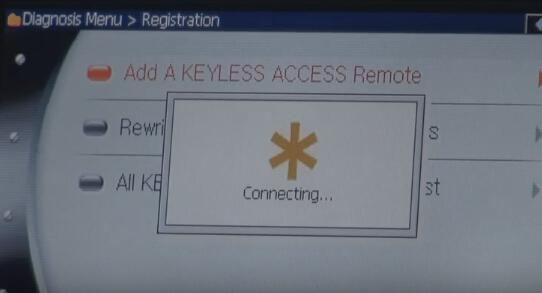
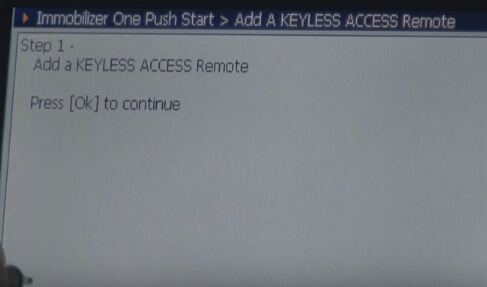
Step 1,
Add a keyless access remote
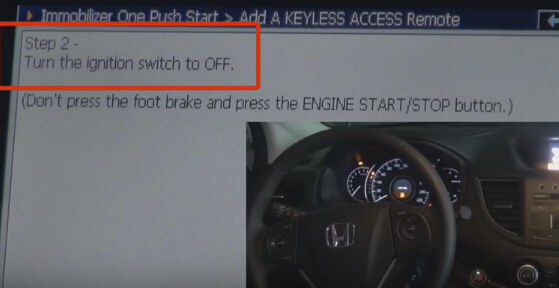
Step 2
Turn the ignition switch to OFF
(Don’t press the foot brake and press the ENGINE START/STOP button)
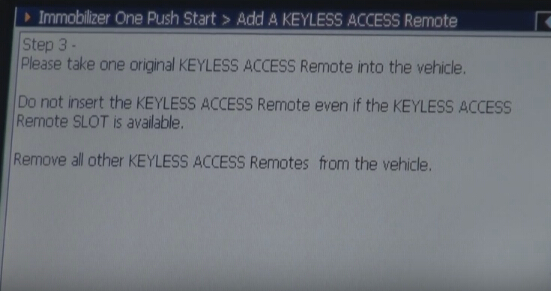
Step 3
Please take one original keyless access remote into the vehicle
Do not insert the keyless access remote even if the Keyless access remote slot is available.
Remove all other keyless access remote from the vehicle
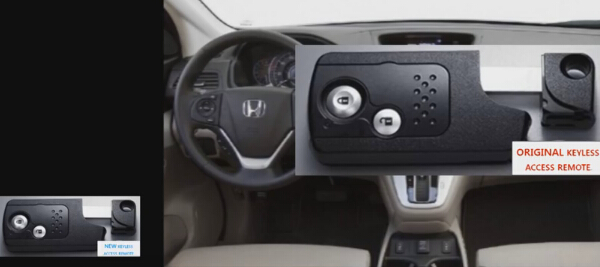
Take one original key remote inside the car and other key remotes need to be outside.
Step 4
Turn the ignition switch ON
Take all key remotes outside of the vehicle.
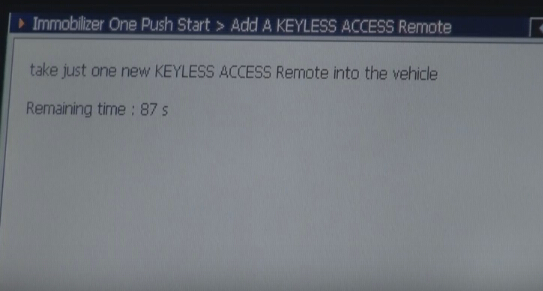
Take just one new keyless access remote into the vehicle
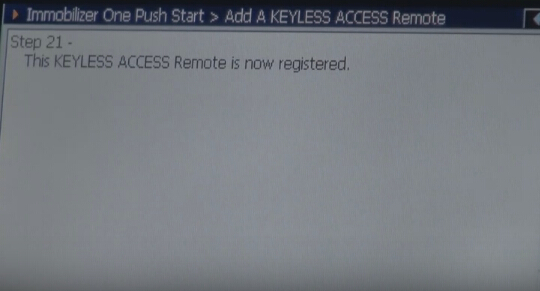
Step 21
This keyless access remote is now registered
Step 22
Turn the ignition switch to OFF
Step 23
Do not insert the keyless access remote even if the Keyless access remote slot is available.
Turn the ignition switch ON
Step 24
Does the keyless access remote and immobilizer indicator light go off?
Press Yes.
Step 66
Turn the ignition switch to OFF
Step 67
Turn the ignition switch ON
Step 36
Keyless Function is registered too.
(Registration of keyless access system.Since this keyless remote is united with Keyless Access System, Key Access System has been registered at the same time by this operation.
It is not necessary to register Keyless Access System seperately)
Step 70
Turn the ignition switch to OFF
Step 71
Turn the ignition switch ON
Step 103
Hold the original key on start/stop switch within 90 seconds.
Press OK if it is ready for registration.
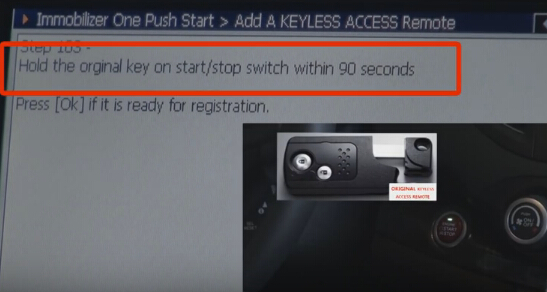
Step 42
Hold the original key on start/stop switch within 90 seconds.
Press OK if it is ready for registration.
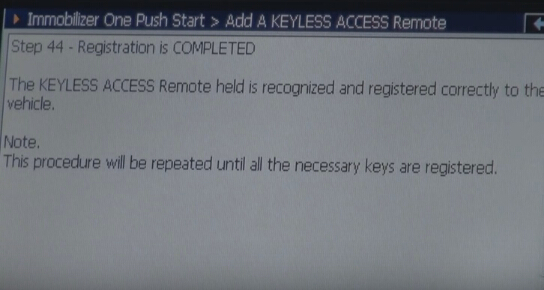
Step 44
Registrtaion is COMPLETED
The keyless access remote held is recognized and registered correctly to the vehicle
Step 45
Turn the ignition switch to OFF
Step 46
Turn the ignition switch ON
Step 48
Does the keyless access remote and immobilizer indicator light go off?
Press Yes.
Step 49
Turn the ignition switch to OFF
Step 50
Turn the ignition switch ON
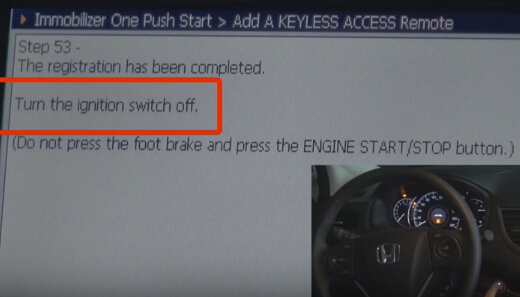
Step 53
The registration has been completed by G-Scan 2.
Turn the ignition switch off.
Step 54
Check all keyless access remote to ensure each will start the engine
Check all keyless access remote to ensure each will lock and unlock the doors.
Turn the ignition switch ON
Now the new key is working very well.
blog.obdii365.com