How to use OBDSTAR X300 DP Key Master "Report Center" Function
Sometimes, you find some car software are not installed on the OBDSTAR X300 DP (also Key Master DP) key programmer or software function mistake, you can report the results to OBDSTAR Company.
Follow the step-by-step guide to report the result /give suggestions to OBDSTAR engineer. You can also take out the Key master DP storage card and insert into computer to get log files. Then the Teamviewer team will solve your problem.
OBDSTAR X300 DP “Report Center” Function:
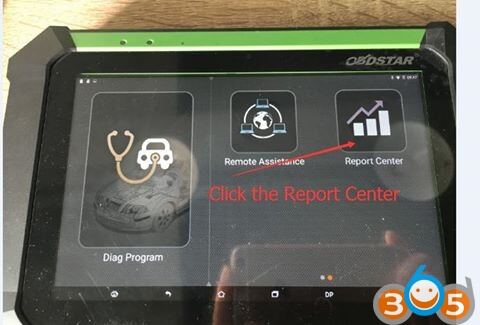
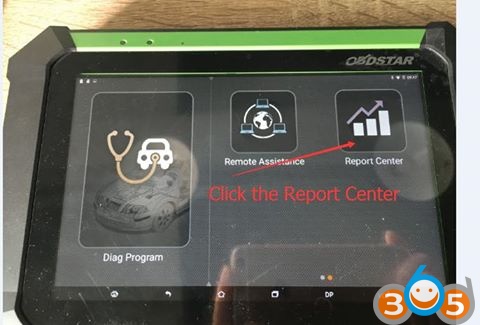
Step 1: Click on the “Report Center”
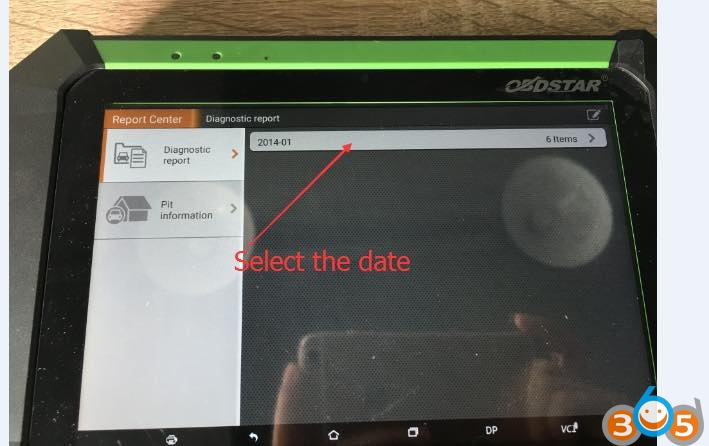
Step 2: Select the date
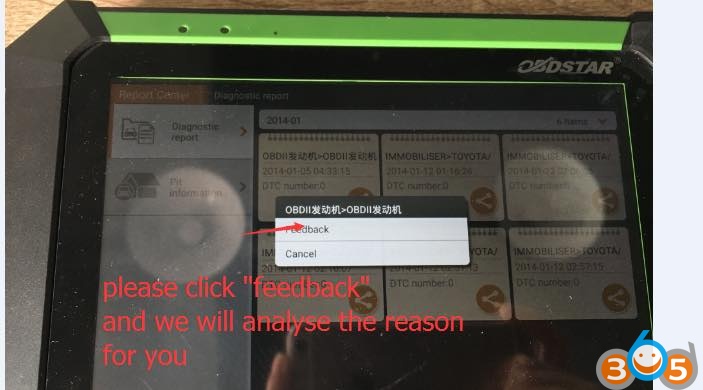
Step 3:Confirm the date and click on feedback icon
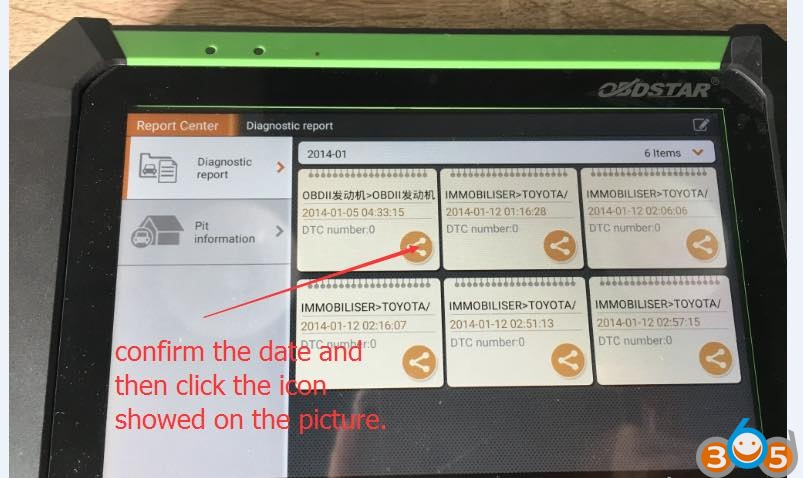
Step 4: Click on “Feedback” and they will analyse the error cause for you.