Program Jaguar S-type All Keys Lost by SKP1000 Key Programmer

There’s hardly any OBD tool that will program all keys lost for Jaguar. The new LONSDOR key programmer will do. Here is the demo example on programming Jaguar S-type remote key when all keys lost via OBD.
(Note: The document is in Chinese, LONSDOR supports both Chinese and English.)

-
Program chip key
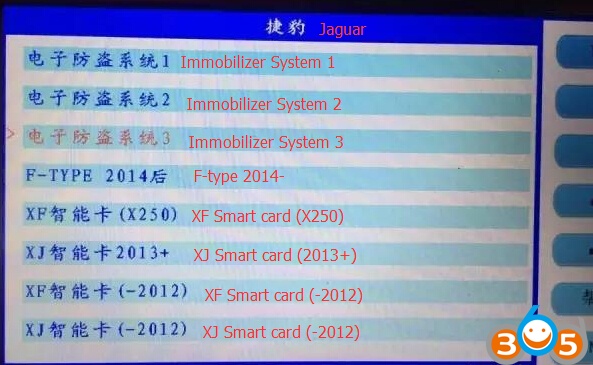
Select Immobilizer system 3
(Check above LONSDOR available Jaguar models, Immo system 1, Immo system 2,Immo system 3, F-type 2014 up, XF smart card (X250),XJ smart card 2013 up, XF smart card pre-2012, XJ smart card pre-2012).
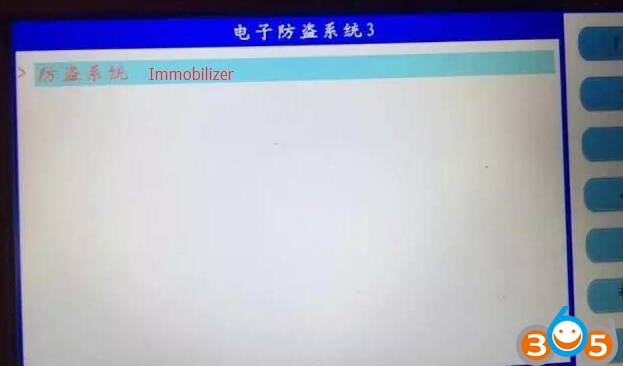
Select Immobilizer
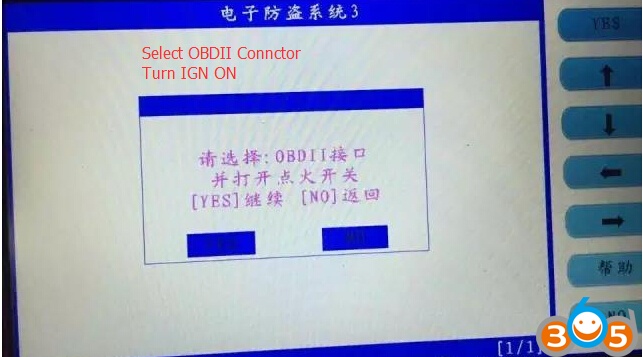
Select OBDII connector
Turn ignition switch to ON position
Press Yes to continue
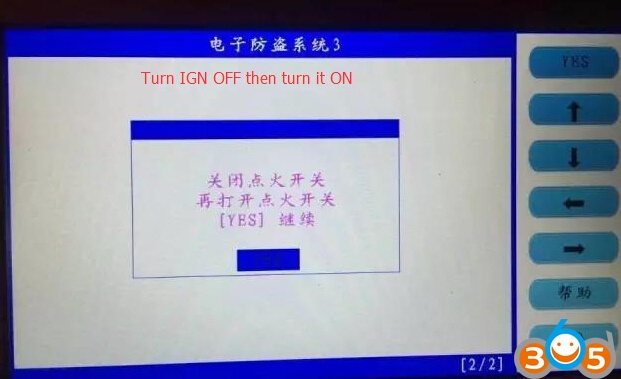
Turn ignition OFF then turn it ON
Press Yes to continue
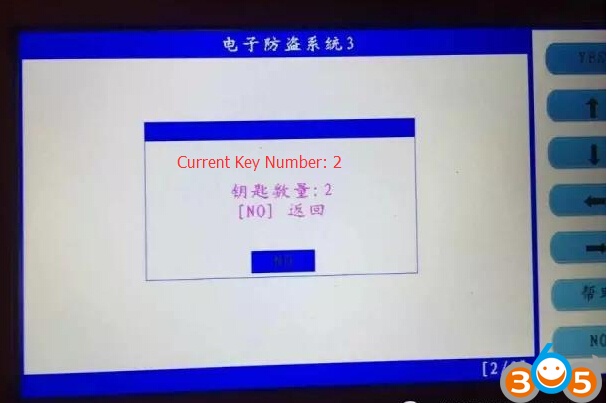
Current key number: 2
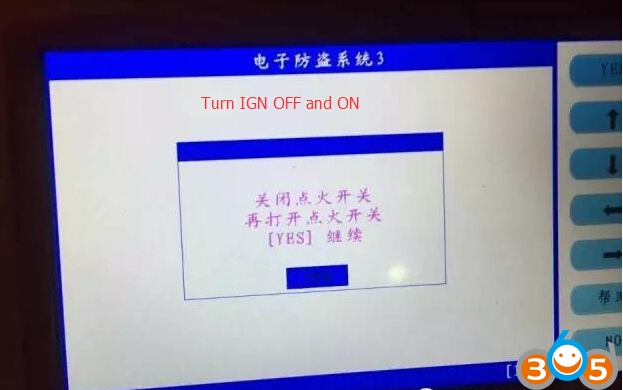
Turn ignition OFF and turn it ON
Press YES to continue
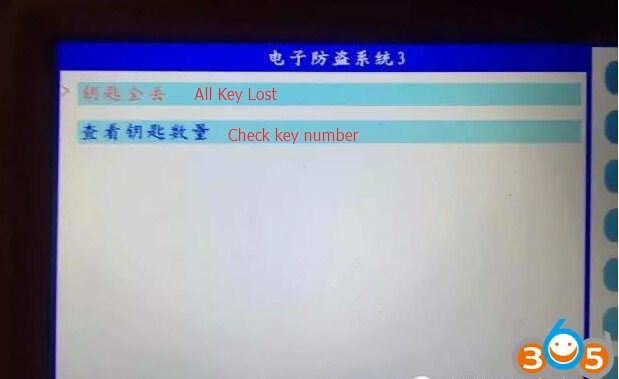
Select All keys lost (always select this option in case add key or program all keys lost)
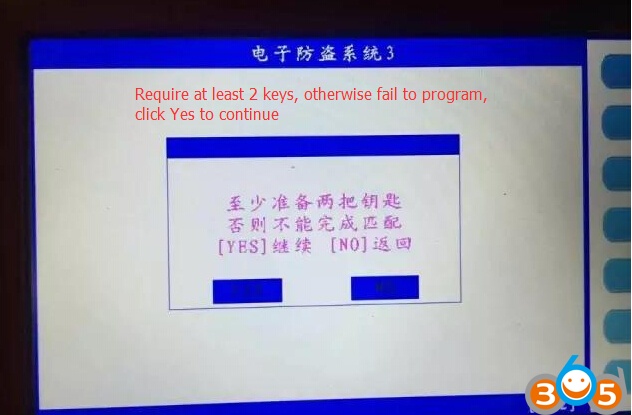
All keys lost requires at leased 2 remote keys, otherwise will fail to program
Click on YES to continue
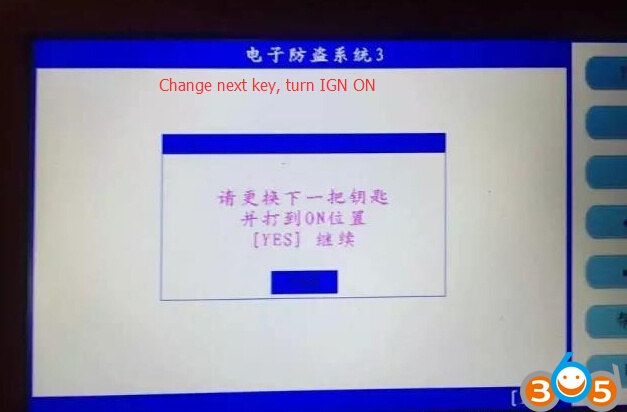
Change next key and turn ignition to ON
Press YES to continue
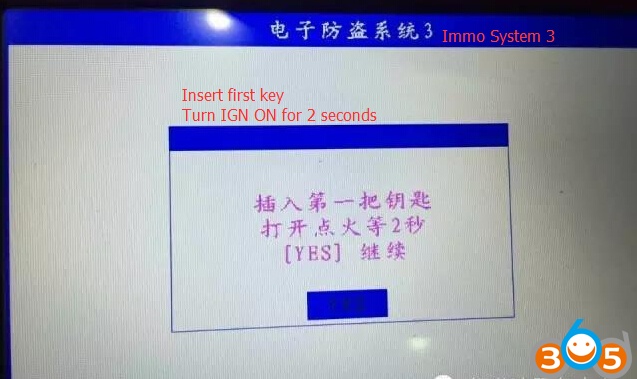
Insert first key into slot, turn ignition ON for 2 seconds
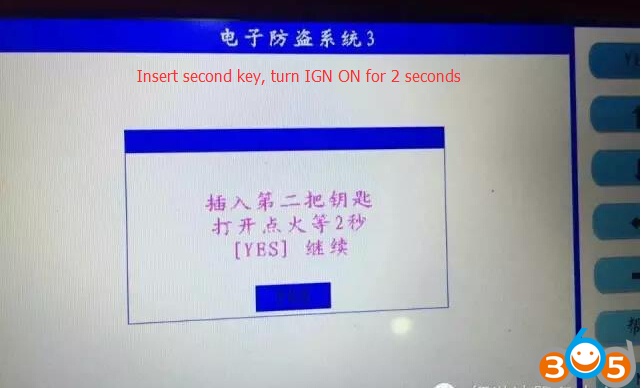
Insert second key, turn ignition ON for 2 seconds
press YES to continue
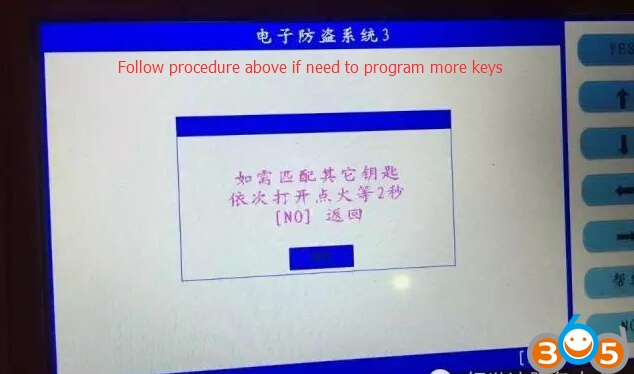
Follow procedure above (insert key and IGN ON fro 2 seconds) if you need program more keys
Click NO to go back
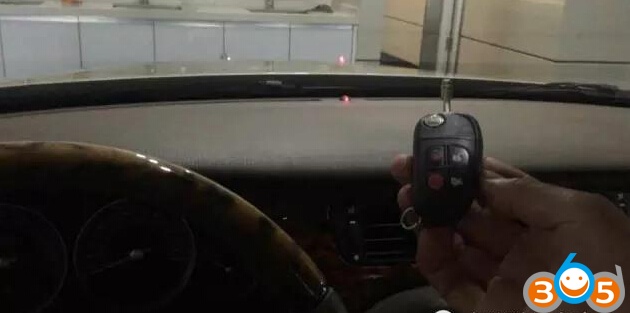
Check if the immobilizer indicator (red) flashes
2. Program remote
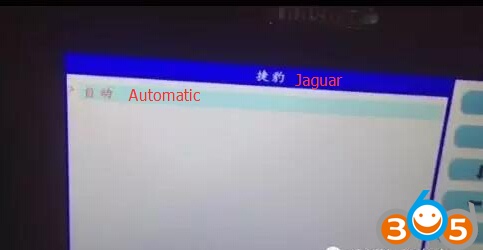
Select Automatic
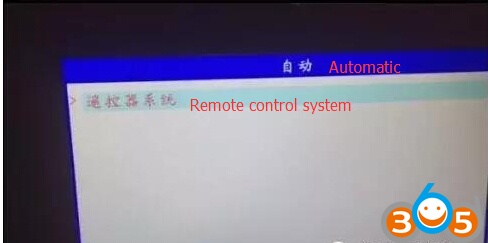
Select Remote control system
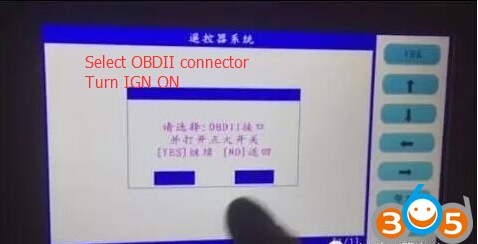
Select OBDII connector
Turn ignition to ON position
Press YES to continue
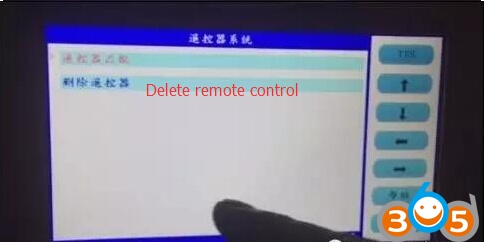
Select Delete remote
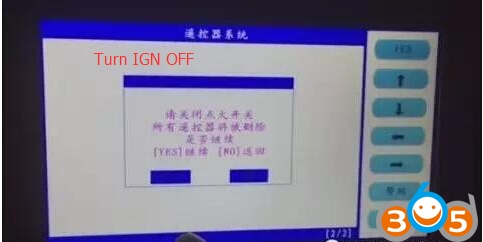
Turn ignition OFF
All remote control have been deleted, press YES to continue
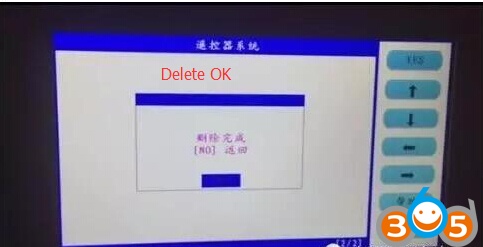
Delete success
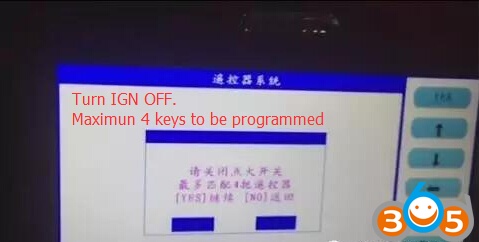
Turn ignition OFF
Maximum 4 keys is able to be programmed
Press YES to continue
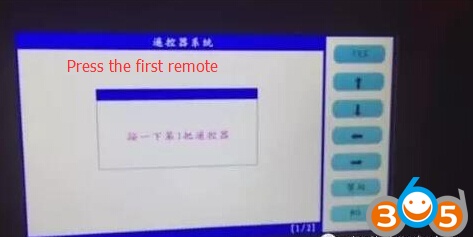
Press on the first remote
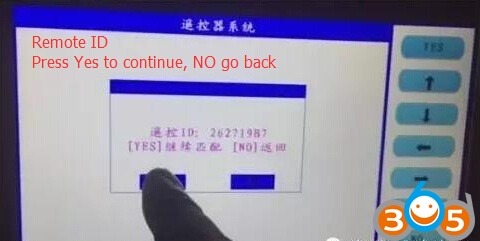
SKP-1000 shows first remote key ID
Press YES to continue
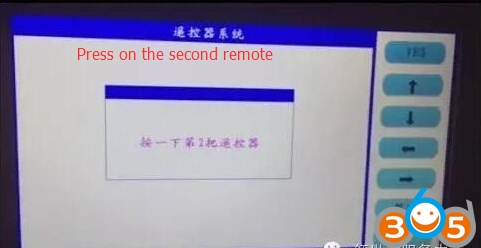
Press on the second remote
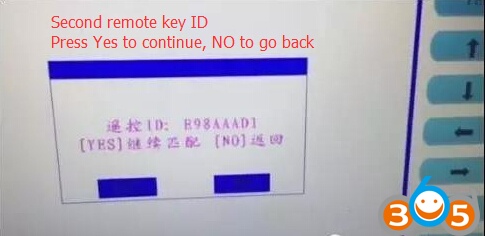
LONSDOR tablet car key programmer displays second remote key ID
Program remote success.
Press NO to go back
Test the new remotes.
Done!
Related post: