Program Honda CR-V 2014 Smart Card all keys lost by SKP1000

Here is the step-by-step guide on programming Honda CR-V 2014 smart card when all keys lost by using LONSDOR key programmer via OBD.
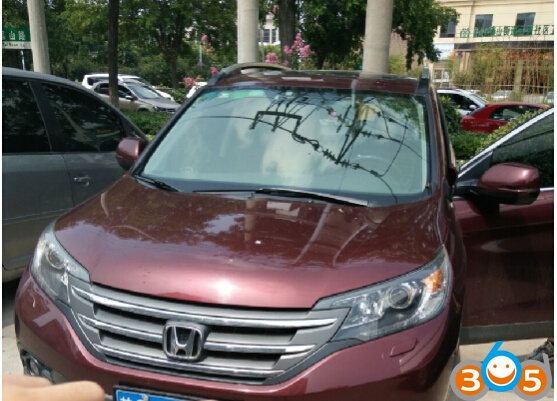
Vehicle and Key information:
Chip tpye: 46
Remote frequency: 433MHz
Pin code: No
Generate remote: Yes
Device: LONSDOR tablet car key programmer (Here is the SKP 1000 Chinese version CI600 plus)
Program remote: Automatically
Guide:
Select car brand: Honda
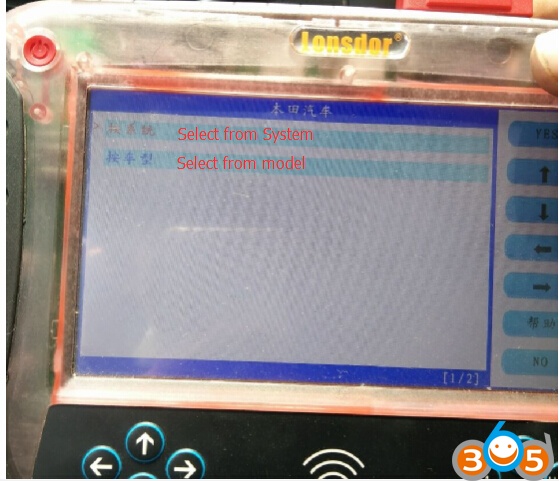
Select from system
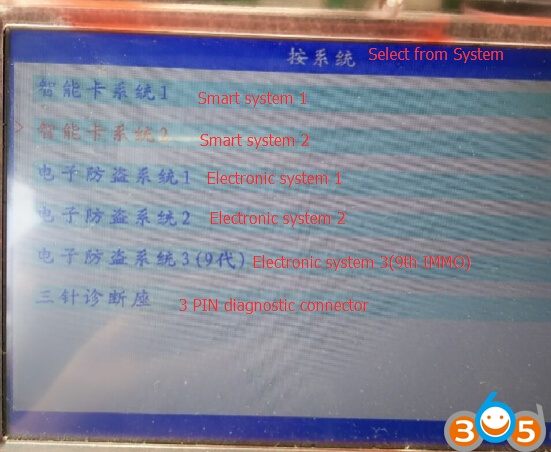
Select Smart system 1

Select OBDII connector
Turn ignition to ON position
Press YES to continue

Select All smart card lost

Take all smart cards out of the CRV
Press YES to continue

Press the Start button for twice to check if you can turn ignition on?
Here you cannot turn ignition to ON, press NO to go to next step
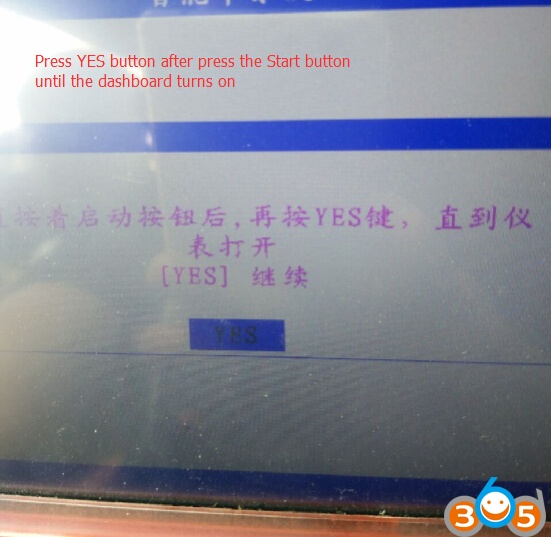
Press YES button after press on the Start button until the dashboard turns on
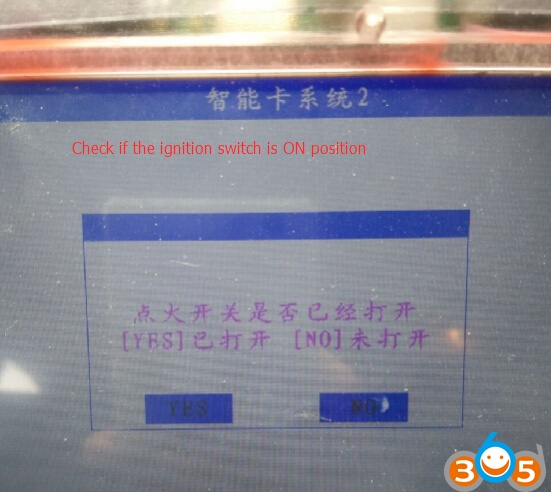
Check if the ignition switch is on ON position

Manually enter key number to be programmed
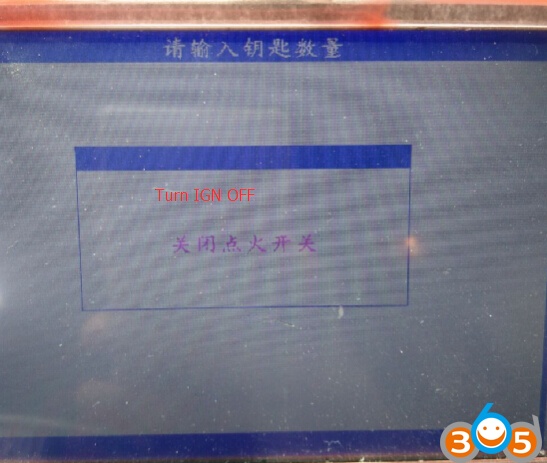
Turn ignition OFF

Turn ignition ON within 15 seconds

Dashboard indicator on or off?
Press YES if on, press NO if off

Turn ignition OFF
Turn ignition ON within 15 seconds
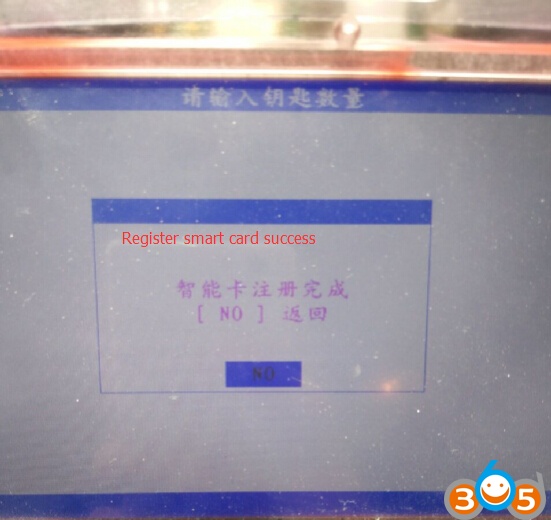
SKP-1000 Register CRV 2014 smart card success.
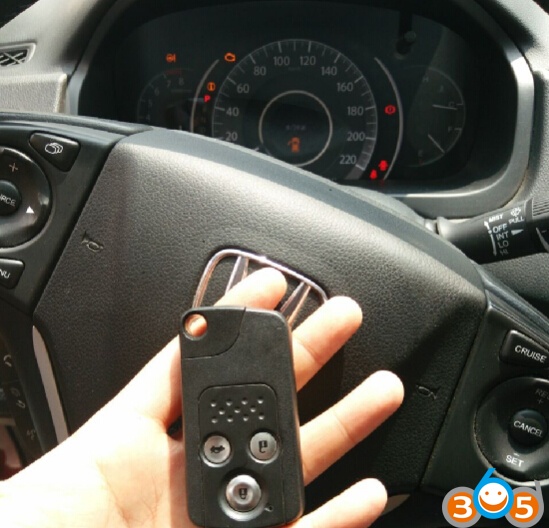
Test the new smart card.
Done.