How to Unlock Toyota Land Cruiser VXR V8 Smart key
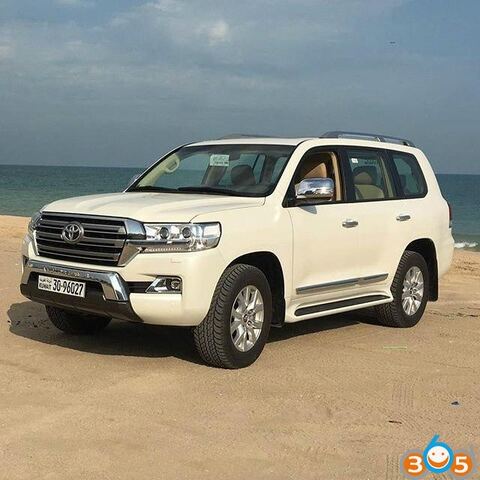
Guide to unlock and program smart key on a 2016 Toyota Land Cruiser VXR V8 5.7 4×4.
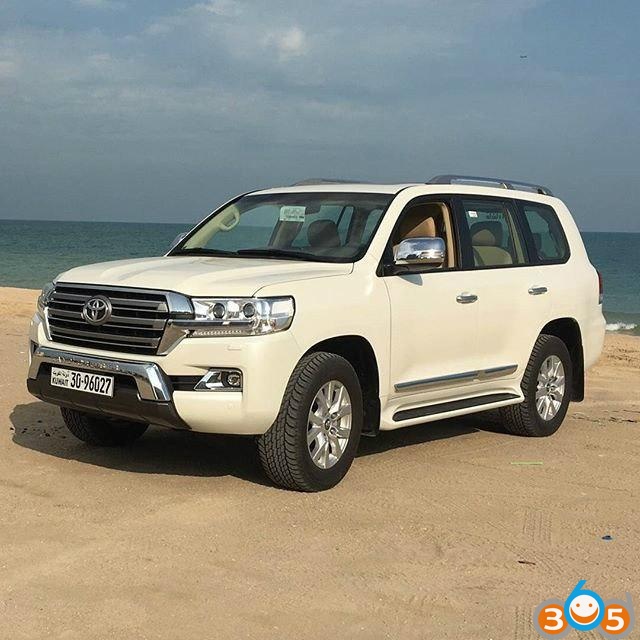
The solution was provided by a Chinese locksmith A Jie.
Problem:
A customer bought a Toyota Cruiser VXR V8 5.7 in Aug, 2016. When came back home he found one of keys did not working, could not start the vehicle. He came me for help.
Diagnose:
Check the key frequency and chip type with ND900 key copy machine. It showed key’s programmed, so the smart key is okay.
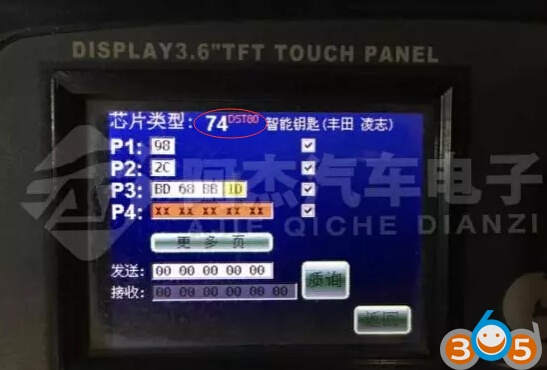
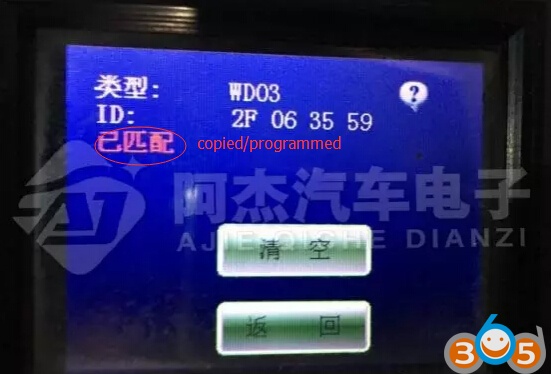
Analysis:
1. The smart key has been programmed but not been learned
2. 4S store gave you the wrong key (the key is not for this vehicle)
How to check:
Method 1:
Program/learn the smart key by using LONSDOR tablet car key programmer. Unfortunately, skp-1000 failed to learn key. So the smart key is not correct key for this vehicle. You should get the smart key unlocked and programmed. Go and check method 2.
Method 2:
Step 1: Unlock Smart key
Unlock the smart key with Xhorse VVDI2 key programmer or ND900 Mini
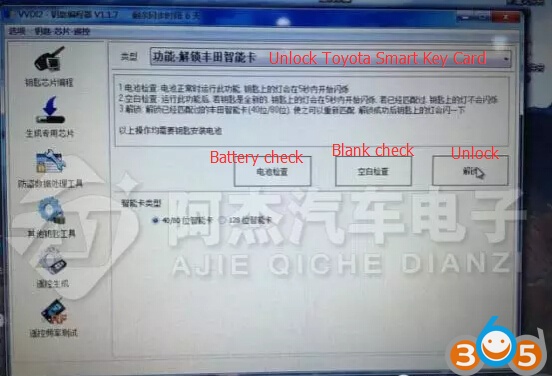
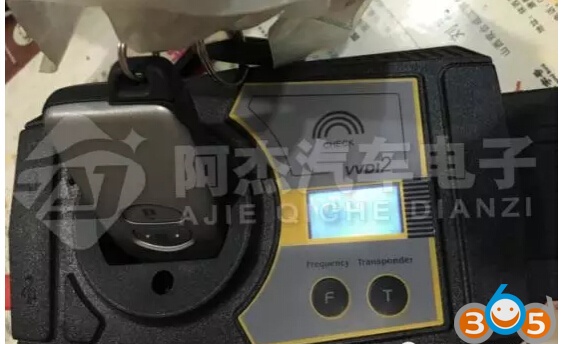
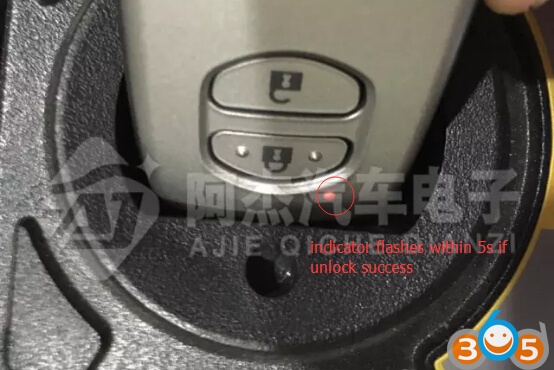
Perform Blank Check, key indicator will flash within 5 seconds if VVDI2 unlock success
Again use ND900 to check the unlocked smart key.
It shows not been programmed
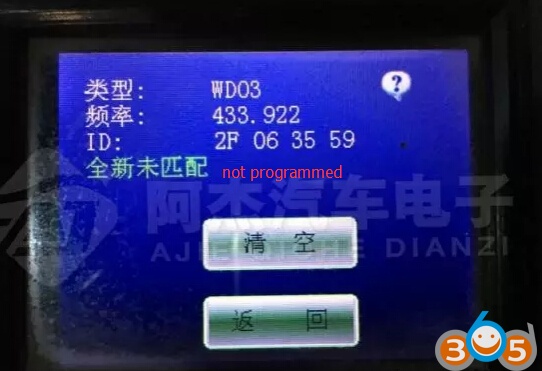
Unlock smart key done.
Step 2: Add/Program smart key
Connect LONSDOR key programmer with vehicle via OBD socket
Select Immobilizer function- >select Toyota->Smart key CANBUS-> Smart key system
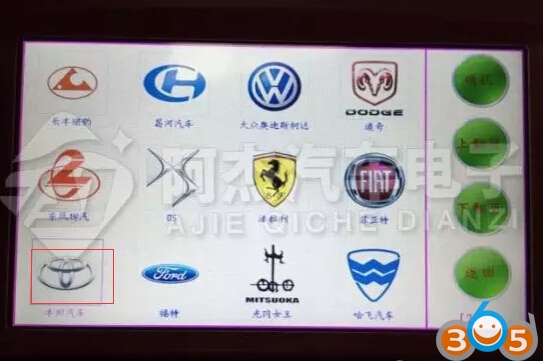
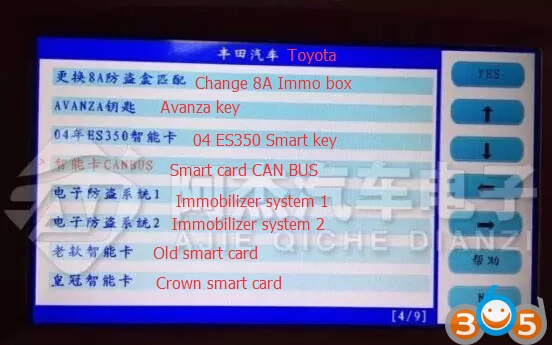
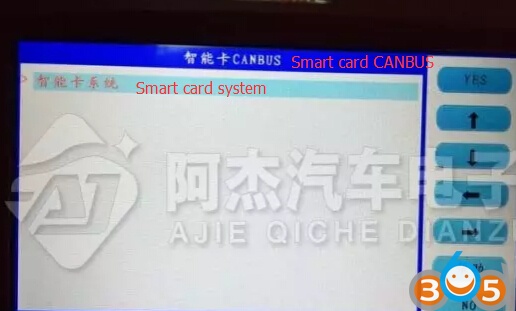
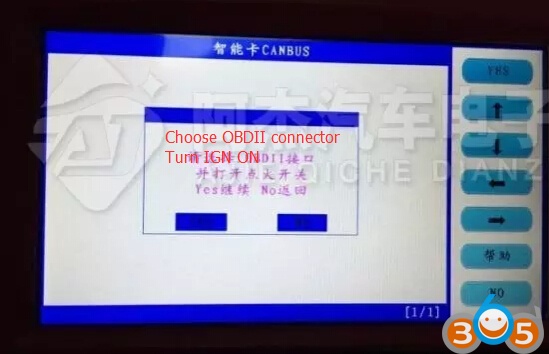
Choose OBDII connector
Turn ignition ON
Press YES to continue
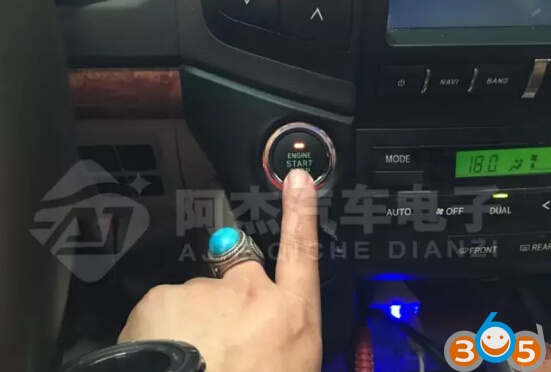
Press the Start button
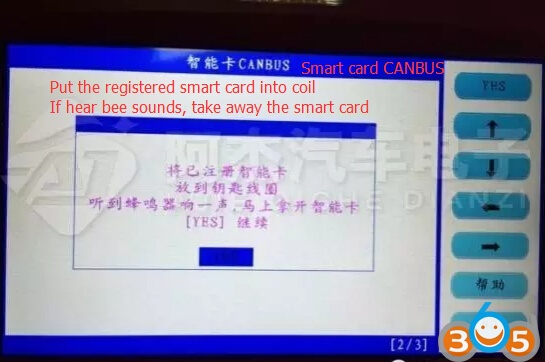
Put the registered smart card into coil.
If hear a beep sound, take away the smart card
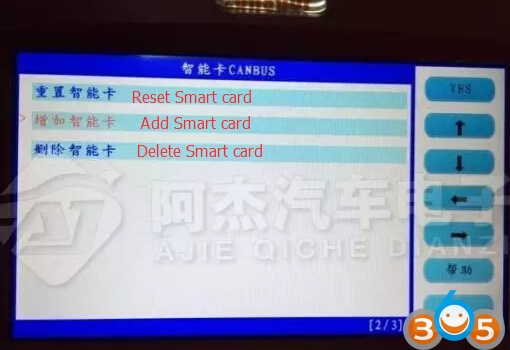
Select Add smart key
the working key is close to the emergency starting induction antenna
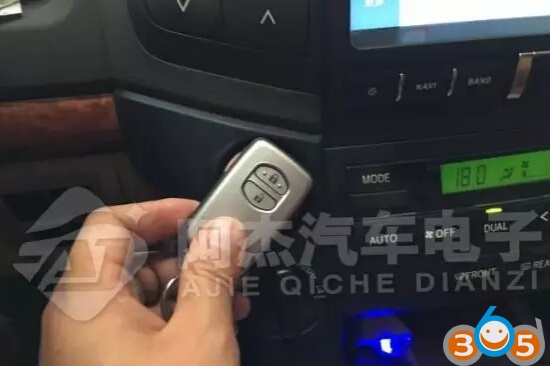
Change a new smart key and put it into the coil
Press YES to continue
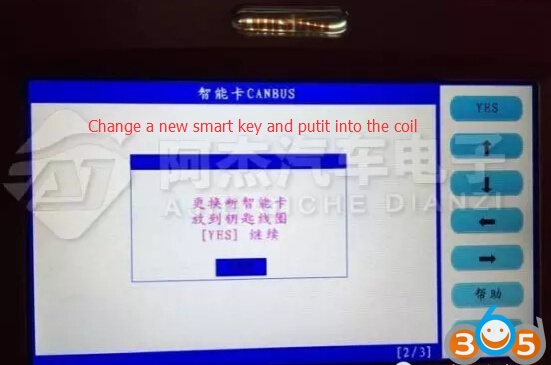
the new smart key is close to the emergency starting induction antenna
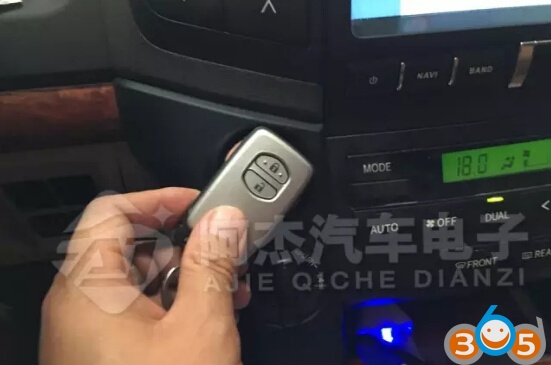
Configuring…
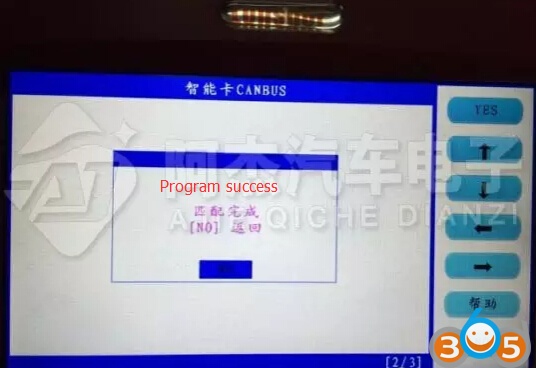
Program/Add smart key success
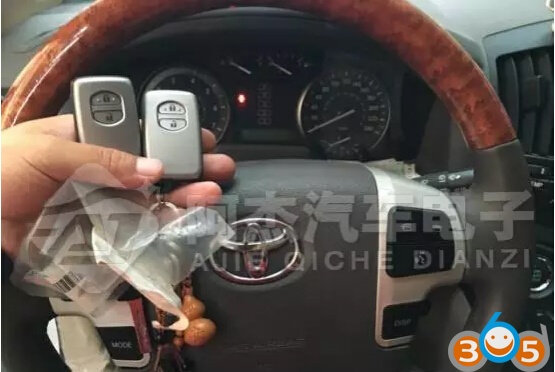
Test the new smart key.