Here is the little tutorial on programming BMW CAS3+ system key by using CGDI Prog BMW MSV80 key programmer via OBD.
Video Guide:
Procedure:
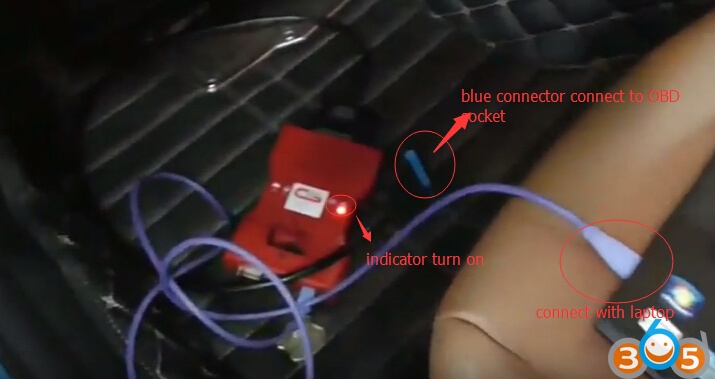
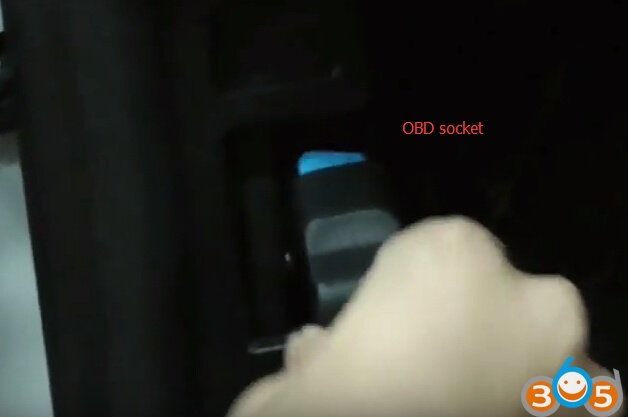
Connect CGDI Prog one end with laptop and the other Blue adapter with OBD socket
The right indicator on CGDI pro turns on indicates that well communication between device and laptop is built
Insert key into ignition
Open CGDI software on desktop
Turn ignition on
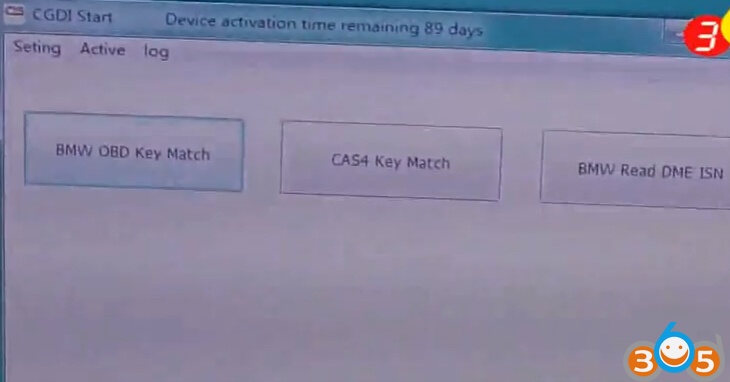
Select BMW CAS OBD Macth
CGDI Prog key programmer will detect vehicle information, VIN, CAS, number, CAS version, remote frequency, key number etc
check connection stratus on the bottom
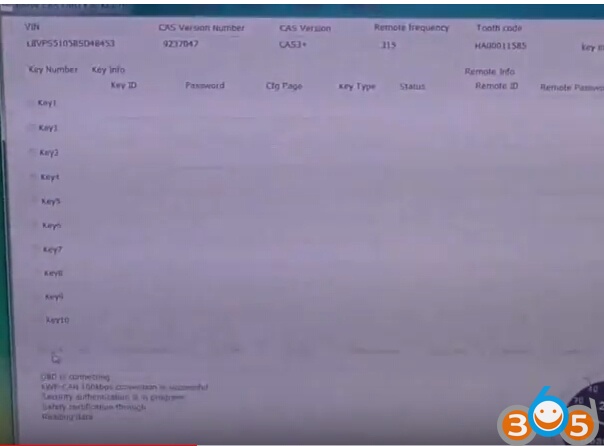
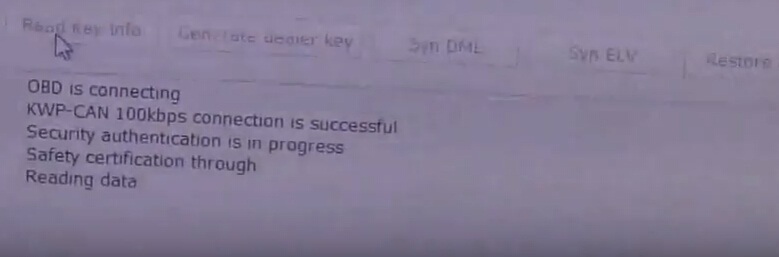
select Read key info
The left indicator on CGDI programmer flashes
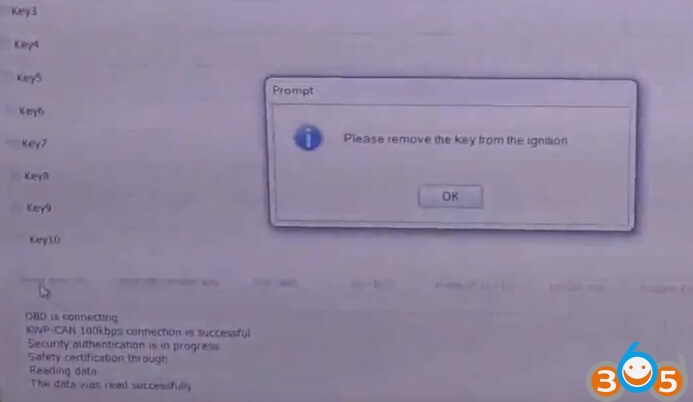
Please remove the key from the ignition
Reading key data success
the car has 2 remote keys
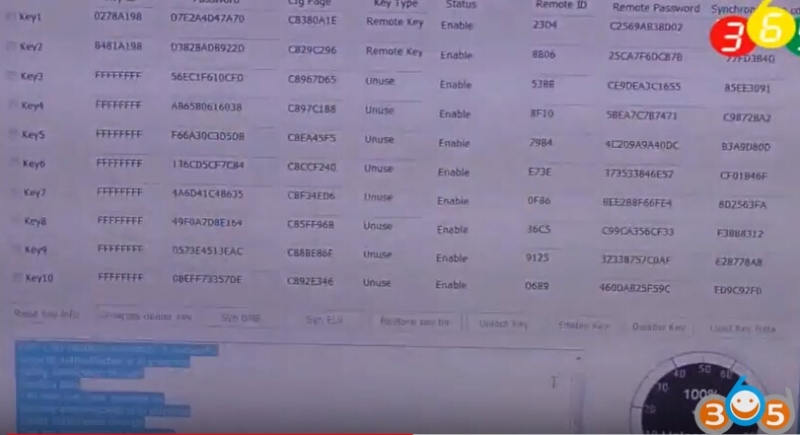
Save eeprom data
select a key position unused: Key7
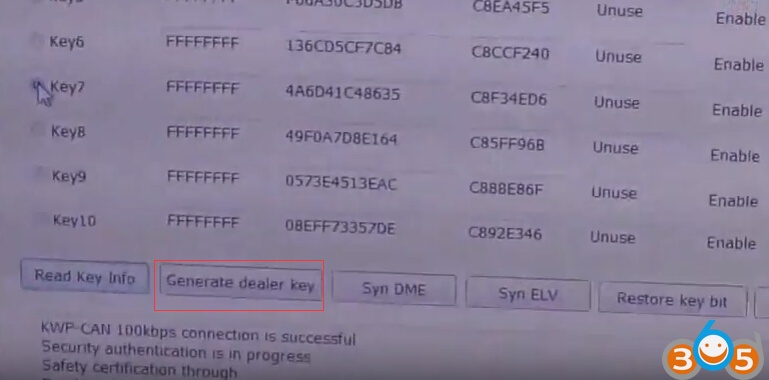
click on Generate dealer key
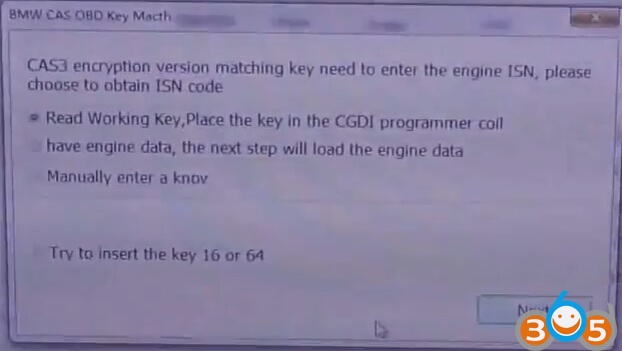
CAS3 encryption version macthing key need to enter the engine ISN, please choose to
obtain ISN code
select first option: Read Working Key, Place the key into the CGDI programmer coil
try to insert the key 16 or 84, press Next
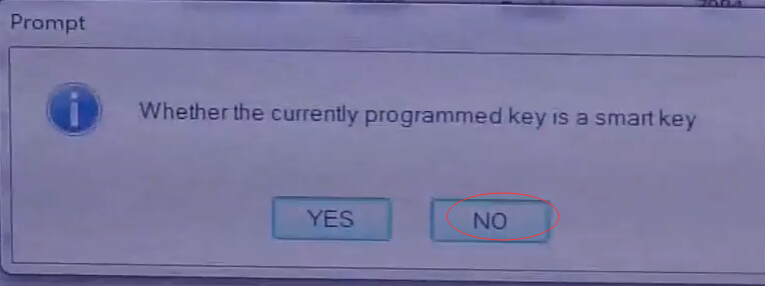
Whether the currently programmed key is a smart key, select NO
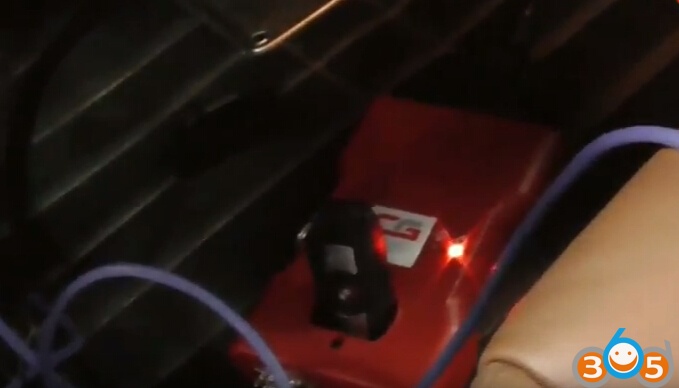
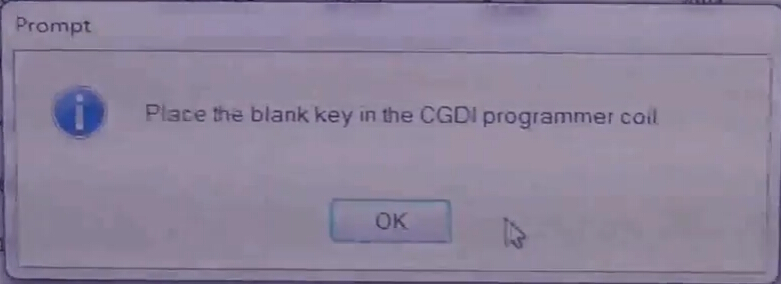
place the blank key into the CGDI Prog BMW key programmer coil
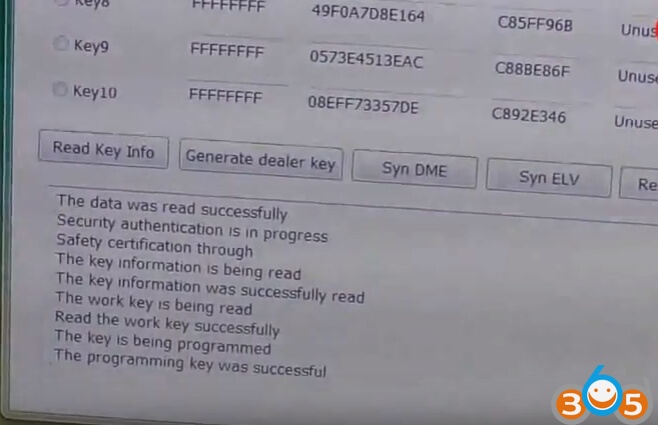
the key is being programmed
Programming key success
Learn key and program remote
Place the working key into the card slot
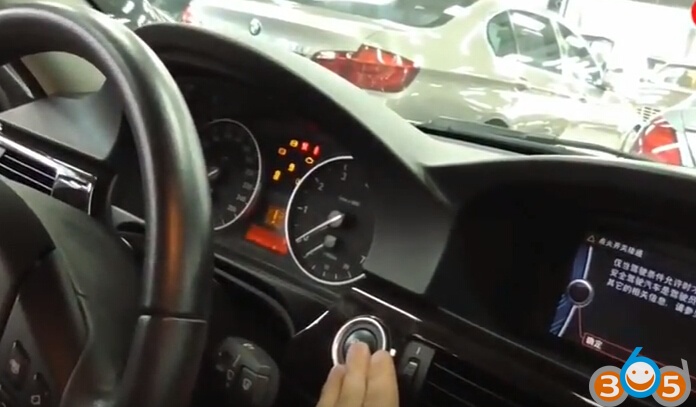
Press on Start buttton
Dashboard indicators turn on
Remove the working key
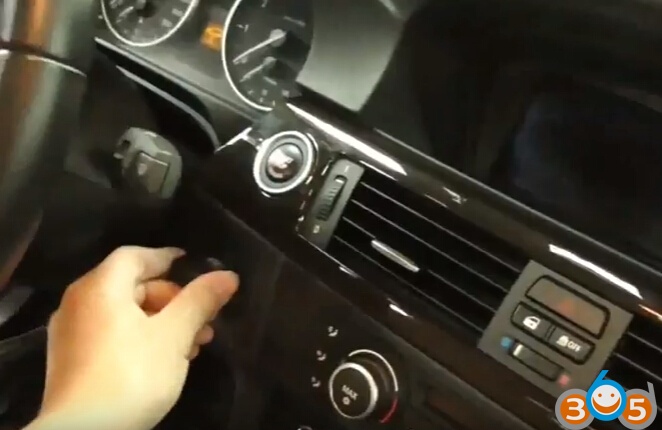
Insert the new key into slot
press on the Start button
dashboard indicator turns on
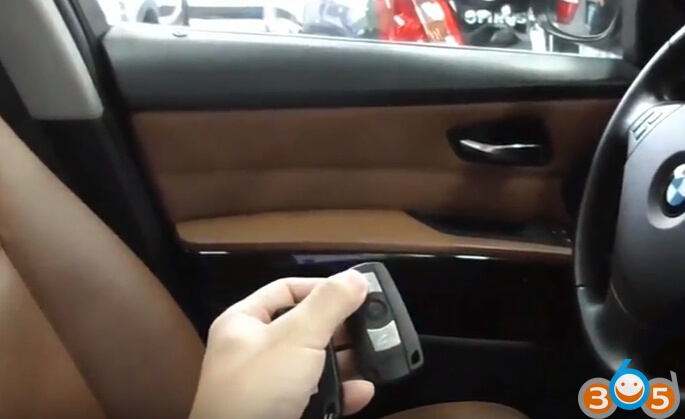
Test the remote
Done.
www.obdii365.com