How to Open FEM BDC Authorization of CGDI Prog BMW Key Programmer
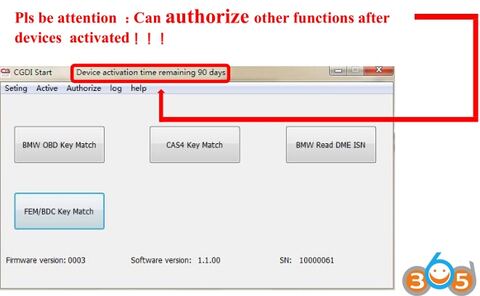
BMW FEM/BDC function is not default included in CGDI Prog BMW MSV80 key programmer ! If your device only supports BMW CAS1,CAS2,CAS3 CAS4 /CAS 4+ , but you need FEM/BDC function,you can order SK222-S (extra 175USD) for CGDI FEM/BDC authorization.
How to Open CGDI Prog FEM BDC Authorization:
CGDI-Prog-FEM-BDC-Authorization-Manual.pdf
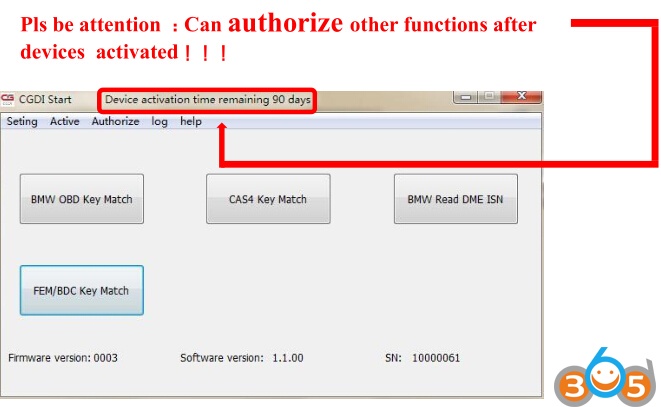
First you should get the CGDI Prog software activated.
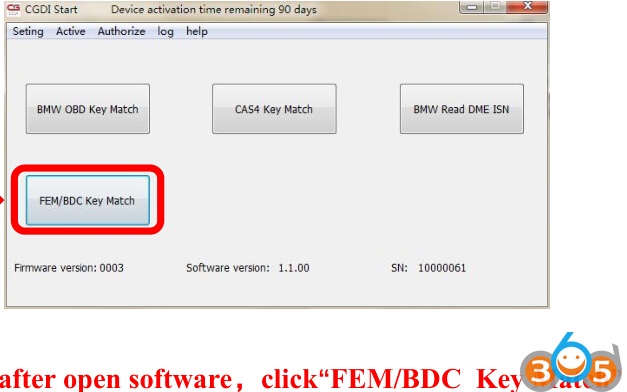
Open CGDI software, select FEM/BDC Key Match
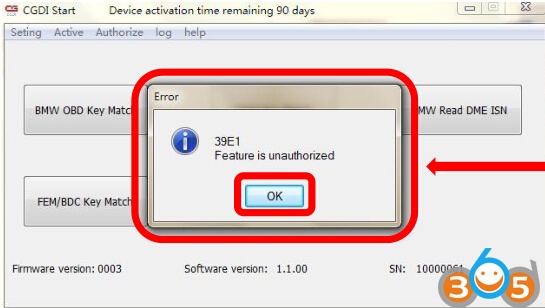
If CGDI Prompts “Feature is unauthorized”, it means the function is not yet activated. Click OK to continue
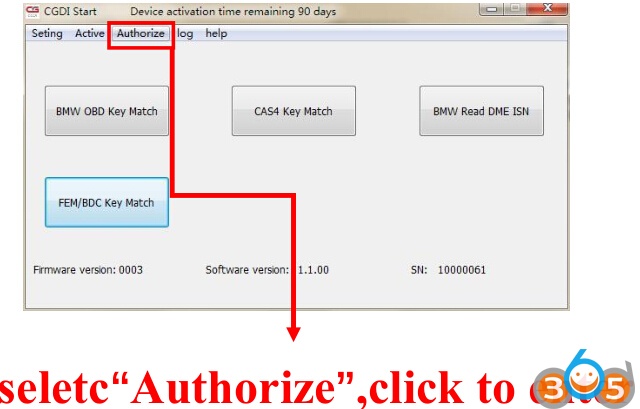
Select “Authorize”
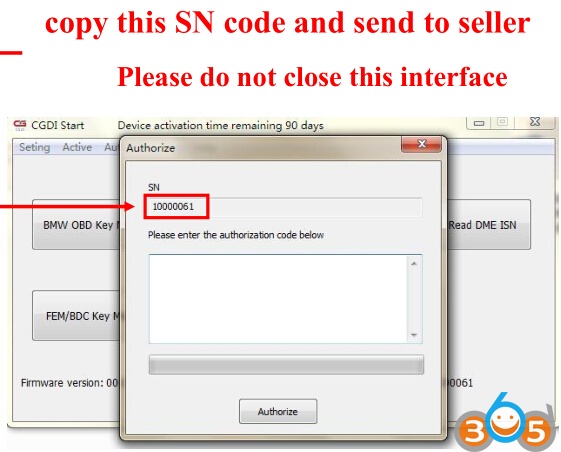
Copy the S/N code to obdii365.com engineer, please stay on this interface
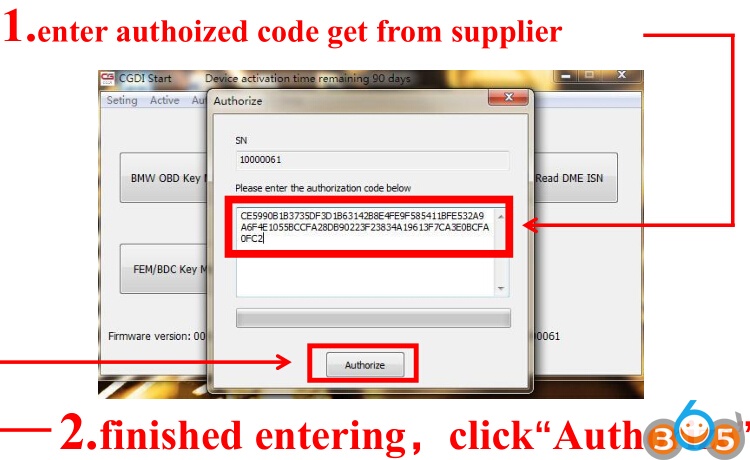
We will send you the authorization code. Paste the code and click on “Authorize”
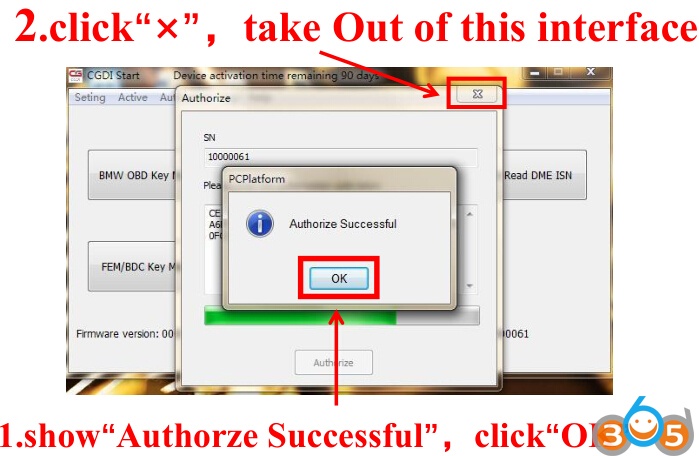
Authorize successful.
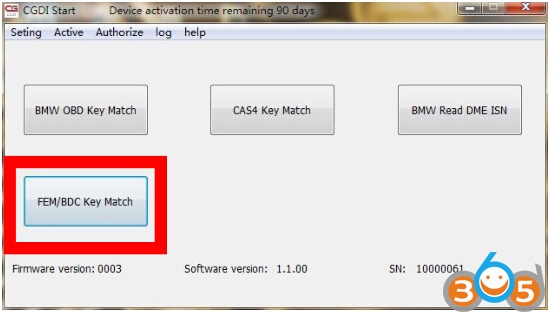
restart software,select“FEM/BDC Key Match”,click”enter”
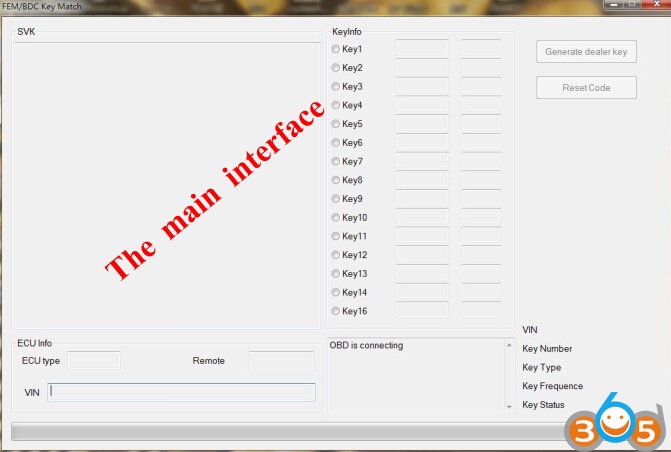
CGDI Prog key programmer FEM/BDC function main interface
http://www.obdii365.com/producttags/bmw-fem-key-programmer.html