How to change SKP1000 Car Key Programmer Language
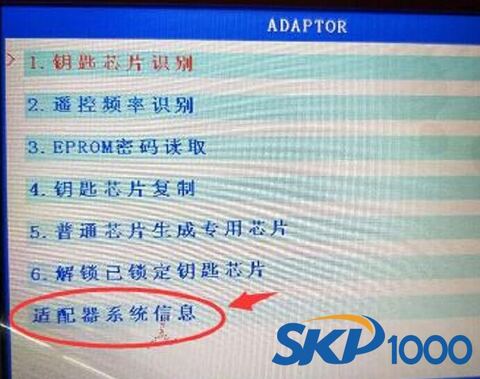
How to change LONSDOR key programmer from Chinese to English?
- Provide you serial number to our customer service. The factory will send you language pack “AdapterFile.bin” the next day
Note: How to check LONSDOR serial number?
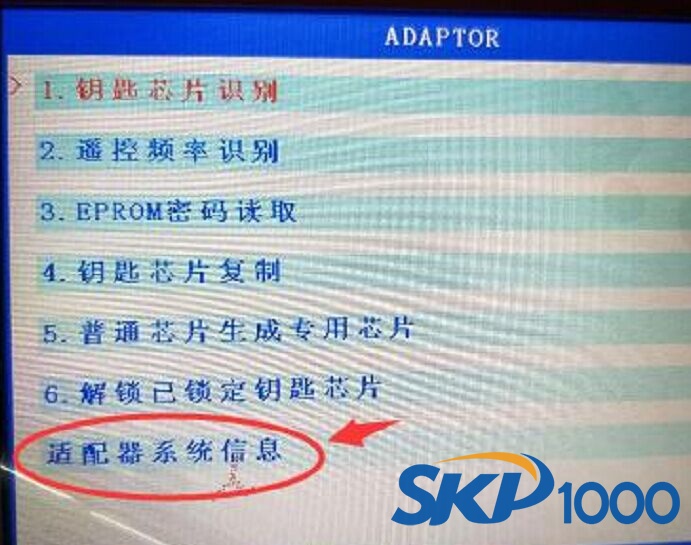
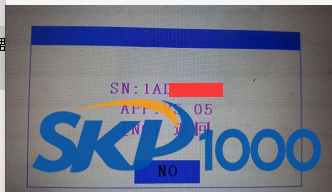
Come to Special Function menu, select last option Adapter System, you’ll see device S/N
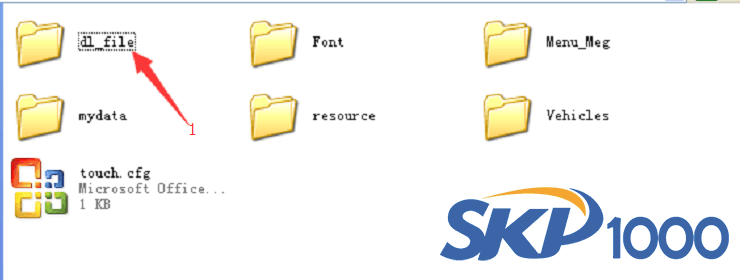
2. Copy “AdapterFile.bin” to SD card dl_file folder
3. Insert SD card into LONSDOR car key programmer tablet main unit
4. Come to Update Firmware-> Adapter Firmware to update the device (upgrade takes 10-20 minutes)


5. Upgrade success. LONSDOR auto key programmer software has been changed.