How to solve Xtool X100 Pad not start after system update problem
Problem:
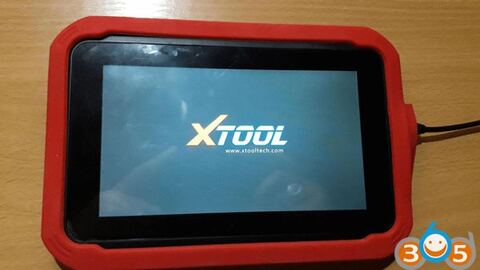
I have a problem with Xtool X100 Pad tablet key programmer. After update system x100 pad tablet stopped booting and did not start.
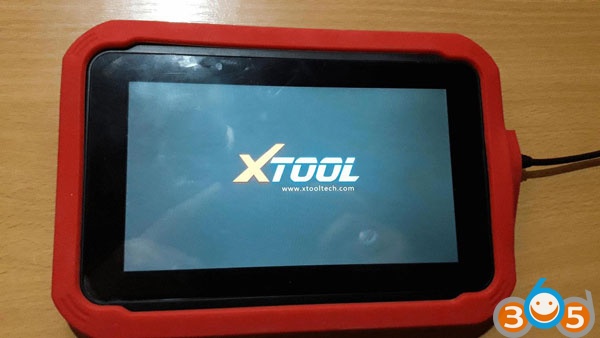
Before that on display show me system update i download then tablet has self reset and turn on. Then on display show only xtool logo don’t run android system.
What can i do? Need to do factory reset on the pad?
Obdii365.com engineer solution:
1) Download the Xtool X-100 Pad firmware reflash file
https://mega.nz/#!7wNQCaDD!0H9VxkXnNYFbV7vmm_OPDNgXAKMmXFPDA_kFkbDckNQ
2) Paste the file on laptop desktop, connect X100 Pad with laptop
3) Contact Xtool factory technician via Teamviwer
4) They will help reflash firmware.
Hope it helps!