How to Install Benz BE Key into Smart Key Shell for MB Key Programmer
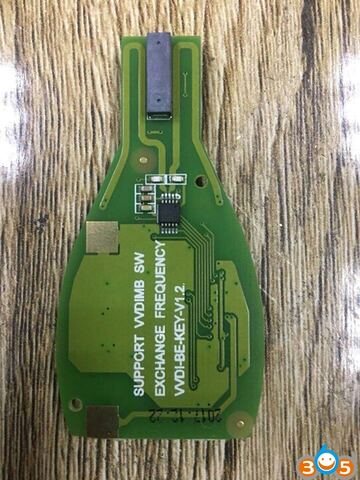
Xhorse VVDI MB BE key improved version was verified working with Mercedes Benz smart key shell 3-button single battery (Item #SA1794) successfully.
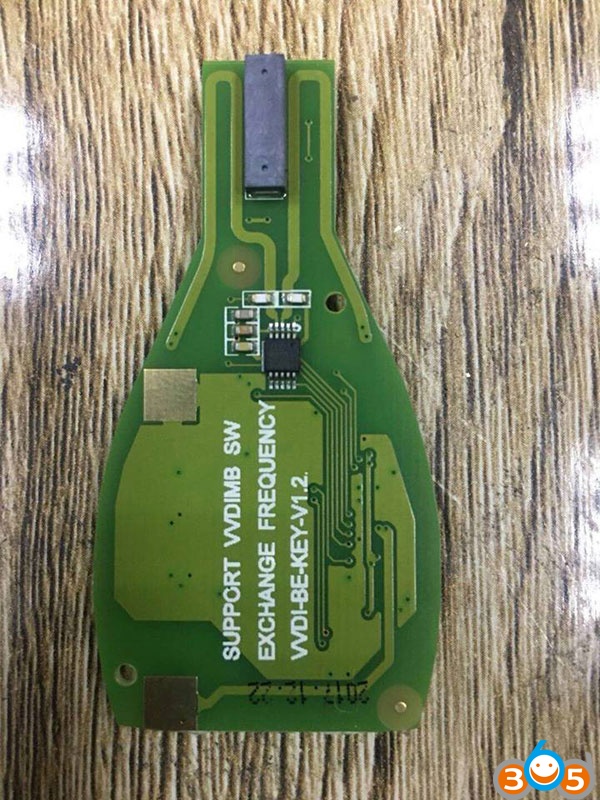
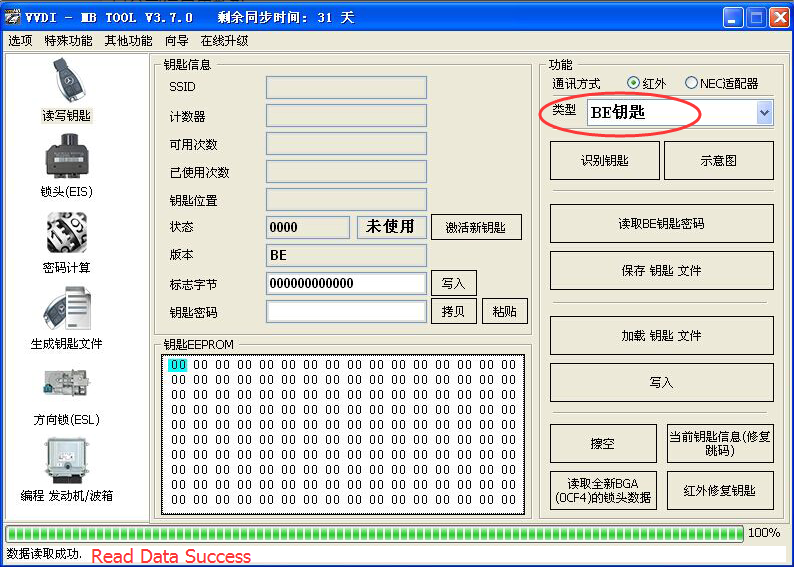
How to install Xhorse VVDI BE Key into Smart Key Shell?
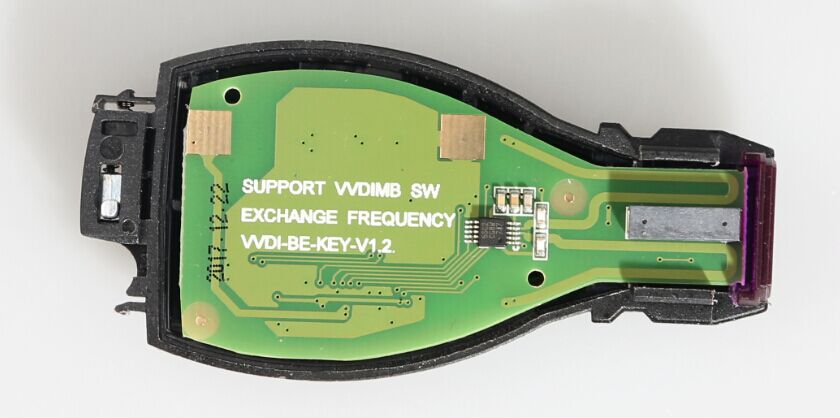
1.Place VVDI BE key into key shell
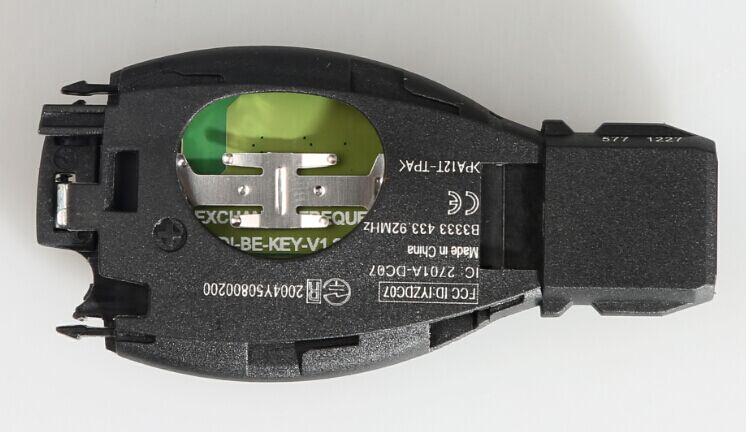
2. Close the key shell case
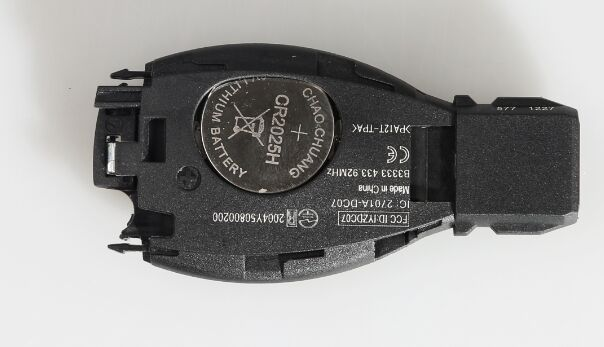
3. Install battery
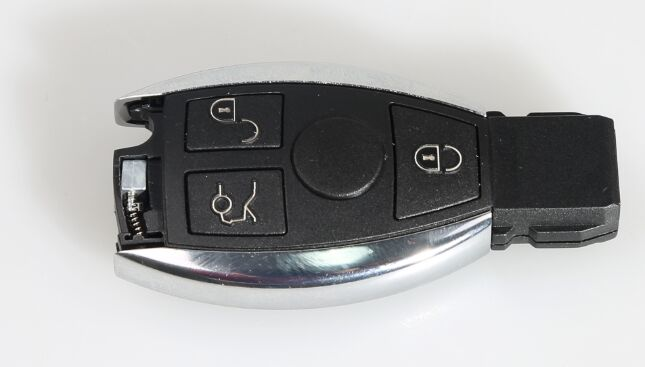
4. Stuck the metal strips on both sides
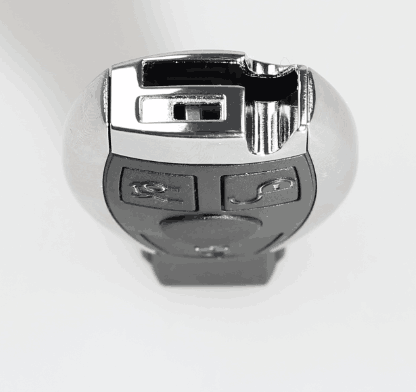
5. Close the bottom key shell metal strips
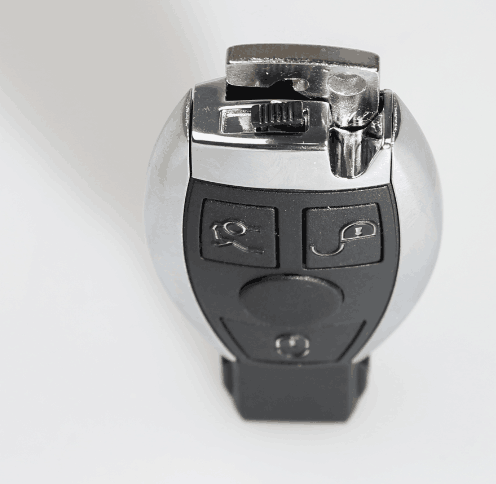
6. If you need to disassemble the smart key, follow steps in the opposite direction.
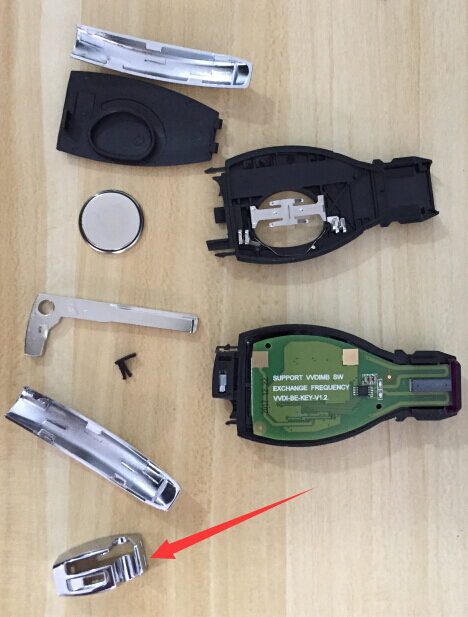
Xhorse VVDI BE Key Pro for VVDI MB Tool 5pcs