Program BMW X3 EWS4 Transponder with VVDI Prog & VVDI2
Here’s little guide to make BMW X3 EWS4 transponder key with new VVDI PROG EWS4 adapter and VVDI2 key programmer.
Step 1: Read EWS4 Eeprom by VVDI Prog
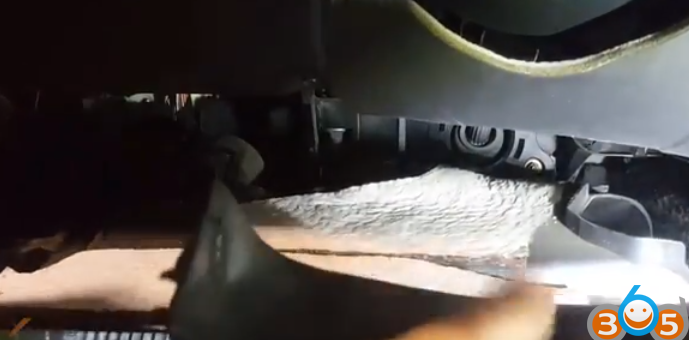
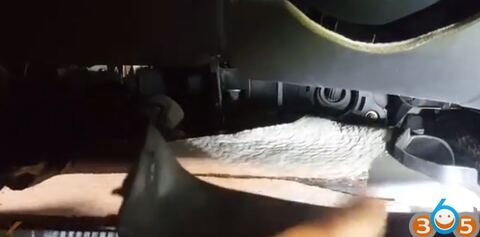
Remove dash
Take out EWS4 immo box
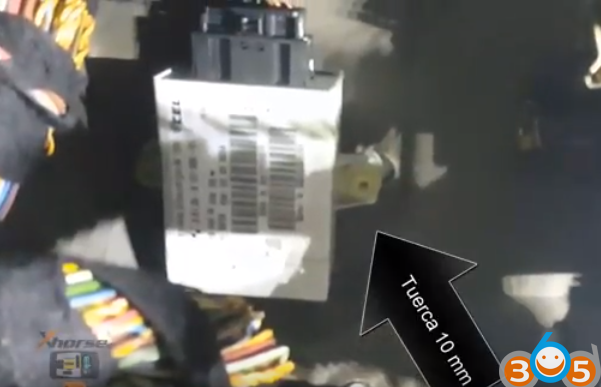
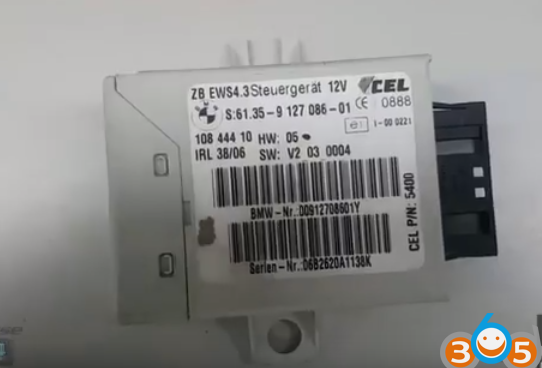
Disassemble the EWS4 module
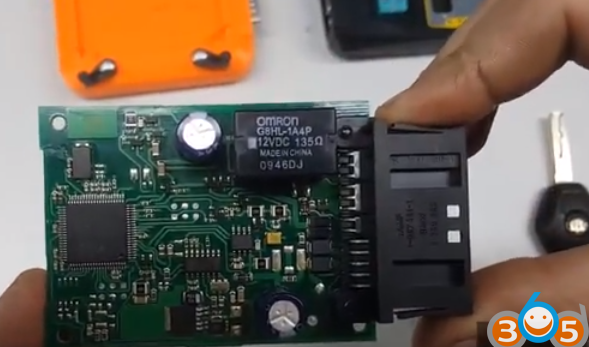
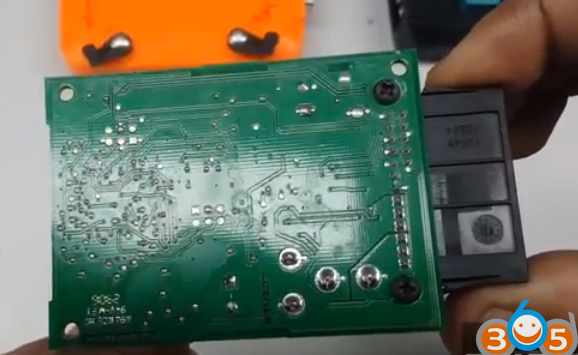
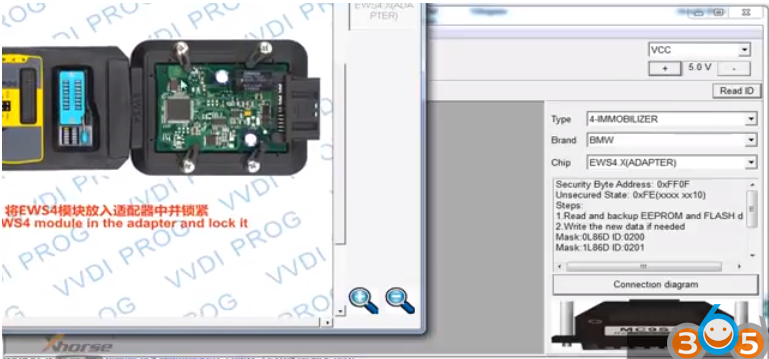
Put EWS4 module in the VVDI PROG EWS4 adapter and lock it
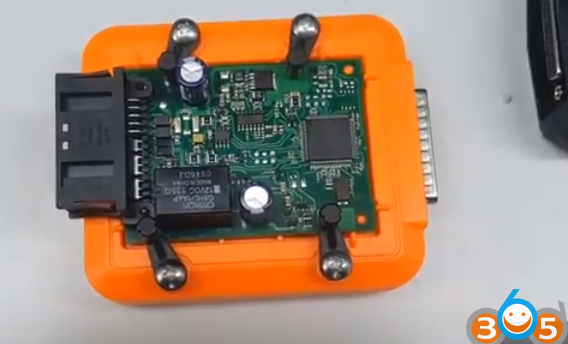
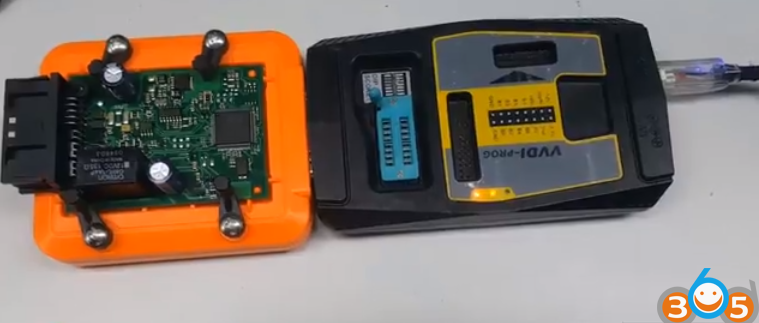
Connect VVDI PROG with EWS4 adapter, then connect vvdi programmer with computer with USB cable
Open VVDI Prog software
Select Type 4th Immo, BMW and chip EWS4 adapter
Check connection diagram
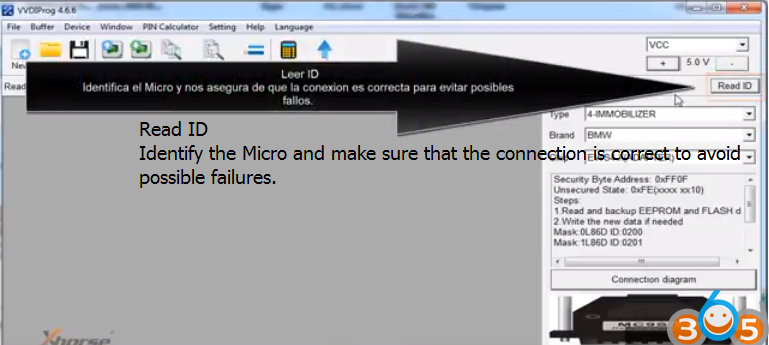
Click Read ID to identify the Micro and make sure that the connection is correct to avoid possible failures.
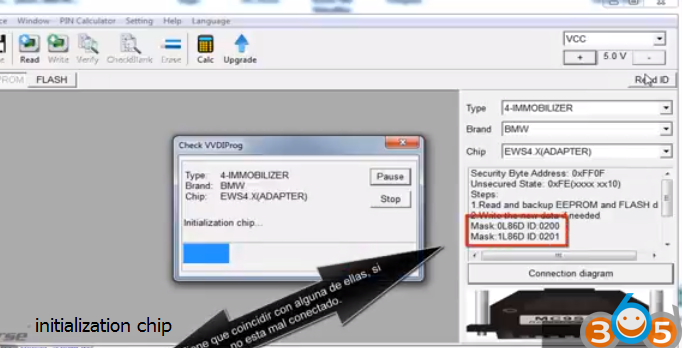
Chip initialization, make sure all chip type matches
It has to match any of them, if not, it is connected badly
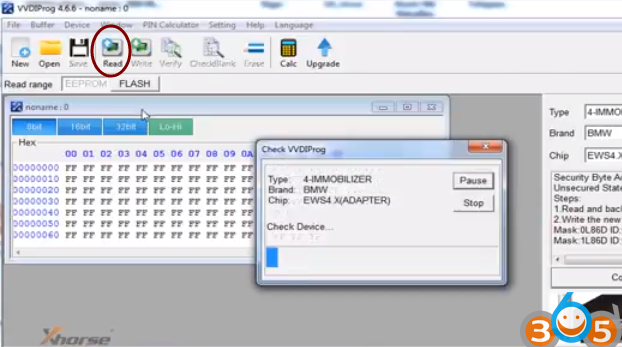
Click Read to read eeprom data and save it
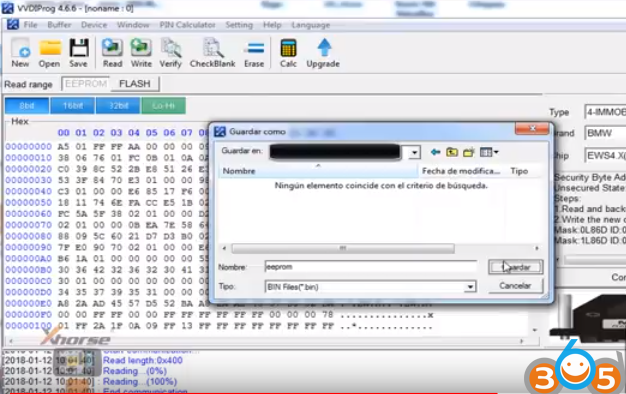
Step 2: Program EWS4 key by VVDI2 key programmer
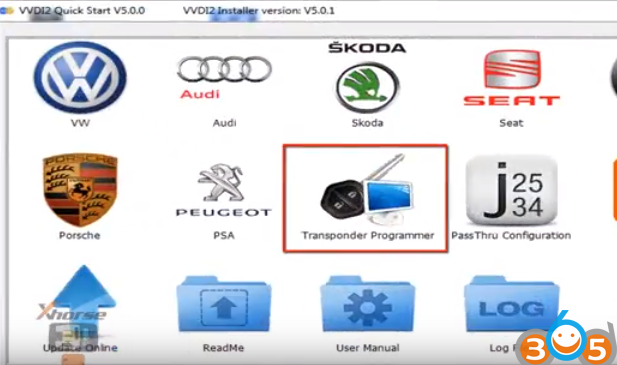
Open VVDI2 BMW software
Select Transponder Programmer
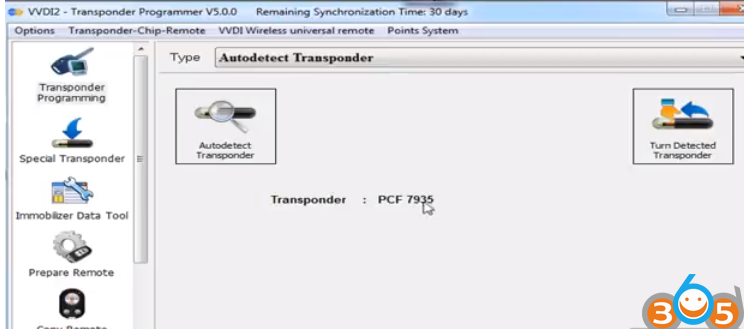
Select Auto detect Transponder: PCF7935
Choose Immobilizer Data Tool function
Select region Euro, vehicle make BMW and immo type EWS4
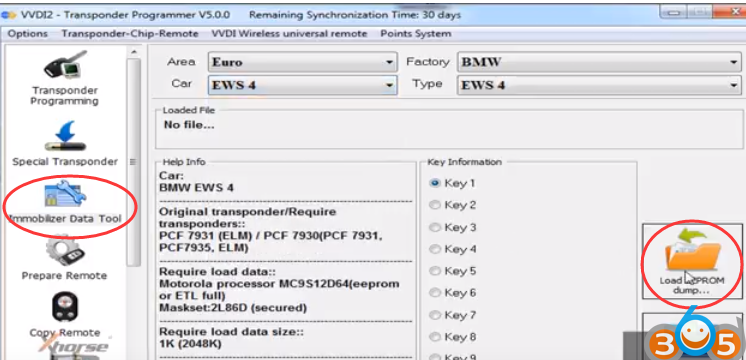
Click Load EEPROM Dump
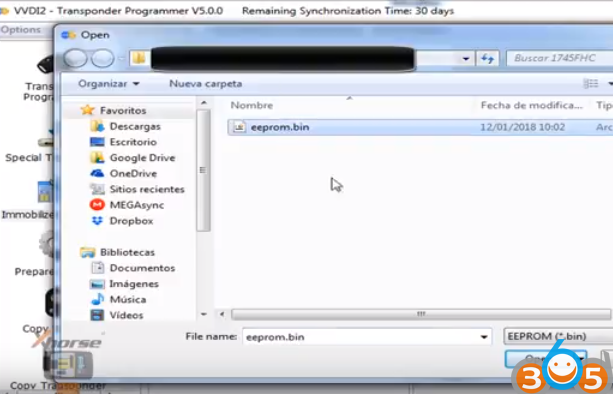
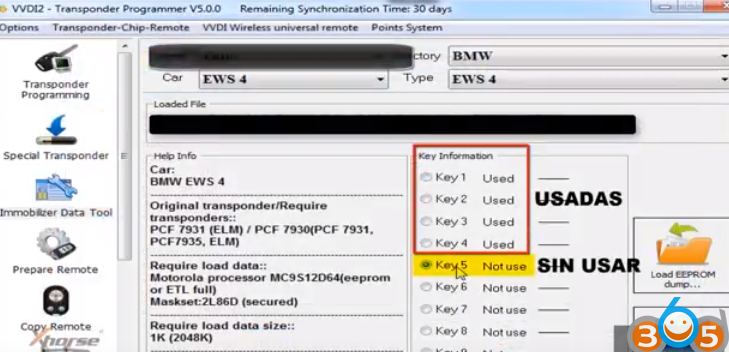
select an unused key position and press Make Dealer Key
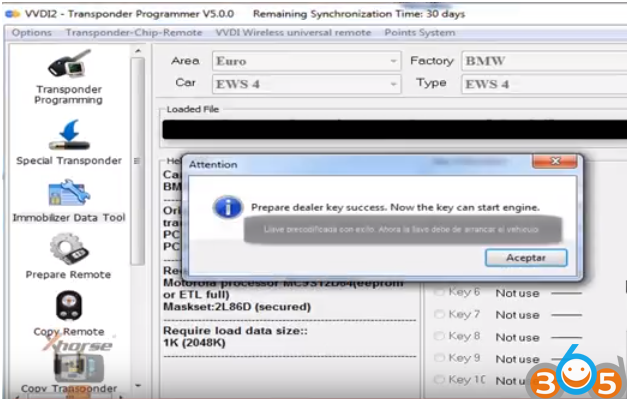
Prepare dealer key success. Now the key can start engine.
Reinstall EWS4 module back to car.
Test the new key, remote works, car starts
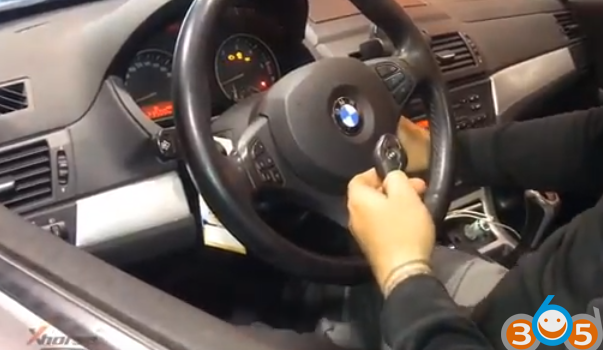
Done.