Skip to content
Key Programmer

    Program BMW X3 EWS4 Transponder with VVDI Prog & VVDI2

    info
    (0)

    Here’s little guide to make BMW X3 EWS4 transponder key with new VVDI PROG EWS4 adapter and VVDI2 key programmer.

    Step 1: Read EWS4 Eeprom by VVDI Prog
    
			Program BMW X3 EWS4 Transponder with VVDI Prog & VVDI2

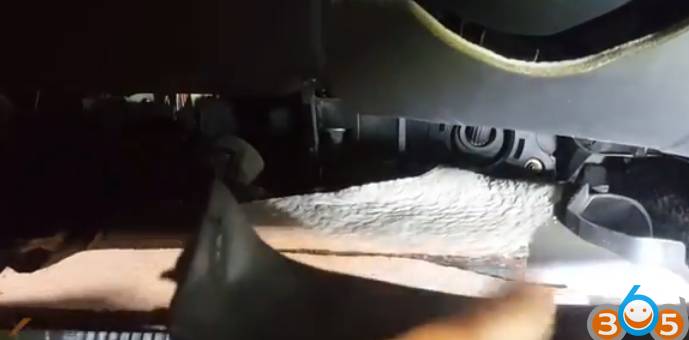
    Remove dash

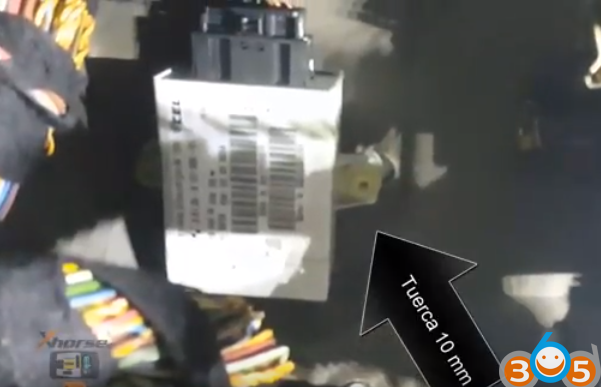
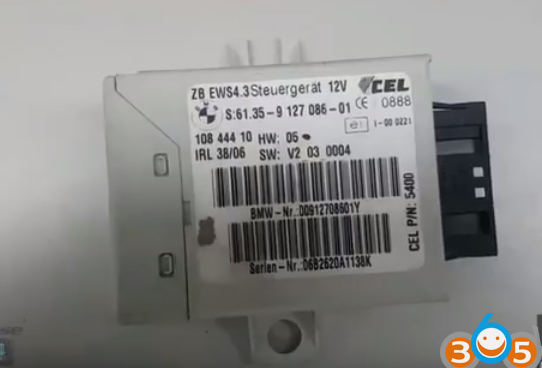
    Take out EWS4 immo box

    
			Program BMW X3 EWS4 Transponder with VVDI Prog & VVDI2

    
			Program BMW X3 EWS4 Transponder with VVDI Prog & VVDI2

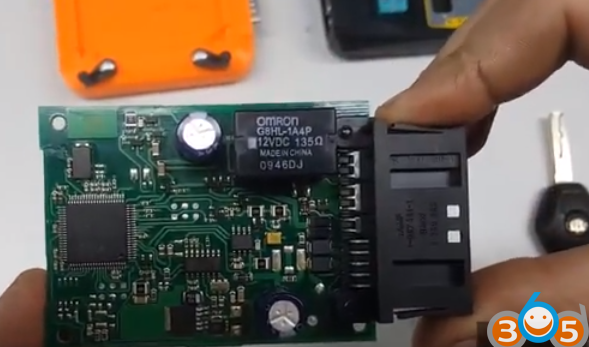
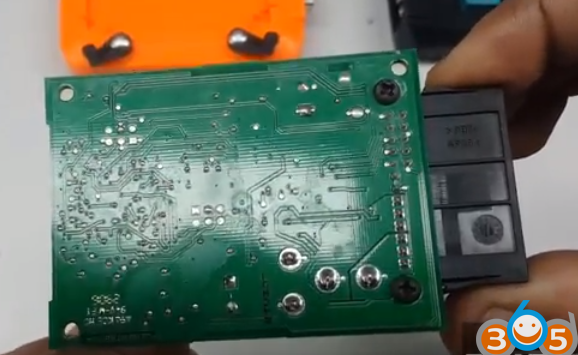
    Disassemble the EWS4 module

    
			Program BMW X3 EWS4 Transponder with VVDI Prog & VVDI2

    
			Program BMW X3 EWS4 Transponder with VVDI Prog & VVDI2

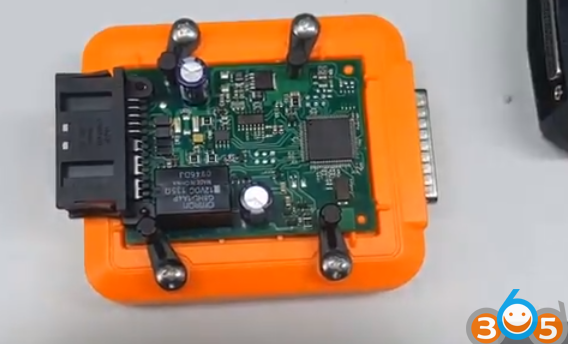
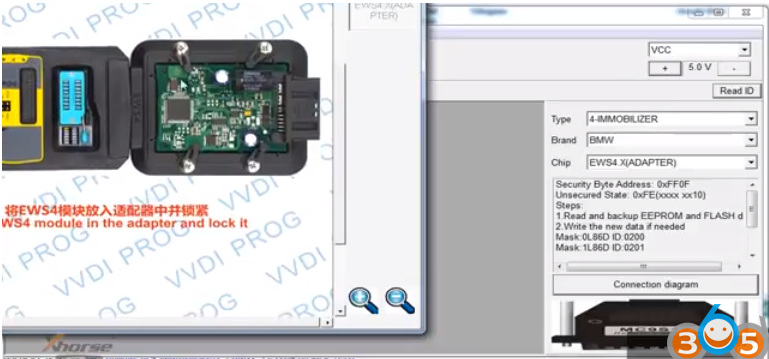
    Put EWS4 module in the VVDI PROG EWS4 adapter and lock it
    
			Program BMW X3 EWS4 Transponder with VVDI Prog & VVDI2

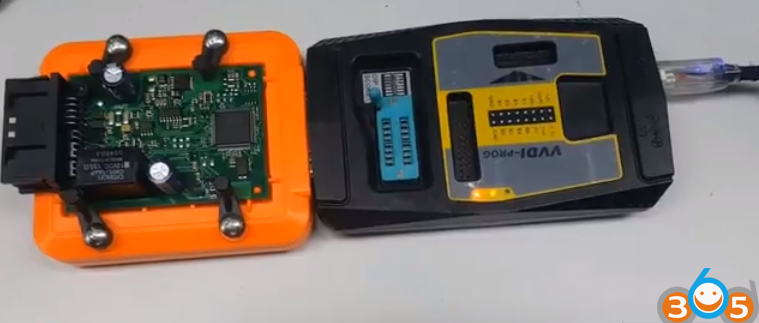
    Connect VVDI PROG with EWS4 adapter, then connect vvdi programmer with computer with USB cable
    
			Program BMW X3 EWS4 Transponder with VVDI Prog & VVDI2

    Open VVDI Prog software

    Select Type 4th Immo, BMW and chip EWS4 adapter

    Check connection diagram
    
			Program BMW X3 EWS4 Transponder with VVDI Prog & VVDI2

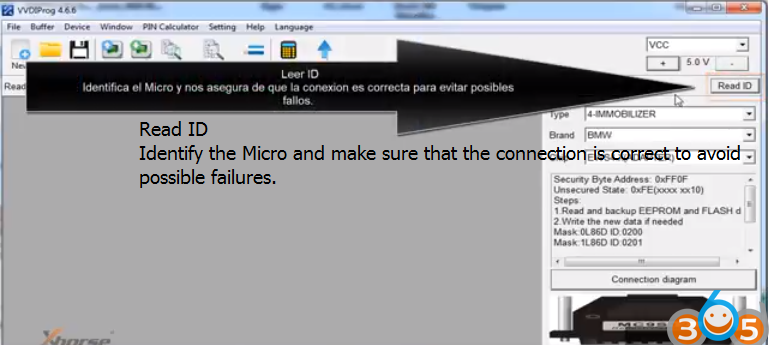
    Click Read ID to identify the Micro and make sure that the connection is correct to avoid possible failures.
    
			Program BMW X3 EWS4 Transponder with VVDI Prog & VVDI2

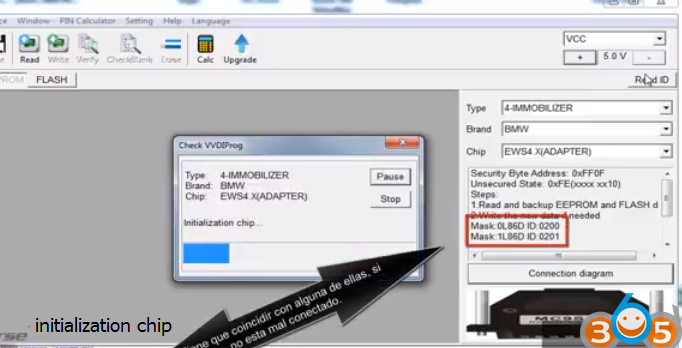
    Chip initialization, make sure all chip type matches

    It has to match any of them, if not, it is connected badly
    
			Program BMW X3 EWS4 Transponder with VVDI Prog & VVDI2

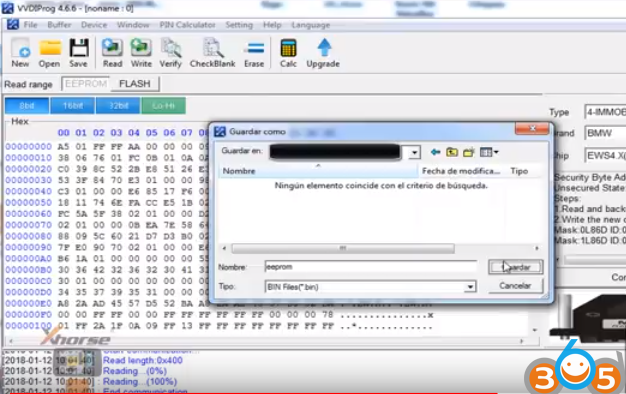
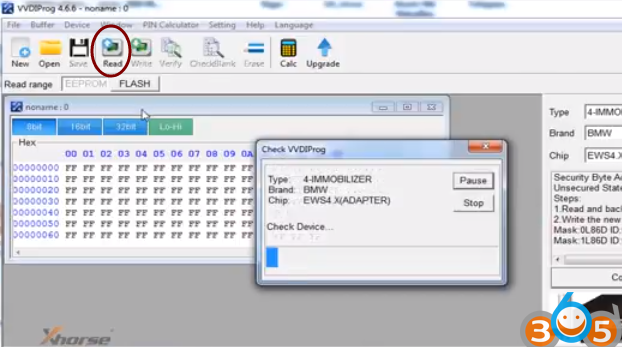
    Click Read to read eeprom data and save it
    
			Program BMW X3 EWS4 Transponder with VVDI Prog & VVDI2

    
			Program BMW X3 EWS4 Transponder with VVDI Prog & VVDI2

    Step 2: Program EWS4 key by VVDI2 key programmer

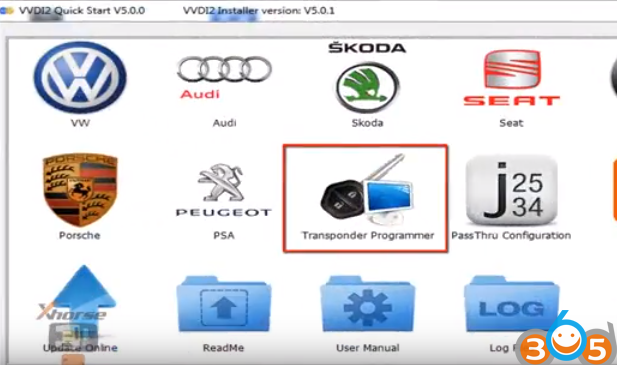
    Open VVDI2 BMW software

    Select Transponder Programmer
    
			Program BMW X3 EWS4 Transponder with VVDI Prog & VVDI2

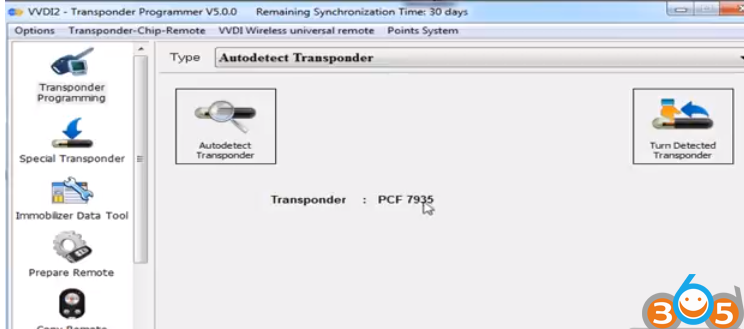
    Select Auto detect Transponder: PCF7935
    
			Program BMW X3 EWS4 Transponder with VVDI Prog & VVDI2

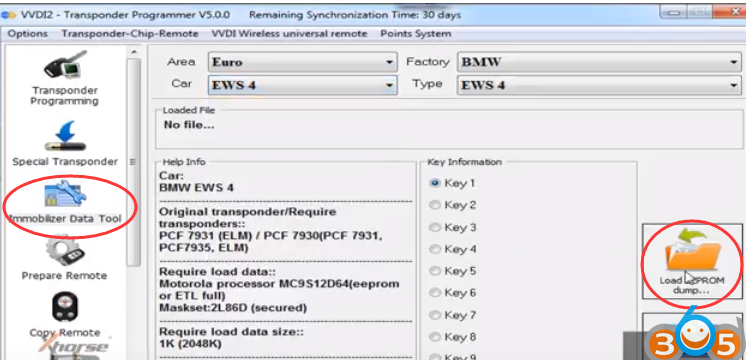
    Choose Immobilizer Data Tool function

    Select region Euro, vehicle make BMW and immo type EWS4
    
			Program BMW X3 EWS4 Transponder with VVDI Prog & VVDI2

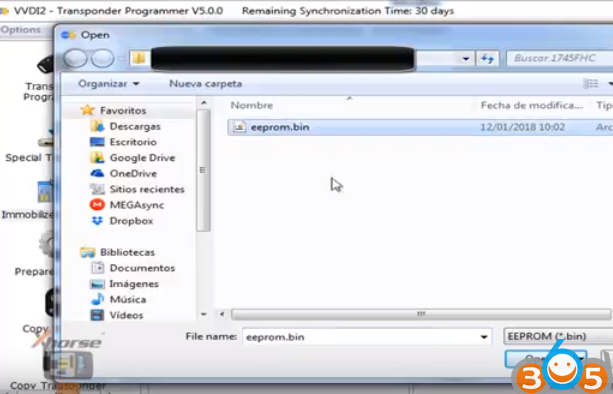
    Click Load EEPROM Dump

    
			Program BMW X3 EWS4 Transponder with VVDI Prog & VVDI2

    select an unused key position and press Make Dealer Key
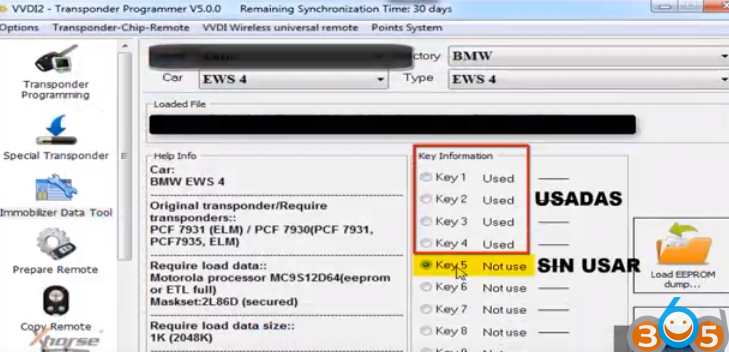
    
			Program BMW X3 EWS4 Transponder with VVDI Prog & VVDI2

    Prepare dealer key success. Now the key can start engine.
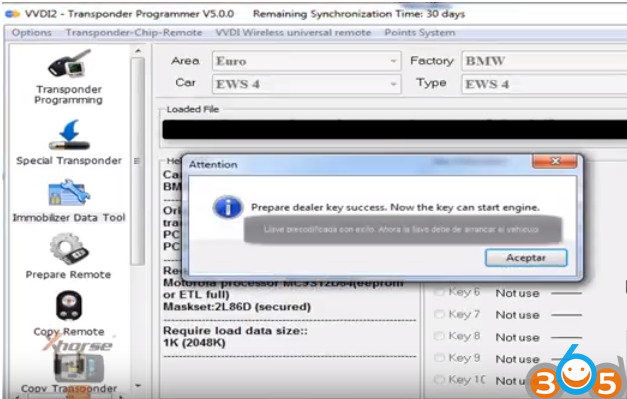
    
			Program BMW X3 EWS4 Transponder with VVDI Prog & VVDI2

    Reinstall EWS4 module back to car.

    Test the new key, remote works, car starts
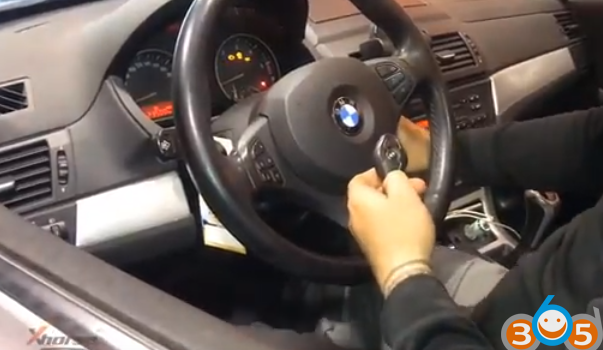
    
			Program BMW X3 EWS4 Transponder with VVDI Prog & VVDI2

    Done.

    www.obdii365.com

    Rate this article (0)