How to Update OBDSTAR H100 H110 H108 H-series Key Programmer
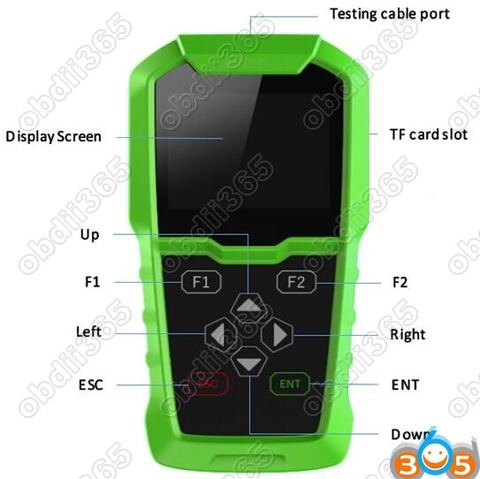
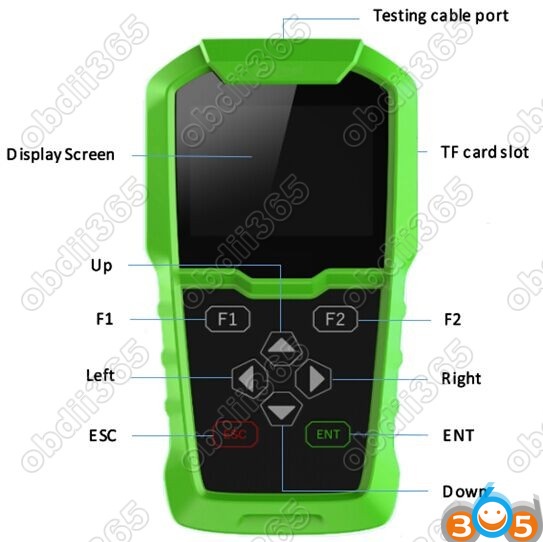
OBDSTAR company new launched H-series key programmer (including: H100, H101, H102,
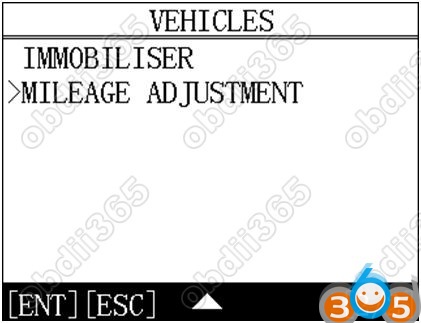
H103, H104, H105, H106, H107, H108, H109, H110 etc.) adds odometer correction features comparing F-series (F100,F101,F102,F104,F108 etc).
How to update software for OBDSTAR H series key programmer?
Update tool software installation
Login official website: http://en.obdstar.com and click “One Key Upgrade”.
Download the update tool and diagnostic software, double click, then go to the next step:
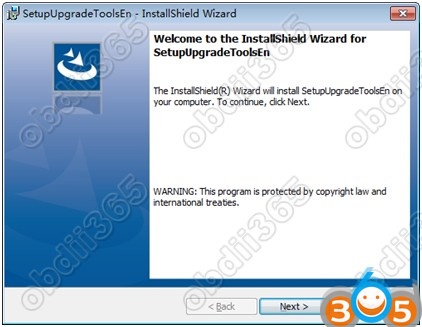
Step 1: Click “Next”
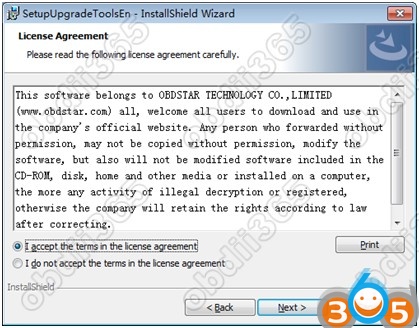
Step 2: Accept license agreement
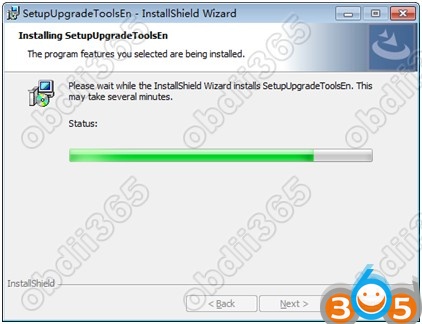
Step 3: Wait for several minutes then the installation finished
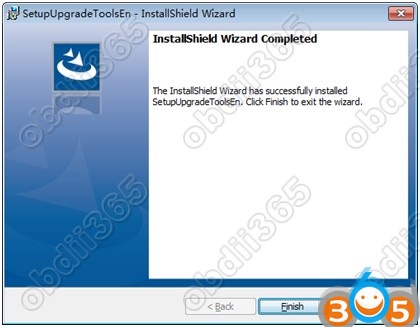
Step 4: Click “Finish”
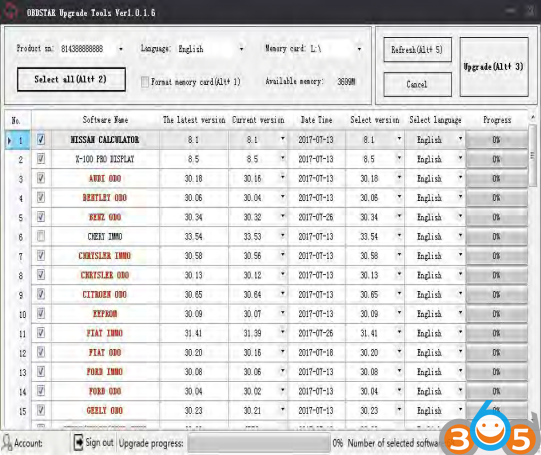
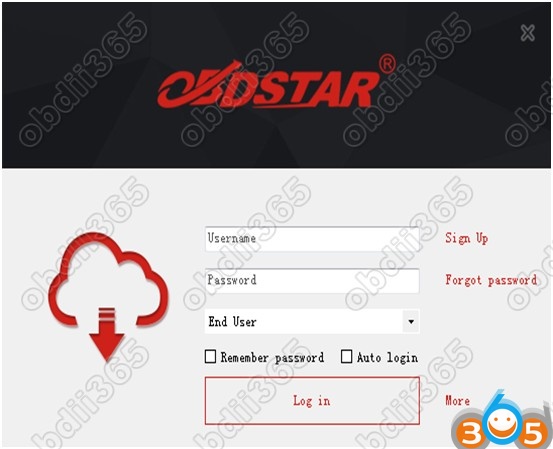
After Update Tool installation completed, click the Update Tool software icon on desktop to start the update tools. The main interface is as shown below:
Register
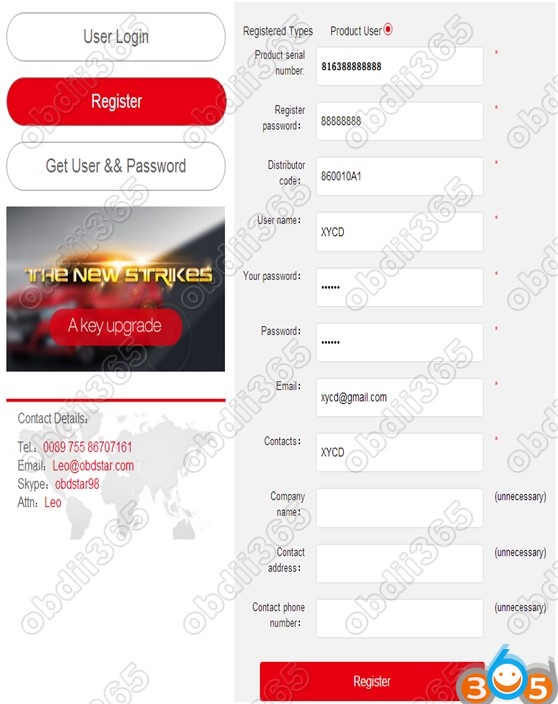
Click ”Sign up” to fill in user information, Username can be English characters
or the combination of alphabet and numbers.
Serial number and register password can be referred to System information in
the device.
For distributor code, please refer to your distributor for more details.
Software updating
Method 1: Upgrade via TF card
Operation steps as following:
Step 1: Remove the TF card from your device.
Insert your TF card into computer.
Step 2:Open update tool and login.
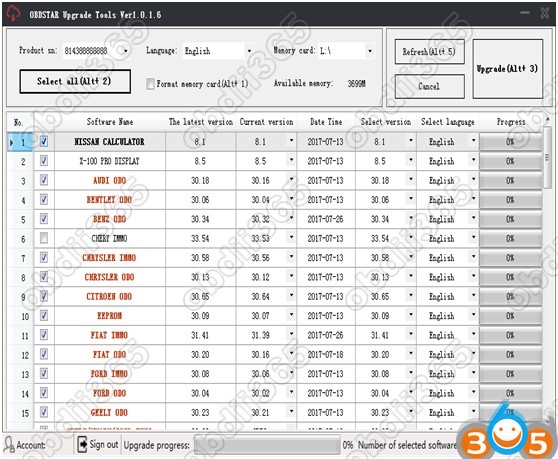
Step 3: Click the source menu, choose the software you want to update, click it and confirm.
Step 4: Click and select all the software then click “update”. (Note: It is better to click “Format memory car” during updating.)
Step 5: Wait for several minutes then the updating finished.
Method 2: Upgrade via USB cable
Operation steps as following:
Step 1: The device is connected to the computer via USB
Step 2:Open update tool and login
Step 3: Click the source menu, choose the program you want to update, click
it and confirm.
Step 4: Click and select all the software then click “update”.( (Note: It is
better to click “Format memory car” during updating.)
Step 5: Wait for several minutes then the updating finished.