Skip to content
Key Programmer

Program Benz Sprinter 2002-2005 Key with VVDI Prog and Tango
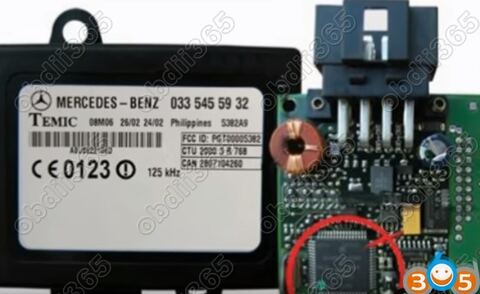
Illustration for Program Benz Sprinter 2002-2005 Key with VVDI Prog and Tango
Info
— (0)

Here’s the guide to add immo key to Mercedes Benz Sprinter year 2002 to 2005 using Xhorse VVDI Prog and Tango transponder key programmer.

Step 1: Read data with VVDI Prog

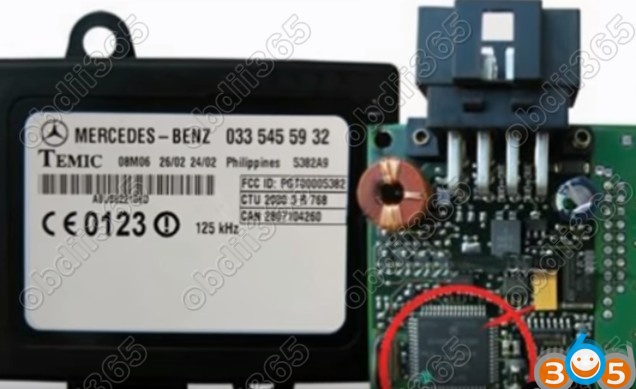
Remove Sprinter Immo box

			Program Benz Sprinter 2002-2005 Key with VVDI Prog and Tango

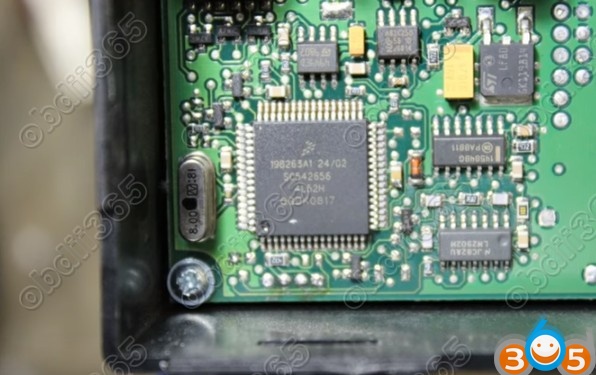
Find 4L52H mcu chip


			Program Benz Sprinter 2002-2005 Key with VVDI Prog and Tango

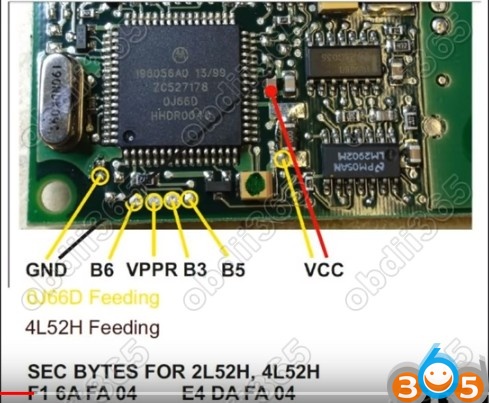
Make connection


			Program Benz Sprinter 2002-2005 Key with VVDI Prog and Tango

Open VVDI-Prog software

Select Type, Brand and chip: Sprinter Immo Box (2002-2005)

Click on Connection diagram and view diagram
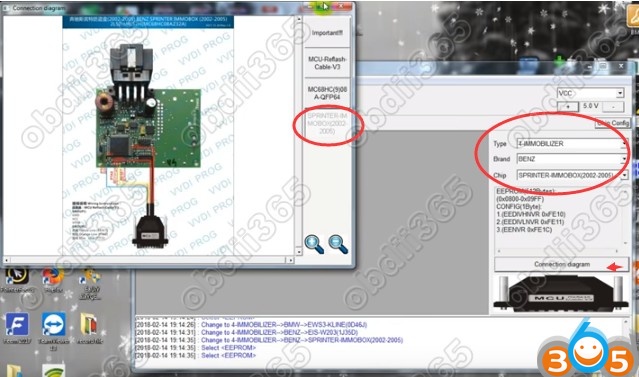

			Program Benz Sprinter 2002-2005 Key with VVDI Prog and Tango

Sprinter 4L52H mcu pinout to VVDI Prog
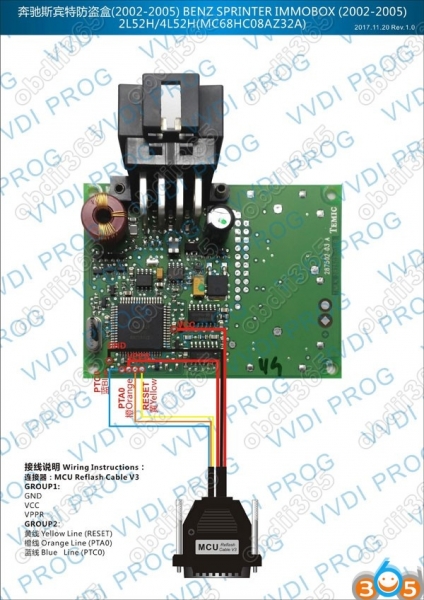

			Program Benz Sprinter 2002-2005 Key with VVDI Prog and Tango

Click on Chip Config

Select Security Bytes->Search from file->MC68HC(9)08_SECURITY_BYTES.cfg
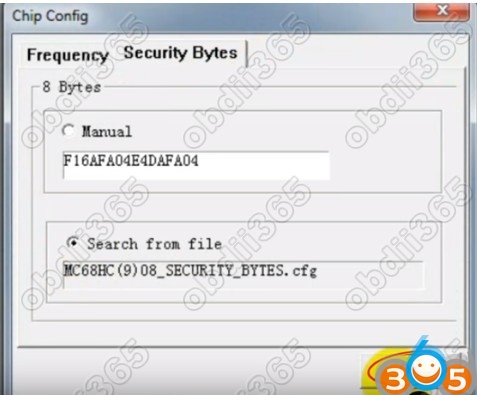

			Program Benz Sprinter 2002-2005 Key with VVDI Prog and Tango

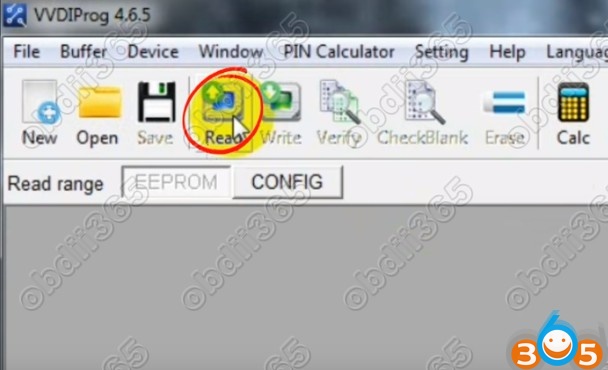
Read data


			Program Benz Sprinter 2002-2005 Key with VVDI Prog and Tango


			Program Benz Sprinter 2002-2005 Key with VVDI Prog and Tango

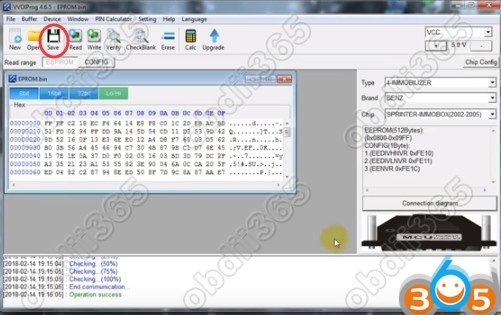
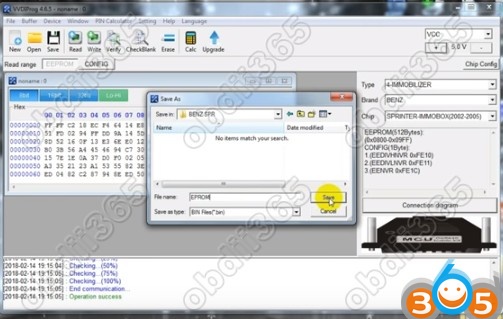
Save eeprom data


			Program Benz Sprinter 2002-2005 Key with VVDI Prog and Tango

Step 2: Write transponder with Tango

Open Tango key programmer software

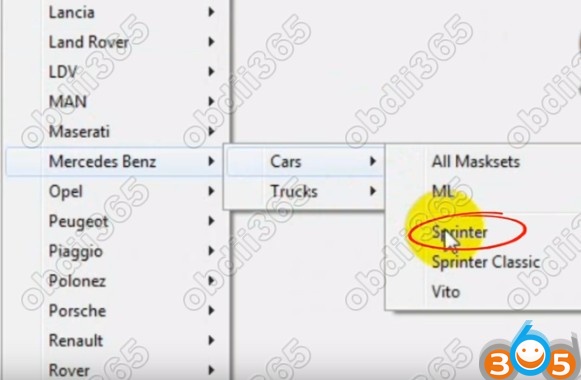
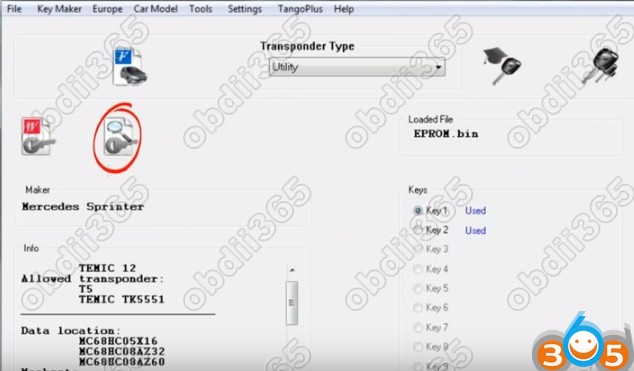
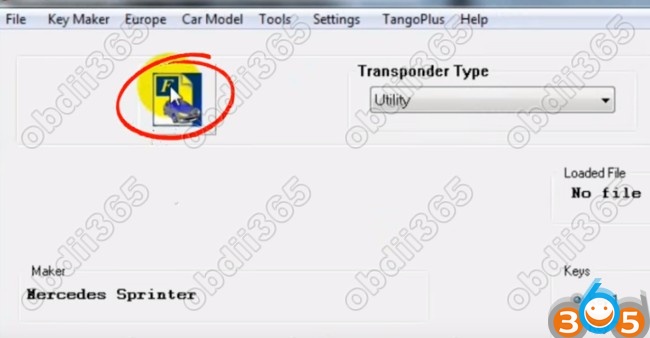
Select Car Model tab->Benz->Cars->Sprinter
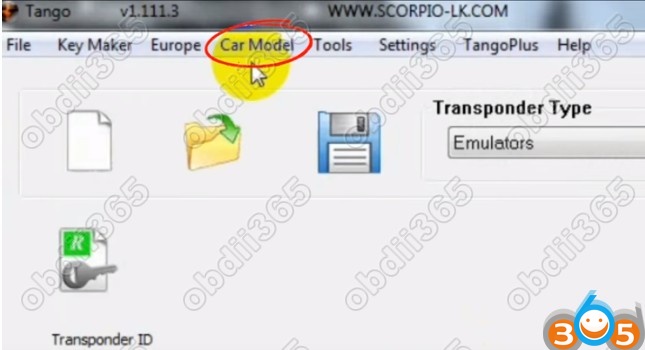

			Program Benz Sprinter 2002-2005 Key with VVDI Prog and Tango


			Program Benz Sprinter 2002-2005 Key with VVDI Prog and Tango

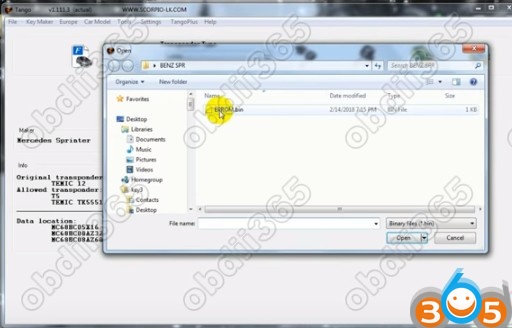
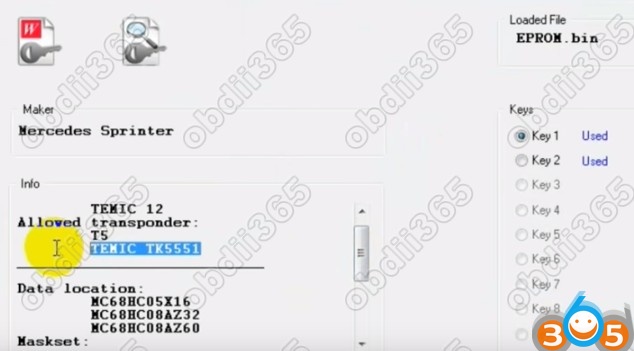
Load eeprom file just read by VVDI prog

			Program Benz Sprinter 2002-2005 Key with VVDI Prog and Tango


			Program Benz Sprinter 2002-2005 Key with VVDI Prog and Tango

Click on Write key button


			Program Benz Sprinter 2002-2005 Key with VVDI Prog and Tango

Then


			Program Benz Sprinter 2002-2005 Key with VVDI Prog and Tango

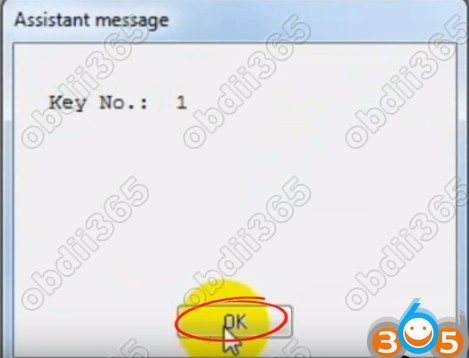
Confirm key position


			Program Benz Sprinter 2002-2005 Key with VVDI Prog and Tango

Follow tango prompts until success.

http://www.obdii365.com/

Rate this article — (0)