How to Program Chevy Sonic 2014 Remote Key with SKP900

Here’s the step by step instructions on how to program a remote head key for a 2014 Chevy Sonic using SuperOBD SKP900 auto key programmer.

4-button remote key
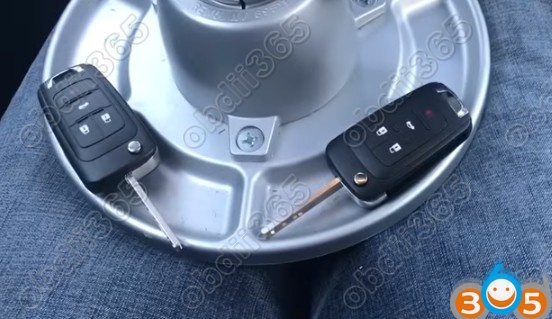
Connect SKP-900 host with vehicle via OBD diagnostic socket using main test cable
Turn ignition switch to ON position
Turn on skp900 v5.0
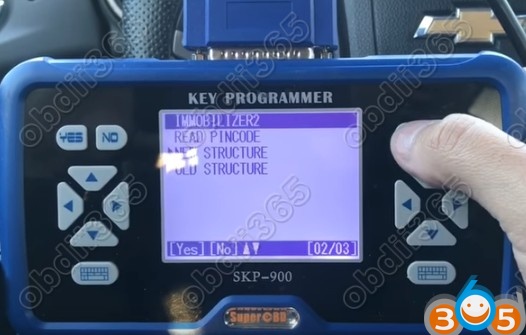
Select Immobilizer->Chevrolet->Immobilizer 2->New Structure->Loading…->IMMO System
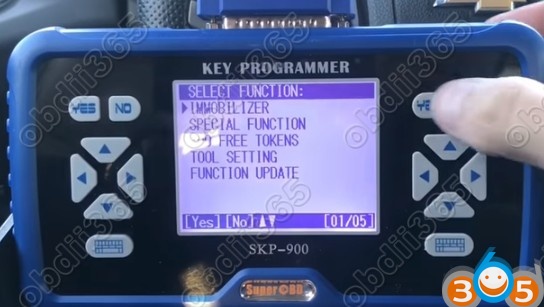
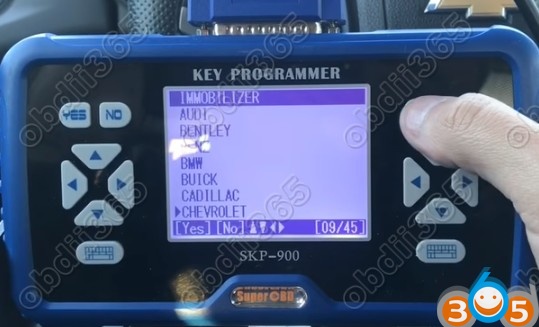
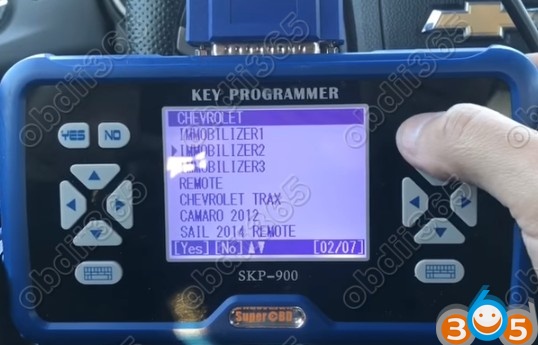
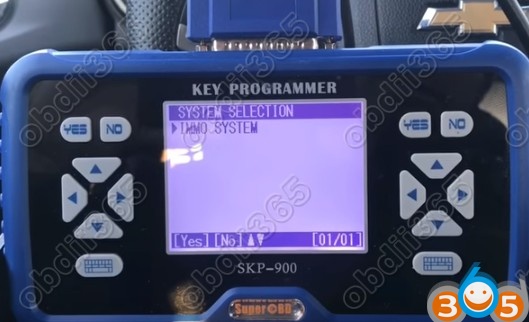
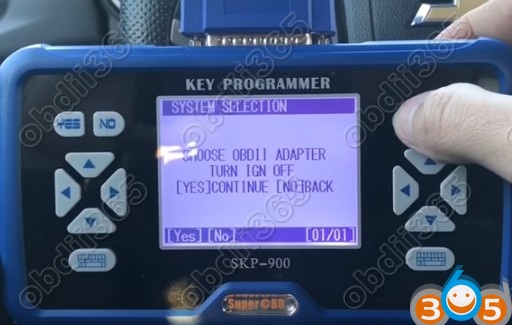
Choose OBDII adapter and turn ignition off
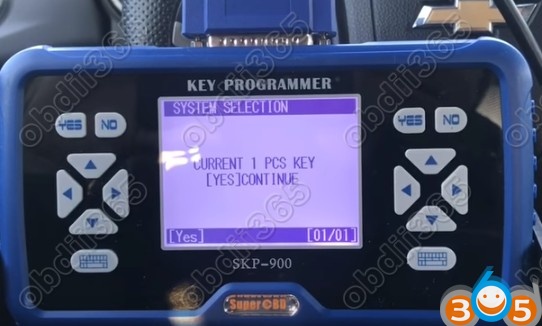
SKP900 detect current number of key: 1
Select Program Key
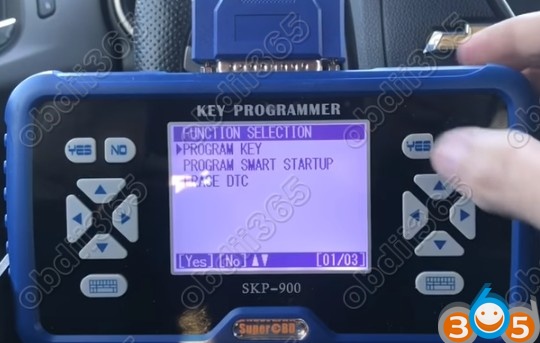
Turn ignition on
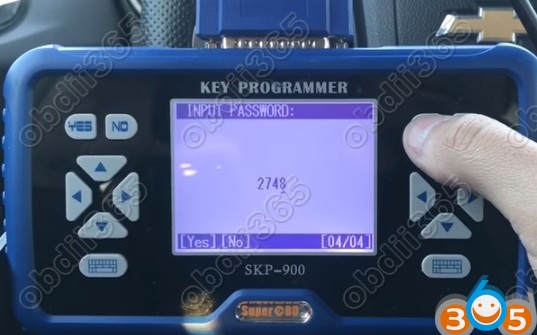
SKP900 key programmer will require to enter 4-digit pin code to access
Manually enter pin and confirm
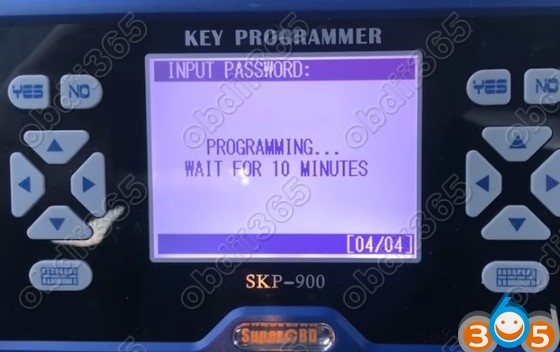
Programming, please wait for 10 minutes
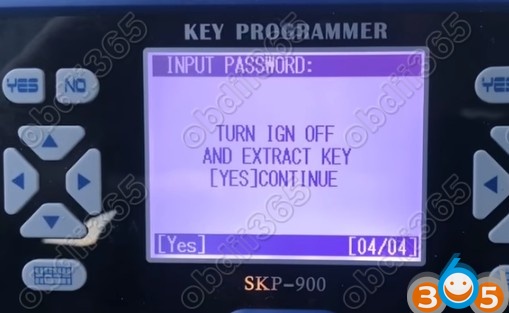
Turn ignition off and add a new key
Open-close driver door, shut down all electronic equipment
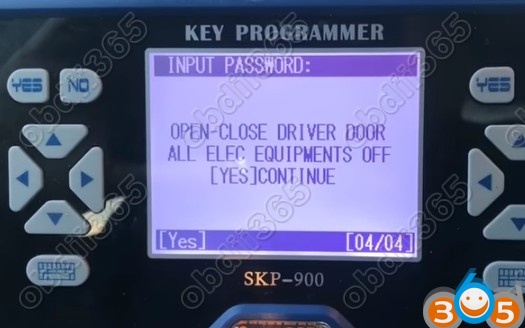
Turn ignition on
Continue to program next key.
Turn ignition off and add extra key
Insert a new key and turn ignition on
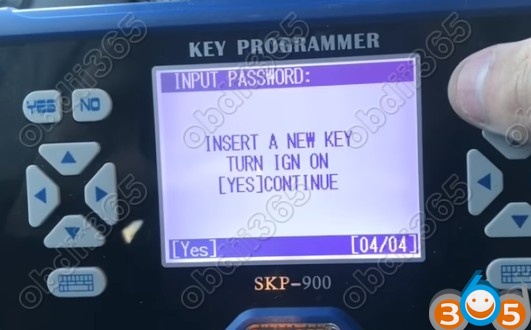
Repeat procedure above until key programming is done
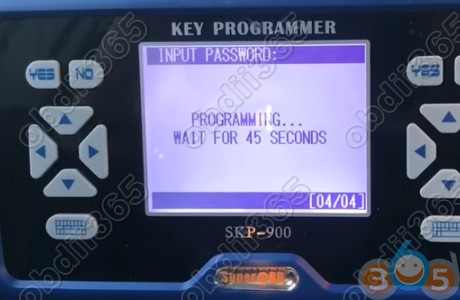
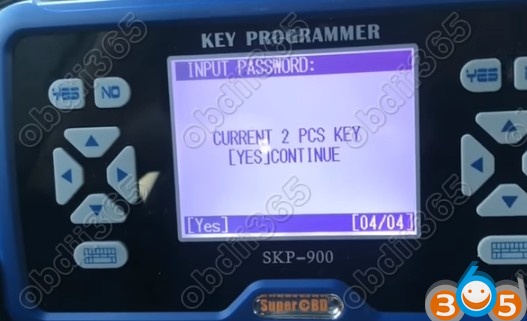
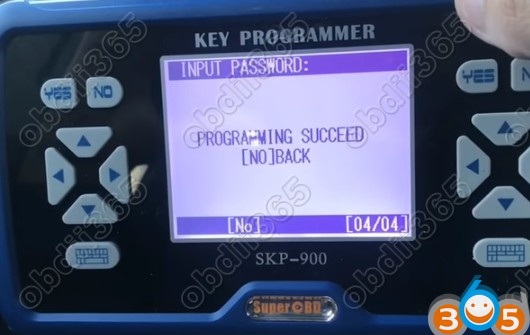
Programming succeed.
Test the remote key, working!
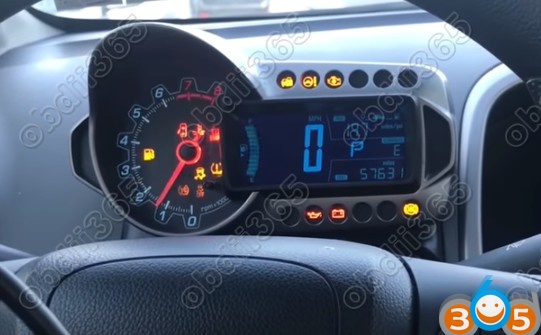
Note: SKP900 is out of production. You can choose other alternatives, Xtool X100 Pad2, OBDSTAR X300 DP or Lonsdor K518ISE key programmers.