How to Unlock Megamos 48 Transponder with Auro OtoSys IM600
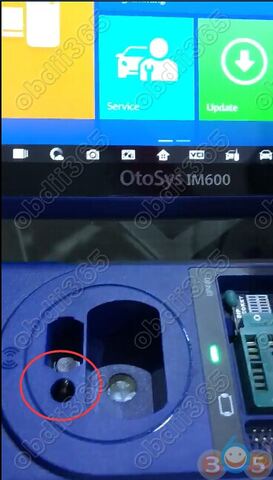
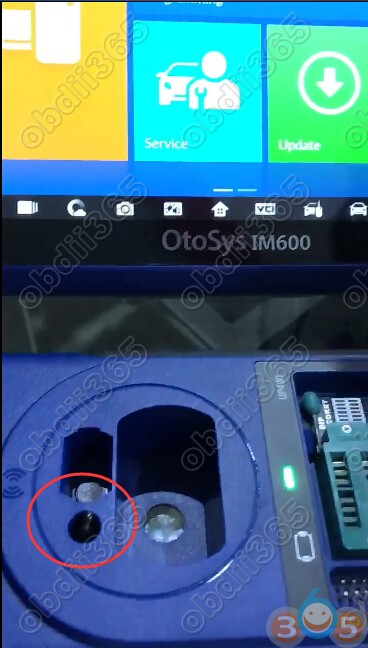
Auro Otosys IM600 tablet and up400 adapter reading and unlocking Megamos 48 transponder guide is provided below:
Insert Megamos 48 Chip into UP400 adapter
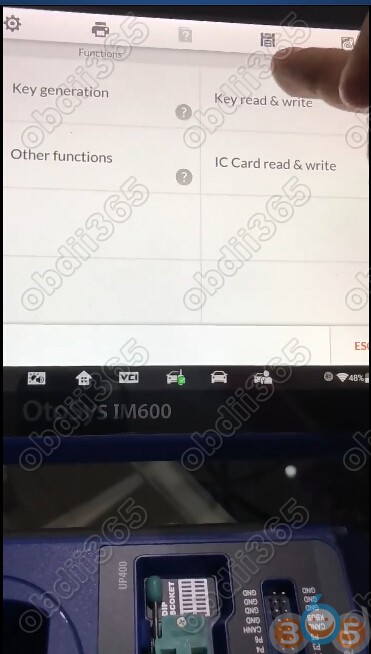
Select Programming function->Key read & write->Automotive Detection
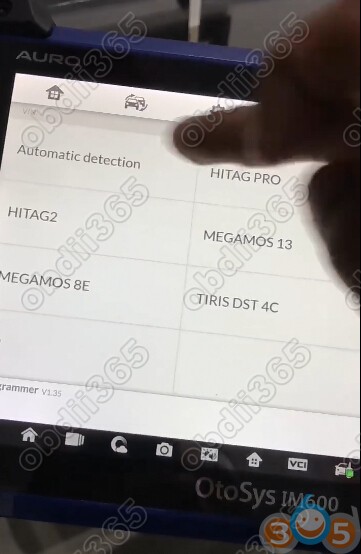
IM600 read key type: Megamos 48
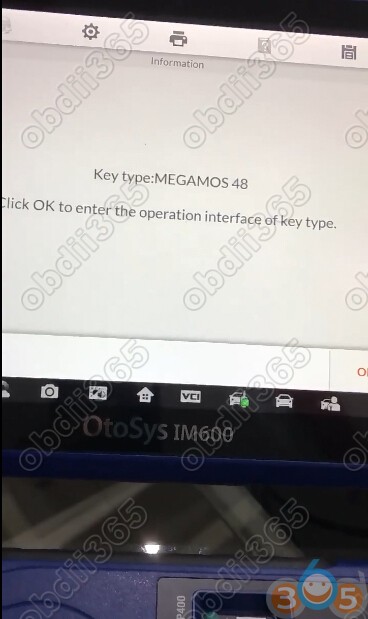
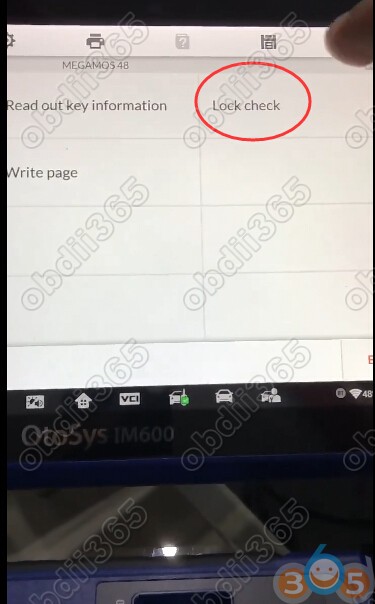
Select Lock Check
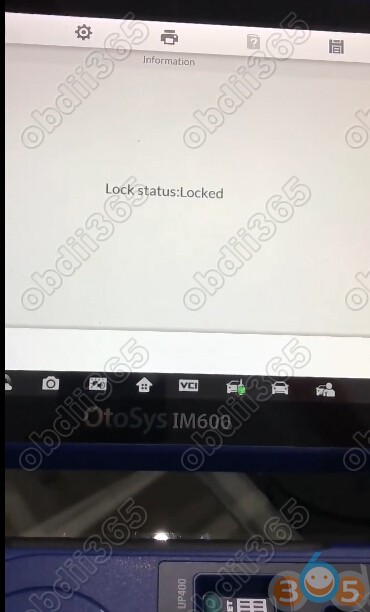
The Megamos 48 Chip is locked
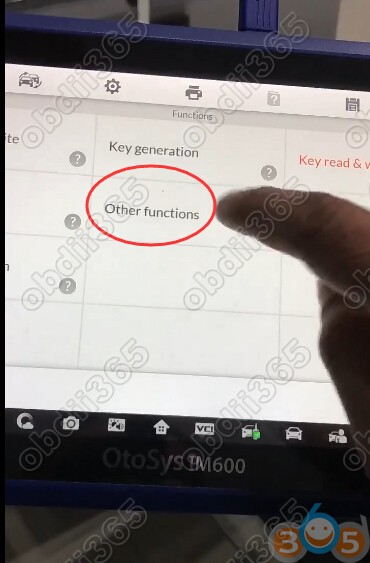
Go back to Function menu, select Other functions->Key unlock->Megamos 48

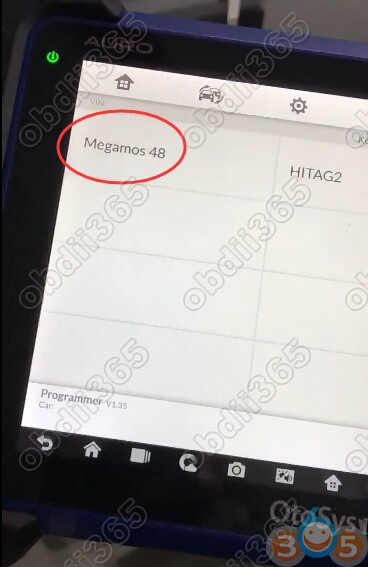
Megamos 48 transponder chip unlocked successfully.

Check the chip status: Unlocked

Done.
Note: If you need IM600, please contact our customer service online: Email: [email protected]
Skype: OBDII365.com
http://auro-otosys.blogspot.com/2018/04/auro-otosys-im600-unlock-Megamos-48-Chip.html