How to Program VW Jetta 2014 Key with Auro OtoSys IM100/IM600
How to: clone an original key onto a KeylessGo 48 transponder and add a key to a 2014 Volkswagen VW Jetta 4th generation immobilizer NEC24C64 using the Auro OtoSys IM100 / IM600 tablet key programmer via OBD.
Part 1: Backup Vehicle Data
Backup eeprom and immo data before operation
Connect IM100/IM600 and UP200 programming adapter with vehicle via OBD diagnostic socket
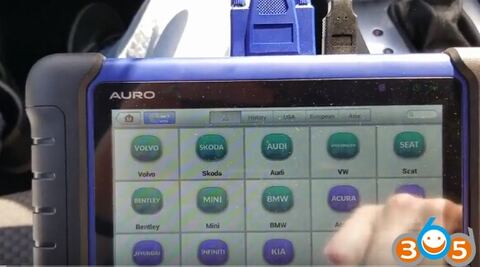
Select IMMO->VW->Smart Mode
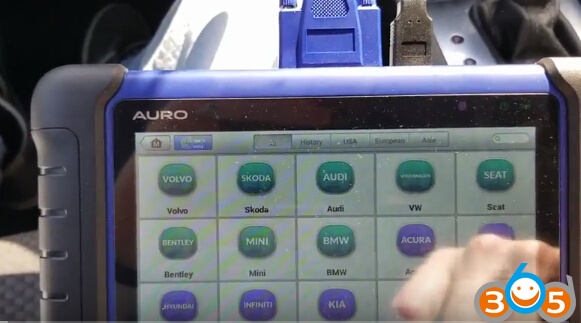
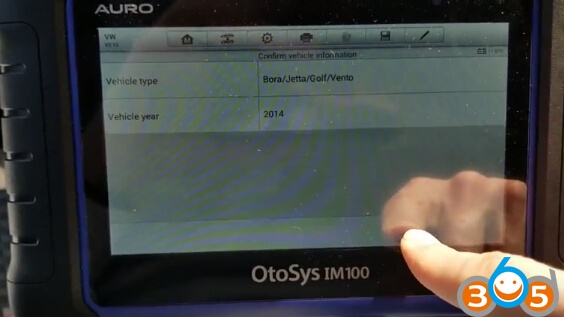
Reading vehicle information
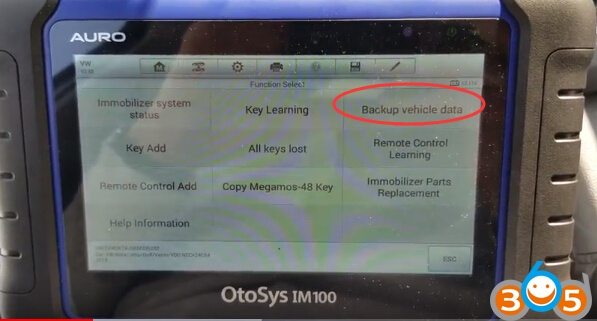
Select Backup vehicle data

The instrument will have a black screen which is normal phenomenon. It will reset automatically when read data success.
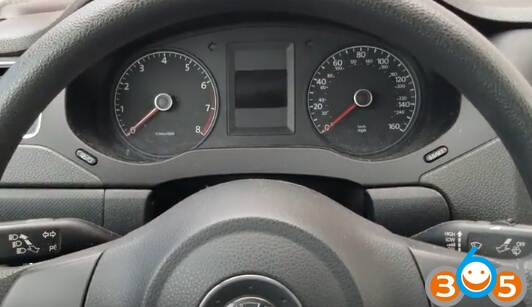
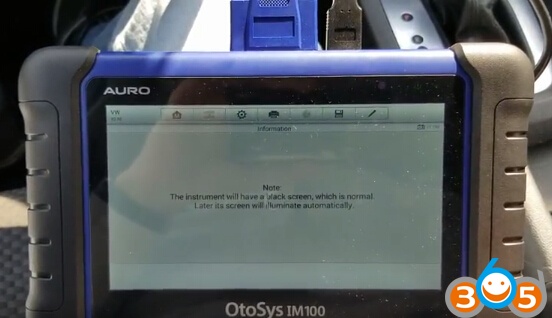
IM100 read EEPROM and then IMMO data.
Save NEC24C64 eeprom and immo data as bin format

Part 2: Clone KeylessGo 48 transponder
Cloned an original key onto a KeylessGo 48W transponder using the OtoSys IM100 ( which will also work on an IM600)
Select VW->Smart Mode
Reading vehicle information and analyzing immo type: Megamos 48 key, #31 key blanks
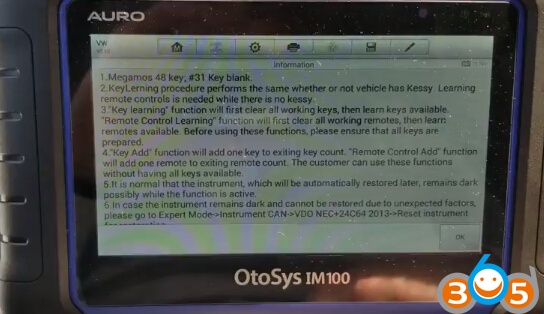
Auro IM100 read current number of keys
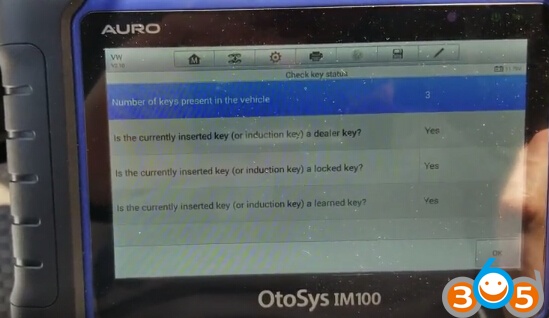
Select Copy Megamos 48 key
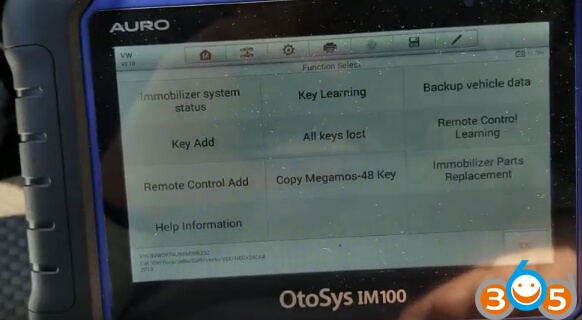
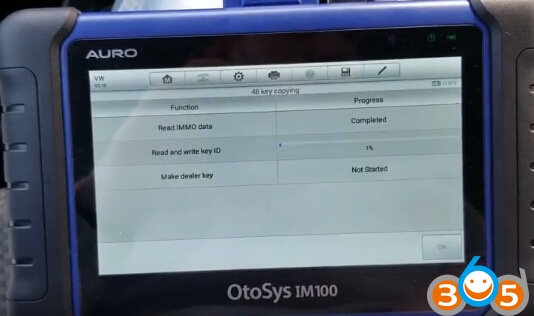
3 Steps to complete ID48 key cloning
Step 1. Read Immo data
a blank key must be a cloned key (ID id modifiable )

Insert the start key and turn ignition switch to ON position
Reading immo data wait until completed
Step 2. Read and write key ID
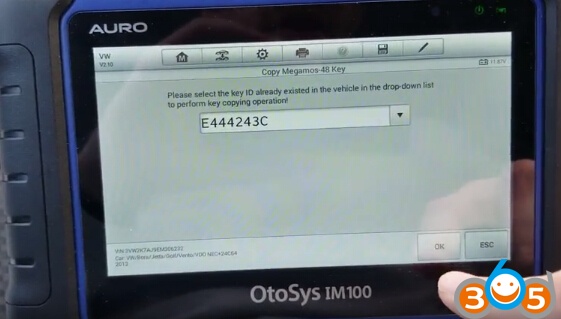
Select the key ID already existed in the vehicle in the drop-down list to perform ke copying operation
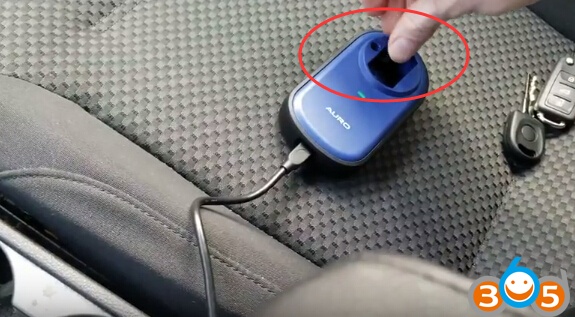
Put a blank key/key chip in the programmer key hole and then Press OK
Write key ID complete
Step 3. Make dealer key
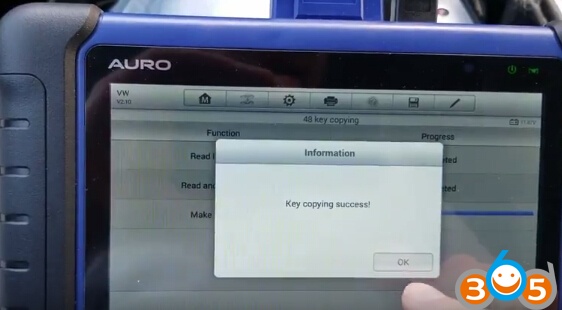
Key cloning success
Part 3: Add a key
Add a key to a 2014 Jetta using the IM100 / IM600 without deleting existing keys.
Select Key Add

If vehicle has kessy:
The remote Start function of the key may fail after using Key Add function.
The key needs to be pressed close to the key induction area if want to start vehicle

3 Steps to add key:
Step 1: Read Immo data

Step 2: Make dealer key
Insert a blank key into UP200 adapter’s key hole
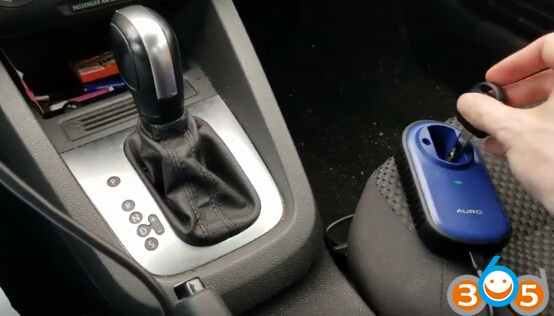
Wait making dealer key success
Step 3: Add key to vehicle
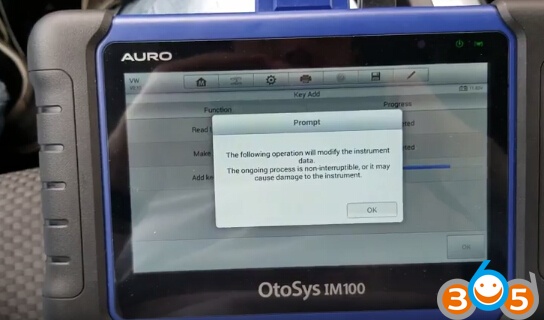
The following opeartion will modify the instrument data.
The ongoing process is non-uninterruptible, or it may cause damage to the instrument
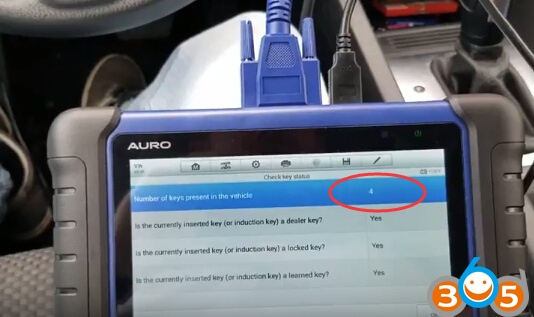
Add a key completed.
Now you have 4 keys in car.
Test the new key and start car.
*Note: If you need IM600, please contact our customer service:
Email: [email protected]
Skype: OBDII365.com
How to Clone and Add VW Jetta 2014 IMMO4 Key with Auro OtoSys IM100/IM600 by OBD