BMW CAS4+ Add Key and All Keys Lost with CGDI Pros

About: How to add CAS4+ keys (and when all keys are lost situation), using CGDI key programmers.
Optional tools: CG PRO 9s12, CGDI BMW, CG100 full-featured
Tutorial:
Part 1: Add CAS4+ key
CAS4 antitheft buggy key programming, needs to be read to configure the key, read CAS4+ antitheft data and load data ro match keys
Step 1: Read CAS4+ anti-theft data using CG Pro 9S12
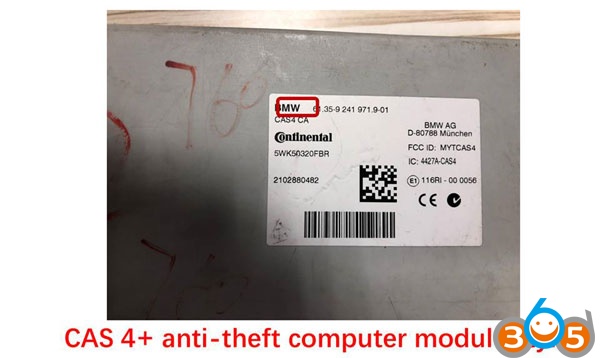
CAS4 anti-theft computer module

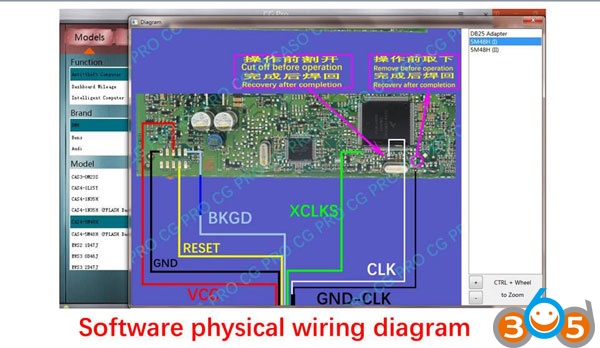
CGDI-Pro and CAS4 wiring diagram
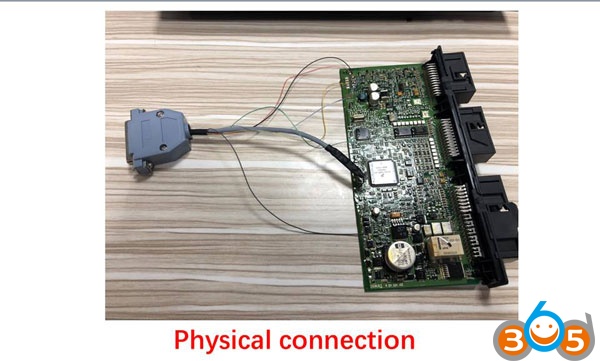
Connect to CGDI-PRO

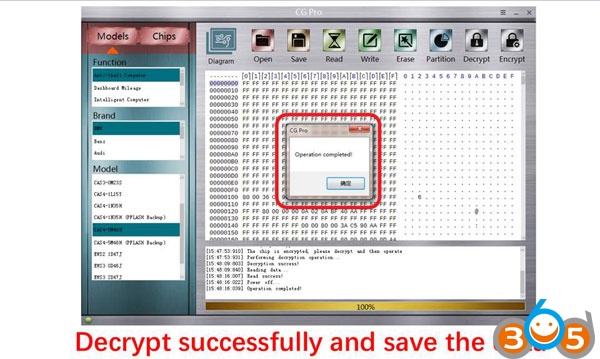
Decrypt successfully and save data
Step 2: Match the new key with CGDI BMW
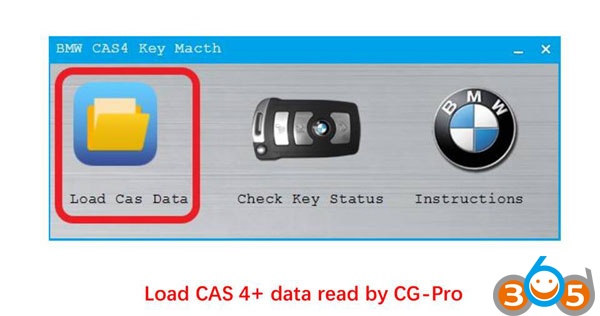
Go to “CAS4 Key Match”

Load CAS data
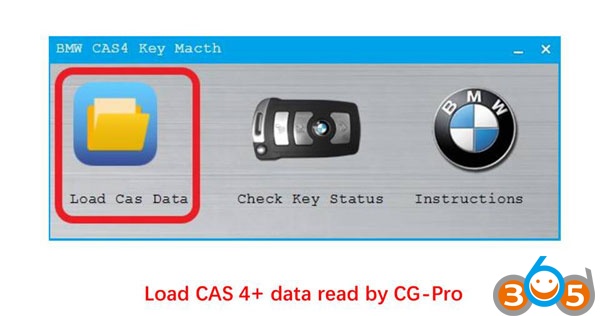
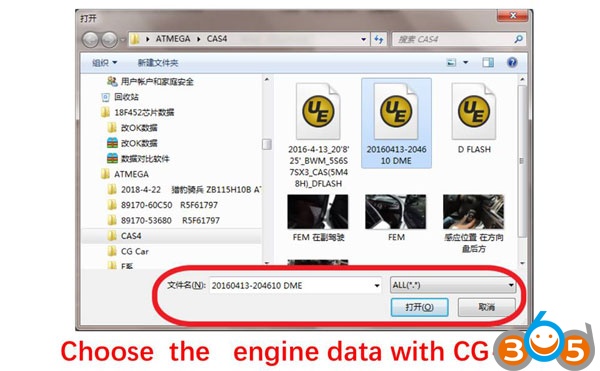
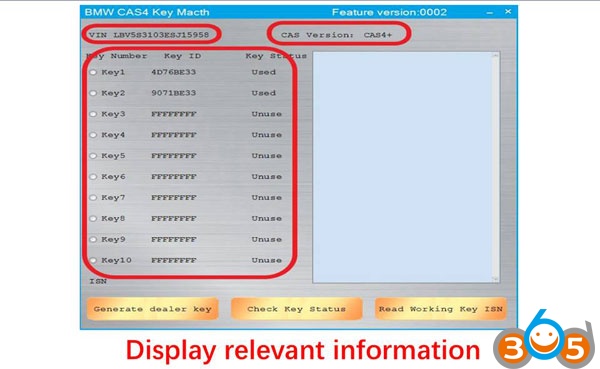
Display key data in the CGDI interface
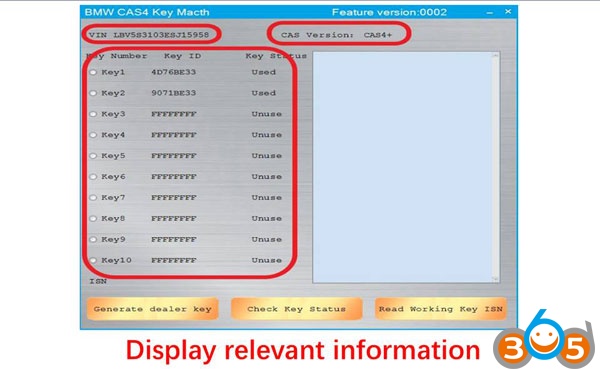
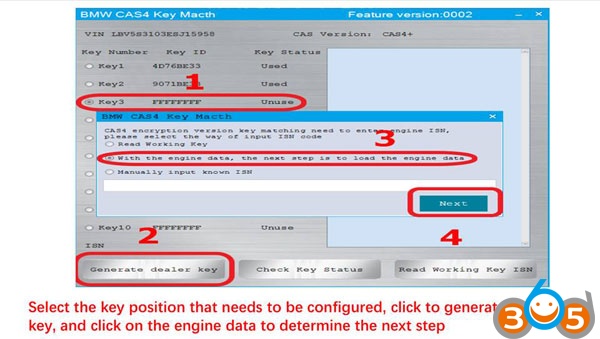
Select the key position that need to be configured
Click to generate the dealer key
Put in the blank key into CGD I BMW
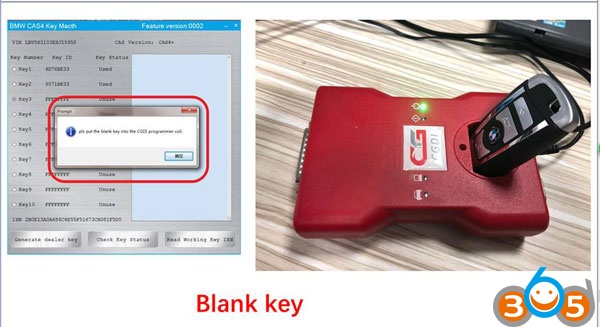
Program a new key successfully!
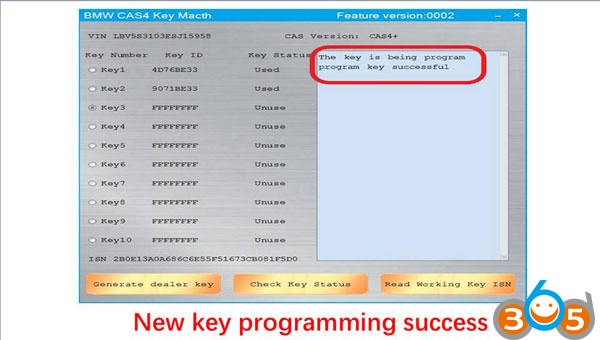
Work good as the original after learning
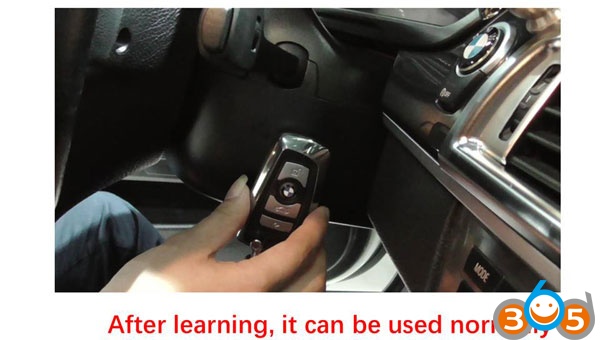
DONDE!
Part 2: CAS4+ all keys lost programming
CAS4+ antitheft buggy key programming, needs to be read to configure the key, read CAS4+ antitheft data and load data ro match keys
Step 1: Read CAS4+ anti-theft data using CGDI-Pro
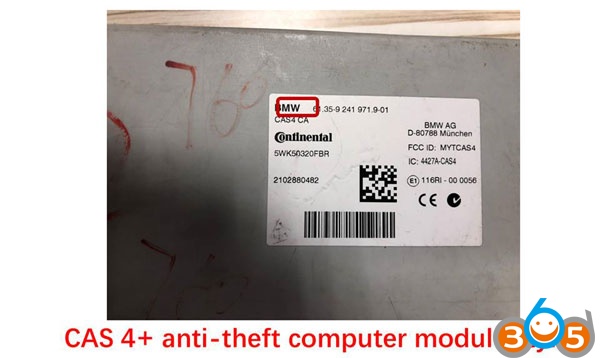
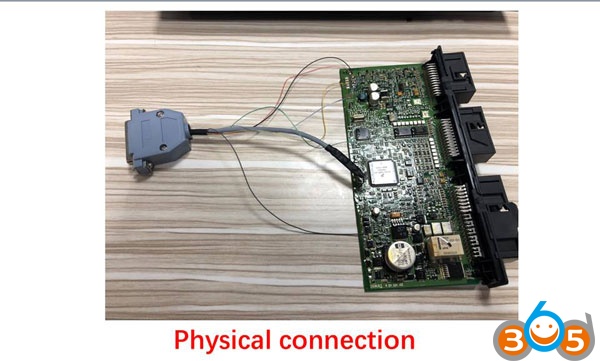
CAS4+ anti-theft computer module

CGDI-Pro and CAS4+ wiring diagram
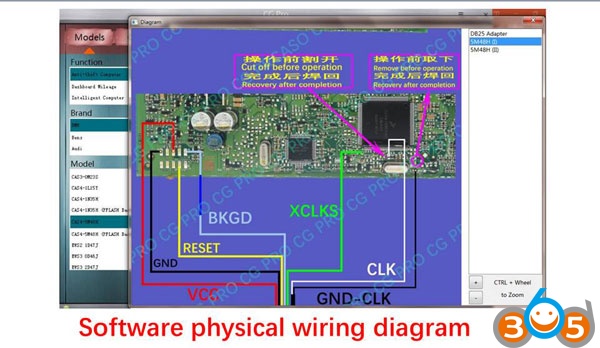
Connect to CGDI-PRO

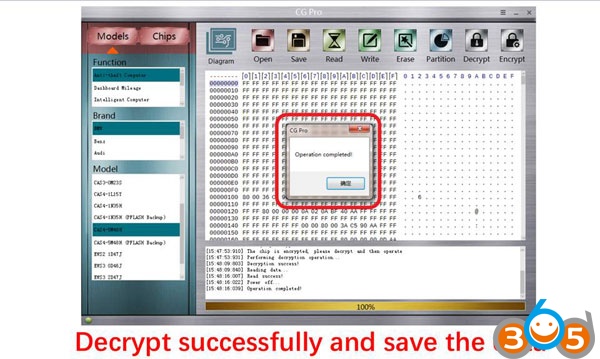
Decrypt successfully and save data
Step 2: Read engine ECU data with CG100
Note: CG100 Prog III full-featured support
Click on “ECU”

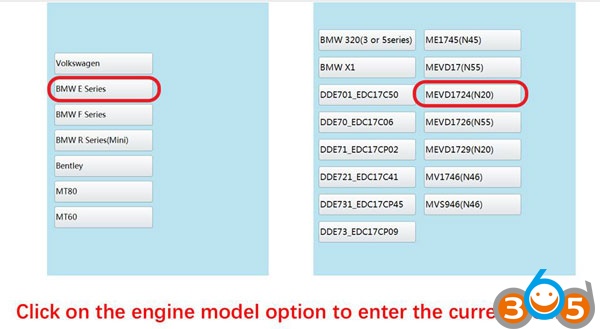
Select the engine model
Here: BMW E series MEVD1724(N20)
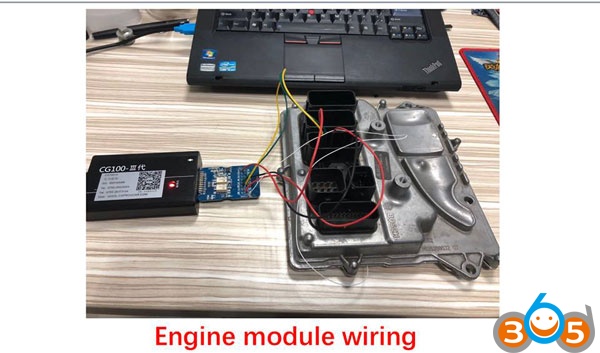
CG100 and CAS4+ wiring diagram
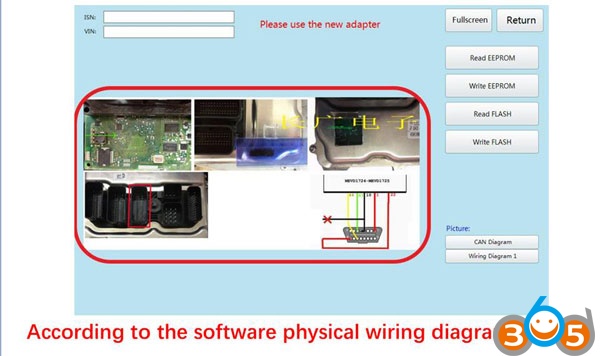
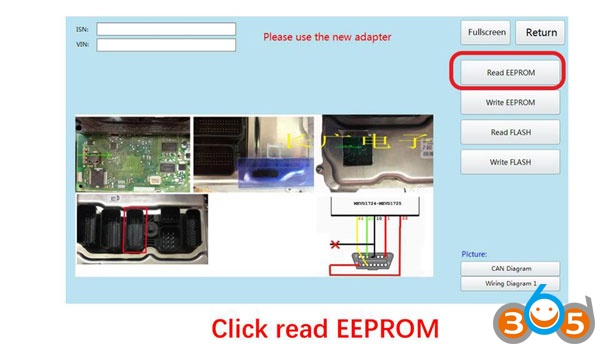
Read EEPROM
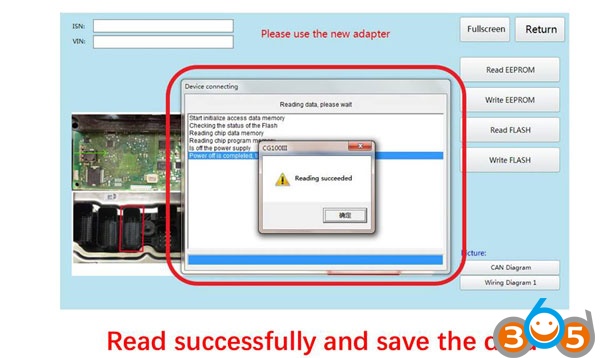
Read data successfully and save data
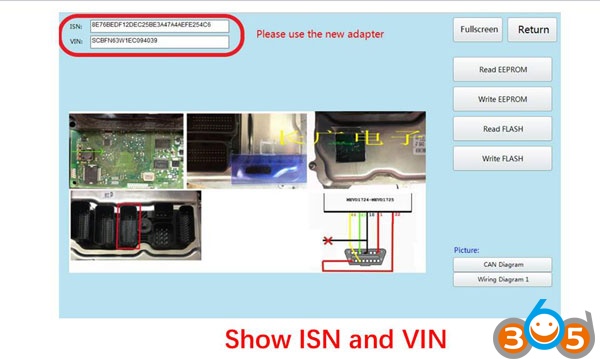
Display ISN and VIN
Step 3: Match the new key by CGDI Prog BMW
Go to “CAS4 Key Match”

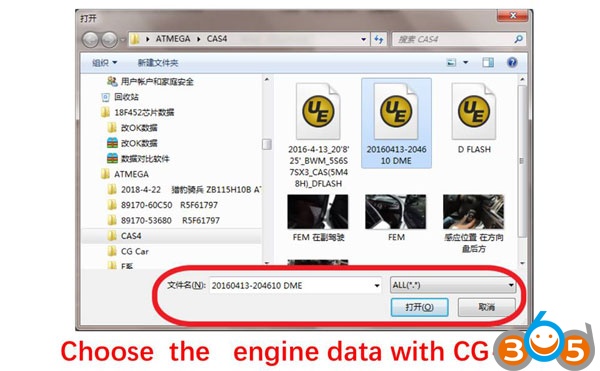
Load CAS data that read by CG-100
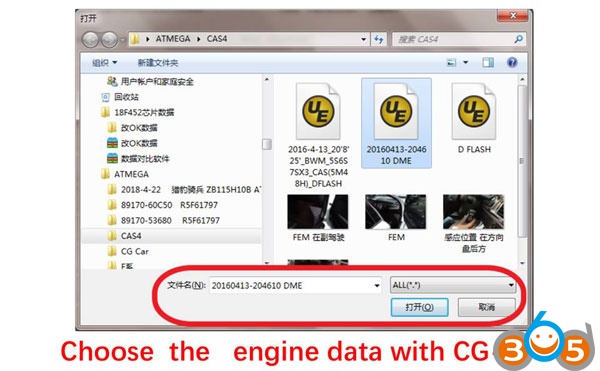
Display key data in the CGDI interface
Select the key position that need to be configured
Click to generate the dealer key
Put in the blank key into CGD I BMW
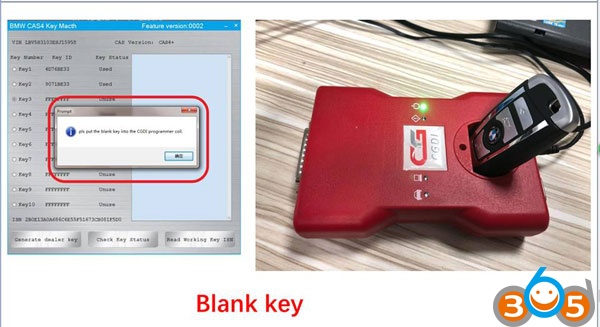
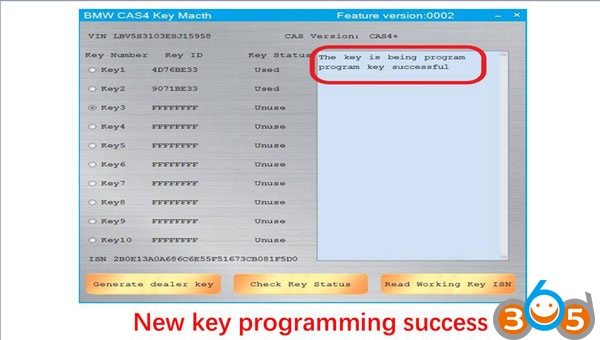
Program a new key successfully!
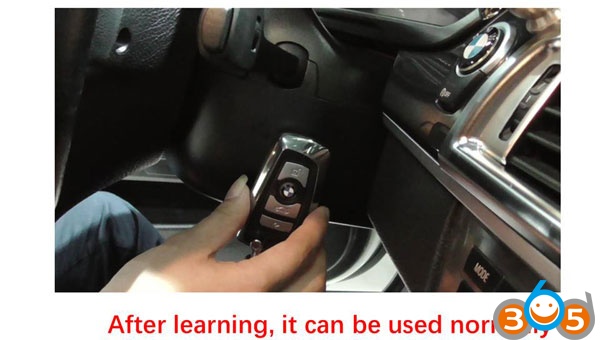
Work good as the original after learning
DONE!
www.obdii365.com
How to use CGDI PRO for CAS4/CAS4+ Keys Add & All Keys Lost?