How to Update Firmware of Keydiy KD-X2 Remote Maker
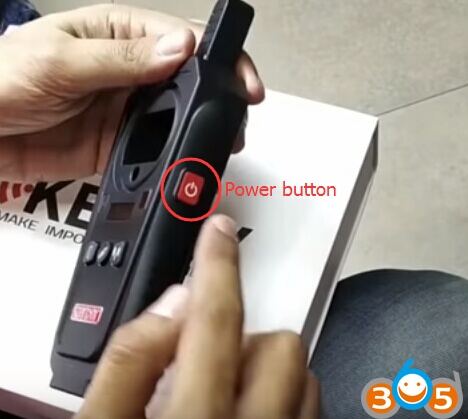
Easy guide to update the firmware of Keydiy KD-X2 remote maker/generator. Check below:
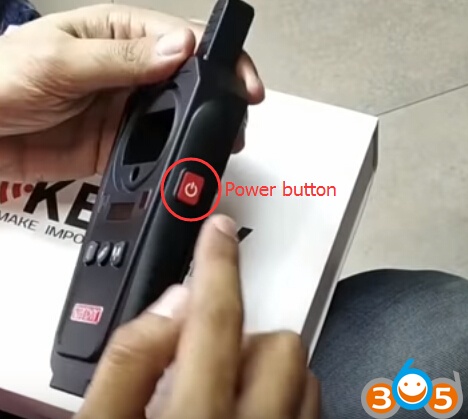
Power on KD-X2 unit
Download Mobile KD App on Android App store or Google Play store
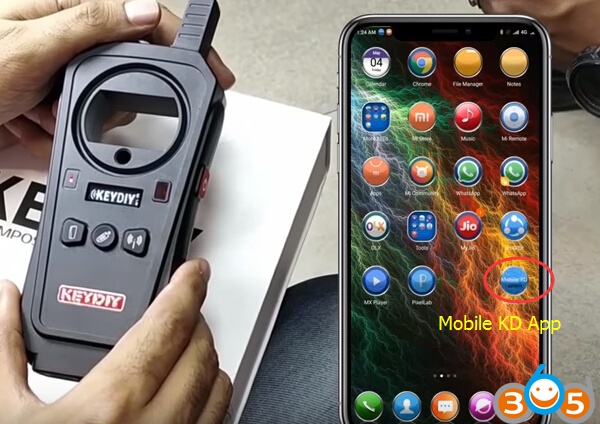
Open Mobile KD APP
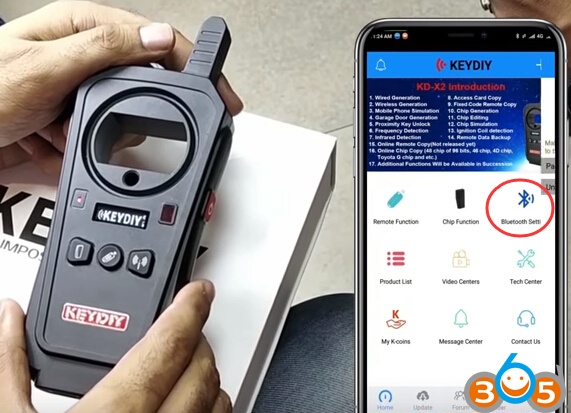
Select Bluetooth Setting->Click to Search-> Pair to connect KD-X2 remote unlocker to Mobile Phone
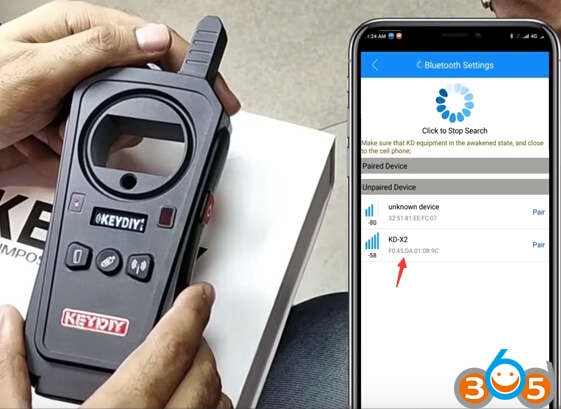
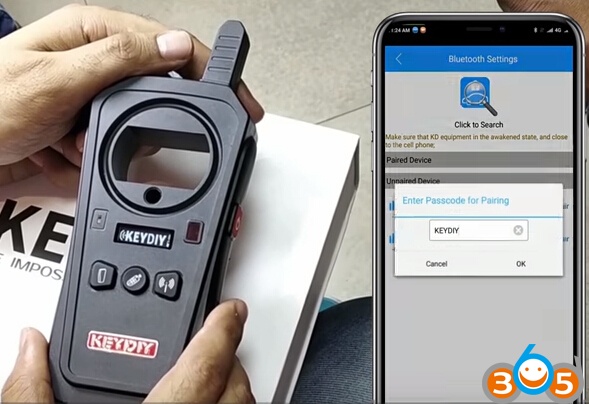
New firmware is founded.
New functions will be added with the new firmware,current functions will also be improved, press OK to update the firmware.

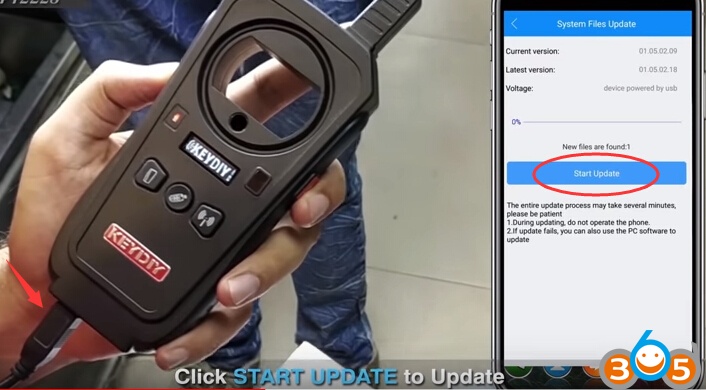
Connect KD-X2 with USB charger before updating it
Click Start Update button
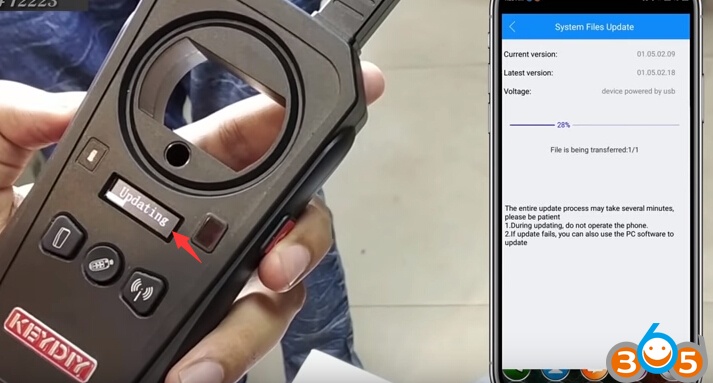
Firmware Update finished
Wait for the automatic restart to finish the update in 9s
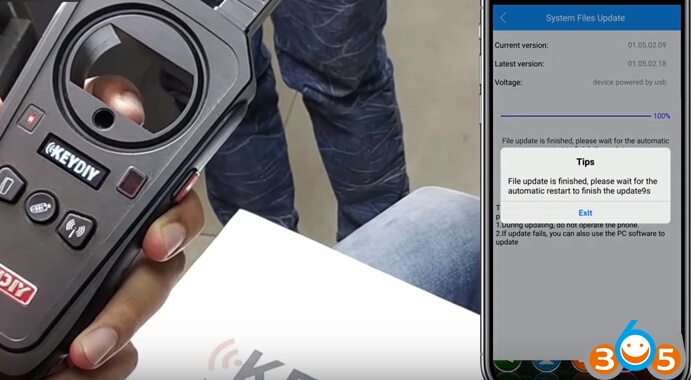
Reset device to finish update.
FYI:
Keydiy KD-X2 Basic functions listed as below:
1) Wired Generation.
2) Wireless Generation.
3) Mobile Phone Simulation.
4) Garage Door Generation.
5) Proximity Key Unlock.
6 Frequency Detection.
7) Infrared Detection.
8) Access Card Copy.
9) Fixed Code Remote Copy
10) Online HCS Remote Copy.
11) Online Chip Copy ( 96 bit 48chip, 46chip, 4Dchip, Toyota chip etc. )
12) Chip Generation.
13) Chip Editing.
14) Chip Simulation.
15) lgnition Coil detection.
16) Remote Data Backup.
17) Additional Functions Will be Available in Succession.
18) Free Activation of 96 Bits 48 Transponder Copy.
http://www.obdii365.com/service/how-to-update-keydiy-kd-x2-firmware-via-mobile-phone-102097.html