Here’s the tutorial on BMW FEM/BDC key programming (add key & all keys lost) by using CGDI Prog BMW key programmer.
1.Read and Backup eeprom
2.Add a key (copy key with key)
3. Program all keys lost (copy key without key)
1.Read & Backup Data
Connect CGDI BMW with vehicle via OBD diagnostic socket
maintains voltage above 12v , do not turn off the computer screen during operation.
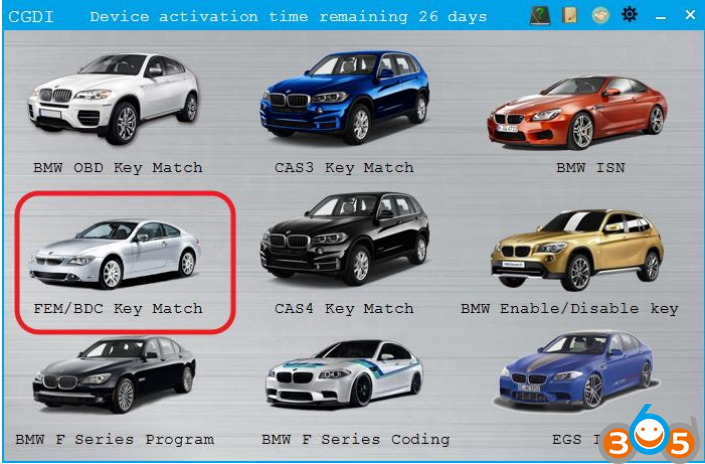
Open CGDI BMW software
Select “FEM/BDC key match” and click enter
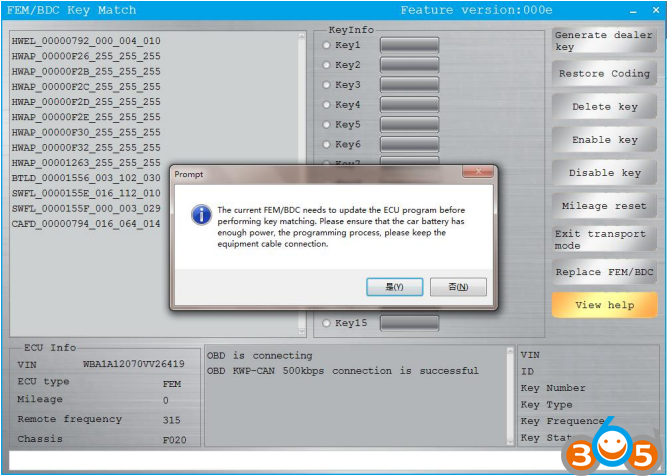
Connect successfully, maintain enough voltage, click “yes”
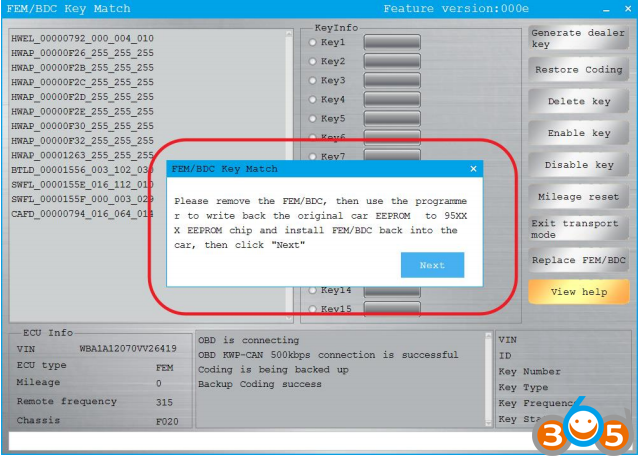
Need to disassemble the module, read EEPROM data, FEM is 95128
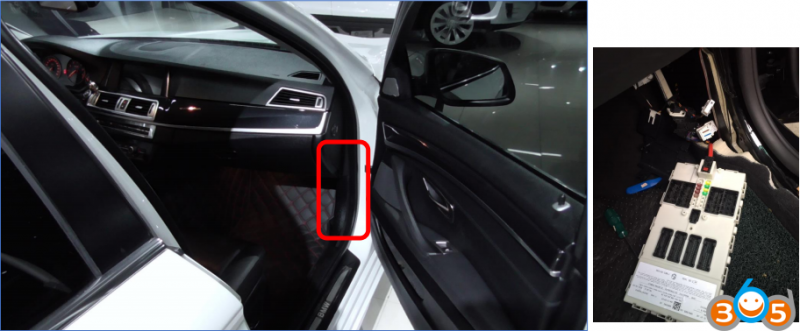
FEM module installation location
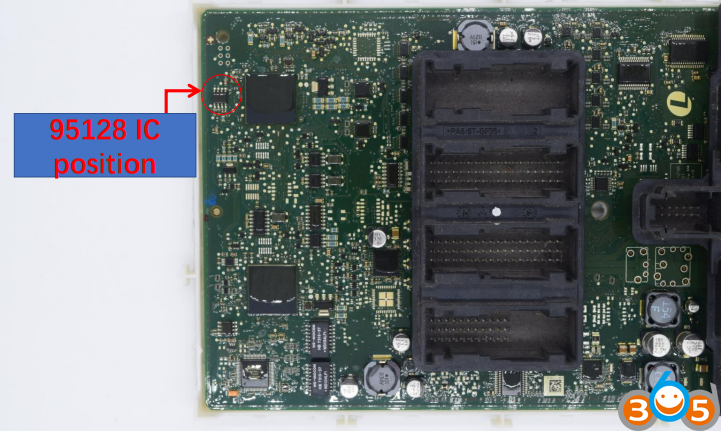
Use CG100 Prog to read out 95128 IC data and save the data
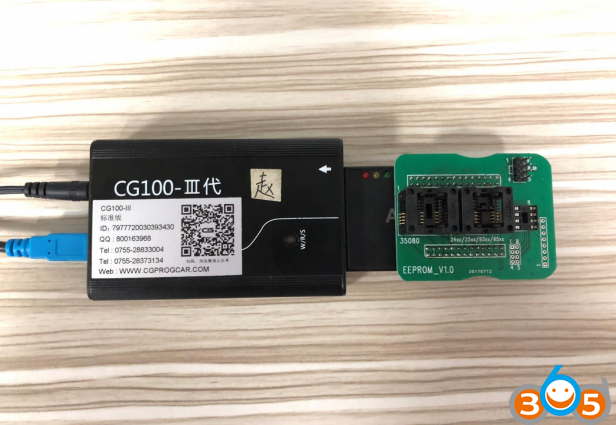
Remove the 95128 chip, wash it, and clip it to the ATMEGA adapter
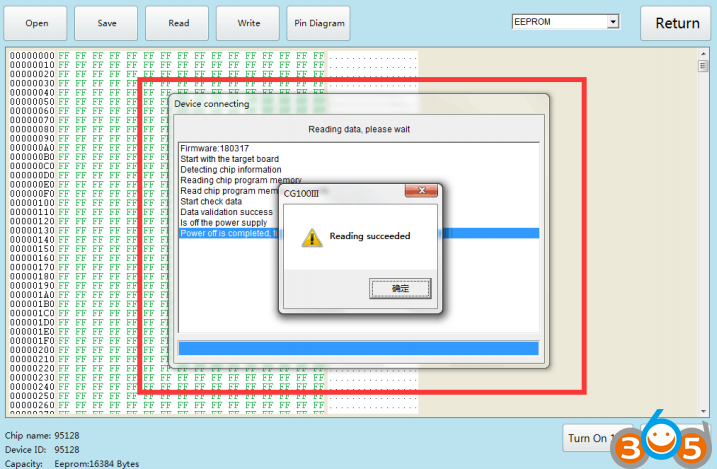
Open the CG-100 to read the data and save it
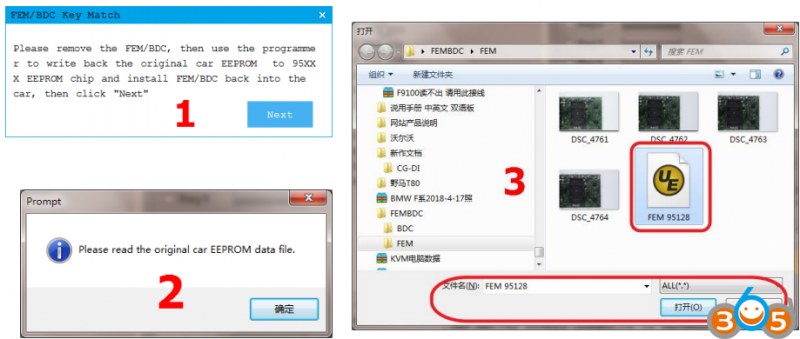
Go back to cgdi and load the data
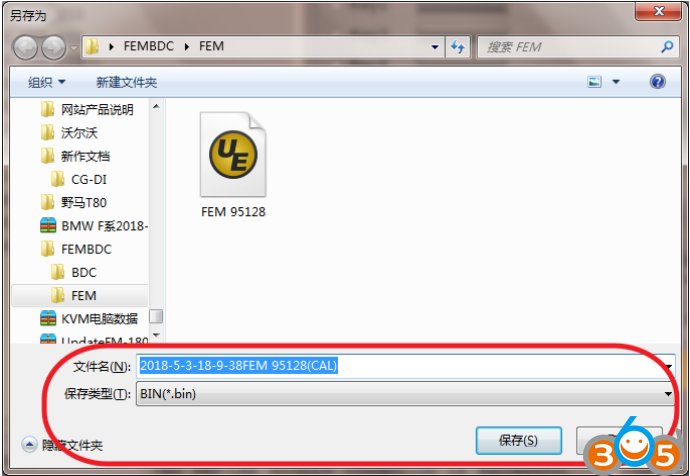
Load successfully, save the new data generated by the system
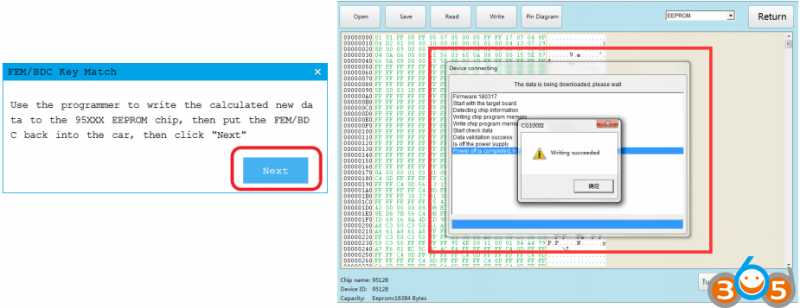
Write back new data with cg-100, weld back to module, and click next
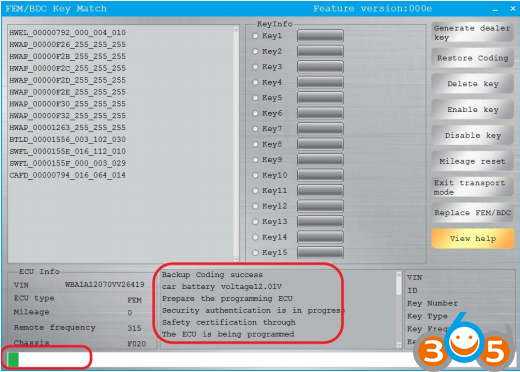
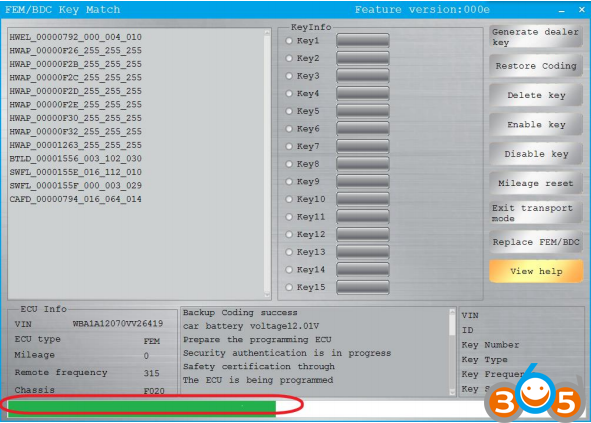
Waiting for programming
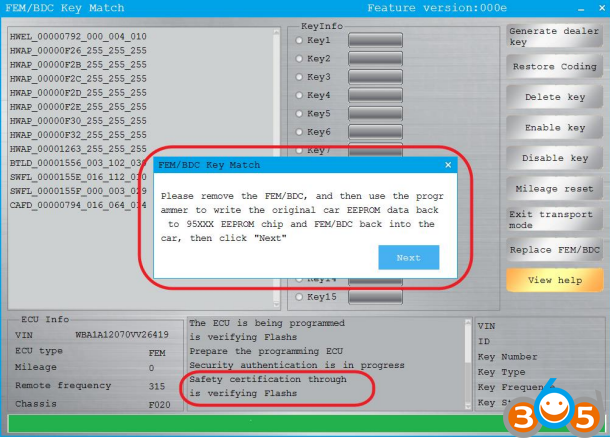
After programming, write back 95128 original data,
put FEM into the car again, and click next
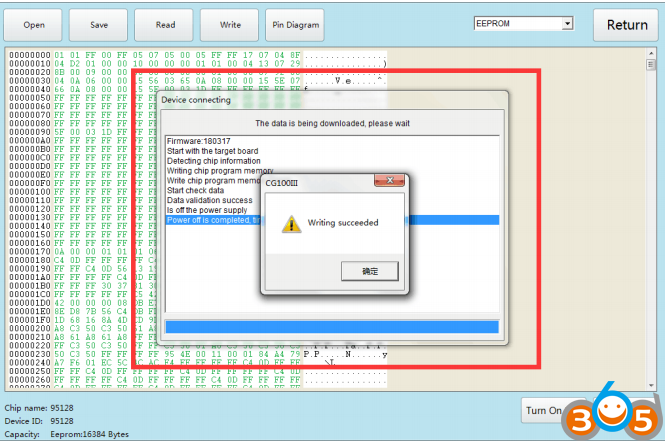
Use CG100 to write back 95128 original data
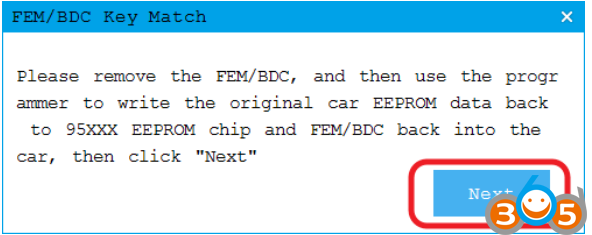
When finished, click “next”
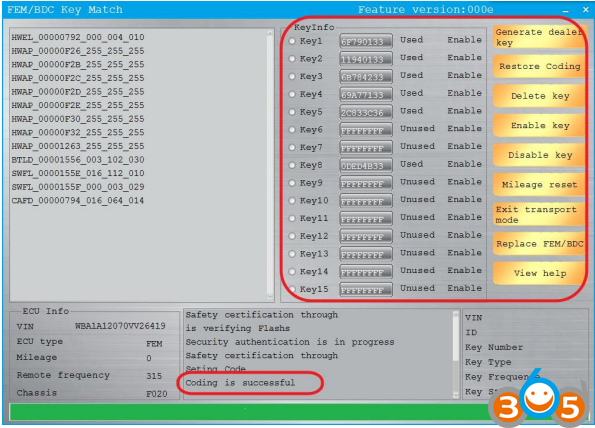
Set code successfully, customers can do any operation.
2. Add FEM/BDC key with CGDI BMW
Copy key with key
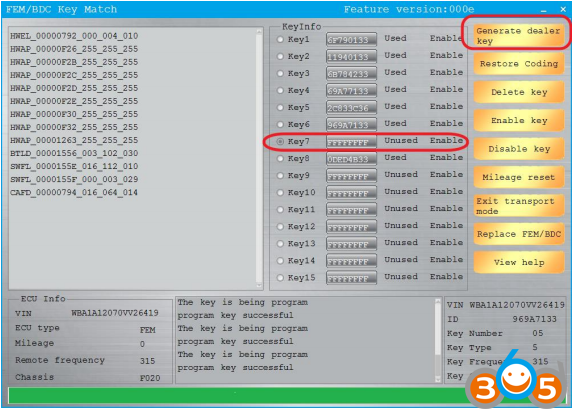
choose the unused key, and click “generate the dealer key”
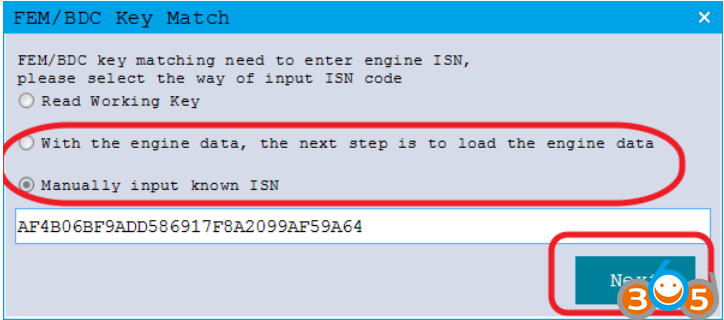
Read working key,click Next
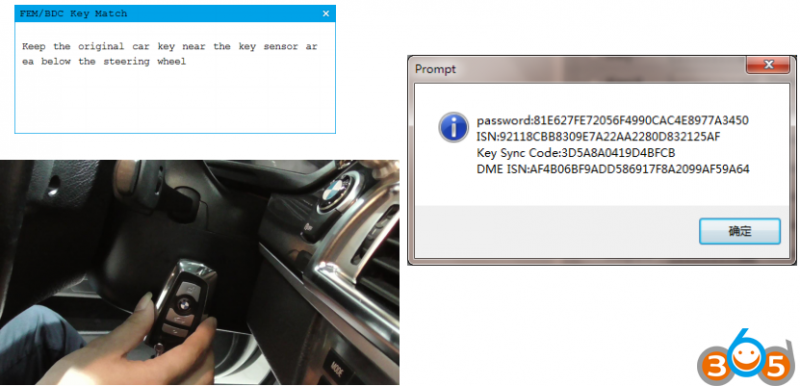
Read successfully and display information
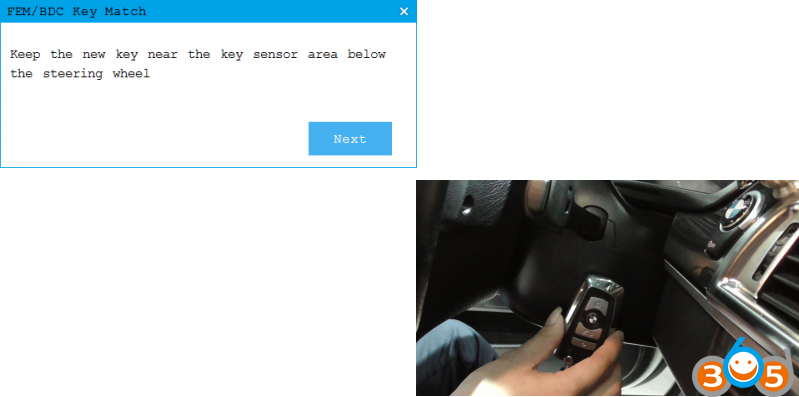
Program the new key
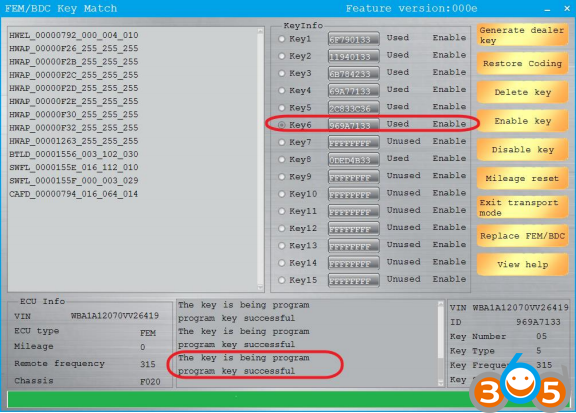
The new key matched successfully.
3. CGDI BMW Program FEM/BDC All Keys Lost
Copy key without key
Using CG100 to read the engine data
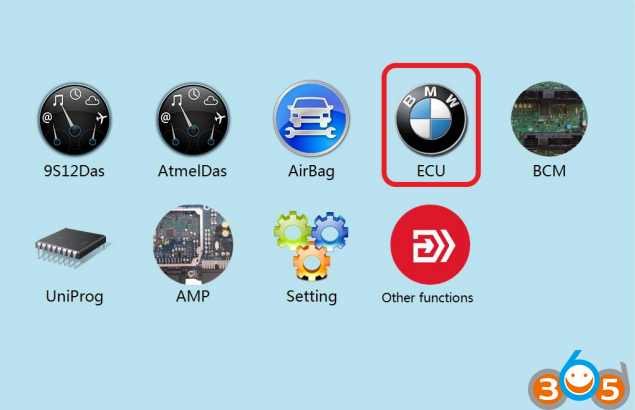
Click to enter “ECU
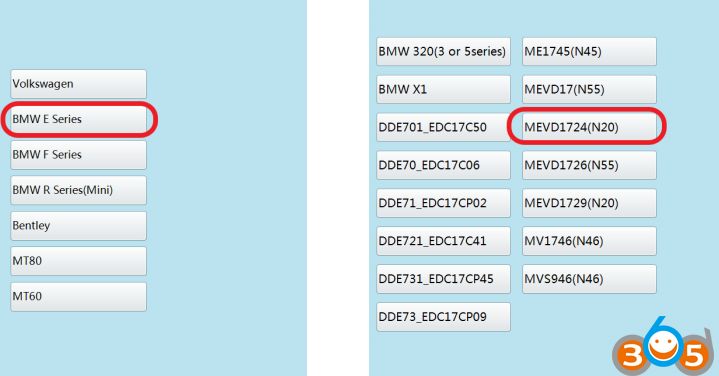
Click on the engine model option to enter the current vehicle
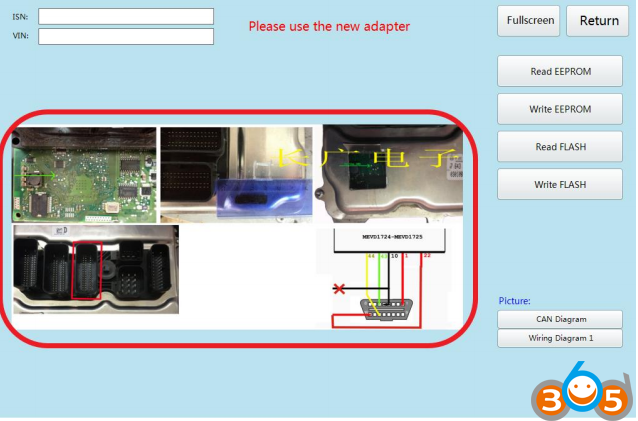
According to the software physical wiring diagram wiring
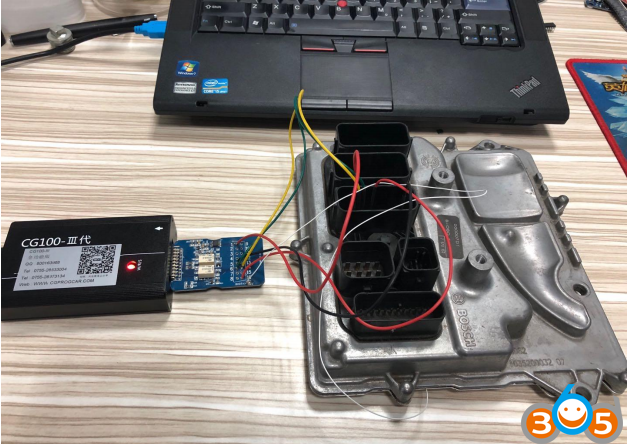
Physical connection
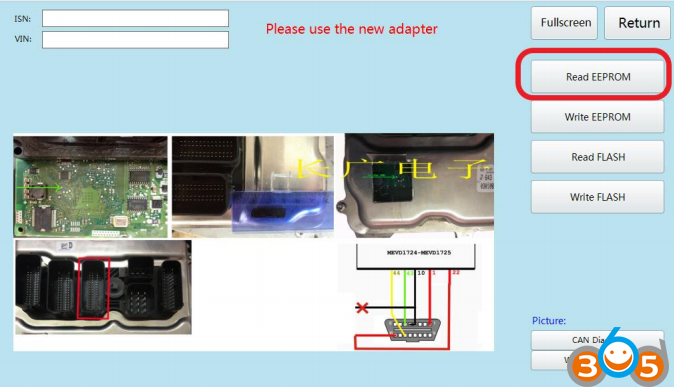
Read successfully and save the data
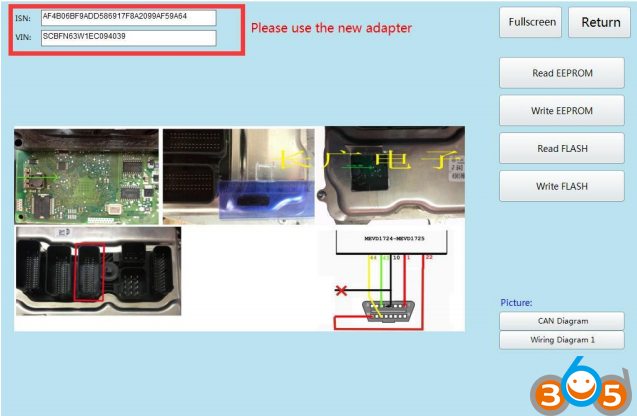
Show ISN and VIN
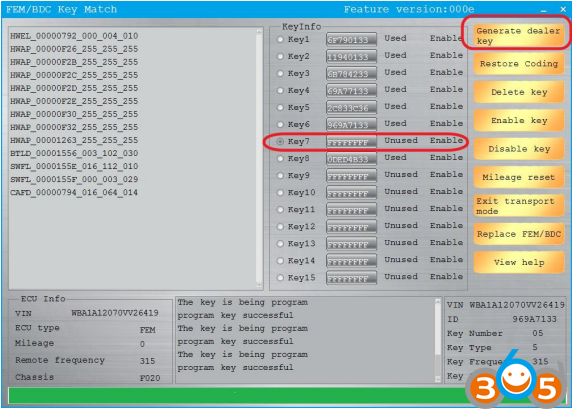
Return to cg-di, select unused key bits, and click “generate dealer keys”
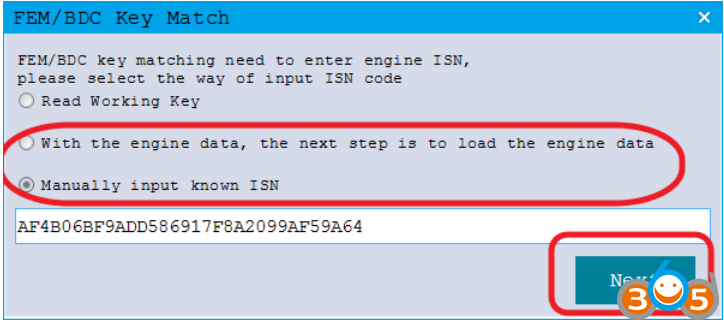
Click on the next item that you select and click next
(Manually input known ISN)
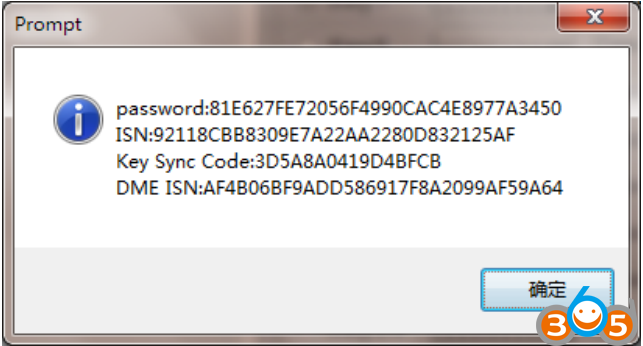
Check the information and click ok
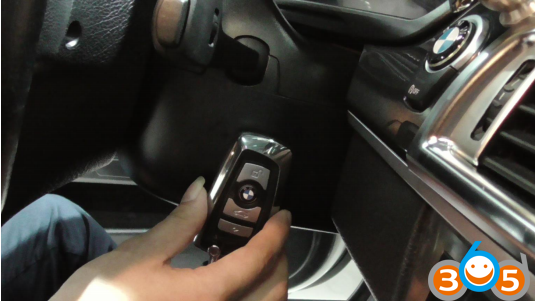
Place new key
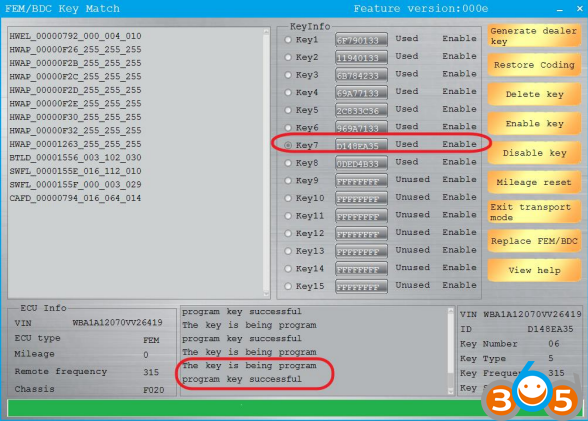
New key programming success.
www.obdii365.com